
Free vs. Paid Workout Apps for Beginners: When Free Is Enough and When Upgrading Matters
Most beginners can start with a free workout app and see real results without spending money. Learn the exact triggers—from needing structured progression to personalized coaching—that make a paid upgrade worth the investment.
If you are choosing between a free workout app and a paid subscription as a beginner, start free for at least four weeks unless you already know you need one of three things: structured progressive overload, personalized coaching feedback, or programming built around specific equipment. A free app is not a moral victory and a paid app is not a shortcut. The first job is simpler than both: can you open the app, pick a safe beginner session, finish it, and repeat that three or four times a week without dreading the decision?
That standard is not low. Nike Training Club is fully free, has more than 300 trainer-led workouts, and has been identified by multiple app-testing roundups as a genuine no-credit-card-required option rather than a trial that quietly turns into a bill.[1][2][3] Caliber’s free version offers an algorithm-generated strength program, a large exercise library, social groups, and no ads.[1][4] FitOn’s free tier gives unlimited workouts with on-screen modifications, while its Pro tier is listed at $30 per year in Garage Gym Reviews’ free-app roundup.[1] For the first month, that is enough app for many beginners.
What “Free Is Enough” Means in the First Month
A beginner does not need a cinematic library of workouts. They need a short list of sessions they can actually complete. Daily Burn’s beginner-specific guidance points new exercisers toward 15- to 30-minute sessions during the first month, which is a useful guardrail because it limits both soreness and the temptation to turn week one into a personality test.[5]
For workout apps for beginners, the baseline is not whether the app has the most features. It is whether it covers four ordinary needs:
- Beginner sessions that do not assume prior strength, mobility, or exercise vocabulary.
- Clear instruction, including what the movement should look like and what to do if it feels too hard.
- Visible modifications, so the user can scale down without feeling like they failed the workout.
- Enough structure to remove the daily question, “What should I do today?”
Good Housekeeping’s 2026 testing of more than 40 workout apps found that apps with visible modifications and beginner-specific collections scored highest among novice testers.[6] That matters more than a dramatic transformation promise. A new exerciser who can choose a 20-minute beginner strength session, see an easier version of a move, and return two days later is getting the part of the product that actually changes behavior.
This is where the best free options stop looking like consolation prizes. Garage Gym Reviews gave Nike Training Club a 5-out-of-5 instruction score in its free-app testing, while Caliber earned a 4.5-out-of-5 instruction score and FitOn was rated 5 out of 5 for beginners in the free category.[1] DigiHealth’s physiotherapist-reviewed free-app analysis also treats free access and exercise guidance as separate questions, which is the right split: a free app still has to teach well enough to be safe and usable.[3]
The Free-to-Paid Spectrum Is Really a Service Spectrum
The mistake is comparing a free workout library directly with a $199-per-month coaching app as if they are two versions of the same product. They are not. The price jump usually reflects a change in service: from self-guided workouts, to algorithmic programming, to human coaching.
| Tier | What the beginner gets | What it does not usually solve |
|---|---|---|
| $0 self-guided apps | Trainer-led classes, beginner filters, modifications, bodyweight and dumbbell sessions | Individual form feedback or fully personalized progression |
| $0 algorithmic programs | A generated plan, exercise library, basic structure, repeatable strength sessions | Human coaching judgment or real-time correction |
| Low-cost paid apps | More features, tracking, plans, or AI-assisted guidance depending on the app | Not automatically the same as personal coaching |
| Human coaching subscriptions | Personalized programming, check-ins, feedback, and accountability | Low cost |
Garage Gym Reviews’ broader beginner-app testing across more than 50 apps found that apps under $10 per month can score well on pricing, while the strongest instruction scores tend to appear in apps with one-on-one coaching in the $19-to-$200-per-month range.[4] Fortune’s 2026 fitness-app review similarly places Caliber and higher-touch coaching options in different value categories rather than treating them as interchangeable downloads.[7]
That does not mean every beginner should climb the ladder. It means the ladder has to solve a specific problem. If the free app is helping you complete three short workouts a week, you do not need to pay because a subscription screen suggests seriousness. Payment is useful when it removes a real bottleneck, not when it decorates motivation.
For readers who want a granular feature grid instead of a decision rule, use the feature-by-feature comparison of the best free workout apps. The more important question here is when a free plan stops being enough.
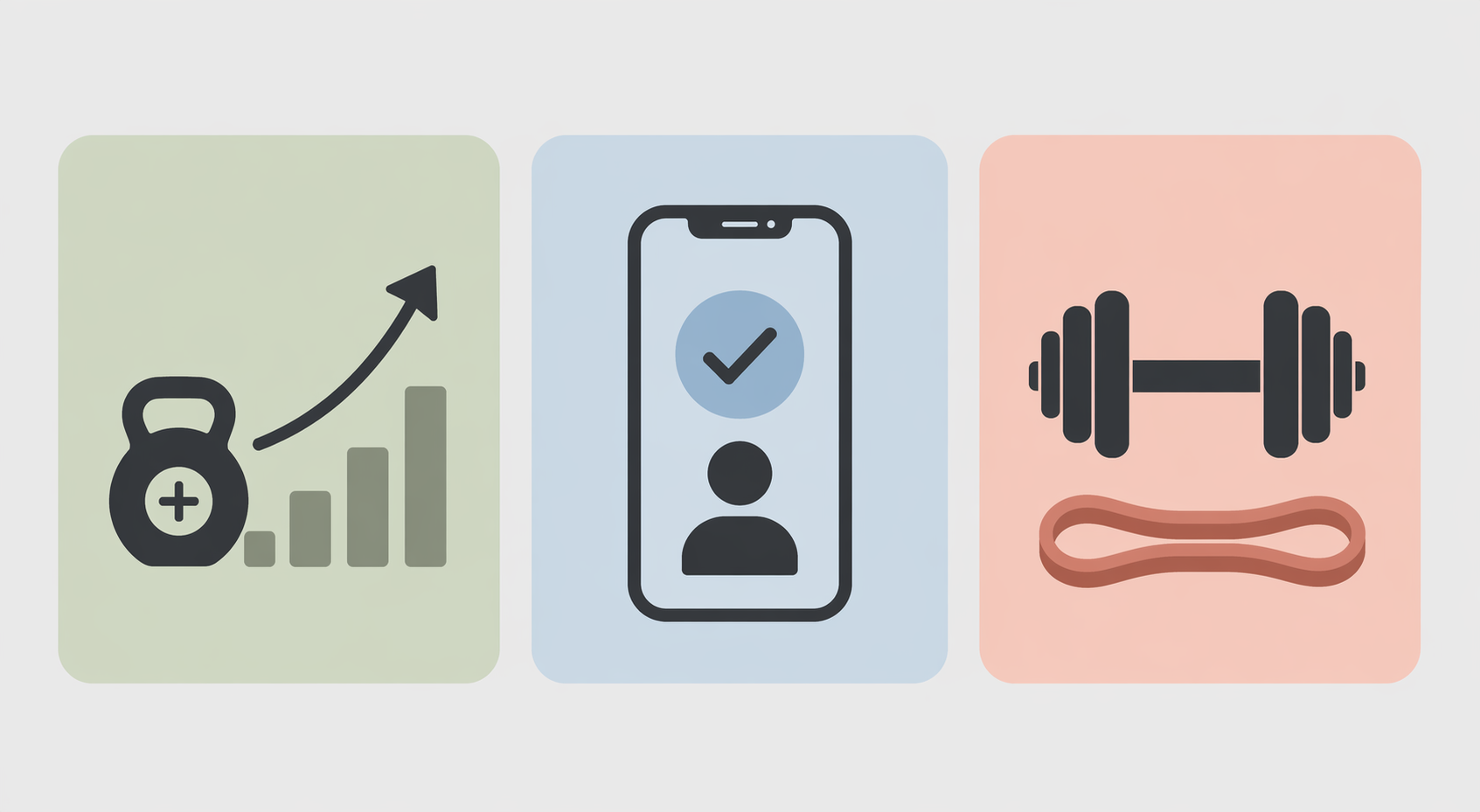
Upgrade Trigger 1: You Need Progression, Not Just More Classes
This is the most common ceiling for free class-library apps. A beginner can get through the first few weeks by choosing beginner strength, low-impact cardio, mobility, or yoga sessions. Eventually, though, the question changes from “Can I finish this?” to “Am I getting stronger in a logical way?”
Progressive overload means the work gradually becomes more challenging: more reps, more sets, heavier weight, slower tempo, shorter rest, or harder variations. A class library can include harder workouts, but it may not tell you whether today’s jump is sensible for your body, your schedule, or your equipment. That is where a generated plan or coaching program can earn its keep.
The two-month Indie Hackers beginner test is useful here precisely because it is not trying to be a lab study. It followed three beginners using seven fitness apps and looked at practical stickiness measures such as session completion, ease of generating a workout, and whether progression felt logical.[8] Its conclusion that the apps that stuck taught form, explained why exercises repeated, and made progression feel logical should not be inflated into universal proof. But it does match the moment many beginners recognize: novelty fades, and random variety stops feeling helpful.
A free app is still enough if you can answer these questions without much friction:
- Which workouts am I repeating this week?
- What got slightly harder compared with last week?
- Am I recovering well enough to repeat the plan?
- Do I know when to make the next session easier instead of harder?
If the answer is no, do not immediately assume you need the most expensive coach on the market. Caliber’s free version already gives beginners an algorithm-generated strength program rather than only a wall of classes.[1][4] That may be the middle step: enough structure to progress, without paying for human feedback you are not ready to use.
Upgrade Trigger 2: You Want Human Feedback on Form
Instructional videos can show the movement. They cannot watch your knees, notice that your lower back is taking over, or adjust the exercise after you report pain. For most healthy beginners doing low-risk bodyweight, mobility, or light dumbbell sessions, clear demos and modifications may be enough to start. For someone returning from an injury, managing pain, lifting heavier, or repeatedly feeling unsure during basic movements, feedback becomes a different category of support.
That category costs more because a person is involved. Garage Gym Reviews lists Caliber Pro at $19 per month and Future at $199 per month in its beginner-app coverage, with Future positioned as a one-on-one coaching service rather than a simple video library.[4] The price difference is not subtle, and neither is the service difference. Paying for coaching makes sense when you will actually send form videos, respond to check-ins, and adjust your training based on feedback.
It is worth being honest about the alternative, too. If you are still skipping half your planned sessions, a human coach may help with accountability, but the problem may also be that the plan is too long, too hard, or too complicated. Before paying for feedback, try shrinking the workout to something you can repeat. A 20-minute beginner session done consistently is more useful than a premium plan you avoid.
If safety is the main worry, start with the free workout apps ranked by injury-prevention support before deciding that paid coaching is required.
Upgrade Trigger 3: Your Equipment No Longer Matches General Programs
Free apps are often excellent for bodyweight work, yoga, mobility, low-impact cardio, resistance bands, and basic dumbbells. They become less tidy when your home setup gets specific: an adjustable bench, heavier dumbbells, a barbell, cable machine, treadmill, rowing machine, or a small apartment where jumping is not an option.
This does not automatically call for a paid app. It calls for matching the app to the room. A beginner with one pair of light dumbbells needs different guidance from someone with a garage rack. A renter exercising above neighbors needs different cardio choices from someone in a basement. If the free app keeps assigning sessions you cannot perform or repeatedly asks for substitutions you do not understand, the app is creating work instead of removing it.
For tight spaces, light equipment, or apartment-friendly training, compare options in the limited-home-equipment app guide. A paid upgrade is more defensible when it lets you build around the equipment you truly have instead of constantly translating generic workouts.
A Four-Week Test Before You Pay
Use the first month as a test of behavior, not ambition. Pick one free app, choose beginner sessions, and keep the plan boring enough to repeat. If you switch apps every three days, you are not testing whether free works; you are testing how long novelty can impersonate structure.
| Week | What to do | What to watch |
|---|---|---|
| Week 1 | Complete two or three 15- to 30-minute beginner sessions | Can you finish without feeling wrecked the next day? |
| Week 2 | Repeat similar sessions instead of chasing variety | Do the instructions and modifications still feel clear? |
| Week 3 | Add one small progression if recovery is good | Do you know what changed and why? |
| Week 4 | Review completion, confidence, and next-step clarity | Is the missing support specific enough that paying would solve it? |
The app passes if you are completing sessions, recovering reasonably, and can see the next workout without negotiating with yourself for ten minutes. The app fails if you are guessing about form, repeating random classes with no progression, or spending more energy choosing workouts than doing them.
If you are not sure whether you need an app at all, step back to the home fitness decision guide for complete beginners. Some people need an app. Some need a simpler walking plan, a basic strength routine, or a clearer schedule before any app becomes useful.
When Paying Is Sensible
Pay when the missing support has a name. “I need a plan that increases weight and reps over time.” “I need someone to check my squat form.” “I need workouts built around my adjustable dumbbells and no-jump apartment setup.” Those are solvable problems. A subscription can be worth it when it directly solves one of them.
Do not pay just because the free version makes you feel unserious. In the current app market, free can mean a real training library, a generated strength plan, or unlimited beginner workouts with modifications. It can also mean a thin trial or a confusing pile of videos. Check the current price before subscribing, because fitness-app pricing changes often, and treat late-2025 or mid-2026 price listings as a snapshot rather than a guarantee.
A sensible rule is simple: use a free app for four weeks, track whether you are completing sessions and progressing logically, and upgrade only when the bottleneck is specific enough that money buys the missing help.
References
- The 12 Best Free Workout Apps Tested by Experts (2026), Garage Gym Reviews
- The Best Workout Apps We've Tested for 2026, PCMag
- 7 Best Free Fitness Apps of 2026 — Tested by a Physiotherapist, Digihealth
- A Legit Starting Point: Best Workout App for Beginners (2026), Garage Gym Reviews
- Best Workout Apps for People Who Have Never Exercised Before (2026 Guide), Daily Burn
- 10 Best Workout Apps of 2026, Tested by Personal Trainers, Good Housekeeping
- Best Workout Apps (2026): Fitness Expert Approved, Fortune
- Best Workout Apps for Beginners 2026 (I Tested 7 Fitness Apps for 2 Months), Indie Hackers
Verify further before you buy:
Price or spec changed since we checked? Report it below.
Comments
Join the discussion with an anonymous comment.