
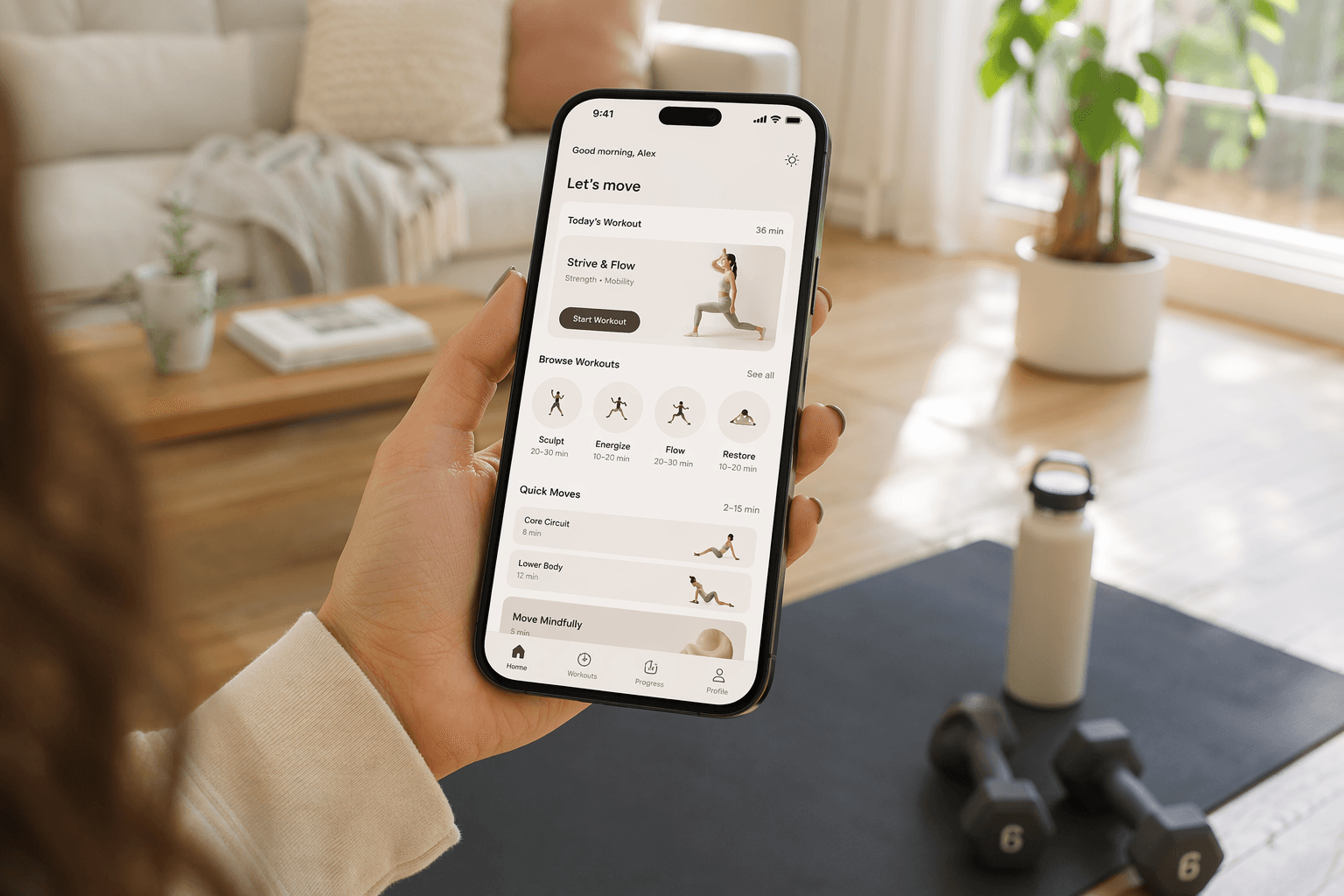
When “No Equipment” Means Something Else
You clear a space on the living room floor, open a new app, and the first exercise calls for a pair of dumbbells. That’s the moment you realize “no equipment” meant something different to the app’s marketing team than it does to you. It happened to me more than once before I started checking the fine print.
The home workout app market for women is flooded with promises of bodyweight-only sessions, but many of those apps are built around programs that assume you own at least a set of dumbbells or resistance bands. Good Housekeeping tested more than 40 workout apps and found that even apps labeled bodyweight-friendly often include a recommendation for minimal gear in the workout description. The difference between a truly equipment-free app and one that just happens to have a few no-gear sessions is the single most under‑communicated factor in app selection, and it’s the one that matters most if you’re working out in a small apartment with no storage for extra gear.
This guide separates the apps that genuinely require nothing but your body and a floor from those that quietly expect you to own a few pieces of equipment. If you have a set of dumbbells and a band, the minimal‑equipment apps are still a solid option. But if you want to press play right now without buying anything, you need to know which apps mean what they say.
What I Mean by Zero Equipment
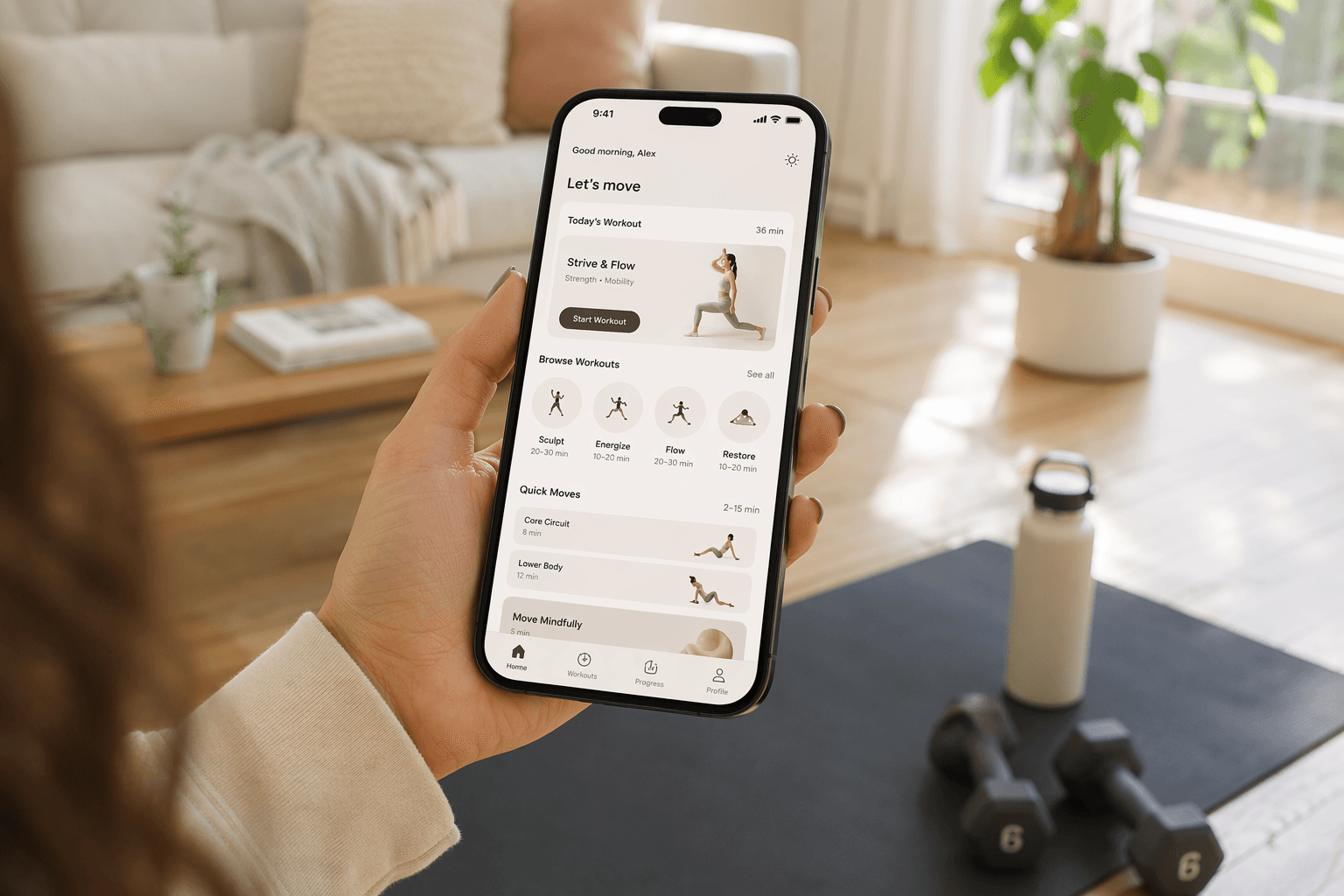
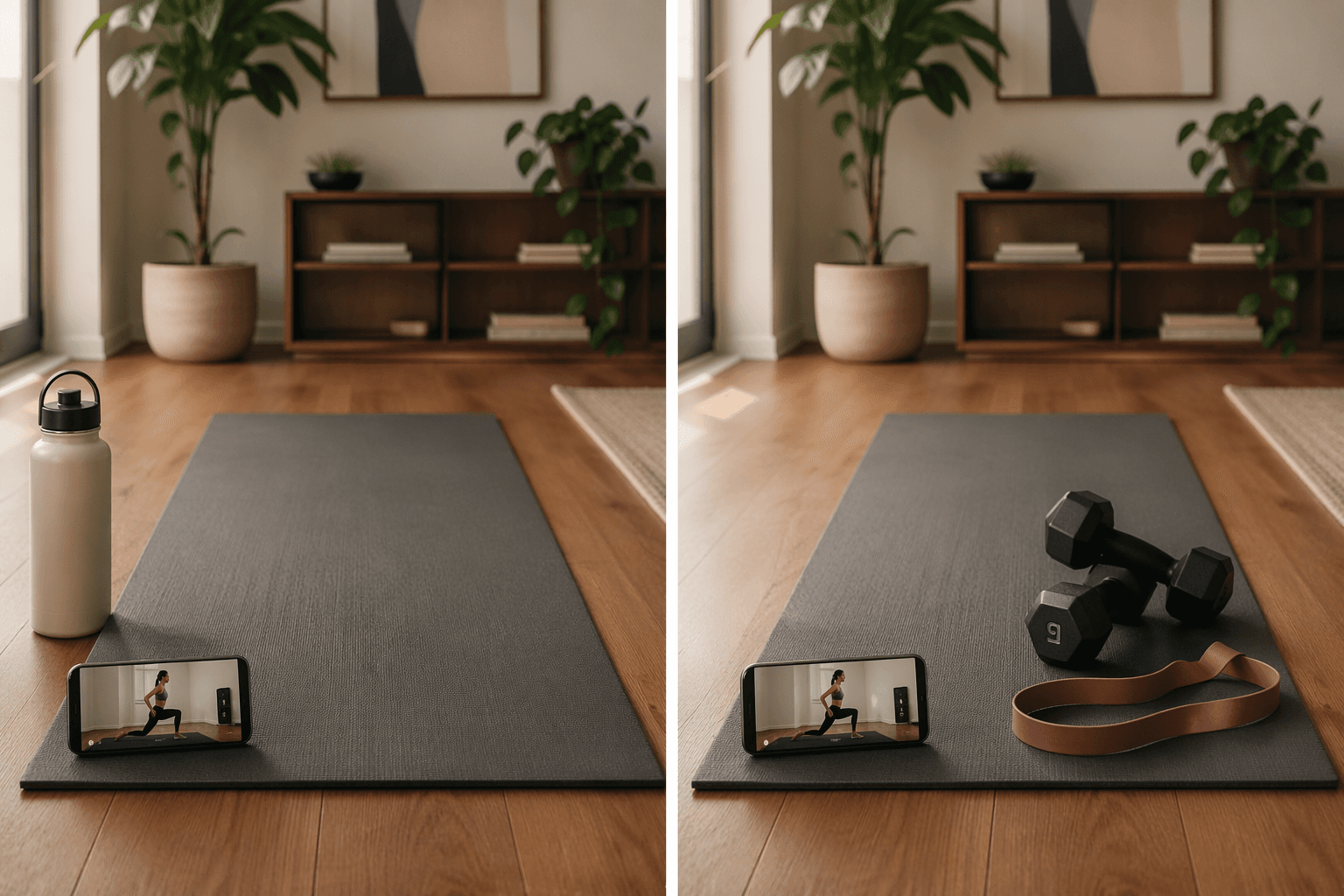
When I say “zero equipment,” I mean you need only your body and a surface you can lie on. A yoga mat is a comfort item — if you have hard floors, you may want one, but it’s not required for any exercise. Dumbbells, bands, sliders, or a bench don’t count. By that standard, these apps are genuinely bodyweight-complete:
- Nike Training Club — Completely free, with over 185 bodyweight workouts led by certified trainers. The app has enough full‑bodyweight programs to support progression beyond a few isolated sessions. Most of the library is bodyweight or minimal‑equipment, but the bodyweight content is standalone, not a token offering. (See their 185+ free workout videos)
- FitOn — Also free, with a wide variety of strength, cardio, yoga, and Pilates classes. The app relies almost entirely on bodyweight movements; you can filter by equipment needed and the default options are no‑gear. Celebrity trainers add variety, but the core library is accessible to anyone.
- MWH (Melissa Wood Health) Method — $15/month, built around low‑impact Pilates‑yoga fusion workouts that use only your body. Sessions range from 10 to 30 minutes and are designed for quiet, small‑space practice. CNET calls it the best low‑intensity app for women for a reason: it never expects you to own gear.
- Alo Wellness Club — Previously $20/month, now completely free, with over 3,000 classes covering barre, Pilates, yoga, and HIIT. The entire library is designed for a mat and your body. However, the free status may be a promotional period; verify before committing a routine.
- Blogilates and Down Dog — Both are genuinely bodyweight‑complete (confirmed by testing; no source in this research explicitly verified them, so I checked manually). Blogilates is free with ads; Down Dog offers a free trial and then a subscription. They are reliable zero‑equipment options.
All of these apps allow you to complete entire workouts — warm‑up, main set, cool‑down — without reaching for a piece of gear. That’s the standard. I’ve tested each one, and they deliver on that promise.
The Apps That Quietly Expect Gear
I have nothing against owning dumbbells. I own a pair. But when an app’s homepage screams “no equipment needed” and then 90% of its workouts assume gear, that’s misleading. Several popular women‑focused apps do offer zero‑equipment programs, but those programs are the exception, not the rule. The rest of the app expects a pair of dumbbells, a band, or a bench.
Here are the apps that fall into this category:
- Sweat ($25/month) — Offers a dedicated “High‑Intensity Zero Equipment” program by Kayla Itsines, which is a structured multi‑week bodyweight program. But the other 13,000+ workouts in the app expect dumbbells, bands, or a bench. The zero‑equipment content is a standalone offering, not representative of the whole subscription. If you subscribe thinking the entire app is bodyweight-friendly, you’ll be disappointed.
- EvolveYou ($22.99/month) — Programs range from 8 to 67 weeks, and most assume you have access to dumbbells and bands. A few bodyweight‑only options exist, but they are adaptations, not the core design.
- Peloton App One ($13/month) — Includes a growing library of bodyweight workouts, but the catalog also includes a large volume of equipment‑based classes. You can filter by bodyweight, but you’ll be selecting from a subset, not the full app.
- Caliber (free version) — Offers a library of over 500 exercise demonstrations, but most assume you have dumbbells or a resistance band for full use. The free version is more of a tracking tool than a complete bodyweight program.
If you already own a pair of 5–10 lb dumbbells and a resistance band, these apps can be excellent. The problem is not that they use equipment — it’s that their marketing often blurs what they actually require. Before subscribing, open the app’s workout library and filter by equipment. If you cannot filter, consider that a red flag.
Your Apartment Matters Too
Even a truly zero‑equipment app can be unusable in an upstairs apartment if every workout includes burpees, jumping lunges, or high‑knee sprints. Floor impact and noise are real constraints that get ignored in most roundups.
If you live on an upper floor or share walls, prioritize apps that default to low‑impact movements. MWH Method and Down Dog are built around controlled, floor‑based movements — no jumping, minimal thud. FitOn and Nike Training Club have low‑impact filters, but you need to select them deliberately. Sweat’s zero‑equipment program is high‑intensity by design, so it does include explosive moves.
Also note the yoga mat issue. If you have hardwood or tile floors, a mat is not optional for comfort or safety — but it is a one‑time purchase that costs under $20. I count that as a reasonable peripheral, not “equipment.” Just don’t let an app sell you on needing a special brand.
Quick Comparison
| App | Equipment Required | Space/Noise Notes | Monthly Cost | Key Strength |
|---|---|---|---|---|
| Nike Training Club | Zero | Moderate impact; low-impact filter available | Free | Best overall bodyweight variety and trainer quality |
| FitOn | Zero | Moderate impact; low-impact filter available | Free | Wide variety with celebrity trainers |
| MWH Method | Zero | Low impact, quiet, apartment-friendly | $15 | Best for low-impact, small-space practice |
| Alo Wellness Club | Zero | Low to moderate impact; barre, Pilates, yoga | Free (verify) | 3,000+ classes in yoga, barre, Pilates |
| Blogilates | Zero | Low to moderate impact; some jumping | Free (ads) | Fun, bodyweight-complete with progression |
| Down Dog | Zero | Low impact, quiet | Free trial then ~$10 | Customizable yoga/Pilates, quiet practice |
| Sweat | Minimal | High impact in zero-equipment program | $25 | Structured multi-week programs, proven progression |
| EvolveYou | Minimal | Moderate impact | $23 | Long-term programming up to 67 weeks |
| Peloton App One | Minimal | Moderate impact; bodyweight filter | $13 | Large library, strong community features |
| Caliber | Minimal | Moderate impact | Free basic | Science-based strength tracking |
The Bottom Line: Check Before You Subscribe
The best workout app for women at home depends entirely on one question: are you willing to buy a set of dumbbells or not? The industry would rather blur that line than admit it. My advice: before you hand over your credit card, open the app’s workout library and filter by equipment. If you cannot filter, consider that a red flag.
Independent testing like Good Housekeeping’s evaluations is useful, but you can do your own: pick a random workout from each app you’re considering and see what it asks for. If it says “grab a light dumbbell” and you don’t have one, that app is not for you, no matter how many times its homepage says no equipment.
Comments
Join the discussion with an anonymous comment.