
Best Free Fitness Apps for Home Workouts
Most apps labeled 'free' are freemium products that lock core features behind a paywall within days — this guide identifies the handful of genuinely free apps worth installing, matched to specific home-fitness goals and equipment situations so you can skip the bait-and-switch installs.
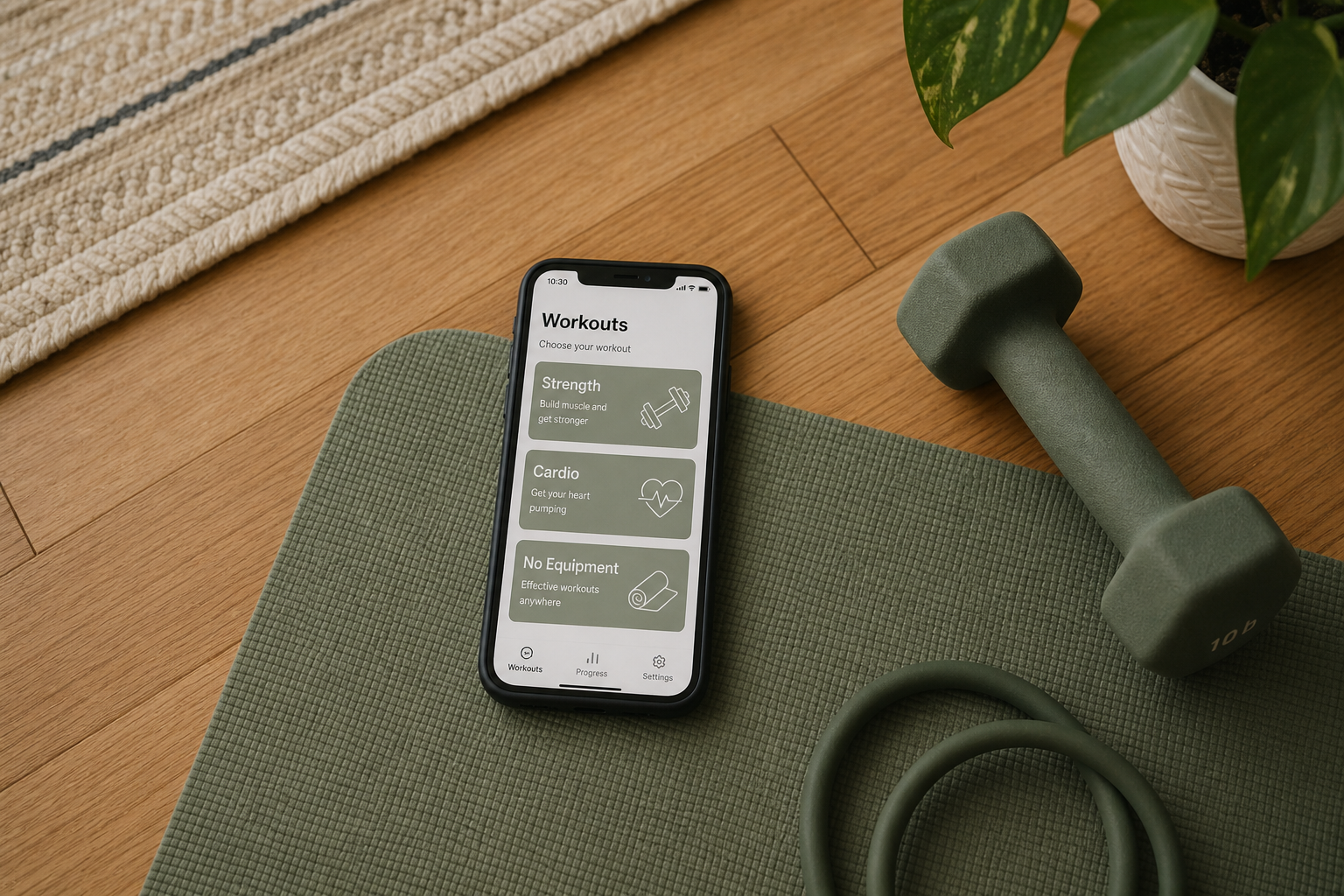
What 'Free' Actually Means in Fitness Apps
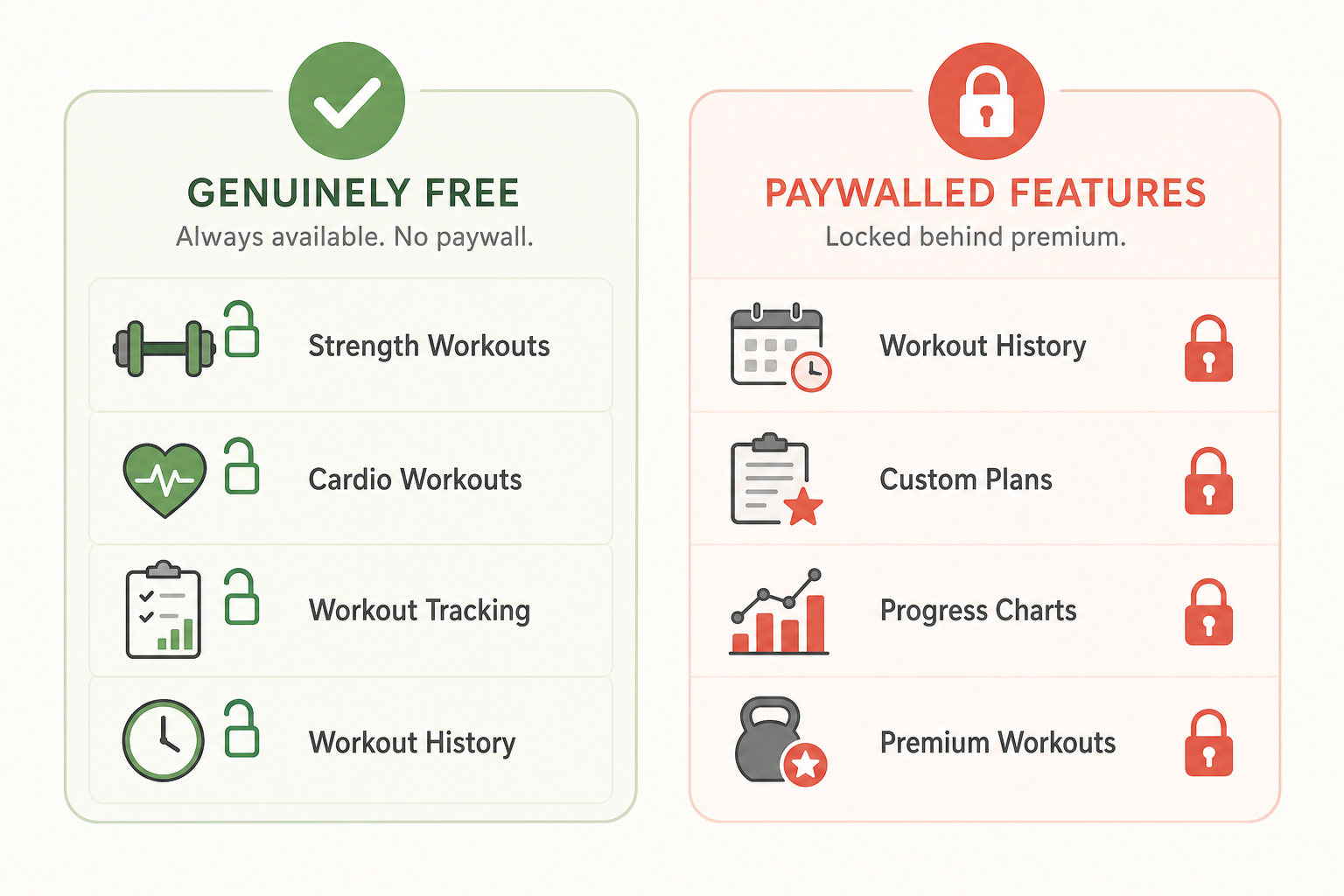
The word free in the fitness app market has been stretched almost to meaninglessness. The majority of apps that carry the label are freemium products: they let you download and open the app at no cost, then wall off the features that actually matter — workout history, full program libraries, custom plans, progress charts — behind a subscription that often appears within the first few sessions.
This matters more for home fitness users than for people with gym memberships. When you're working out at home, the app often is the trainer, the program, and the progress tracker all at once. Hitting a paywall three days in — after you've set up an account, completed an onboarding quiz, and started a workout plan — is a real disruption to consistency.
For this guide, genuinely free means the app's core functionality — workout delivery, logging, or program access — remains usable indefinitely without a subscription. Apps that offer a 7-day trial, lock workout history after a month, or restrict the library to five workouts unless you upgrade are freemium products, not free apps, regardless of how they're marketed.
Quick-Reference Comparison: Genuinely Free Home Fitness Apps
The table below covers the four apps recommended in this guide. Each has been evaluated specifically for home fitness use — meaning the free tier works for bodyweight, dumbbell, or minimal-equipment workouts without requiring a gym.
| App | Free Tier Scope | Equipment Needed | Best For | Notable Limitation |
|---|---|---|---|---|
| FitOn | Full video workout library, all trainers, all categories | None required (some workouts use dumbbells) | Beginners, guided workouts, no-equipment cardio | Social and premium challenges locked; some nutrition content paywalled |
| Boostcamp | 1,000+ strength programs, full program tracking | Varies by program (bodyweight and dumbbell options available) | Home strength training, following structured programs | Custom program builder requires paid tier |
| Hevy | Unlimited workout logging, exercise library, basic analytics | None (logging only — you supply the workouts) | Strength progress tracking, long-term logging | Advanced analytics and custom routines limited on free tier |
| Nike Training Club | Full library of 300+ workouts, all categories and levels | None required (equipment-filtered workouts available) | All-purpose home fitness, no-equipment cardio and strength | No built-in strength logging or progress tracking |
Best Free App for Beginners and Guided Workouts: FitOn
FitOn is the clearest recommendation for anyone who is new to home fitness and wants video-guided workouts without paying. Its free tier gives access to the full workout video library — covering HIIT, yoga, Pilates, strength, cardio, and stretching — with real trainers leading each session.
For beginners specifically, the guided format matters. Following a trainer through a 20-minute workout is meaningfully different from reading a list of exercises and executing them alone. FitOn's free tier provides that experience without a time limit or a shrinking library.
What the free tier includes:
- Full access to the video workout library across all categories and trainers
- No-equipment workouts available in every category — beginners can start without buying anything
- Workout scheduling and calendar view
- Basic workout history and completion tracking
What requires a paid upgrade:
- Premium challenges and curated multi-week programs
- Meal planning and nutrition content
- Some social and group workout features
For a beginner who wants to show up, press play, and follow along — FitOn's free tier covers that completely.
Best Free App for Strength Training at Home: Boostcamp
Boostcamp is the strongest free option for anyone following a structured strength program at home. Its free tier provides access to over 1,000 programs — including well-known evidence-based programs like GZCLP, 5/3/1 variations, and bodyweight-focused plans — with full in-app tracking for sets, reps, and weights.
For home fitness specifically, the equipment filtering is useful. The program library includes options for bodyweight only, dumbbells only, and resistance bands — not just barbell-centric routines that assume a full rack.
What the free tier includes:
- Full access to the program library — browse and start any program without subscribing
- In-app session logging with automatic progression tracking built into each program
- Exercise library with form cues and video demonstrations
- Progress graphs for individual lifts over time
What requires a paid upgrade:
- Building fully custom programs from scratch
- Certain advanced analytics and program comparison features
If you want to follow a proven strength program at home and track your progress session to session, Boostcamp's free tier handles this without restriction.
Best Free App for Workout Logging and Progress Tracking: Hevy
Hevy occupies a different niche from FitOn and Boostcamp. It does not deliver workouts or programs — it logs them. If you already know what you're doing in your home workouts but want a clean, reliable way to track sets, reps, and weights over time, Hevy's free tier is the most capable option available without paying.
The critical distinction from most freemium logging apps: Hevy does not lock your workout history after a trial period. Your log remains fully accessible and searchable indefinitely on the free tier. This is rarer than it should be — many logging apps let you record workouts freely but require a subscription to view anything older than 30 days.
What the free tier includes:
- Unlimited workout logging with no session or history cap
- Exercise library with muscle group tagging
- Basic progress tracking — volume, personal records, workout frequency
- Routine creation for saving frequently used workout structures
What requires a paid upgrade:
- Advanced analytics and detailed body measurement tracking
- Some social and leaderboard features
Hevy pairs well with any of the other apps in this guide — use FitOn or Nike Training Club for workout delivery, and log your sessions in Hevy for a long-term record.
Best Free App for No-Equipment Cardio and General Fitness: Nike Training Club
Nike Training Club is the benchmark for what a genuinely free fitness app should look like. Since 2020, the full workout library — over 300 workouts across strength, cardio, yoga, and mobility — has been available at no cost, with no trial period and no paywalled tier for core content.
For home fitness specifically, NTC's equipment filter is one of its most practical features. You can surface workouts that require no equipment at all, or filter to sessions that use only dumbbells — which covers the majority of home gym setups. The library spans beginner to advanced difficulty levels.
What the free tier includes:
- Full access to the entire workout library — no content is paywalled
- Equipment and duration filters to match workouts to your actual situation
- Trainer-led video workouts across all categories
- Workout plans and multi-week programs at no cost
The main gap: NTC does not include strength logging or progress tracking. It delivers workouts but does not record them in any meaningful way. For tracking, pair it with Hevy.
How to Spot a Paywall Trap Before You Install
Most freemium fitness apps are designed to get you invested before the paywall appears. Recognizing the pattern before you install saves time and avoids the frustration of rebuilding your setup in a different app.
Red flags in app store listings:
- "Free to download" language without any mention of what the free tier includes — this phrasing is specifically chosen to avoid disclosing the subscription requirement
- In-app purchase price listed as $9.99–$39.99/month in the app store listing — a strong signal that meaningful features require payment
- Screenshots that show premium or "Pro" labels on workout categories without explaining what's free
Red flags during onboarding:
- A subscription offer or trial prompt appears before you've seen a single workout — this is a conversion funnel, not an app
- Onboarding asks for payment method "to start your free trial" — the trial is the product; the free tier is not meaningfully usable
- The app shows you a personalized plan during onboarding, then locks it behind a paywall at the end of the flow
Red flags in the free tier itself:
- Workout history visible but locked after 30 days — your data is being held as leverage
- Progress graphs shown but blurred or replaced with an upgrade prompt
- A library of 200+ workouts where 180 show a lock icon — the free tier is a preview, not a product
- "You've reached your free workout limit" messages after 3–5 sessions
Stacking Two Free Apps for a Complete Home Routine
No single free app covers every need a home fitness user has. The apps that deliver the best guided workouts (FitOn, NTC) don't log your progress. The app with the deepest strength program library (Boostcamp) doesn't cover cardio or yoga. The best logging app (Hevy) doesn't tell you what to do.
Pairing two complementary free apps often delivers a more complete solution than any single freemium product — and costs nothing. Here are three concrete pairings matched to common home-fitness situations:
- Beginner with no equipment: FitOn (workout delivery) + Hevy (session logging). FitOn provides video-guided workouts you can follow without any equipment. Hevy lets you log which workouts you completed and track your consistency over time — even if you're just logging "completed 30-min FitOn HIIT" rather than sets and reps.
- Intermediate with dumbbells following a program: Boostcamp (program + strength logging) + NTC (cardio and mobility days). Boostcamp handles your structured strength sessions with built-in progression tracking. NTC fills in cardio, yoga, and active recovery days from its full free library.
- General fitness with variety as the priority: Nike Training Club (primary workouts) + Hevy (logging). NTC's full library covers strength, cardio, yoga, and mobility without any equipment requirement. Log completed sessions in Hevy to maintain a long-term record of your training.
The setup cost for any of these pairings is zero. The tradeoff is a small amount of friction — opening two apps instead of one — but that's a reasonable exchange for avoiding a subscription.
When a Paid Upgrade Is Actually Worth It
Free apps work well for most home fitness users. The honest case for paying is narrower than most fitness app marketing suggests — but it is real in specific situations.
Consider a paid app or upgrade if:
- You consistently abandon free programs after two or three weeks. If you've tried multiple free options and keep stopping, the problem may not be the app — but some people find that a financial commitment changes their follow-through. This is a legitimate reason to pay, not a reason to dismiss free apps generally.
- You want adaptive programming that adjusts to your performance. Free apps deliver fixed programs or fixed workout libraries. Apps that adjust session difficulty, volume, or exercise selection based on how you're performing — truly adaptive programming — are almost exclusively paid features. If this matters to you, it's a genuine differentiator.
- You need a specific feature that no free app covers. Examples: detailed nutrition tracking integrated with workouts, live group classes with real-time coaching, or advanced HRV-based recovery recommendations. These are real features that free apps don't offer. If you need them, paying is the right call.
- You've been using a free app consistently for 6+ months and the paid features would meaningfully improve your training. This is the best time to evaluate an upgrade — after you've confirmed you'll actually use the app, not before.
The decision to pay should be based on a specific gap in what you're currently doing, not on marketing pressure or the assumption that paid means better. For self-directed home fitness users who show up consistently, the free apps in this guide are sufficient.
Frequently Asked Questions
Are free fitness apps safe to use?
The apps recommended in this guide — FitOn, Boostcamp, Hevy, and Nike Training Club — are established products from legitimate companies with standard privacy policies and app store compliance. They are safe to install and use in the same way any mainstream app is safe.
From a fitness safety perspective: free apps do not provide personalized medical or injury-risk assessment. If you have an existing injury, a cardiovascular condition, or are returning to exercise after a significant break, consult a healthcare provider before starting any new workout program — regardless of whether the app is free or paid.
Do free fitness apps work without any equipment?
Yes. FitOn and Nike Training Club both offer substantial no-equipment workout libraries — bodyweight cardio, HIIT, yoga, Pilates, and mobility work — that require nothing beyond a clear floor space. Boostcamp includes bodyweight strength programs. You do not need to own any equipment to get meaningful use from the free apps in this guide.
Do free fitness apps sync with fitness trackers?
Tracker sync support varies by app and is often limited on free tiers. FitOn and Nike Training Club connect to Apple Health, which means data can flow to Apple Watch and compatible devices. Hevy supports Apple Health and Google Fit integration. Boostcamp has more limited sync support.
If tracker sync is a priority for you, verify current compatibility in the app's settings before committing. Sync features are among the first things apps restrict on free tiers, and they change more frequently than core workout access.
How do I switch apps without losing my workout history?
Most fitness apps do not make it easy to export your data. Before switching, check whether the app offers a data export option in settings — some provide CSV exports of workout logs. If no export is available, manually logging your recent training history (last 4–8 weeks of sessions) in your new app is usually sufficient for practical continuity.
This is one reason to start with a logging app like Hevy from the beginning: your workout history lives in a dedicated tracking app rather than inside a workout-delivery app that may change its free tier or shut down a program you were following.
What's the difference between a free app and a freemium app?
A free app provides its core functionality indefinitely at no cost. A freemium app provides a limited version for free and requires a subscription to access features that make it fully useful.
In practice: if an app lets you complete workouts and track progress for as long as you want without paying, it's free. If it shows you a paywall after a trial period, locks your history, or restricts you to a small fraction of its workout library, it's freemium — regardless of what the app store listing says.
This result comes from one real apartment under the stated conditions — it is a strong signal, not a guarantee your space will measure identically.
Builds this evidence supports
No build currently links to this specific test. Browse all builds with a matching tag.
Spot something off?
If this result didn't match your own space, let us know — floor-damage and noise claims carry real deposit-risk consequences if we get them wrong.