
Best Workout Apps for Beginners With No Equipment: A Bodyweight-Only Guide for Small Spaces
A practical guide to choosing a workout app when you have zero equipment and limited space. We compare the best bodyweight-only apps by training style — guided classes, strength programming, audio-based, and yoga — so you can pick the right one and start today.
Why Most Beginner App Guides Fail the No-Equipment Beginner
Open any "best workout apps" roundup and you will find recommendations built on an unspoken assumption: that you own at least a pair of dumbbells, a yoga mat, and resistance bands. For a beginner who has none of those things and lives in a small apartment, following that advice means downloading an app where half the workouts are locked behind equipment you do not own. That mismatch is a reliable path to quitting before the second week.
This guide is different. It is built around a single constraint: you have zero equipment and limited floor space. Every app recommended here was evaluated on whether its library is predominantly bodyweight-only, whether its workouts fit in roughly a 6x6 foot area, and whether a complete beginner can follow the instruction without prior experience. The goal is not to rank apps in a vacuum but to match you to the right training style — guided video classes, structured strength programming, audio-based workouts, or yoga and flexibility — so you can start today without buying anything.
What to Look for in a Bodyweight-Friendly App
Before looking at specific apps, it helps to know what separates a genuinely bodyweight-friendly app from one that merely includes a few token no-equipment workouts. Based on testing across dozens of apps, these are the criteria that matter most for a beginner with no gear:
- Bodyweight-only percentage. The single most important metric. An app that scores well here has at least 70% of its workout library available as bodyweight or minimal-equipment sessions. Anything less and you will constantly hit paywalled or equipment-required workouts.
- Equipment filter. The app should let you filter workouts by equipment type — ideally with a "none" or "bodyweight only" option. Without this, you waste time scanning descriptions to see if a workout is doable.
- Space requirements. Look for workouts that explicitly state they need minimal space. Many guided video classes assume you can step sideways, lunge, and lie flat — roughly a 6x6 foot area. Apps that offer audio-only or screenless modes are a bonus for tight spaces where propping a phone is awkward.
- Beginner-friendly instruction. The trainer should explain form, show modifications, and avoid assuming you know what a "reverse lunge" or "dead bug" is. Apps with high-quality video demonstrations and clear verbal cues score higher for absolute beginners.
- Structured progression. A good beginner app does not just dump you into a library of random workouts. It offers a structured program — a day-by-day plan that builds progressively over weeks. This is especially important for bodyweight training, where progression comes from changing reps, tempo, or exercise difficulty rather than adding weight.
The apps below were selected because they score well across these dimensions. Each is organized by training style so you can choose the format that fits how you prefer to move.
Best Bodyweight-Only Workout Apps by Training Style
Guided Video Classes: Nike Training Club and FitOn
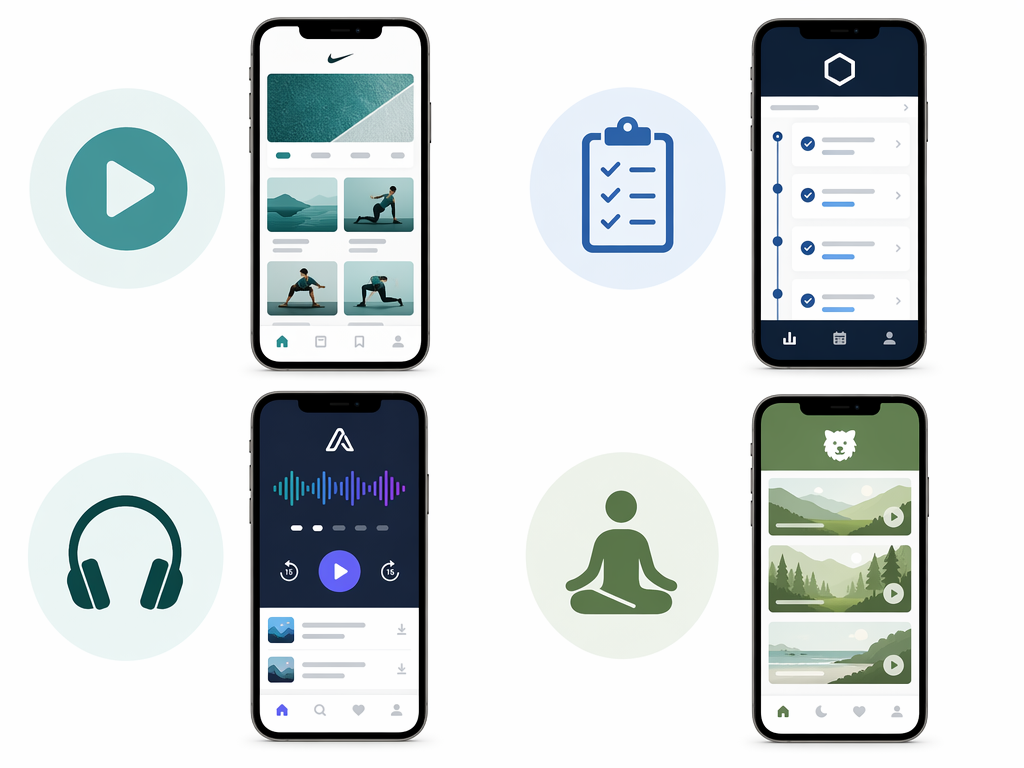
If you want someone to tell you exactly what to do, show you the movement, and keep you company through the workout, guided video classes are the way to go. Two apps stand out for bodyweight beginners.
Nike Training Club is the strongest free option for zero-gear beginners. It is completely free on iOS and Android, offers hundreds of trainer-led workouts, and lets you filter by equipment — including a "no equipment" option. Most sessions are bodyweight or minimal-equipment, and the instructors are certified. The app includes both on-demand and live classes, and its library covers everything from 15-minute core sessions to longer full-body workouts. Multiple sources, including Garage Gym Reviews, Good Housekeeping, and PCMag, have named it the best overall or best for beginners in 2026. The trade-off is that its library, while high quality, is smaller than some competitors.
FitOn is another strong free option. Its free tier gives access to all workouts — trainer-led video sessions that include modifications shown on screen. You can filter by time, intensity, or type, and the app offers 2- to 4-week programs. One tester from Garage Gym Reviews noted that the 4-week program contains only 10 workouts, which is not enough time to see significant progress, but as a starting point for a complete beginner it provides enough structure to build the habit. FitOn also includes celebrity trainers, which some users find motivating, though the library can feel overwhelming at first.
Structured Strength Programming: Caliber and Boostcamp
If you prefer a science-based approach with clear progression — treating your bodyweight training like a strength program — these apps give you structure without requiring a single dumbbell.
Caliber was named the Best Workout App for Beginners Overall by Garage Gym Reviews with a 4.6/5 score. Its free-forever version includes a library of over 500 exercises with high-quality video and step-by-step instructions, a muscle map showing which muscles each exercise targets, and a custom workout program generated by the app's algorithm based on a quick assessment. Crucially, that assessment includes your available equipment, so the program it builds for you can be entirely bodyweight. The free version is ad-free and includes everything a beginner needs for the first several months. Paid tiers add group coaching ($19/mo) or 1:1 coaching ($200+/mo), but these are optional.
Boostcamp is free and offers over 1,000 pre-made training programs, filterable by equipment access — including an "At Home" filter. Over 100 programs are created by certified expert coaches, and every exercise includes a video demonstration. Boostcamp was named Best Strength Training App for Beginners by Garage Gym Reviews. It is particularly good for beginners who want to follow established strength programs (like Reddit PPL or GZCLP) adapted for home use, but its library also includes simpler beginner programs that do not assume prior knowledge.
Audio-Based Workouts: Aaptiv
For beginners in very small spaces where propping a phone to watch a video is impractical, audio-based workouts solve a real problem. Aaptiv ($14.99/mo or $99.99/yr with a 7-day free trial) offers over 2,500 audio-guided workouts. A trainer tells you what to do with music in the background — you never have to look at the screen. You can choose from the app's music styles or connect your Spotify account. PCMag named it Best for Screenless Workouts. The caveat is that most programs are four to six weeks long, which is not enough time for significant strength or endurance gains, but as Garage Gym Reviews noted, it "would absolutely work for a beginner" looking to build consistency. Aaptiv is ideal for the first month or two of establishing a routine.
Yoga and Flexibility: Down Dog and Alo Moves
Not every beginner wants high-intensity or strength-focused training. For a low-impact start that builds mobility, body awareness, and basic strength through bodyweight holds and flows, yoga and flexibility apps are an excellent entry point.
Down Dog ($9.99/mo) generates fresh yoga sessions algorithmically based on your level, focus area, and session length. Its "Absolute Beginner" level is genuinely beginner — it assumes no prior experience and explains each pose. Because the sessions are algorithmically generated, you never repeat the same class, which helps with consistency. Daily Burn recommends it specifically for total beginners who want a low-impact start. It also requires very little space — roughly the length of a yoga mat.
Alo Moves (now called Alo Wellness Club) became completely free as of December 2025, according to Good Housekeeping and CNET. It offers over 3,000 classes in yoga, Pilates, barre, HIIT, and strength training. Bodyweight-only options are easy to find, and the classes are customizable by experience level, goals, and session length. For a beginner who wants variety beyond yoga — including Pilates and barre — this is a strong free option. Note that Android users need to access it through the Alo Wellness Club website rather than a dedicated app.
Equipment Demands Comparison: Which Apps Are Truly Bodyweight-Friendly?
The table below shows how each app stacks up on the dimensions that matter most for a no-equipment beginner. The "bodyweight-only percentage" estimates are based on the app's filter options and library composition as reported by testing sources. Apps that earned high ratings in the Garage Gym Reviews testing had at least 70% of their workout library offering minimal equipment or bodyweight workouts.
| App | Pricing | Bodyweight-Only % | Equipment Filter | Space-Friendly Features | Best For |
|---|---|---|---|---|---|
| Nike Training Club | Free | ~80% | Yes (no equipment filter) | On-demand video; some live classes | Guided video classes, variety |
| FitOn | Free (basic) | ~75% | Yes (filter by type) | Modifications shown on screen | Celebrity trainers, program structure |
| Caliber | Free (core); Pro $19/mo | ~70% | Yes (equipment assessment) | Video demos, muscle map | Science-based strength progression |
| Boostcamp | Free | ~70% | Yes (At Home filter) | Video demos for every exercise | Strength programs, expert coaches |
| Aaptiv | $14.99/mo | ~80% | Limited (audio-based) | Screenless; music integration | Audio-guided, small spaces |
| Down Dog | $9.99/mo | 100% | N/A (yoga only) | Algorithmic generation; minimal space | Low-impact start, flexibility |
| Alo Moves | Free (as of Dec 2025) | ~85% | Yes (experience level, goals) | Customizable session length | Yoga, Pilates, barre variety |
Sample 7-Day Bodyweight Routine from Two Different Apps
To illustrate how these apps differ in structure and style, here is what a beginner's first week looks like using two very different approaches: Nike Training Club (guided video classes) and Caliber (structured strength programming). This is not a workout tutorial — it is a comparison of how each app organizes your first week.
| Day | Nike Training Club (Guided Video) | Caliber (Structured Strength) |
|---|---|---|
| Monday | 15-min Beginner Bodyweight Full Body (video class) | Day 1: Bodyweight A — 3 sets of squats, push-ups (knee variation), glute bridges, plank holds |
| Tuesday | 10-min Beginner Yoga Flow (video class) | Rest day or 15-min walk (optional) |
| Wednesday | 20-min Beginner HIIT (video class, low-impact modifications shown) | Day 2: Bodyweight B — 3 sets of lunges, bird-dogs, calf raises, side-lying leg lifts |
| Thursday | Rest day or 10-min Core Basics (video class) | Rest day |
| Friday | 15-min Beginner Full Body (video class, different instructor) | Day 3: Bodyweight A (same as Monday, attempt more reps or hold plank longer) |
| Saturday | 20-min Beginner Cardio & Core (video class) | Day 4: Bodyweight B (same as Wednesday, progressive overload) |
| Sunday | Rest day or 10-min Stretch & Recover (video class) | Rest day |
This result comes from one real apartment under the stated conditions — it is a strong signal, not a guarantee your space will measure identically.
Builds this evidence supports
Cable Machine Alternatives That Save Space and Money
Compare the best cable machine alternatives for home gyms – from resistance bands and pulley systems to suspension trainers and compact digital units – and find the right option for your space and budget.
How to Choose a Compact Home Gym That Works for Your Space, Budget, and Noise Tolerance
This article provides a structured decision framework for apartment dwellers and small-space residents to match their specific floor footprint, noise sensitivity, and budget to the most suitable compact home gym strategy — whether that's an all-in-one machine, modular build, smart digital system, or band/bodyweight setup.
The Garage Gym Reality Check: What Equipment Actually Fits in a Single-Car Garage
Most garage gym guides assume a two-car space. This article uses real dimensions, real equipment footprints, and three layout templates to show what fits—and what doesn't—in a single-car garage (10x20 to 12x20 ft).
Spot something off?
If this result didn't match your own space, let us know — floor-damage and noise claims carry real deposit-risk consequences if we get them wrong.