The Best Fitness Apps for Home Workouts Based on the Equipment You Own
A comparison of the best fitness apps organized by the equipment you already own — bodyweight only, dumbbells and bands, full home gym, or cardio machine. Learn which apps adapt to your gear and which require additional hardware spending that most roundups fail to flag.
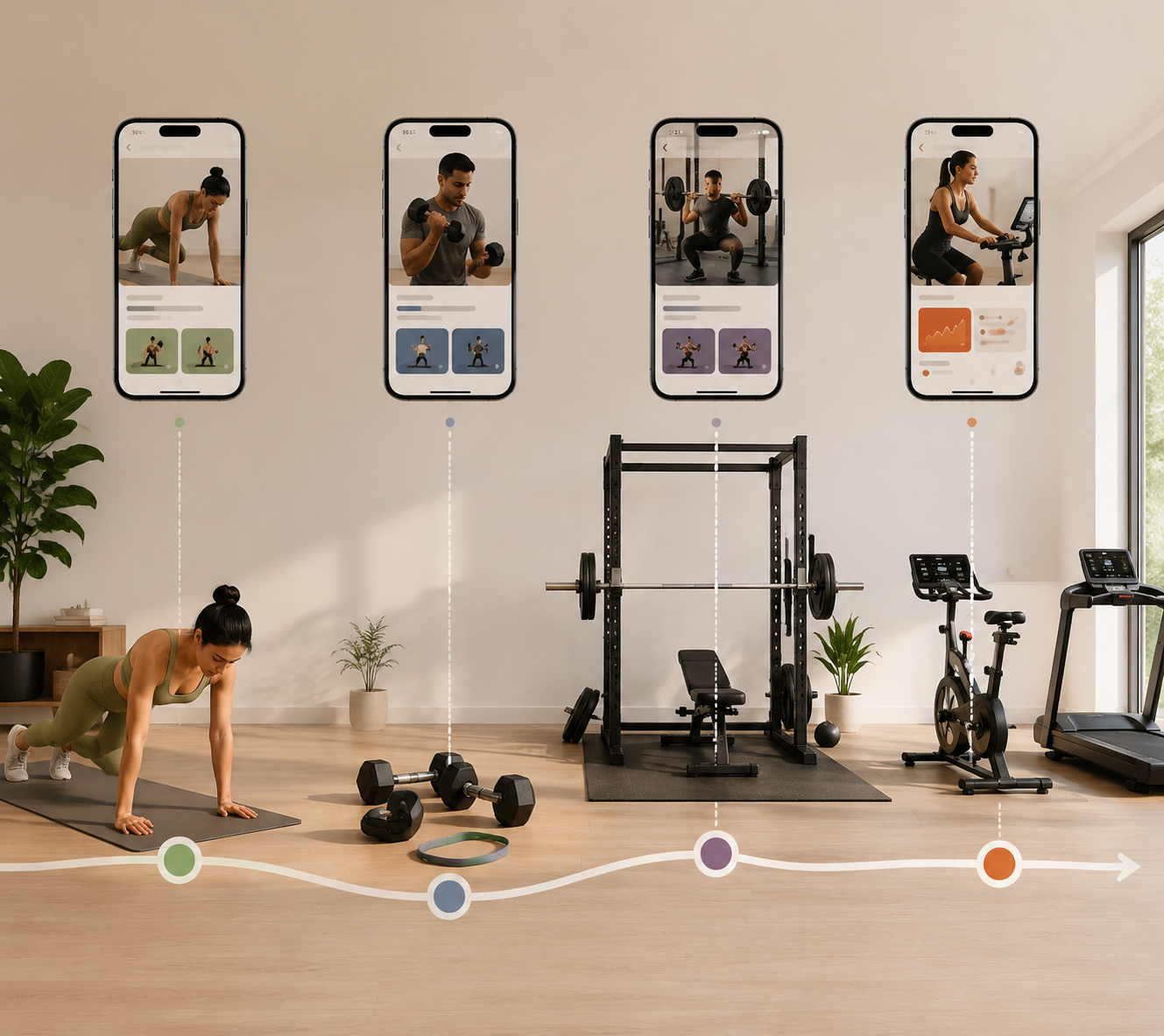
Before downloading another workout app, look around the room where you actually train. If it has a mat and enough floor space for pushups, the best choice is different from the one for a garage with a rack, plates, and adjustable bench. If there is a bike or treadmill in the corner, the app decision may already be half-made. The real question is not which of the best fitness apps has the longest feature list. It is which one works with the equipment you already own without quietly turning a low monthly fee into another hardware purchase.
That distinction matters because most app roundups test software, not spare bedrooms. Garage Gym Reviews says its guide draws from testing more than 70 workout apps, while Forbes Health and Good Housekeeping each describe testing more than 40 fitness apps for their own rankings.[1][2][3] That kind of testing is useful, but a home user still needs one extra filter: whether the recommendation assumes bodyweight, dumbbells, a full gym, or a connected machine.
Start With the Equipment Tier You Already Have
Prices below are accurate as of June 2026, but app subscriptions and equipment bundles change often. Treat the monthly price as the first number, not the total cost.
| Your home setup | Best first look | Why it fits | Watch for |
|---|---|---|---|
| Bodyweight only | Nike Training Club | Free entry point with 185+ workouts and guided sessions | Less useful if you want detailed strength progression |
| Dumbbells and bands | Fitbod, TR[Ai]NER, Shred, Caliber | Can build around limited equipment instead of assuming a full gym | Exercise substitutions matter more than workout-library size |
| Rack, barbell, bench, plates | Fitbod, Caliber, Shred, Future | Better fit for logged strength work and progressive programming | Human coaching and annual plans can raise the commitment quickly |
| Bike, treadmill, rower, smart trainer | Peloton App+, iFIT, Zwift | Best when the machine is already owned or planned | Hardware can cost far more than the subscription |
If you are building from scratch, it helps to budget the app and equipment together rather than treating them as separate decisions. A compact setup can be enough for years if the software respects the limits of the room; this compact home gym decision guide is a better companion to the app choice than a generic feature checklist.
Bodyweight Only: Nike Training Club Is the Cleanest Starting Point
For a mat-only setup, Nike Training Club is the easiest recommendation because it does not punish the user for not owning gear. It is a free option with more than 185 workouts, and that combination matters more than a premium interface when the goal is simply to train tonight without buying dumbbells first.[1]
The right bodyweight app needs guided sessions, clear filtering, and enough variety that a beginner is not repeating the same circuit by week two. It does not need to pretend that a living-room workout is the same as a commercial gym plan. Pushups, squats, lunges, planks, mobility work, and conditioning sessions can carry a lot of early progress when they are sequenced well.
This is also the tier where “free” is most meaningful. A person with no equipment may still be deciding whether home training will stick at all. Starting with a paid annual plan before the habit exists solves the least important problem first. A free app with enough structure lets the user learn what they actually like: short strength circuits, yoga-style mobility, low-impact conditioning, or a mix.
The limitation is progression. Bodyweight training can be progressed, but many general apps handle that through harder variations or faster sessions rather than the clean load increases that dumbbells and barbells make possible. If your main goal is getting stronger over months, Nike Training Club can be the starting line, not necessarily the long-term training system.
Dumbbells and Bands: The App Has to Substitute Exercises Honestly
Once you own a few resistance bands and one or two dumbbells, the app’s job changes. You no longer need only a follow-along class. You need programming that can answer a boring but decisive question: what should replace the cable row, leg press, or lat pulldown that the plan seems to assume you have?
Fitbod and TR[Ai]NER by Element 26 are the most interesting options in this tier because their value depends on adaptation. They fall into the AI-driven programming group, with the relevant subscription range at $9.99 to $15.99 per month as of June 2026.[4] That price is not automatically cheap or expensive. It is fair only if the app reliably builds workouts from the equipment you tell it you have.
Fitbod deserves a careful read here. It is often praised because it can generate workouts, track trained muscle groups, and adjust sessions around available equipment. For someone with adjustable dumbbells, bands, and a bench, that can remove a lot of planning friction. But the app is at its best when it has more tools to choose from. If your entire setup is one adjustable dumbbell and a door-anchor band, the quality of the experience depends less on the brand name and more on whether the substitutions still feel like a real program instead of a list of compromises.
Shred and Caliber are useful cross-tier options because they do not belong only to one equipment category. They can make sense for a user who starts with dumbbells and later adds a bench or rack. That matters in a home gym because equipment usually arrives in phases. A good app should not become obsolete the day a user upgrades from bands to adjustable dumbbells.
For more strength-specific comparisons in this exact equipment range, the deeper companion is Best Strength Training Apps for Limited-Equipment Home Gyms. The short version is simple: do not pay for a large exercise database unless the app can filter it down to the tools in your room.
Full Home Gym: Logging and Progression Start to Matter More Than Classes
A rack, barbell, plates, bench, and dumbbells change the standard. At this point, the app is not just filling time. It should help decide loads, track sets, manage fatigue, and keep the main lifts moving. This is where Fitbod, Caliber, Shred, and Future become easier to justify than class-first apps, because strength training with a real home gym benefits from continuity.
Fitbod fits users who want automated programming and are willing to review the output. Caliber fits users who want strength-focused structure across equipment levels. Shred fits users who like a polished training app that can move between gym-style and home-style workouts. None of those descriptions requires a universal winner; the better question is how much decision-making you want the app to take over.
Future is the premium outlier because it adds human coaching. At $199 per month, it is not competing with a $10 app in any ordinary sense.[4] It makes more sense for someone who already owns the gear, wants accountability, and will actually communicate with a coach. If you are still figuring out whether you prefer lifting three days or four, that monthly price can outrun the value quickly.
This is also where space planning and app choice overlap. A compact rack-and-dumbbell setup can pair well with logging-heavy strength apps, while a room dominated by a cardio machine points in another direction. If you are still choosing the equipment footprint, compare the practical tiers in Compact Home Gym Footprint Tiers before locking yourself into software built for a different room.
Cardio-Machine Setups: Treat the App as Part of the Equipment Purchase
Peloton App+, iFIT, and Zwift can be excellent when they match the machine in the room. They are also the easiest apps to misprice. A subscription can look manageable on its own while the best experience assumes a bike, treadmill, rower, or smart trainer that costs far more than the app.
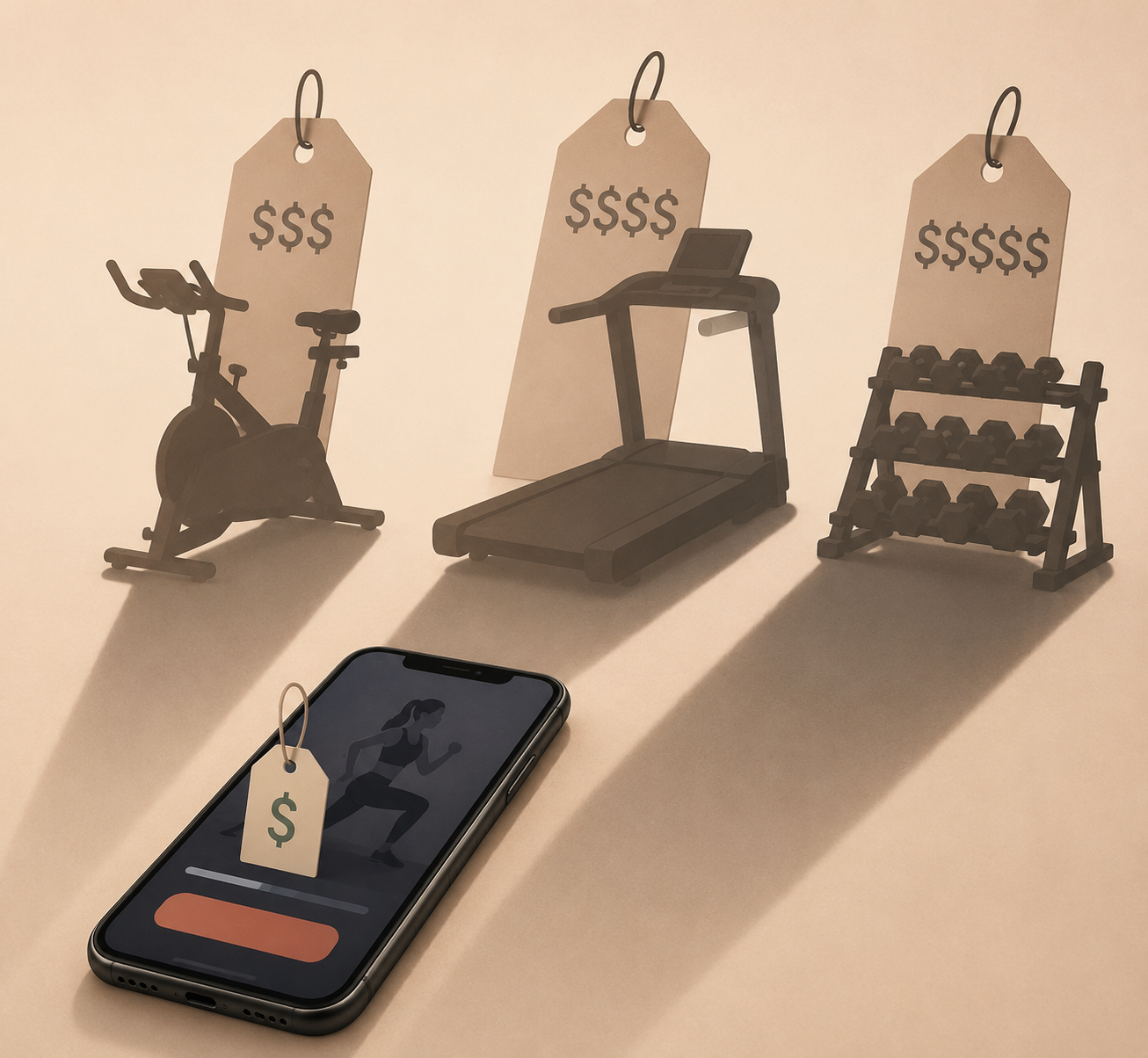
Peloton is the clearest example. Peloton costs $13 per month for the standard app or $25 per month for the fuller App+ experience, but the full connected experience requires a Peloton Bike costing $1,445 or more as of June 2026.[4] That does not make Peloton a bad choice. It means Peloton should be judged as a bike-and-content ecosystem, not as a $13 app.
iFIT belongs in the same mental category. Its value rises when it is paired with compatible cardio equipment, especially for users who want guided routes, trainer-led sessions, and machine integration. If you already own compatible hardware, the app can make the machine feel less like an isolated purchase. If you do not, the app recommendation is incomplete unless it includes the equipment path.
Zwift is narrower and easier to understand: it is built around indoor cycling and virtual riding. Zwift costs $15 per month, and a compatible smart trainer starts at $549 or more.[4] For a cyclist who already wants structured indoor rides, that can be a good setup. For a general home exerciser trying to “get fitter,” it is a hardware commitment disguised as an app decision.
The deeper cost question is covered in The True Cost of a Connected Exercise Bike. The important point for this roundup is that connected-cardio apps should be recommended to people who already own the machine or have deliberately chosen that equipment path. They should not be tossed into a general “best fitness apps” list as if the subscription price tells the whole story.
The Hidden Cost Is Not Always the Subscription
A home fitness app can become expensive in three different ways. The obvious one is the monthly fee. The second is the annual plan that looks cheaper per month but locks in a habit before it exists. The third is equipment dependency: the point where the app’s best features require gear that was not included in the headline price.
| Cost type | What it looks like | Why it matters at home |
|---|---|---|
| Subscription | Monthly or annual app fee | Easy to compare, but incomplete on its own |
| Equipment gap | Buying dumbbells, bands, a bench, bike, trainer, or machine to use the app well | Can exceed the subscription by a wide margin |
| Commitment risk | Annual plan before the routine is proven | Savings only matter if the user keeps training |
The retention benchmark is a useful brake here. Business of Apps’ 2023 benchmark data showed health and fitness apps retaining only 3% of users by day 30.[5] That number does not prove your own habit will fail, and it does not compare one app’s coaching quality against another’s. It does suggest that a new user should be cautious about annual commitments until the routine survives a few weeks.
That is why a $15.99 monthly app that works with your adjustable dumbbells may be cheaper in practice than a lower-priced app that keeps nudging you toward a machine. It is also why a $199 coaching subscription can be reasonable for one committed lifter and absurd for a beginner who has not yet chosen training days. Price is not just the number on the checkout screen; it is the number plus the equipment and behavior it assumes.
If you are deciding what to buy next, pair the app decision with a real budget. The Home Fitness Budget Tiers guide is the more useful lens than a subscription-only comparison.
How to Pick Without Buying the Wrong Thing Twice
Use the app store last. Start with the room, then narrow the software.
- If you own no equipment, start with Nike Training Club and learn which workout style you can repeat.
- If you own dumbbells and bands, prioritize Fitbod, TR[Ai]NER, Shred, or Caliber only if they can filter and substitute around your exact gear.
- If you own a full strength setup, favor apps with logging, progression, and program continuity over class volume.
- If you own or plan to buy a connected cardio machine, evaluate Peloton App+, iFIT, or Zwift as part of that equipment purchase.
- If you want human accountability, consider Future only after the equipment and schedule are already stable.
Community, entertainment, and instructor personality can absolutely matter. For some users, a charismatic coach or live leaderboard is the reason the workout happens at all. Those are real advantages. They just should not outrank compatibility. An inspiring class that assumes a bike you do not own is not a home workout plan; it is a shopping prompt.
The best app is the one that reduces friction in the room you already have. Start there, upgrade only when the habit and equipment justify it, and treat connected ecosystems as equipment purchases with subscriptions attached.
References
- Best Workout Apps, Garage Gym Reviews,
- Best Fitness Apps, Forbes Health,
- Best Workout Apps, Good Housekeeping,
- Fitness app subscription pricing comparison 2026, FitCraft
- Health and Fitness App Retention Benchmarks, Business of Apps, 2023
This result comes from one real apartment under the stated conditions — it is a strong signal, not a guarantee your space will measure identically.
Builds this evidence supports
No build currently links to this specific test. Browse all builds with a matching tag.
Spot something off?
If this result didn't match your own space, let us know — floor-damage and noise claims carry real deposit-risk consequences if we get them wrong.