
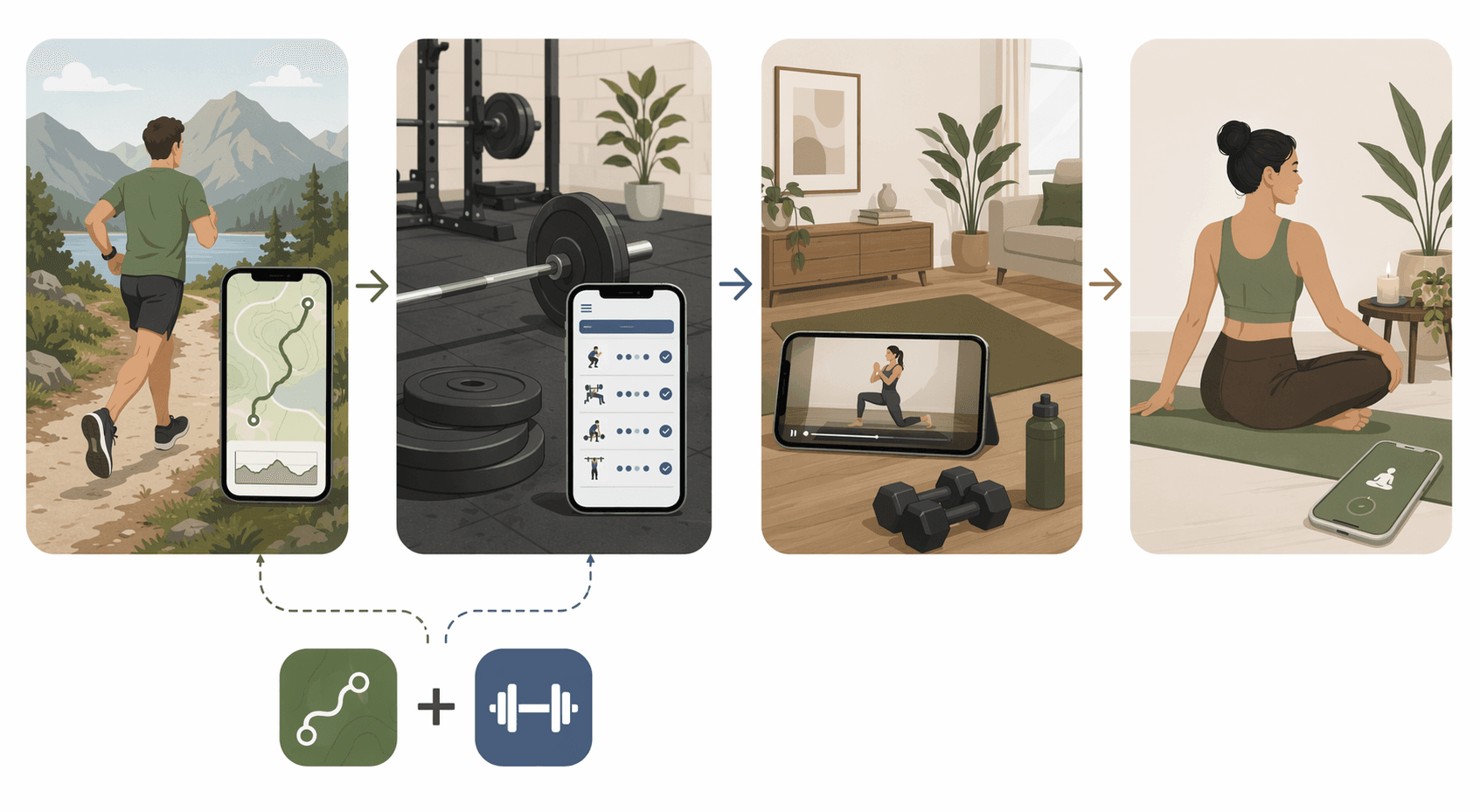
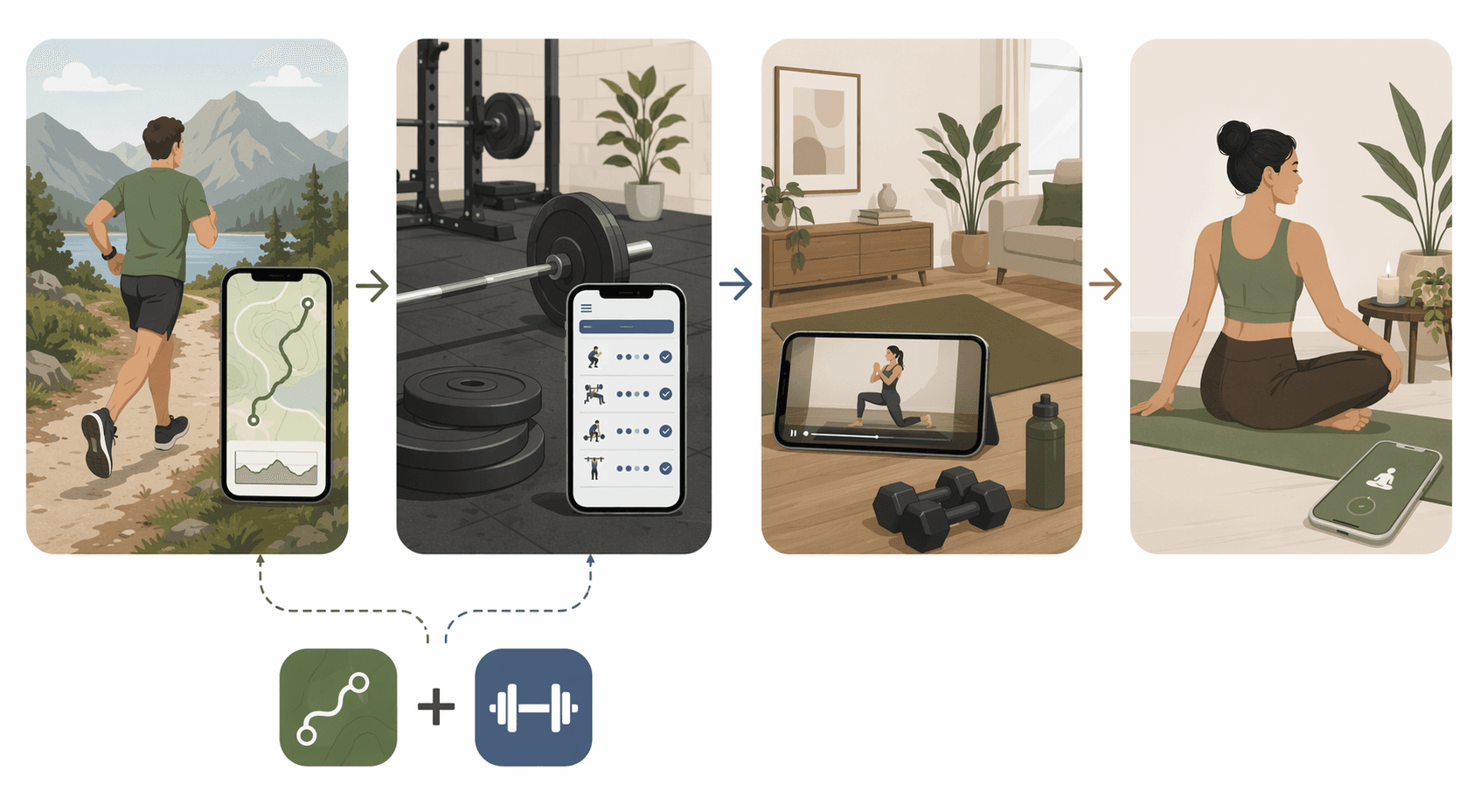
Start with the workout you actually do most. If you run or cycle outdoors, begin with a route-tracking and training app. If you lift, pick a strength logger before you look at class libraries. If you want someone to coach you through living-room workouts, compare guided class platforms. If your main goal is yoga, stretching, or mobility, treat that as its own lighter category rather than settling for whatever yoga tab happens to be inside a broader app.
That matters more on iPhone than App Store rankings make it seem. Most fitness apps can write something to Apple Health. Fewer apps make the workout itself easier while you are sweaty, rushed, wearing an Apple Watch, or trying to log a set before the next one starts.
| Your main training style | Start with this app type | Apps worth comparing first | Apple Watch note |
|---|---|---|---|
| Outdoor running or cycling | GPS tracker or training-plan app | Strava, Runna | Useful for recording, but check what you can see during the activity |
| Strength training | Manual strength logger | Strong, Hevy, Jefit, RepCount | Logging speed matters more than a pretty dashboard |
| Follow-along home workouts | Class platform | Nike Training Club, Apple Fitness+ | Apple Fitness+ is most natural if you already use Apple Watch |
| Yoga, stretching, mobility | Session generator or mobility app | Down Dog, StretchIt | Usually less Watch-dependent than running or lifting |
For runners and cyclists: Strava is strong, but not automatically enough
For outdoor running and cycling, Strava is the obvious first stop because it is built around GPS activity, routes, segments, and a large social layer. That social layer is not decoration. For many runners and cyclists, seeing friends’ rides, checking familiar routes, and having a public training log are the reasons the app sticks.
The catch is that Strava’s strengths are outdoor and community-oriented. Zapier’s 2026 app review calls out Strava’s dominance for runners and cyclists, while also rating its wearable connectivity as “mediocre” and noting that it is not a good fit for indoor workouts.[1] That is exactly the kind of limitation that disappears in a generic “best fitness app iPhone” list and then reappears when you are halfway through a treadmill session wondering why the app feels wrong.
Apple Watch users should be especially literal here. Strava can record from the Watch, but Strava’s watch splits are not visible during the activity.[1] If you are used to glancing down mid-run to adjust pace, that detail matters more than another post-run chart.
Runna fits a different runner: someone who wants more structure from a training plan instead of mainly wanting a social GPS log. It is best considered as a plan-oriented contrast to Strava, not as a universal replacement. If your real problem is “I keep running the same distance at the same effort,” a training-plan app may be more useful than another place to store completed runs.
For cyclists and runners who also lift, Strava still should not be asked to become a strength app. It can record that a workout happened. It will not give you the clean set-by-set logging flow that makes progressive strength training easier to repeat.
For lifters: choose by logging friction, not by the biggest feature grid
Strength training is where the app decision gets unusually practical. A lifting app has to behave well during rest periods, not just after the workout. The best one for you depends on how fast you can enter sets, how many routines you need before paying, whether you care about social accountability, and how much exercise-library guidance you want.
| App | Best fit | Trade-off to notice |
|---|---|---|
| Strong | Lifters who want fast, notebook-like manual logging | The free tier is capped at 3 routines.[2] |
| Hevy | Lifters who want a more generous free tier and social accountability | Social features are a benefit only if they actually motivate you.[2] |
| Jefit | Lifters who want a large exercise library and progression tools | More structure can also mean more app surface area to manage. |
| RepCount | iPhone users who want simple native logging without an early paywall | Less of a broad coaching platform; more of a logger. |
Strong’s appeal is easy to understand if you have ever abandoned a gym app because it took too many taps to record a basic set. It is fast, familiar, and close to the paper-notebook habit many lifters already trust. The pause comes from the free tier: Strong limits free users to 3 routines.[2] That may be fine if you repeat a simple full-body plan. It gets tight quickly if you run separate upper, lower, push, pull, accessory, or travel-day templates.
Hevy is the cleaner recommendation for many people who are still deciding whether they will keep logging at all. Its more generous free tier changes the trial period from “Can I fit my training into this cap?” to “Do I like training with this app?” The social layer also matters for some lifters. Seeing friends’ sessions or sharing completed workouts can create a small accountability loop, though it should not be mistaken for coaching.
Jefit is the app to consider when exercise selection and progression support are bigger needs. Jefit says its library includes 1,400+ exercises with HD demonstrations, and its 2026 materials describe a progressive overload algorithm.[3] That makes it more useful for someone who wants help choosing movements, checking form references, or building progression into the plan. It does not mean every lifter needs the larger system. If you already know your program and only need to log it cleanly, a simpler app may feel better.
RepCount deserves attention for a narrower reason: its native iOS free tier supports unlimited free logging.[4] That is a very specific value point, and specific is good here. A lifter who mostly wants a durable log on iPhone may care more about that than video libraries, social feeds, or prebuilt plans.
The Apple Watch filter for lifting is simple: do not overvalue integration that only starts and stops a generic strength workout. During lifting, the phone is often the better logging device because it is faster to edit weight, reps, notes, and substitutions. Watch support is nice for timers and heart-rate capture, but it should not outrank the basic question: can you log the next set before your rest period turns into phone admin?
For home workouts and classes: Nike Training Club is the value check
If your workout is mostly follow-along strength, HIIT, core, mobility, or bodyweight training at home, you are shopping for a class platform, not a tracker. The app has to answer a different question: can it get you started today with a session that matches your time, equipment, and confidence level?
Nike Training Club should be near the top of that comparison because it is completely free and offers 300+ workouts led by certified trainers, a value point highlighted across major app reviews.[5][6][2] In a market where “free” often means “useful for seven days,” that is not a minor detail. It is a real reason to try NTC before paying for another subscription.
Apple Fitness+ is smoother if you are already in Apple’s ecosystem and like polished video classes. It is also better understood as a guided workout service than as a serious progression system. Fit&Well’s 2026 review frames Apple Fitness+ as great for beginners but not for progression.[7] That is a fair caveat. For someone trying to build the habit of exercising, a friendly, well-produced class can be exactly enough. For someone trying to move from beginner dumbbell work into measured strength progression, it may start to feel loose.
The Apple Watch dependency is clearest here. The built-in Apple Fitness app requires an Apple Watch for full functionality, and Apple Fitness+ feels most complete when the Watch is part of the session experience.[7] That can be delightful if you already close rings without thinking. It is less delightful if you are choosing an iPhone fitness app and only later realize the best version of the product assumes another device on your wrist.
For a wider look at class-style options, the site’s home workout app guide is the better next stop. If cost is the deciding factor, compare NTC against other no-cost options in the free workout app comparison before you assume a paid app will be more useful.
For yoga and mobility: keep the category smaller and more honest
Yoga and mobility apps do not need to be forced into the same decision frame as Strava or a barbell logger. A good yoga app may simply need to generate a suitable session, offer clear instruction, and stay out of the way.
Down Dog is useful if you want algorithmically generated yoga sessions rather than a fixed class library.[8] That can help if you like choosing a duration, level, focus, or pace and getting a fresh practice without browsing for ten minutes. StretchIt is more narrowly relevant for flexibility and mobility work, with annual pricing listed at $149.99.[9] That price makes it harder to recommend casually; it makes more sense when stretching is a primary goal, not an occasional cool-down.
Apple Watch integration is usually less central in this category. Heart rate and completed-session records can be nice, but the app’s instruction quality and session fit matter more. If you are a beginner looking for low-friction movement at home, you may also want the site’s beginner fitness app decision guide or its no-equipment workout app guide before paying for a specialized mobility plan.
When two iPhone fitness apps are better than one
A lot of iPhone users are not confused because they have unusual needs. They are confused because they do two normal things. They run and lift. They take Apple Fitness+ classes and also want to track progressive overload. They cycle outside on weekends and stretch at night.
That is where a two-app setup is often the more honest answer. Use Strava for outdoor routes and social tracking, then use Hevy, Strong, Jefit, or RepCount for lifting. Use Nike Training Club or Apple Fitness+ for guided home sessions, then keep a separate strength log if the weights start mattering. Apple Health can sit underneath as the shared record, but it does not have to be the place where every workout decision happens.
There are trade-offs. Two apps can mean two subscriptions, two notification systems, and more places to check history. It is worth resisting that if one app genuinely covers your training well enough. But forcing one platform to cover running, lifting, classes, yoga, and progression often produces the worst version of each: a run tracker that does not coach strength, a class app that does not log sets cleanly, or a lifting app that only records cardio as an afterthought.
If you already know you are a hybrid exerciser, the deeper read is why pairing two specialized trackers beats chasing one perfect app. For everyone else, make the first cut by workout type: Strava or Runna for outdoor endurance, a real strength logger for lifting, Nike Training Club or Apple Fitness+ for guided classes, and a dedicated yoga or mobility app only when that is the work you actually plan to do.
References
- The best fitness apps — Zapier, 2026
- Best Workout Apps — Garage Gym Reviews
- Jefit blog — Jefit, 2026
- RepCount — RepCount, 2026
- Best Fitness Apps — Forbes
- The Best Workout Apps — PCMag
- Apple Fitness+ review — Fit&Well, 2026
- Down Dog — Down Dog
- StretchIt — StretchIt
Comments
Join the discussion with an anonymous comment.