
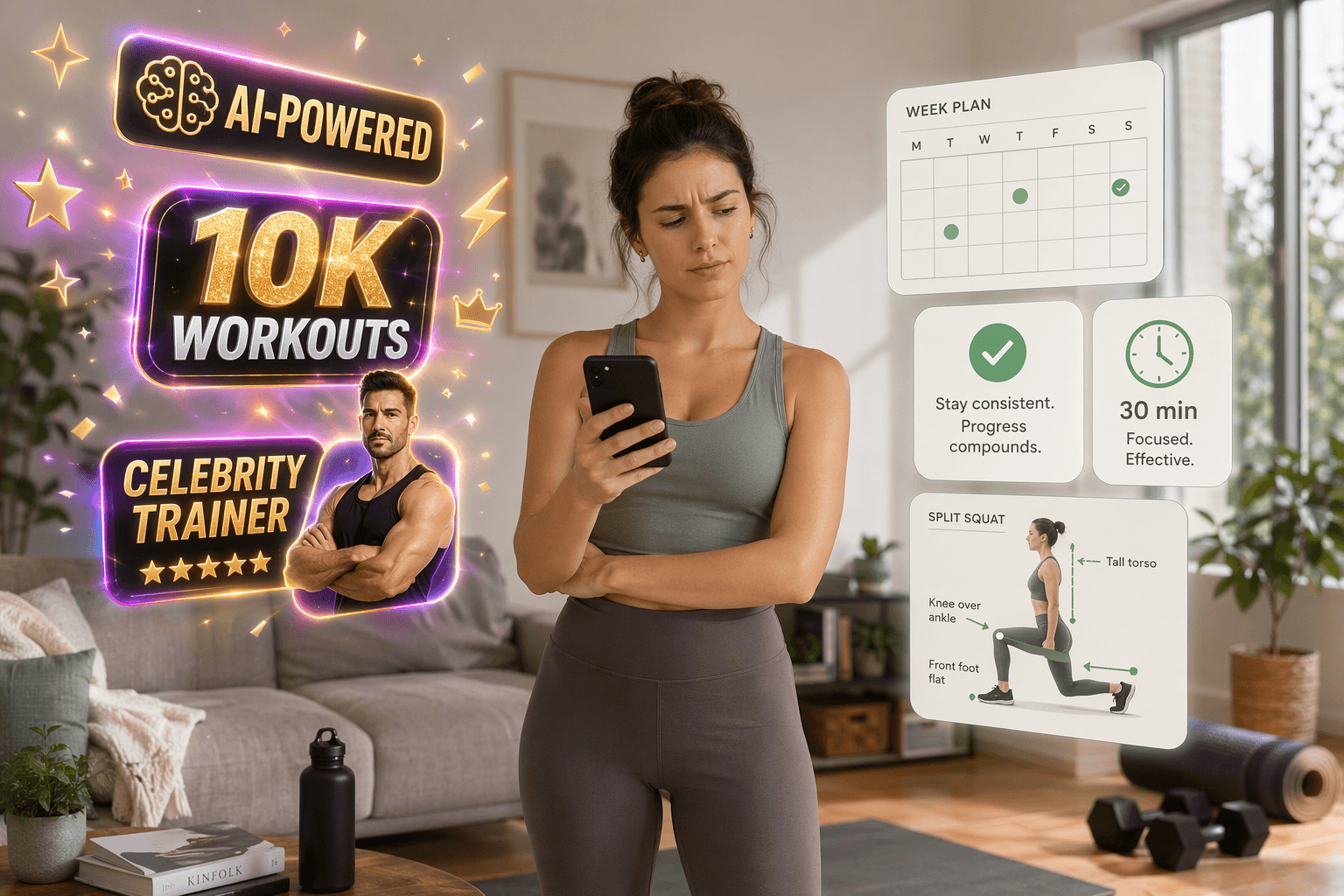
The easiest mistake to make with workout apps for beginners is judging them by the loudest words on the download page. AI-powered. Personalized. Thousands of workouts. Celebrity trainers. Wearable sync. None of those features is automatically bad, but they are poor first filters for someone who is still trying to make exercise feel normal.
In week one, the decisive moments are quieter. Can you tell what to do tomorrow without browsing for 20 minutes? Can you make a move easier without feeling like you failed? Is the session short enough that you will repeat it when your motivation is ordinary? Does the app actually teach you how to move, or does it just play a fast demo while a trainer counts down?
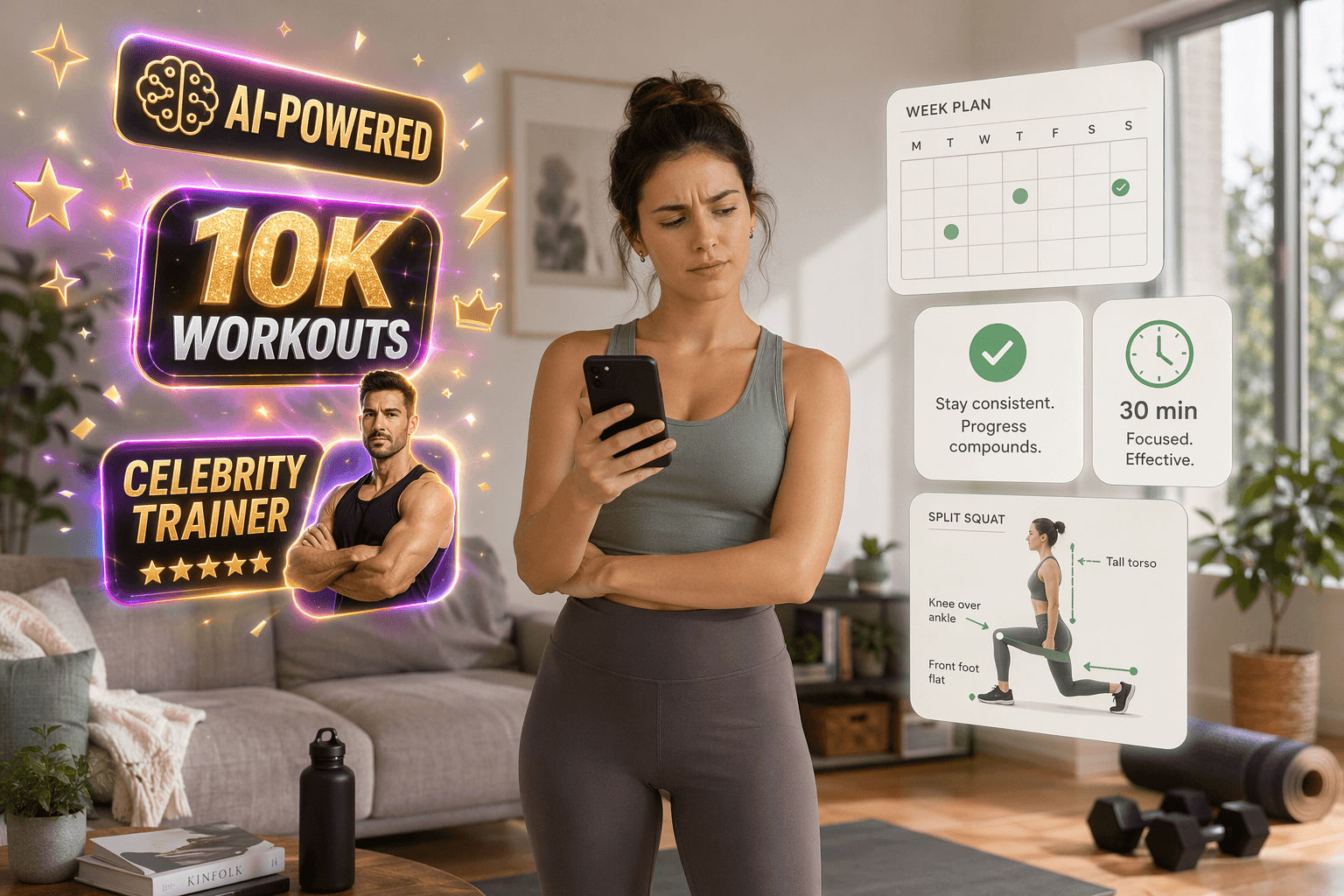
Across Garage Gym Reviews’ testing of more than 50 apps, Daily Burn’s True Beginner-style framing, and a two-month first-person test published on Indie Hackers, the same pattern keeps showing up: beginners are better served by structured progression, visible modifications, short sessions, and clear form instruction than by a huge workout library or motivational extras alone.[1][2][3]
The four features to check before you download
If you only have two minutes on an app store page, trial screen, or website, use this as the first pass:
| Feature | What it should look like | What is not enough |
|---|---|---|
| Structured progression | A visible day-by-day or week-by-week beginner plan, ideally lasting 4–8 weeks | A library sorted by body part, duration, trainer, or intensity |
| Visible modifications | Easier and harder versions shown on-screen during the workout | A buried note that says “modify as needed” |
| Capped session length | Beginner sessions that stay at 30 minutes or less in the first month | Occasional short workouts mixed into a plan that regularly runs long |
| Real form instruction | Slow explanations, alignment cues, common mistakes, and time to understand the movement | Fast exercise demos with rep counting and encouragement |
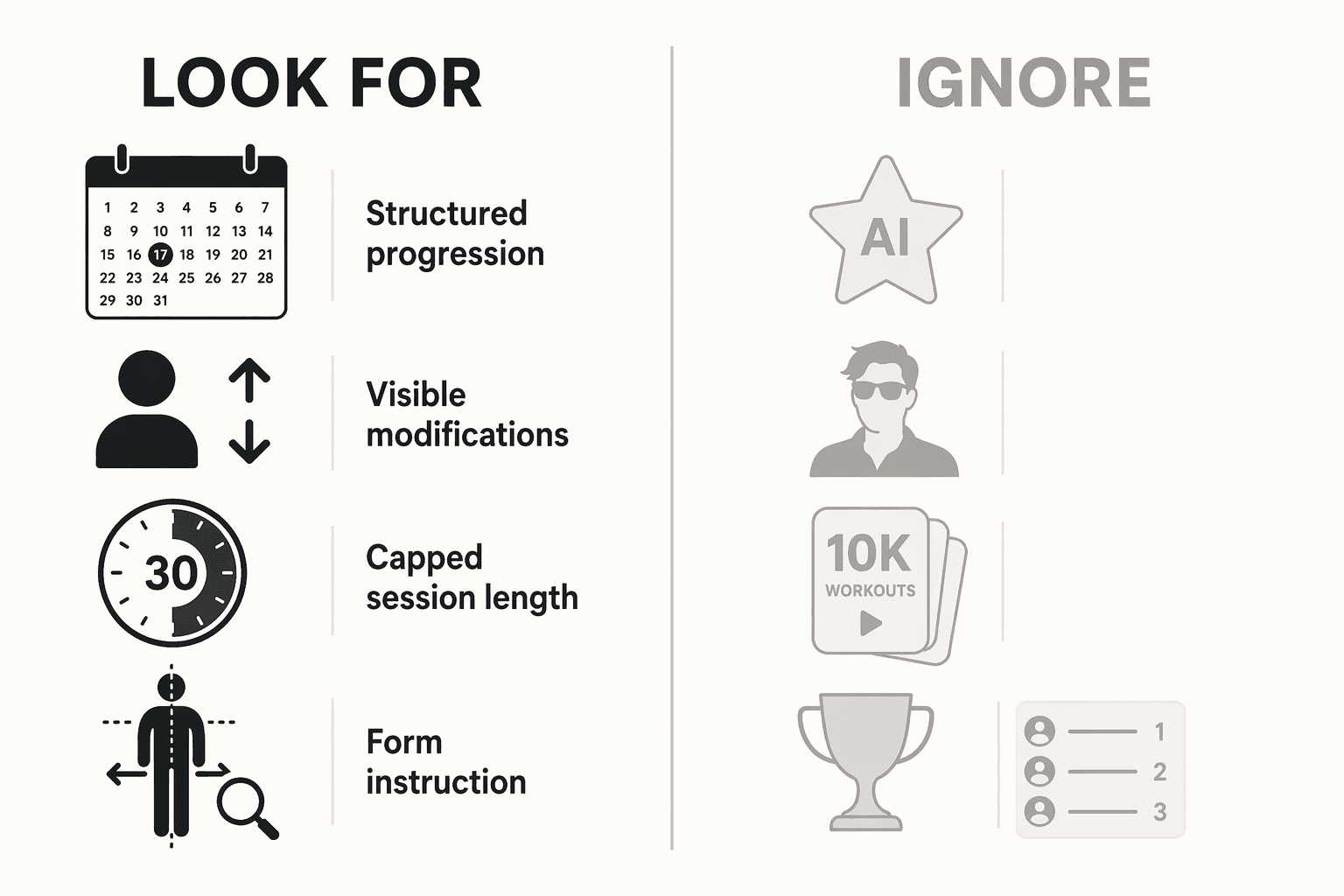
This is not a purity test. An app can have AI, leaderboards, meal plans, and a celebrity trainer and still be excellent. The point is order of operations. If the app cannot pass these four checks, the flashier features are decorating a shaky beginner experience.
Structured progression is not the same as a big workout library
For a beginner, “thousands of workouts” can be a warning sign. A large library sounds generous until you are standing in your living room deciding between lower-body strength, full-body burn, beginner HIIT, mobility flow, no-equipment tone, core sculpt, and a trainer you have never tried. That is not personalization. That is homework.
A structured beginner plan removes that daily negotiation. It tells you what to do today, what comes next, and how the work will build over time. The cleanest version is a 4–8 week program with specific sessions assigned by day or week. It does not need to be fancy. It just needs to make the next workout obvious.
That distinction matters because several testers noted that massive libraries can create choice paralysis for beginners, while curated beginner programs are better aligned with month-one follow-through.[1][3] Garage Gym Reviews also reported that apps scoring at least 4 out of 5 for instruction quality and at least 4 out of 5 for progressive overload correlated with stronger beginner completion rates.[1] That is a useful signal, not a guarantee. It does not mean any app with a progression label will make you consistent. It does mean progression and instruction deserve more attention than the size of the catalog.
When you preview an app, look for the actual path. A useful beginner plan might say something like: three sessions per week, full-body basics, mobility on off days, gradual increases in reps or exercise difficulty. A weaker version drops you into a dashboard and asks you to choose a class every time. Some people enjoy that freedom. Most true beginners do better when the app reduces the number of decisions they have to make before they even start moving.
A quick test for progression
- Can you see the first week before committing?
- Does the app tell you what to do after day one?
- Does the plan get gradually harder in a visible way?
- Could you follow it without choosing a new workout every day?
If the answer is mostly no, you are not looking at a beginner program. You are looking at a workout shelf.
Form instruction has to teach, not just demonstrate
Videos are not automatically instruction. A trainer doing a perfect squat at full speed while music plays in the background is a demo. It may be useful once you already know what you are looking at. It is not enough for someone wondering whether their knees, hips, back, or feet are in the right place.
Good beginner instruction slows the movement down. It explains setup before effort: where your feet go, what your spine should feel like, where your weight should shift, what range of motion is acceptable, and what to avoid. It gives you a moment to process the cue before the timer starts. In strength training especially, this is where an app either builds confidence or quietly teaches a beginner to rush.
The Indie Hackers two-month test is useful here because it separates motivation from teaching. In that first-person account, motivational quotes and streak badges did not predict completion as well as structured plans with clear form instruction.[3] That is one person’s test, not a universal study, but it lines up with the broader pattern: the beginner who understands the movement is more likely to come back than the beginner who was merely cheered through it.
When you evaluate form instruction, watch one exercise all the way through before judging the app. Choose a basic move: squat, lunge, hinge, push-up, plank, glute bridge. Do not skip to the sweatier part. Ask whether the trainer explains what should be happening and what usually goes wrong. If the app only says “keep going” or “you’ve got this,” it may be entertaining, but it is not doing the most important beginner job.
This is also where celebrity-led apps deserve a fair read. A recognizable trainer does not guarantee good cueing, but it also does not disqualify the app. Some big-name platforms employ instructors who teach clearly and pace movements well. The screening question is not whether the trainer is famous. It is whether the instruction would help you adjust your body while you are actually doing the workout.
Modifications should be visible while you are moving
A beginner does not just need permission to modify. They need to see the modification at the exact moment they need it.
That means an easier version appears on-screen during the exercise, not hidden in a class description, FAQ, or trainer aside you might miss. If the workout includes jumping jacks, the low-impact version should be visible. If it includes push-ups, the incline or knees-down option should be shown. If a lunge is too much, the app should offer a stable alternative without making the beginner stop, search, or guess.
This changes the emotional texture of the workout. Without visible modifications, scaling down can feel like falling behind. With them, it becomes part of the plan. Daily Burn’s beginner-oriented framing emphasizes meeting people who have never exercised before with approachable instruction and progression, which is the right instinct for this stage.[2] The app should make the easier option feel legitimate, not like a private compromise.
Short sessions protect the habit before they build the body
For the first month, a beginner workout app should make 30 minutes feel like a ceiling, not a warm-up. Short sessions are not about being unserious. They are about reducing the number of reasons to skip.
A 15–30 minute session is easier to repeat on a normal weekday, easier to recover from, and less likely to create the kind of soreness that makes a new exerciser disappear for five days. The first month is not the time to prove that you can survive the hardest class in the app. It is the time to collect enough completed sessions that exercise stops feeling like an event.
When an app advertises “beginner-friendly,” check whether the actual beginner plan respects that limit. A library may include short workouts, but if its recommended starter path regularly pushes past 30 minutes, it is asking for more bandwidth than many beginners have. The better sign is a plan designed around repeatable sessions from the start.
Where AI, wearables, meal plans, and leaderboards fit
Secondary features become more useful after the app has solved the basic beginner problem: getting you through the next safe, understandable, repeatable workout.
AI programming can be genuinely useful when it adjusts future workouts based on what you completed, how many reps you managed, or how difficult a session felt. That kind of adaptation can matter as you move beyond the very beginning. It is less useful when “AI-powered” simply means the app generates a plan from a few vague inputs and then leaves you to interpret everything yourself. The implementation matters more than the label.
Wearable sync can help you track activity, heart rate, or workout history, but it does not teach a hinge or choose an appropriate day-two session. Meal plans can be useful for people with nutrition goals, but they do not compensate for confusing workouts. Social challenges and leaderboards can motivate some personalities, especially people who enjoy accountability or friendly competition. For others, they add comparison at the exact moment confidence is still fragile.
Use these as tie-breakers, not first filters. If two apps both have clear progression, visible modifications, short sessions, and strong instruction, then choose the one with the extras that fit your personality. If an app lacks the basics, do not let a smart-sounding feature set talk you into doing the app’s organizing work for it.
You do not necessarily have to pay for the basics
A paid app is not automatically more beginner-friendly than a free one. Garage Gym Reviews identifies Nike Training Club as a 100% free option with certified trainers and periodized programming, and also notes Caliber’s ad-free free tier, while LoadMuscle’s 2026 testing highlights Caliber’s 500+ exercise library and custom program generation.[4][5] Pricing and free-tier terms can change, so those details should be checked before you commit, but the larger point holds: the essential beginner features are not reserved for premium apps.
Free apps still need the same screening. A free library with unclear sequencing can waste your attention. A paid app with beautiful production can still move too fast. The price tells you what it costs. It does not tell you whether the app will make tomorrow’s workout easier to start.
A simple way to evaluate any beginner workout app
Before downloading, starting a trial, or paying for a subscription, do four small checks:
- Find the beginner plan. Look for a visible multi-week path, not just a beginner filter inside a giant class library.
- Preview the modifications. Make sure easier versions are shown on-screen during the workout.
- Check the session length. For the first month, favor workouts capped at 30 minutes or less.
- Watch one form explanation closely. Choose a basic movement and see whether the app teaches alignment, setup, and common mistakes.
If you are still deciding whether an app is the right place to start at all, use the Home Fitness Decision Guide: A Step-by-Step Pathway for Complete Beginners before comparing apps. If form is your biggest concern, The Best Strength Training Apps for Absolute Beginners Learning Proper Form is the more specific next stop. Once you know what to screen for, Free Workout Apps by Fitness Goal — Which Free App Matches Your Objective can help narrow the options. And if AI programming is the feature you keep seeing everywhere, AI Strength Apps vs Human Coaches: Which Training Model Fits Your Home Gym in 2026? is the better place to sort out when adaptive programming is useful.
A beginner workout app works less because it sounds advanced and more because it makes the next workout obvious, safe enough, short enough, and understandable enough to repeat.
References
- Best Workout App for Beginners (2026), Garage Gym Reviews
- Best Workout Apps for People Who Have Never Exercised Before (2026 Guide), Daily Burn
- Best Workout Apps for Beginners 2026 (I Tested 7 Fitness Apps for 2 Months), Indie Hackers
- Best Free Workout Apps (2026), Garage Gym Reviews
- 11 Best Workout Apps in 2026 (Tested), LoadMuscle
Comments
Join the discussion with an anonymous comment.