
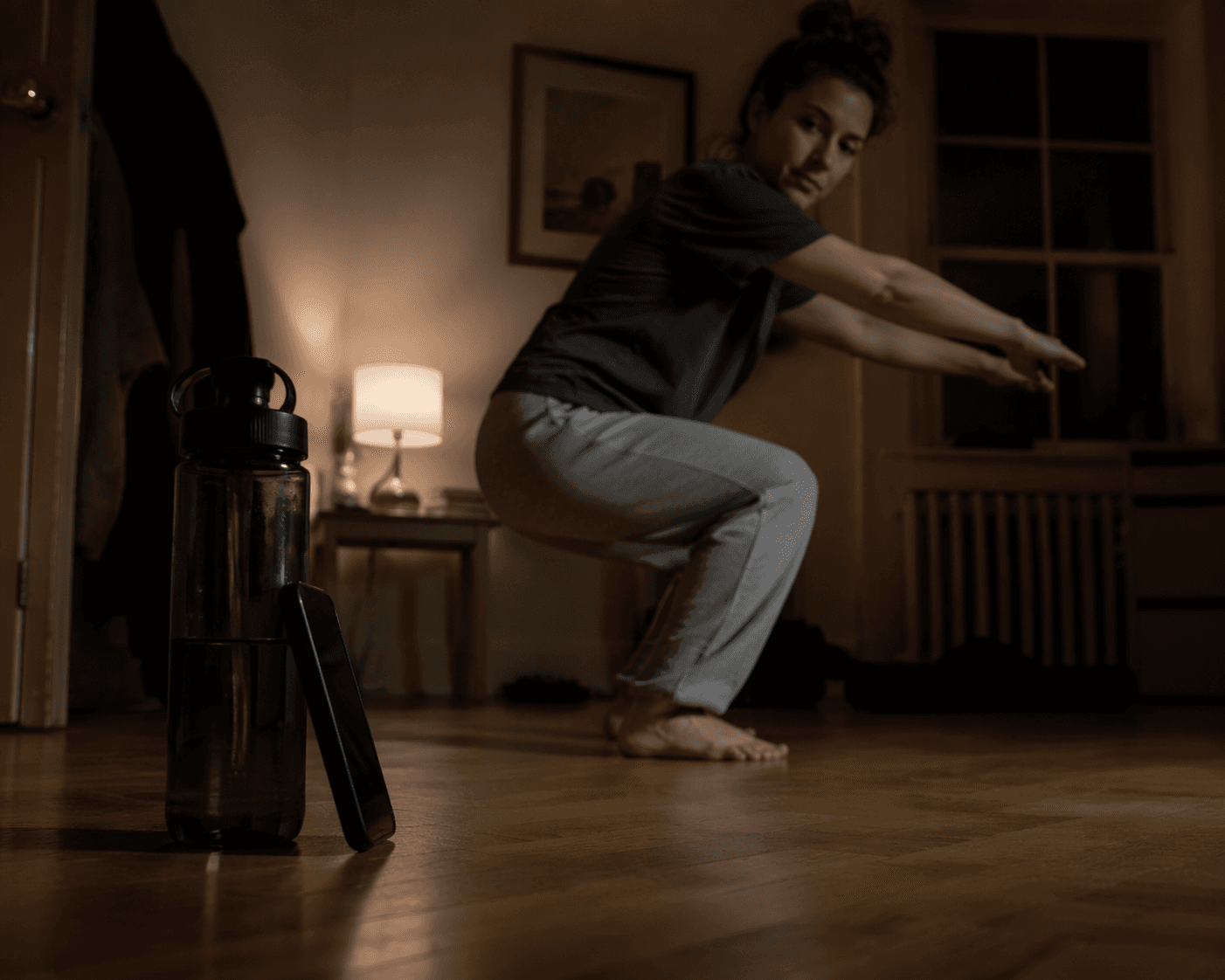
If you are starting strength training from zero, the scary part is usually not choosing between three sets or five sets. It is standing in a room by yourself, phone balanced against a water bottle, wondering whether your squat is a squat or just a slow collapse with confidence.
That is why the best strength training app for an absolute beginner is not simply the app with the biggest workout library. A workout app can tell you what to do next. A teaching app helps you avoid practicing the same wrong rep until it feels normal.
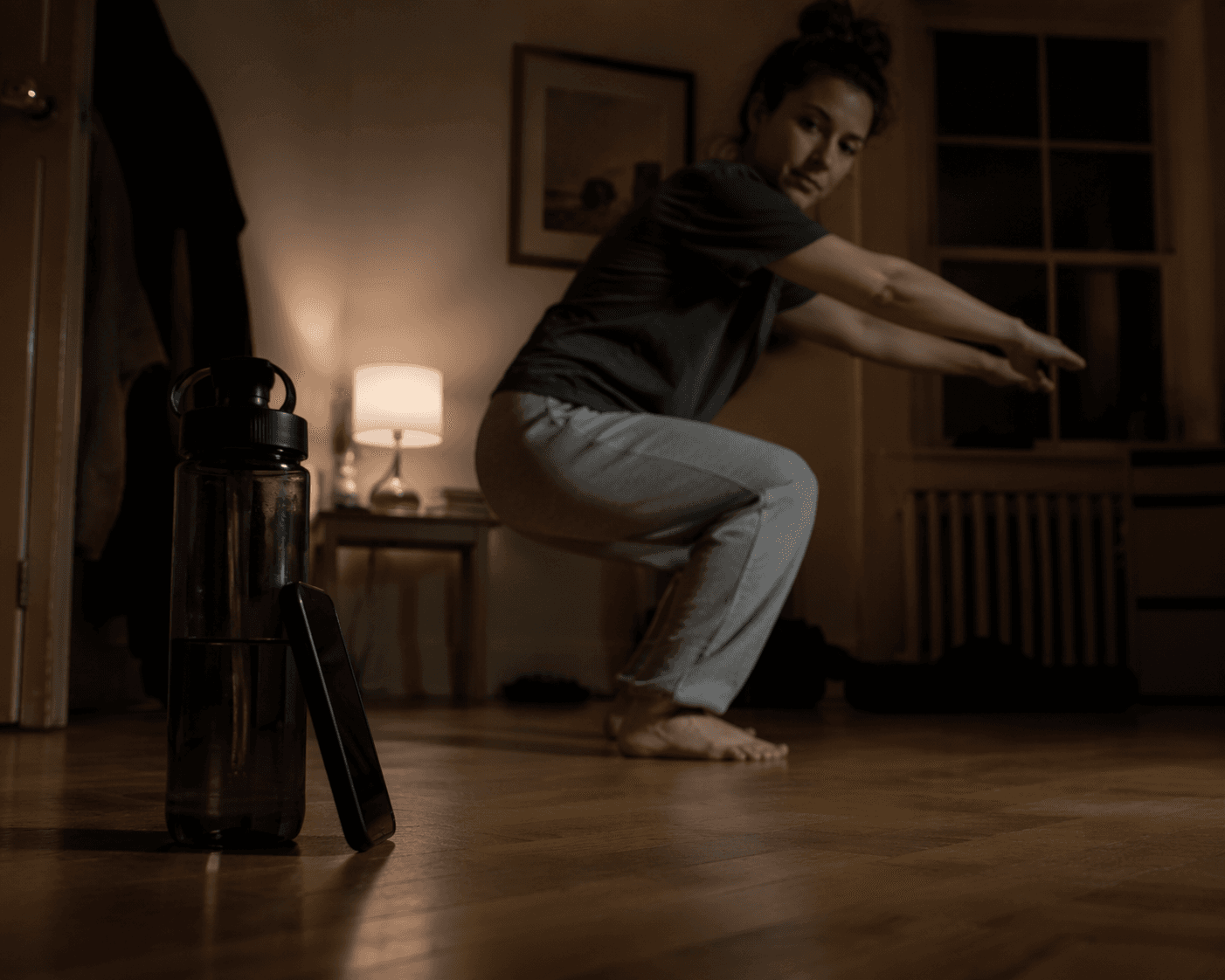
For this comparison, the question is deliberately narrow: which app is safest and most useful for someone who has never lifted before and needs to learn the basic patterns — squat, hinge, push, pull, brace — without a trainer in the room? The strongest apps do four things well: they start with bodyweight or very light loads, show the movement clearly, explain the cues in plain language, and give the beginner some way to catch mistakes before those mistakes become habits. If you are still deciding whether strength training is even the right app category for you, the broader beginner exercise app comparison may be a better first stop.
| App | Best fit for absolute beginners | Main teaching strength | Main limitation |
|---|---|---|---|
| Caliber | Best overall if you can pay for human feedback | 500+ exercise demonstrations with written cues, plus Premium form video review by a certified coach | Premium pricing is substantial and should be verified before committing |
| Gymshark Training App | Best free instructional option | Free exercise demonstrations, gym safety material, and technique breakdowns for major lifts | No personalized form feedback |
| Edge | Best progression-conscious option | Starts with bodyweight and light dumbbells before moving toward heavier compound lifts | Less compelling if your main need is direct form correction |
| StrongLifts 5x5 / Hevy | Better after you already know the basics | Clear logging and progression for lifters who can already perform the lifts | They prescribe training more than they teach movement from zero |
What a beginner strength app has to teach before it earns your trust
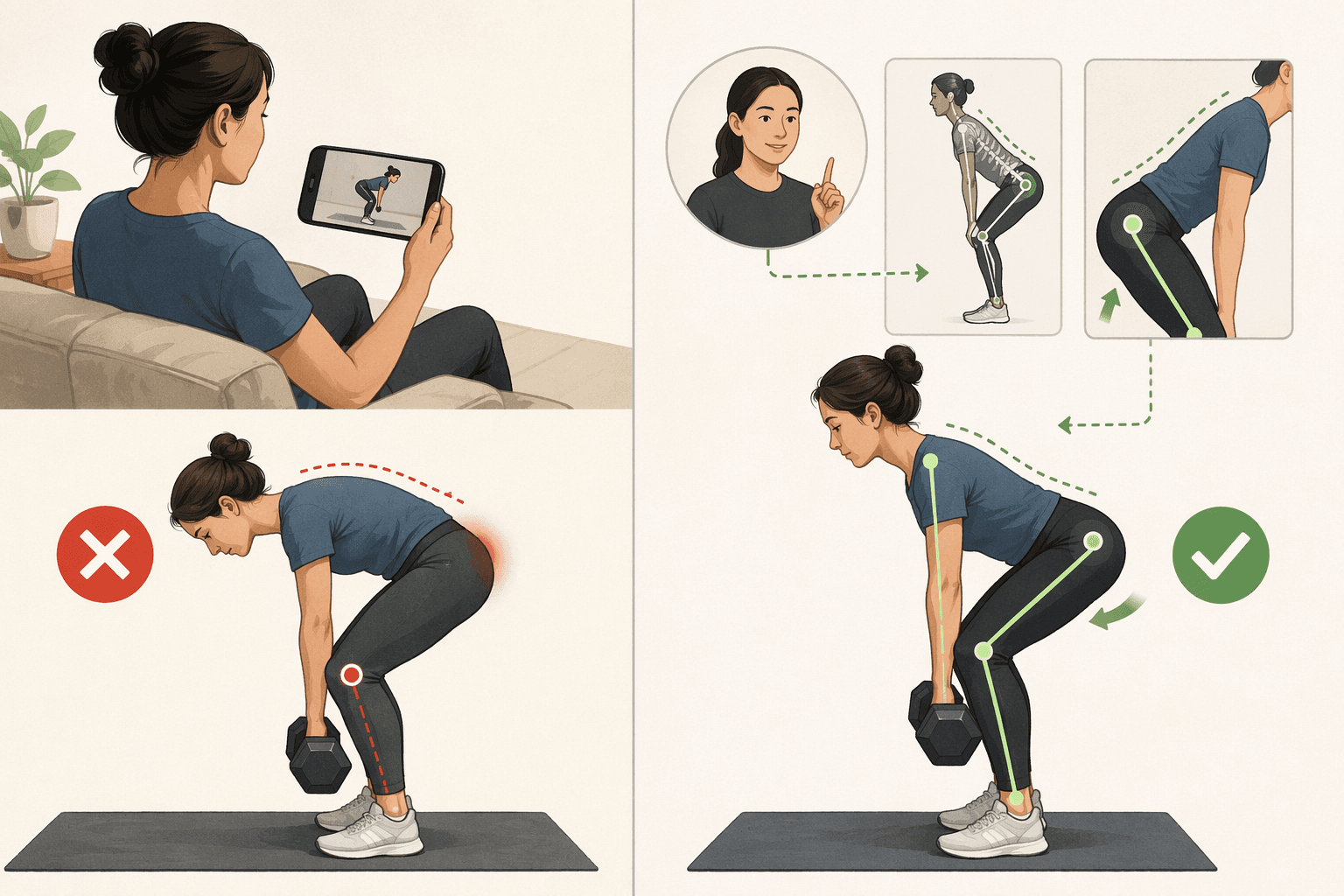
A beginner does not need to be flooded with variations. A first-month lifter needs to understand what the movement is supposed to feel like, where the knees and hips are going, what the spine should not be doing, and when to stop a set because form has fallen apart.
This is where many strength apps quietly skip a step. They may give you a clean program, a nice calendar, and a satisfying progression chart, while assuming you already know how to hinge without rounding your back or press without turning the movement into a shrug. For a beginner, that assumption is not a small inconvenience. It is the whole problem.
The useful test is simple: if you opened the app on day one and had to perform a bodyweight squat, would the app show you the rep slowly enough, name the common errors clearly enough, and give you a way to check whether you actually did it right? That is the standard here. It is also the reason a teaching-first lens matters more than motivation features or streak badges. For a deeper look at that standard, see what beginners actually need from a workout app.
Best overall for anxious beginners: Caliber
Caliber is the strongest recommendation for the beginner who is specifically afraid of doing movements wrong. Its free version includes more than 500 exercise demonstration videos with step-by-step written cues, according to Garage Gym Reviews’ 21-day test of the app in 2026.[1]
That matters because a short looping video alone is often not enough. A true beginner may not know what to look for. Written cues can slow the exercise down: where to place the feet, what to keep tight, what joint initiates the motion, and what should not move. The app is doing more useful work when it names the invisible parts of a rep, not just when it shows a fit person completing it smoothly.
Caliber’s biggest advantage, though, is the Premium option: novices can record form videos and send them to a certified coach, who responds with written or video corrections.[1] That human loop is the closest thing in this group to having someone say, “Your knees are fine, but your hips are shooting up first,” or “Stop adding weight until you can keep that brace.” For someone training alone, that is not a luxury feature. It is the feature that answers the question the app itself cannot answer from a static demo: did I actually do the thing I just watched?
This is the difference between demonstration and correction. A demonstration can show the target. Correction compares your rep against the target. Beginners often cannot do that comparison accurately yet, because they are still building the eye for movement. They may feel a hinge in their lower back and assume that is normal. They may squat deeper by tucking the pelvis under and think depth automatically means quality. A coach reviewing a video can catch those patterns earlier than a beginner staring at their own shaky side-view recording.
There is a price problem. Caliber Premium is cited at roughly $200 per month, but packages can be customized through consultation, so the current cost should be checked before signing up.[1] If you are deciding whether paid feedback is worth it, the useful comparison is not “free app versus expensive app” in the abstract. It is whether a month or two of form review could prevent you from spending your first month practicing reps you later have to unlearn. The free-vs-paid workout app guide can help if you are trying to decide where a subscription actually earns its keep.
Caliber is not automatically necessary for every beginner. A calm, body-aware person starting with very simple bodyweight work may do well with free instruction. But for the adult who is already tense before the first squat, who wants someone qualified to look at their actual movement, Caliber solves the most important beginner problem more directly than the other apps here.
Best free teaching library: Gymshark Training App
Gymshark Training App is the strongest no-cost choice in this comparison. Woman & Home’s tested strength app roundup identifies it as a free strength training option, and Gymshark’s own training app material describes a broad exercise library and instructional content.[2][3]
The reason it belongs in a beginner-focused article is not just that it is free. It is that its instructional material reaches into the unglamorous details beginners are often embarrassed to ask about. The Gymshark Central app overview describes a dedicated Gym Safety section, including setup guidance for equipment such as squat racks and benches, plus “How To” demonstrations for major lifts including deadlifts, squats, and overhead presses.[3]
That kind of material matters even for someone training mostly at home. Beginners do not only need motivation to start. They need to know how to set up a bench without guessing, how a deadlift differs from a squat, and why an overhead press is not just “push the dumbbells up somehow.” Good free instruction lowers the cost of entry without lowering the seriousness of the training.
The limitation is clear: Gymshark does not provide personalized form feedback in the sources reviewed. A video can show you a correct deadlift, but it cannot tell you whether your own shoulders are drifting forward or whether you are cutting the range because the weight is too heavy. If you choose Gymshark as a true beginner, the safest way to use it is to treat the demonstrations as lessons, not as background content. Watch first, rehearse with bodyweight or very light load, film yourself if possible, and do not rush into heavier versions because the app offers them.
For someone who cannot or does not want to pay, Gymshark is the app I would point to before a bare-bones lifting tracker. It gives the beginner more to learn from, and for the first month, learning is the point.
Best if you are worried about being rushed into weight: Edge
Edge earns its place for a different reason: progression design. Find Your Edge’s 2026 beginner strength app roundup describes Edge as structuring its beginner pathway around bodyweight and light dumbbell work before progressing to compound barbell lifts once movement quality is established.[4]
That staging is important. Many beginners do not get hurt because they are lazy or reckless; they get into trouble because the program advances faster than their movement skill. A goblet squat with a light dumbbell can teach position and control. A barbell back squat adds complexity, load, and setup demands. Those are not interchangeable experiences just because both are called “squats.”
Edge is the pick for someone who wants the app itself to hold the line on progression. If your instinct is to add weight the moment a set feels possible, a staged beginner pathway can be protective. It makes the app less of a workout dispenser and more of a gatekeeper: earn the next loading challenge by first owning the pattern.
The tradeoff is that progression control is not the same as personalized correction. Edge may be a safer programming environment for beginners than apps that push heavy barbell work immediately, but if your main fear is “I cannot tell whether my form is right,” Caliber’s human review is still the stronger answer.
Why StrongLifts 5x5 and Hevy are not the first stop for a true zero-experience lifter
StrongLifts 5x5 and Hevy are not bad apps. They are simply built around a different assumption: that the user can already perform the lifts well enough to benefit from structured progression and logging. Expert-tested app coverage from Fortune and strength-app guidance from Zing Coach describe these kinds of tools as useful for weightlifting programming and tracking, but the concern for an absolute beginner is instructional depth.[5][6]
A linear progression can look reassuring because it tells you exactly what to do: add weight, repeat the lift, track the numbers. But if the first squat pattern is unstable, the app may help you become consistent at the wrong thing. The numbers go up, the confidence goes up, and the movement quality quietly stays behind.
This is the beginner trap: a clear program feels like a teacher. Sometimes it is only a schedule. For lifters who already know how to brace, hinge, squat, press, and stop a set when technique deteriorates, these apps may be perfectly reasonable. For someone learning alone from zero, they should usually come later.
About camera-based form analysis
Camera-based form analysis is tempting because it sounds like the perfect beginner solution: point the phone at yourself and let the app catch the problem. The evidence here supports a more cautious view. Zing Coach mentions emerging computer vision form analysis as an upcoming capability, but this is not yet widely verified across the major apps in this comparison.[6]
So treat camera analysis as a promising feature only when the specific app has actually implemented it clearly, explains what it can and cannot detect, and does not replace careful progression with a false sense of precision. A beginner does not need futuristic language. They need reliable correction.
Which app should you choose?
Choose Caliber if you can pay for feedback and your biggest anxiety is form. The free exercise demonstrations and written cues are useful, but the Premium coach review is the deciding feature for a beginner who wants another human to look at their actual reps.
Choose Gymshark Training App if you need a free place to learn the basics seriously. Its instructional depth, gym safety material, and major-lift demonstrations make it a safer starting point than a tracker that assumes you already know what you are doing.
Choose Edge if your main concern is progression. Its beginner path is appealing because it starts with bodyweight and light dumbbell work before moving toward heavier compound lifts, which is exactly the order many new lifters need.
If you want a simple next step after choosing, use a slow first month. Learn the movement, keep the load easy, film occasional sets, and only progress when the rep looks controlled rather than merely completed. The 30-day workout app roadmap is a useful follow-up if you need structure without rushing.
For the person training alone at home, the best strength training app is the one that keeps you from becoming confident at bad reps. More workouts can wait. First, learn how to move.
References
- Caliber App Review After 21 Days of Testing (2026) — Garage Gym Reviews
- 7 best strength training apps, tested by us — Woman & Home
- The Gymshark Training App — Gymshark Central
- Best Strength Training Apps for Beginners in 2026 — Find Your Edge
- Best Weightlifting Apps (2026): Expert Tested — Fortune
- How to Choose the Best Strength Training App in 2026 — Zing Coach
Comments
Join the discussion with an anonymous comment.