The hardest part of choosing among the best exercise apps is not finding one with enough workouts. It is finding one that survives contact with your living room.
That sounds smaller than it is. The fitness app market generated $3.4 billion in revenue in 2025, with 540 million users and 888 million downloads, so the average person is not imagining the overload when every search result looks crowded and every app promises a complete program.[1] But popularity is a weak signal for home fitness. Retention data is more honest: health and fitness apps lose 77% of users within three days of download, and average day-30 retention sits around 8–12%.[2] In another 2026 consumer snapshot, 40.4% of consumers said they currently use health apps, while 22.9% said they had tried them and abandoned them.[3]
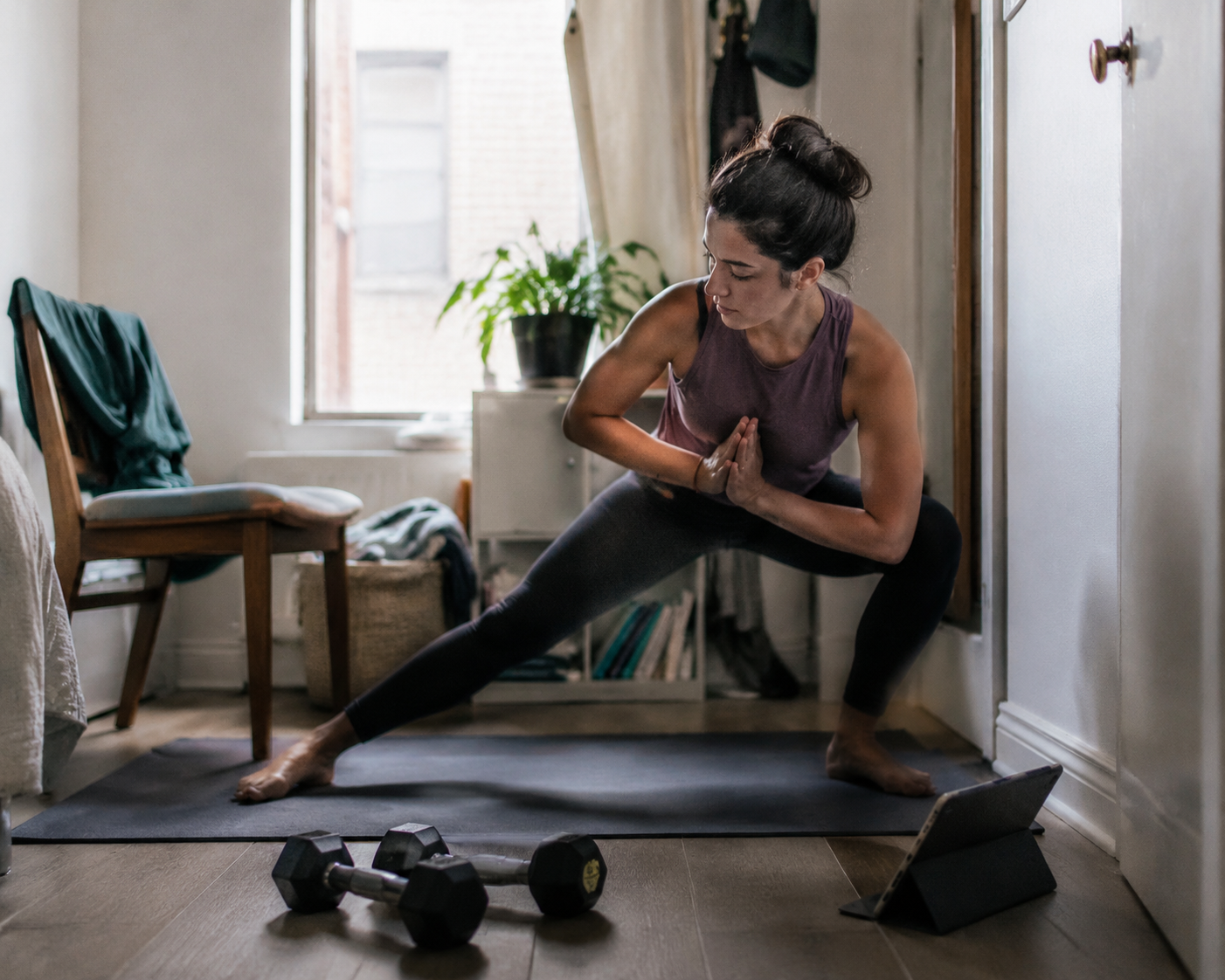
That abandoned app on your phone is not always evidence that you lack discipline. Sometimes the first workout required dumbbells you did not own. Sometimes the coach jumped straight into burpees above a downstairs neighbor. Sometimes the app assumed you had space to lie sideways, a screen you could keep watching, or the confidence to modify a move without being told how.
So the useful question is not “Which app has the most?” It is “Which app removes the first obstacle I will actually face at home?” Start with the constraint that is most likely to stop tomorrow’s workout, then look at features.
Start with the constraint, not the app ranking
A ranked list can be helpful after you know what you need. Before that, it can send you in circles. A beautifully produced strength app is a poor first download if you own no weights and need a 15-minute beginner session between dinner and laundry. A massive video library is not much help if your phone has to sit on a windowsill and you cannot keep turning your head to check form.
| Your main home constraint | Start by looking at | Why it fits |
|---|---|---|
| No equipment | Nike Training Club | Completely free, with 300+ workouts across 10 categories and certified-trainer instruction.[4][5] |
| A few dumbbells or bands | Caliber or JEFIT | Caliber is better when you need structure; JEFIT is better when tracking progressive overload matters more.[6][8] |
| Cardio machine at home | Peloton App tiers | Peloton App+ can work with non-Peloton equipment; App One is less expensive and stronger for off-machine classes.[4][7] |
| Tiny room or apartment | Apple Fitness+, Down Dog, or Aaptiv | These reduce screen dependence, equipment needs, or class rigidity in ways that matter in cramped spaces.[4][7] |
| Absolute beginner | Daily Burn or FitOn | Daily Burn offers a True Beginner progression; FitOn gives beginners free guided classes.[6][10] |
| Tight budget | Hevy, Nike Training Club, or Caliber free tier | These remove the subscription barrier while preserving useful workout logging, coaching, or programming.[5][6] |
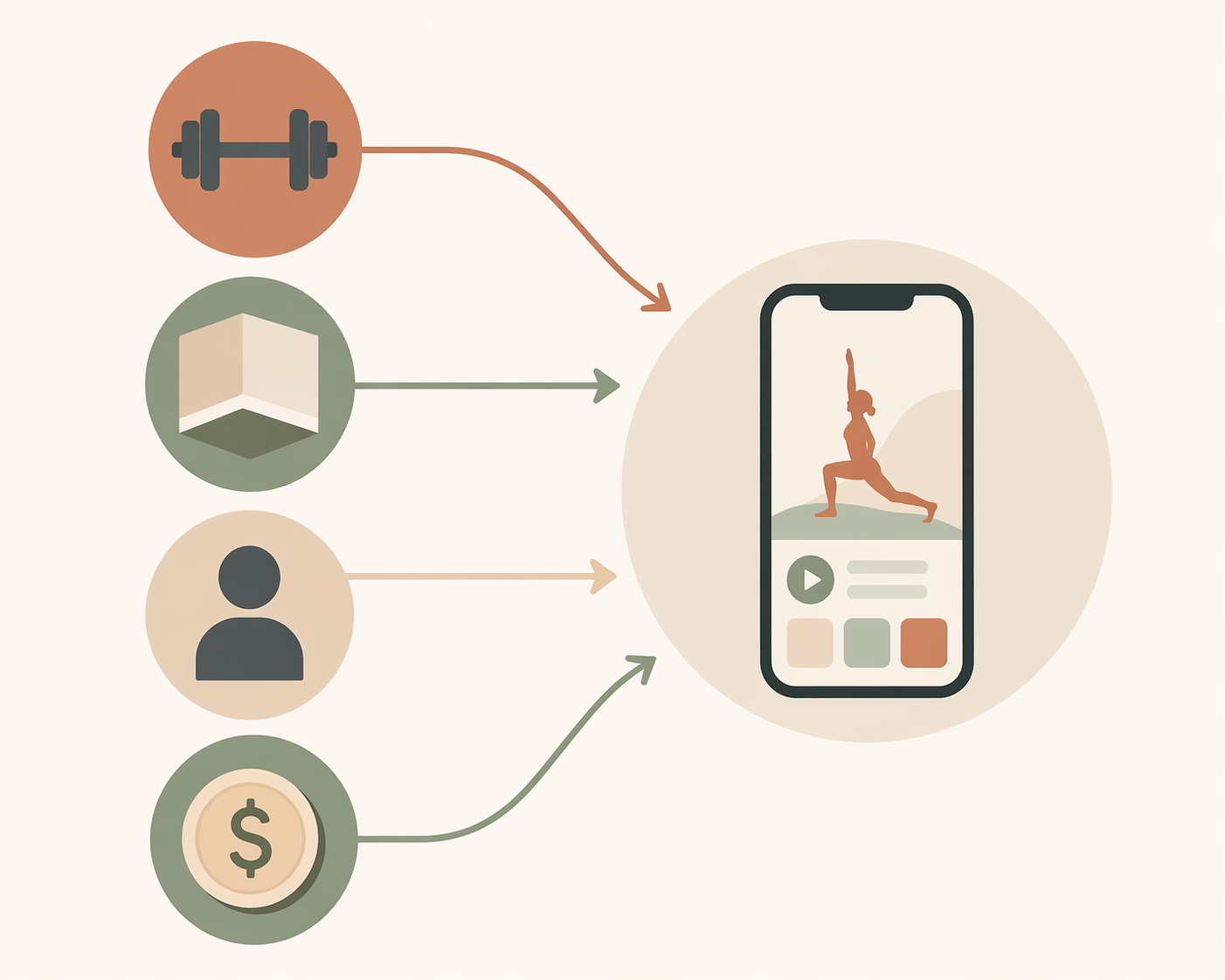
When two constraints compete, do not treat them as equal. Beginner status usually comes first because confusion stops people faster than missing equipment. Budget comes early too, because a subscription you feel guilty about can become one more reason to avoid opening the app. Equipment and space matter next, unless your home setup is unusually limiting.
If you have no equipment, Nike Training Club is the cleanest first download
For bodyweight-only training, Nike Training Club is the rare obvious answer. It is completely free, includes more than 300 workouts across 10 categories, and uses certified trainers rather than leaving you to guess from a pile of random routines.[4][5] That combination matters because no-equipment users often need two things at once: a workout that can start immediately and enough guidance that “no equipment” does not become “no plan.”
The free part is not just a nice bonus. It lowers the pressure of the first week. You can test whether the app fits your floor space, schedule, and ability level before you decide that home exercise itself is the problem. Expert roundups from PCMag, Good Housekeeping, and Garage Gym Reviews all place Nike Training Club among the strongest no-equipment or free-app options, which is meaningful because those sources approached testing from practical use rather than only catalog size.[4][5][7]
The caution is that a big free library can still be too much if you are brand new. If you open the app and spend 12 minutes choosing between strength, mobility, HIIT, yoga, and core, the free price has not solved the actual problem. In that case, choose the most beginner-friendly path inside the app, or start with a beginner-specific program elsewhere and come back to Nike Training Club once you know what kind of session you can repeat.
If you own dumbbells or bands, decide whether you need coaching or tracking
A pair of adjustable dumbbells changes the app question. You are no longer limited to bodyweight classes, but you are also not running a full gym. The right app depends on whether you need someone to tell you what to do next or whether you already know the lifts and mainly need to see progress.
Choose Caliber when structure is the missing piece
Caliber is the better fit when dumbbells are available but programming feels fuzzy. Garage Gym Reviews evaluated it for beginners, and Fortune also highlighted its free tier; the app’s exercise library includes more than 500 movements and its programming is positioned around science-based strength training rather than one-off class browsing.[6][9] For a home user, that means the app can turn “I have weights” into an actual week instead of a search session.
This is especially useful for the person who keeps repeating the same three dumbbell moves because they are afraid to choose badly. Caliber’s value is not that it has every possible feature. It is that it can make the next workout less negotiable.
Choose JEFIT when your main question is “Am I improving?”
JEFIT makes more sense for lifters who already understand basic movements and want data. Its exercise library includes more than 1,400 exercises, and its North Star Progress Index is designed to show week-over-week training volume visibility.[8] That matters because home lifters often quit for a quieter reason than bad workouts: they cannot tell whether the same dumbbell sessions are doing anything.
If you are choosing between Caliber and JEFIT, do not compare them as if they solve the same problem. Caliber is more attractive when the plan itself is the obstacle. JEFIT is more attractive when the plan exists, but progression is invisible.
If you have a treadmill, bike, or rower, Peloton is useful even without Peloton hardware
Cardio-machine owners have a different problem. They often do have equipment, but motivation turns stale because the machine becomes a metronome: same corner, same screen, same 20 minutes. Peloton’s app tiers are worth considering because they can bring coached structure to non-Peloton equipment as well as bodyweight, strength, yoga, and mobility work off the machine.
The price matters here. Current pricing puts Peloton App+ at $28.99 per month as the fuller option for people using cardio equipment, while App One at $12.99 per month is a less expensive option with strong off-machine classes.[4][7] That makes Peloton a better recommendation for someone who will actually use the machine several times a week, not for someone who merely owns one and hopes a subscription will make the habit appear.
If your bike or treadmill is already part of your routine, Peloton can make it less lonely and more varied. If the machine is mostly a clothes rack, start with a cheaper app and prove the habit before adding another monthly charge.
Small-space users need fewer assumptions from the app
A cramped apartment does not just limit movement. It changes how you follow instructions. You may not be able to jump. You may need to move a chair before every session. You may have a tablet propped against a wall instead of a TV. The best exercise apps for small spaces are the ones that reduce those little negotiations.
Apple Fitness+ works when you want polished coaching without much setup
Apple Fitness+ is a strong small-space option because many workouts do not require equipment, and the coaching style can work well when you are training from a mat rather than a dedicated gym area.[4][7] It is especially convenient for people already inside Apple’s device ecosystem, where watch metrics and screen handoff can make the workout feel less improvised.
That ecosystem point cuts both ways. If you do not already use Apple devices, the app’s convenience advantage is less relevant. For a small-space user, the best feature is the one that removes setup time, not the one that looks impressive in someone else’s living room.
Down Dog is better when rigidity is the problem
Down Dog belongs in this conversation because customization is not a decorative feature for apartment workouts. Yoga and HIIT sessions that can be adjusted by duration, level, and focus are easier to fit into a room where “full-body workout” may still mean staying within the rectangle of a mat.[4] If your available space changes depending on who else is home, a flexible session generator may be more useful than a fixed class schedule.
Aaptiv helps when you cannot keep watching a screen
Aaptiv solves a home-workout annoyance that many app reviews understate: sometimes the screen is in the wrong place. Audio-led coaching lets you move without constantly checking the phone or tablet, which is useful for treadmill sessions, outdoor walks, mat work, or any room where the only safe place for a device is across from you.[4][7]
This does require comfort with verbal cues. If you are learning new movement patterns and need to see demonstrations repeatedly, an audio-first app may feel too abstract. If you already know the basics and hate craning your neck toward a screen, it can be the difference between finishing and stopping.
Absolute beginners should choose the clearest path, not the biggest library
Beginner-friendly does not mean “has beginner filters.” A beginner app has to answer questions before they become reasons to quit: What should I do first? How hard should it feel? What if I cannot finish? What comes tomorrow?
Daily Burn’s True Beginner program is useful because it offers a structured 30-day progression for people who have never exercised before or are returning after a long break.[10] That is a narrower recommendation than saying Daily Burn is the best app for everyone. Its advantage is the early ramp: the part of the experience where abandonment is most common.
FitOn is also worth considering for beginners who need guided classes without an immediate payment decision. Garage Gym Reviews and PCMag include FitOn among strong free or no-equipment app options, and its unlimited free guided classes make the first download easy to justify.[4][6] The tradeoff is that a broad free class library still requires self-selection. If choice overload has already made you quit other apps, a more explicit beginner progression may be safer.
For the beginner with no equipment and no budget, this is where ordinary comparisons get it wrong. Do not compare every free app equally. Start with the app that gives you the least confusing first week. If that is Daily Burn’s beginner progression, use it. If cost blocks that choice, start with FitOn or Nike Training Club, but choose a single beginner path inside the app before you open the class library.
Budget-conscious does not always mean free, but free should earn a first look
A low-cost app is not automatically better. Some free apps are abandoned because they lack structure, hide too much behind upgrades, or leave users to assemble their own program. Still, a free or generous tier matters because it lets you test fit before the subscription becomes another source of friction.
Hevy is the standout budget pick for people who want a workout tracker rather than a class platform. Garage Gym Reviews rated Hevy’s free offering as the most complete social tracker and noted that core logging features are not locked away.[5] That makes it more useful for someone lifting with dumbbells, bands, or gym-style movements at home than for someone who wants follow-along coaching.
Nike Training Club remains the strongest free coaching choice because everything is free, while Caliber’s free tier is compelling for users who want structured strength programming before deciding whether paid coaching is necessary.[5][6] If you are deciding among those three, the distinction is simple: choose Nike Training Club for guided workouts, Hevy for logging, and Caliber for a more structured strength path.
When paying more actually makes sense
Expensive accountability should not be dismissed. Some people know exactly what to do and still do not do it unless another person is watching the pattern. Future is the clearest example here: Good Housekeeping’s personal-trainer testing panel gave it a perfect 5 out of 5 accountability score, while also noting that the $199-per-month cost is prohibitive for most home exercisers.[7]
That makes Future a conditional recommendation, not a universal upgrade. It may be worth considering if missed workouts are costing you more than the subscription in frustration, inconsistency, or repeated failed starts. It is much harder to justify if your main problems are no equipment, limited floor space, or uncertainty about whether you even like app-based training.
Social accountability can help retention when it is built into the behavior rather than pasted on as a leaderboard. Lucid.now cites Strava Challenges as improving 90-day retention from 18% to 32%, a 78% lift.[2] That does not prove every social feature will keep every exerciser engaged, but it does show that accountability mechanisms can change behavior when they match how people already train.
How to choose when your situation overlaps
Most real home setups do not fit one neat category. You may be a beginner with no equipment, a lifter with dumbbells and a tiny room, or a budget-conscious treadmill owner who wants coaching but not another expensive membership. In those cases, rank the constraints by how likely they are to stop the next workout.
- If you are new or returning after a long break, prioritize beginner structure before equipment variety.
- If cost makes you hesitate to open the app, start with a free tier before considering premium coaching.
- If your space is cramped or shared, choose an app that works within a mat-sized area or does not require constant screen watching.
- If you already train with weights, choose tracking and progression over a larger class library.
- If your cardio machine is already in use, consider paid classes; if it is not, prove the habit cheaply first.
Here is what that looks like in practice. A beginner with no equipment and no budget should not start by comparing every free app feature by feature. The first constraint is confidence, so the app needs a clear starting path; if a paid beginner program is out of reach, choose a free guided option and ignore the rest of the library for the first week. A lifter with adjustable dumbbells has the opposite problem. The app does not need to entertain them; it needs to make progressive overload visible. That is where JEFIT or Hevy can beat a polished video platform.
Testing sources can narrow the field, but they cannot know your apartment. PCMag’s app testing is valuable because it looks across equipment scenarios, Garage Gym Reviews is useful for judging free tiers under expert scrutiny, and Good Housekeeping’s personal-trainer panel adds a practical coaching lens.[4][5][7] Their verdicts are strongest when they line up with your constraint. They are less useful when a top-rated app solves a problem you do not have.
A practical final pick
If you want one starting rule, use this: choose the app that removes the first obstacle between you and tomorrow’s workout.
For no equipment, start with Nike Training Club. For dumbbells and a need for structure, start with Caliber. For dumbbells and a need for progress tracking, look at JEFIT or Hevy. For a cardio machine you already use, compare Peloton’s current app tiers. For a tiny room, consider Apple Fitness+, Down Dog, or Aaptiv based on whether your issue is setup, flexibility, or screen-watching. For a true beginner, pick Daily Burn or FitOn based on whether you need a structured progression or a free guided starting point.
Prices and free-tier limits change often, especially across app subscriptions, so verify the current cost before subscribing. If two apps look equally good, do not choose the one with more features. Choose the one that makes the next workout more obvious.
References
- Fitness App Revenue and Usage Statistics (2026) — Business of Apps
- Retention Metrics for Fitness Apps — Lucid.now
- Health and Fitness App Usage 2026 — eMarketer
- The Best Workout Apps We've Tested for 2026 — PCMag
- The 12 Best Free Workout Apps Tested by Experts (2026) — Garage Gym Reviews
- Best Workout App for Beginners (2026) — Garage Gym Reviews
- 10 Best Workout Apps of 2026, Tested by Personal Trainers — Good Housekeeping
- Best Workout Apps 2026: Top Options Tested and Reviewed — JEFIT
- Best Workout Apps (2026): Fitness Expert Approved — Fortune
- Best Workout Apps for People Who Have Never Exercised Before (2026) — Daily Burn
Comments
Join the discussion with an anonymous comment.