
Free vs Paid iPhone Fitness Apps: What You Actually Get at Each Price Tier
A data-driven comparison of free and paid iPhone fitness apps in 2026, analyzing what each tier actually unlocks, the real cost of monthly vs annual billing, and a decision framework for when free is genuinely enough versus when a paid subscription delivers meaningful value.
The Free App Landscape in 2026: What You Get Without Paying
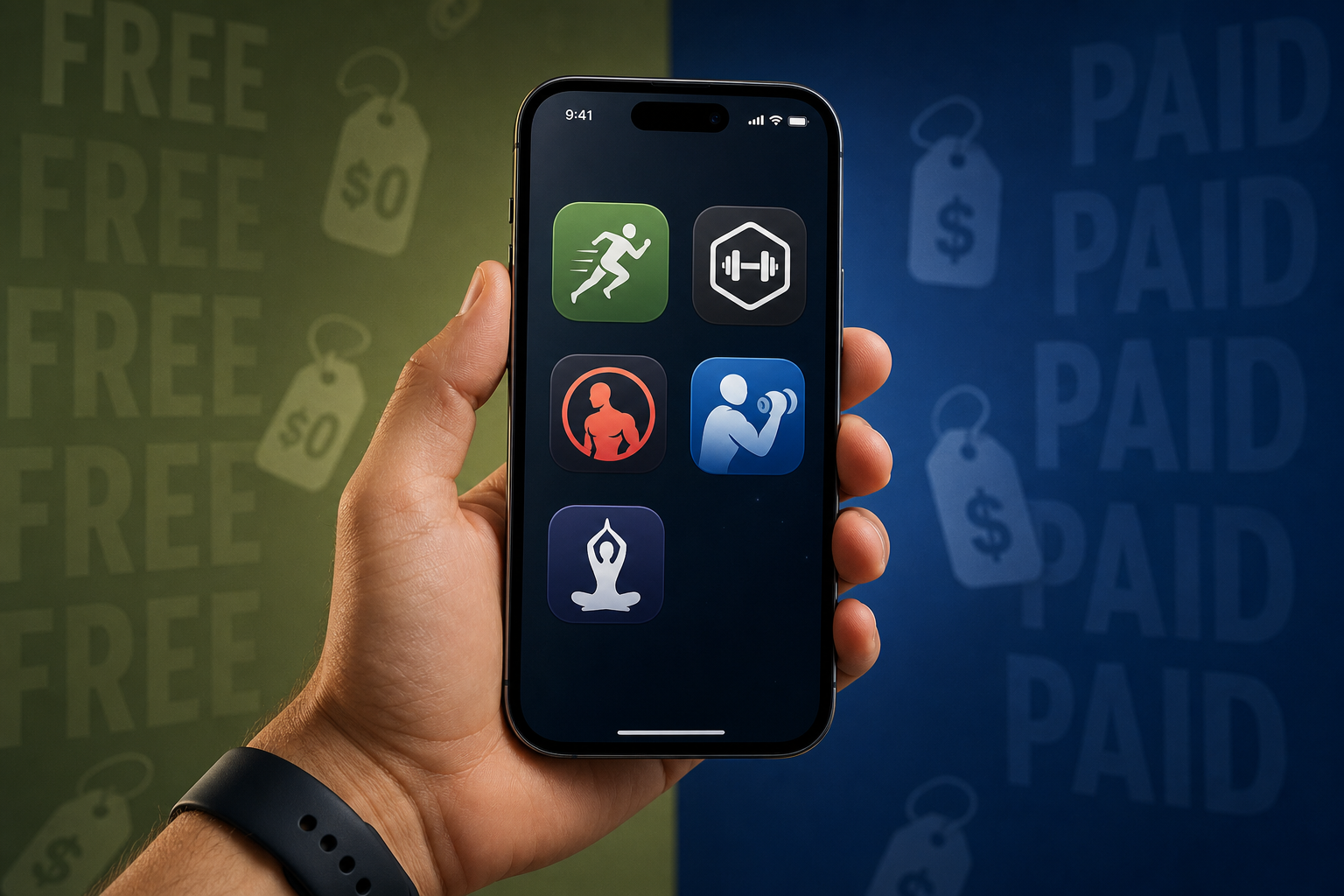
The free tier of fitness apps has matured significantly. In 2026, several major platforms offer genuinely useful free versions that are not simply trials with a countdown timer. Understanding what each provides at no cost is the first step in deciding whether a paid subscription is necessary.
Nike Training Club stands alone as the only major app that is completely free — no paid tier exists. It offers over 300 workouts across 10 categories, all led by certified trainers. For users who want guided sessions in strength, HIIT, yoga, or mobility without spending a cent, this is the clearest option.
For strength training specifically, Hevy provides what many consider the most generous free tier among dedicated logging apps. The free version includes robust workout tracking, a community feed, and enough functionality that many users never feel the need to upgrade. Jefit's free tier is even larger in raw exercise count — a library of 1,400+ exercises with HD demos and full workout logging — though the interface carries more ads and the detailed instruction is locked behind the Elite subscription.
Caliber takes a different approach: its free version is designed as a permanent offering, not a loss leader. It includes over 500 exercises with video demonstrations, step-by-step instructions, and muscle maps. The app earned a 4.6 out of 5 rating in expert testing, making it one of the highest-rated free options available.
| App | Free Tier Size | Key Limitations | Best For |
|---|---|---|---|
| Nike Training Club | 300+ workouts | None — fully free | Guided workouts, variety |
| Hevy | Full tracking, community feed | Advanced analytics locked | Strength logging |
| Jefit | 1,400+ exercises | Ads, limited instruction | Exercise library reference |
| Caliber | 500+ exercises | No AI progression | Form guidance, beginners |
| FitOn | All workouts | Meal plans, offline downloads locked | Video workout variety |
What Changes When You Pay: The Paid-Tier Feature Gap
The features that paid subscriptions unlock fall into a few distinct categories. Understanding which of these matter for your specific training style is the core of the value calculation.
AI-driven progression algorithms are the most significant upgrade. Free apps generally provide static workout libraries — you pick a session and follow it. Paid tiers from apps like Fitbod and FitCraft analyze your past performance, adjust weights and rep schemes automatically, and plan progressive overload across weeks. For anyone serious about strength gains, this alone can justify the cost.
Advanced analytics and charts represent another tier jump. Free versions of Hevy and Jefit show basic workout history — what you lifted and when. Paid versions surface volume trends, estimated one-rep max progression, recovery time recommendations, and muscle group balance reports. These metrics matter most for intermediate and advanced lifters who are already tracking consistently.
Personalized coaching and custom routine builders are the third major category. Apps like Caliber and Future pair you with an actual coach who programs your workouts and adjusts based on feedback. Others, like Strong and Boostcamp Pro, unlock the ability to build fully custom routines with interval timers, superset structures, and rest period customization — features that the free tiers deliberately restrict.
| Feature Category | Free Tier | Paid Tier | Who Benefits |
|---|---|---|---|
| Workout library | Static, pre-built sessions | AI-generated, adaptive plans | Strength-focused users |
| Analytics | Basic history (sets, reps, weight) | Volume trends, e1RM, recovery scores | Intermediate lifters |
| Coaching | None or generic tips | Personal coach or AI feedback | Beginners, goal-specific users |
| Custom routines | Limited (e.g., 3 routines in Strong) | Unlimited, interval timers, supersets | Advanced lifters |
| Offline access | Rarely included | Download workouts, stream classes | Travelers, gyms with poor signal |
| Ad experience | Ads present (Jefit, FitOn) | Ad-free | All users |
The Real Cost: Monthly vs Annual Pricing Deconstructed
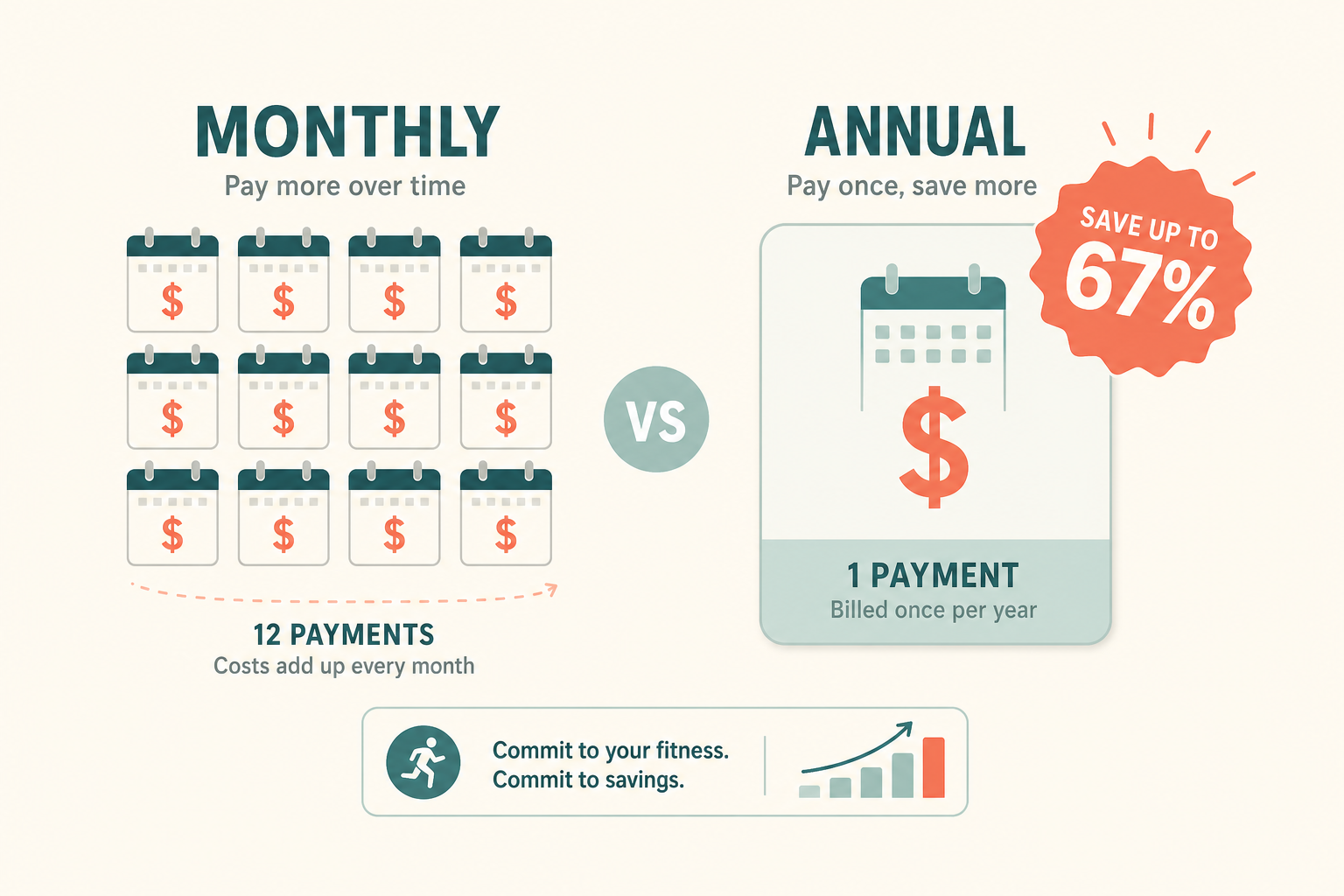
The pricing strategy across fitness apps follows a consistent pattern: monthly plans are priced for convenience, annual plans are priced for commitment. The gap between the two is wider than most users expect.
| App | Monthly Price | Annual Price | Annual Savings |
|---|---|---|---|
| Fitbod | $4.99 | $29.99 | ~56% |
| Centr | $14.99 | $59.99 | ~67% |
| Apple Fitness+ | $9.99 | $79.99 | ~33% |
| Freeletics | $14.99 | $89.99 | ~40% |
| Sweat | $19.99 | $119.99 | ~50% |
| Peloton App One | $12.99 | $129.99 | ~19% |
| Hevy Pro | $2.99 | $23.99 | ~33% |
| Jefit Elite | $12.99 | $69.99 | ~55% |
| Strong | $9.99 | $69.99 | ~42% |
| Boostcamp Pro | $14.99 | $79.99 | ~56% |
The savings range from a modest 19% (Peloton App One) to a striking 67% (Centr). Fitbod and Boostcamp Pro both offer approximately 56% savings, effectively giving you more than six months free when you commit annually.
Hidden Costs That Change the Math
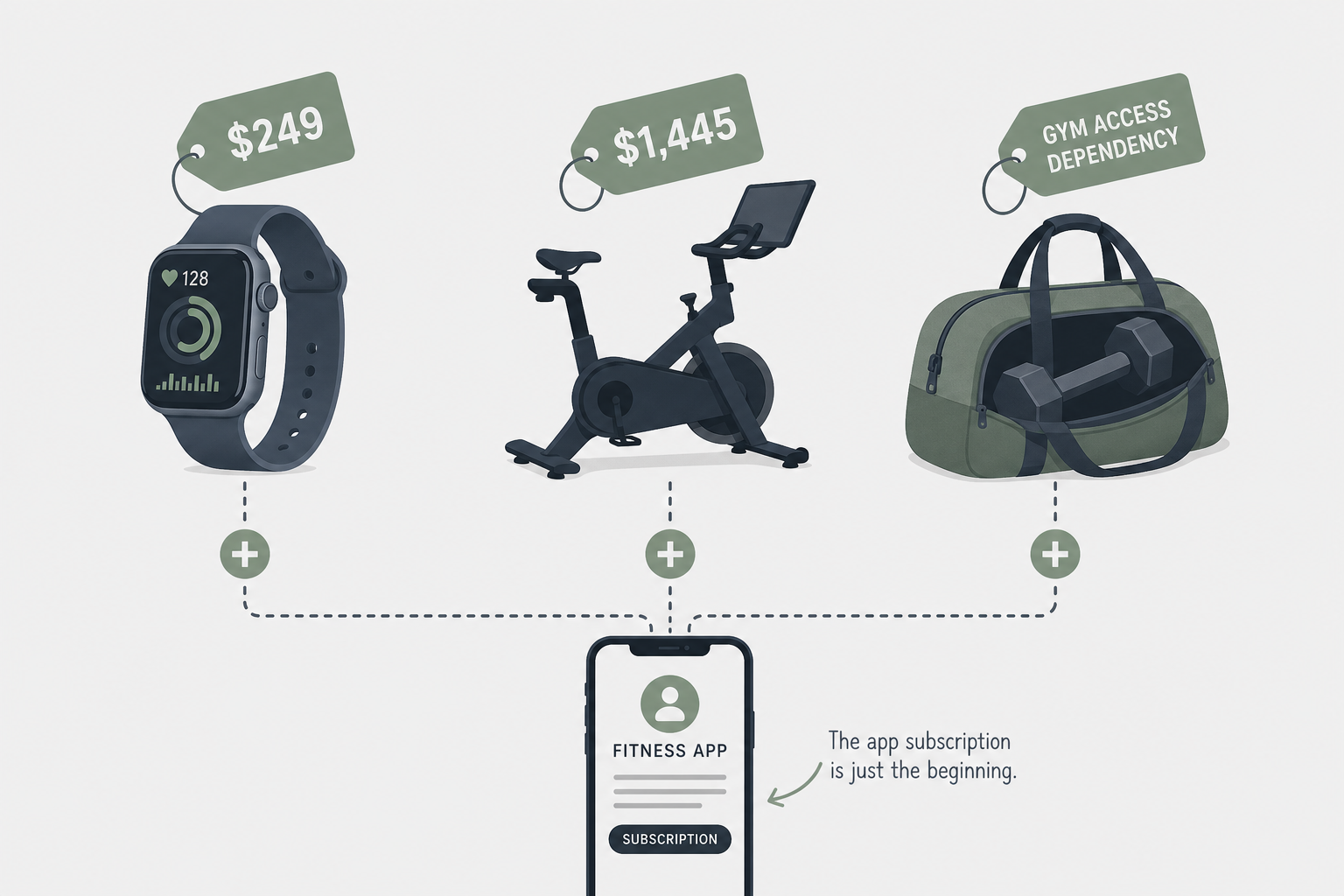
The subscription price is only part of the equation. Several popular apps carry hidden costs that can dramatically change the total cost of ownership.
- Apple Fitness+ requires an Apple Watch ($249+) for the full experience. While iOS 26 now allows starting workouts from the iPhone without a watch, many of the platform's best features — automatic workout detection, real-time heart rate zones, ring closures — still depend on wearing the watch. If you do not already own one, the effective cost of Fitness+ is $249 plus the subscription.
- Peloton App One is relatively affordable at $12.99/month, but the Peloton All-Access subscription ($44/month) is required for the company's hardware. The Bike starts at $1,445, the Bike+ at $2,495, and the Tread at $3,495. If you are considering Peloton hardware, the app subscription is the smallest cost in the equation.
- Fitbod is designed for gym-goers. Its AI progression algorithms assume access to a full range of dumbbells, barbells, cables, and machines. If you train at home with limited equipment, the app's recommendations may not match what you have available, reducing the value of the paid tier.
- Future personal training costs $199/month — comparable to in-person training sessions that run $50–$150 per session. For users who would otherwise pay for a personal trainer, this can represent a significant saving. For users who just want a workout log, it is dramatically overpriced.
Value Per Dollar: What the Data Says About Subscription Economics
The fitness app market is large and growing. According to Business of Apps, fitness apps generated $3.4 billion in revenue in 2025, a 24.5% increase year-over-year. 540 million people used fitness apps in 2025, and apps were downloaded 888 million times. Peloton alone generated $1.6 billion in subscription revenue.
The Adapty benchmarks for 2026 reveal why app developers push annual billing so aggressively. Health & Fitness has the highest install lifetime value of any app category — $1.21 per install globally. It is also the only category where annual plans are not just dominant but growing their revenue share year over year, moving from 51% to 61% of revenue share between 2023 and 2025.
The concentration of revenue is stark: the top 10% of Health & Fitness apps capture 92.6% of all category revenue. This means the apps you have heard of — Peloton, Apple Fitness+, Fitbod, Centr — are capturing nearly all the spending, while smaller apps compete for the remaining 7.4%.
- High-priced annual plans generate $70 per user versus $17 for low-priced plans — a 4x gap in lifetime value.
- Trials boost first-renewal rates by 8–60% across plan types, which is why nearly every paid app offers a free trial period.
- Annual plan pricing gaps across countries can reach 4.4x (Germany versus Turkey), meaning the same app can cost very different amounts depending on where you subscribe.
What this means for your decision: the apps that charge more are not necessarily overpriced — they are capturing users who find disproportionate value in their features. The question is whether you are one of those users.
When Free Is Enough vs When to Upgrade: A Decision Framework
Rather than a generic recommendation, here is a framework based on your actual training patterns and needs. The goal is to match the economic decision — free, monthly, or annual — to your specific situation.
| Your Situation | Recommended Tier | Why |
|---|---|---|
| You follow pre-made workout videos (yoga, HIIT, bodyweight) | Free (Nike Training Club, FitOn) | Guided video workouts are well-served by free tiers; paid upgrades add little value for this use case |
| You strength train with a consistent program and track sets/reps | Free (Hevy, Caliber) | Strength logging free tiers are robust; upgrade only if you need AI progression or advanced analytics |
| You want AI-driven progression and don't want to plan workouts | Paid annual (Fitbod, Boostcamp Pro) | Annual billing saves 56% and the AI progression is the core value — monthly is wasteful if you commit |
| You want a personal coach but can't afford in-person training | Paid (Future at $199/month) | Compare to $50–$150 per in-person session; if you train 8+ times per month, the math works |
| You already own an Apple Watch and want seamless integration | Paid annual (Apple Fitness+) | Annual saves 33%; the watch integration is the differentiator — without the watch, consider free alternatives |
| You are trying an app for the first time | Monthly (any app) | Churn is high within 90 days; monthly gives you an exit without losing a full year's payment |
| You train at a commercial gym with full equipment | Paid annual (Fitbod) | Fitbod's AI works best with gym equipment; annual pricing makes it $2.50/month effectively |
| You train at home with limited dumbbells or bands | Free (Caliber, Hevy) | Paid apps assume equipment variety; free tiers let you manually log what you have |
The bottom line: free tiers from Nike Training Club, Hevy, Jefit, and Caliber are genuinely useful for most users. The paid tier becomes worth it when you need AI-driven progression, advanced analytics, or personalized coaching — and when you commit to using the app long enough that annual billing's 30–67% savings actually materialize. For everyone else, the free app landscape in 2026 is better than it has ever been.
This result comes from one real apartment under the stated conditions — it is a strong signal, not a guarantee your space will measure identically.
Builds this evidence supports
No build currently links to this specific test. Browse all builds with a matching tag.
Spot something off?
If this result didn't match your own space, let us know — floor-damage and noise claims carry real deposit-risk consequences if we get them wrong.