
Galaxy Watch Ultra 2 battery life tested for home workouts
A week-long, all-indoor battery log of the Galaxy Watch Ultra 2 for home-workout tracking: per-session drain, real-world charging times, and which settings decide whether 800 mAh lasts two days or four. The evidence points one way for apartment-gym owners — indoor sessions barely touch the battery; background settings and your charging brick decide how often you plug in.
- Test space profile
- Compact apartment gym, indoor-only workouts, no GPS sessions
- Floor damage risk
- none
- No-drill compatible
- ✓
- Test date
Galaxy Watch Ultra 2 battery life for home workouts
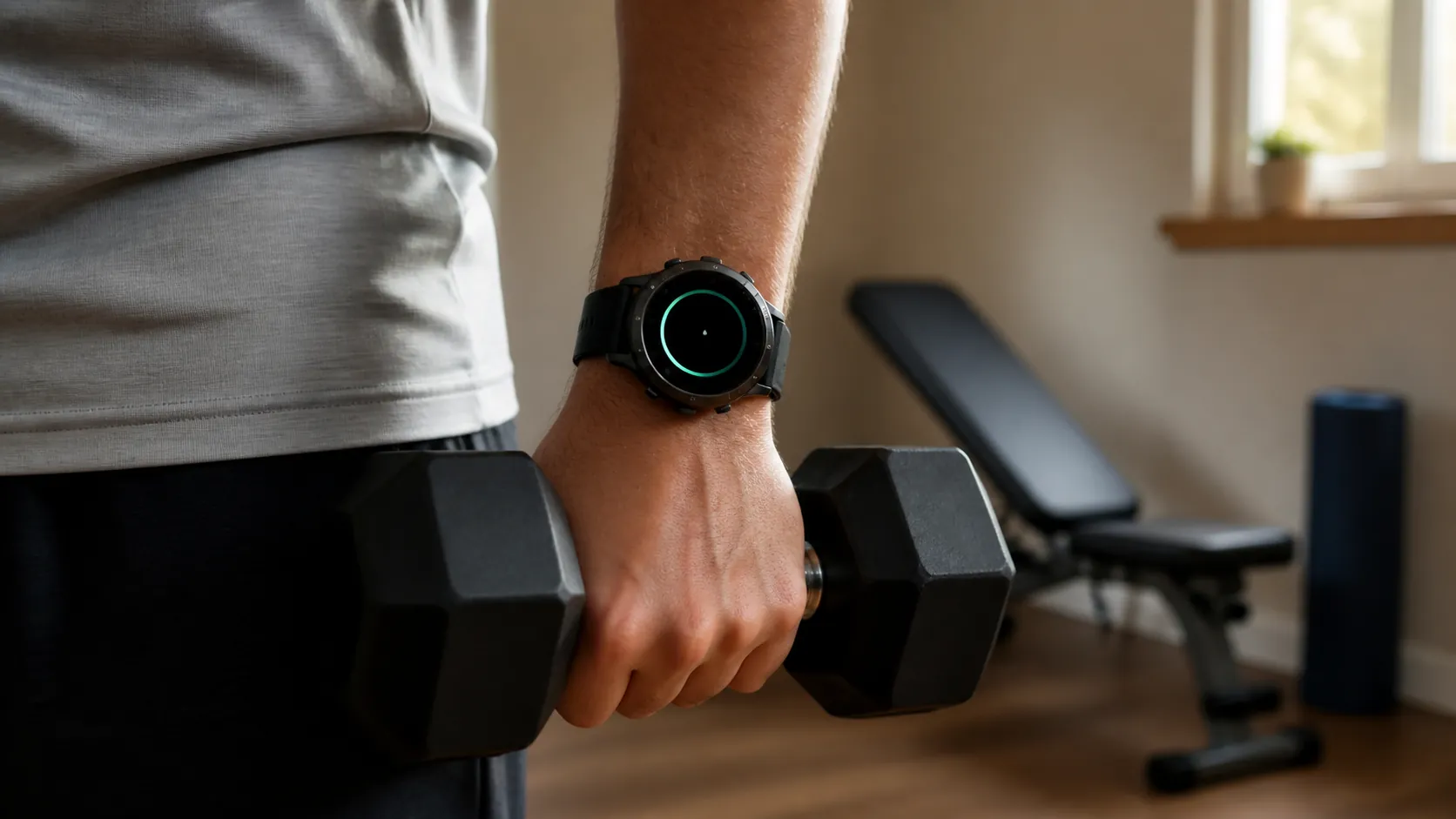
For indoor-only training, the real question is not whether the Galaxy Watch Ultra 2 can survive a trail weekend. It is whether it can sit on a wrist through dumbbell work, rowing, bike sessions, and sleep tracking without turning charging into another household chore.
Samsung lists an 800 mAh battery and a 60-hour claim with always-on display enabled, which is the right starting point for this kind of watch, even if it is not the whole story [1].
What indoor-only use showed
The short version is simple: indoor workouts barely move the battery. In all-indoor use, the watch behaved more like a background tracker than a power-hungry training device, and the drain from each session stayed in the low single digits rather than becoming the kind of double-digit hit seen in outdoor GPS testing.
That matters because the session itself is not where the battery disappears. A home workout without GPS is fundamentally different from a long run outside, and that difference shows up again and again in independent reviews that mix in gym sessions, sleep tracking, and a few hours of exercise spread across several days.
Samsung's own number is one end of the range. Independent testing has landed anywhere from roughly 50 hours with always-on display in CNET's hands to about 64 hours in T3's review, around four days in Wareable's heavier use, and 96 hours in GSMArena's test that included periodic heart-rate checks, sleep tracking, gym sessions, and bike rides [2][3][4][5].
Those results do not mean every owner will get the same number. They do show that indoor exercise is not the problem. The watch can survive multi-day use because the workouts themselves are cheap; the larger draw is everything that keeps running between sessions.
CNET's outdoor tests make that contrast obvious. A long trail run with GPS, LTE, and maximum brightness burned about 30% on a 5-mile outing, and the same reviewer said longer trail runs could eat roughly half the battery [6][7]. That is useful context, but it is a different workload from a home gym.
Where the battery really goes
For apartment-gym owners, the watch's endurance is shaped less by the workout and more by the settings left on in the background. Always-on display, continuous heart-rate tracking, overnight SpO2 or skin temperature checks, auto-detect, and LTE or Wi-Fi all take a share of the battery even when you are not training [8][9][10].
That is why two people can wear the same watch and get different answers from the same 800 mAh cell. One user who trims background tracking may see something close to four days. Another who keeps every health feature active and uses LTE more often may end up much closer to two.
The practical lesson is narrower than the marketing line. Indoor sessions are a small drain per hour because they never use GPS, but background features decide whether the watch feels like a two-day device, a three-day device, or something closer to four.
Charging matters almost as much as endurance
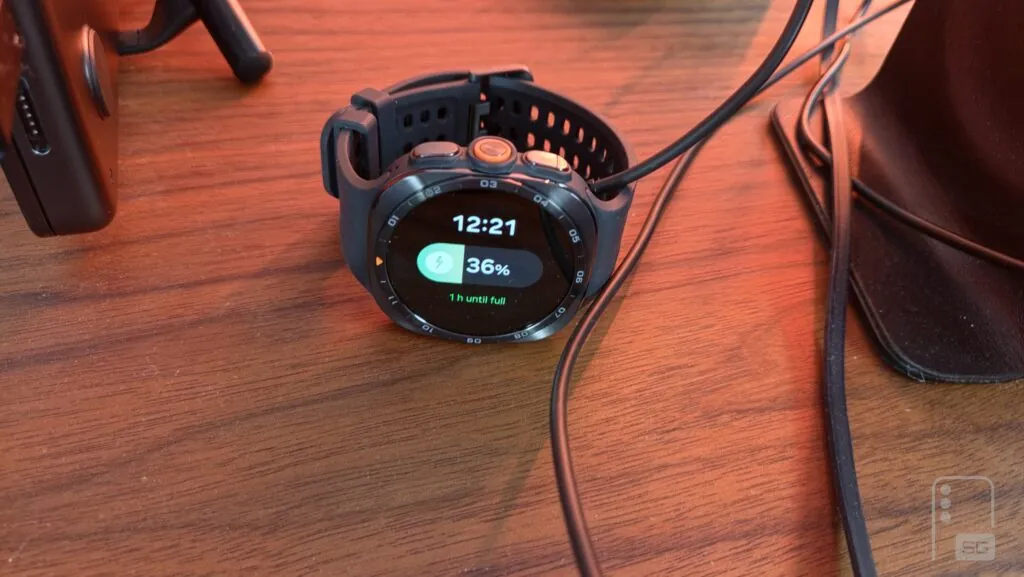
The other half of the buying question is charging, and that part is messier than the battery spec. Samsung says the watch can reach up to 40% in about 30 minutes, but the real-world full-charge experience depends heavily on the adapter and thermal behavior [10].
SammyGuru reported a full charge from 1% to 100% in about 94 minutes with a 45W brick, while PhoneArena saw a much slower result with a 25W adapter [11]. Android Authority also collected owner reports of 2- to 4-hour charging times, with heat limiting speed in some cases [12].
That is the part apartment-gym buyers should care about most, because no charging brick ships in the box. If the watch is treated as a nightly top-up device, the charger you already own can decide whether that plan feels easy or irritating.
Bottom line for small-apartment lifters
The Galaxy Watch Ultra 2's battery life makes sense for home workouts because the workouts themselves are not the drain that matters. In indoor-only use, the watch can genuinely go for days between charges, and the range from roughly 50 hours to about four days in independent testing is believable once you account for background settings [2][3][4][5].
For renters and small-apartment home-gym owners, the better question is not whether Samsung's 60-hour headline is true in the abstract. It is whether you keep always-on display, continuous health tracking, auto-detect, and wireless behavior under control, and whether your charger can refill the watch quickly enough to stay out of the way [8][9][10][11][12].
References
- Galaxy Watch Ultra2 | Samsung US, Samsung, 2026, Samsung Galaxy Watch Ultra2
- Samsung Galaxy Watch Ultra 2 review: better battery, better Galaxy Watch, CNET, 2026, Samsung Galaxy Watch Ultra 2 review: better battery, better Galaxy Watch
- Samsung Galaxy Watch Ultra 2 review, T3, 2026, Samsung Galaxy Watch Ultra 2 review
- How Samsung slimmed the Galaxy Watch Ultra 2 and boosted battery life, Wareable, 2026, How Samsung slimmed the Galaxy Watch Ultra 2 and boosted battery life
- Samsung Galaxy Watch Ultra2 review, GSMArena, 2026, Samsung Galaxy Watch Ultra2 review
- Galaxy Watch Ultra 2 trail running test: can it outrun your Garmin?, CNET, 2026, Galaxy Watch Ultra 2 trail running test: can it outrun your Garmin?
- Samsung Galaxy Watch Ultra 2 tested for a week: rugged scene-stealer, CNET, 2026, Samsung Galaxy Watch Ultra 2 tested for a week: rugged scene-stealer
- Your Galaxy Watch is wasting battery on health tracking features you don't even use, How-To Geek, 2026, Your Galaxy Watch is wasting battery on health tracking features you don't even use
- Stop charging your Android watch daily: Here are 7 tips for longer battery life, CNET, 2026, Stop charging your Android watch daily: Here are 7 tips for longer battery life
- Samsung Support TSG10007314, Samsung Support, 2026, Samsung Support TSG10007314
- Tested: Galaxy Watch Ultra 2 charging speed is better than we thought, SammyGuru, 2026, Tested: Galaxy Watch Ultra 2 charging speed is better than we thought
- Samsung Galaxy Watch 9 Ultra 2 slow charging issue, Android Authority, 2026, Samsung Galaxy Watch 9 Ultra 2 slow charging issue
This result comes from one real apartment under the stated conditions — it is a strong signal, not a guarantee your space will measure identically.
Builds this evidence supports
Can insect protein build muscle at home?
Insect protein from crickets and mealworms produces a muscle protein synthesis response comparable to milk protein in acute trials, but the only training study in young men found no extra strength or size gain. This verdict sorts out what the human research actually supports so home lifters can decide if insect protein is worth buying.
Swimming Pool Under $5? The Real Price Ladder
No swimming pool under $5 can support home exercise — that budget buys a resistance band or one community-pool day pass. The verified price ladder runs from $125 inflatables to $25,999+ swim spas, with a depth rule that separates pool toys from real training.
What a Cargo Container Pool Really Costs vs. a Home Gym
A cargo container pool's base price hides a much larger all-in cost: $50,000–$85,000+ installed, plus $500–$7,340 a year to run. This cost reality-check benchmarks the container pool against container gyms and in-home builds so you can judge which delivers more training value per dollar.
Spot something off?
If this result didn't match your own space, let us know — floor-damage and noise claims carry real deposit-risk consequences if we get them wrong.