
The Beginner's Decision Guide to Free Workout Apps — Which One Actually Fits Your Goal?
Most free workout app lists fail beginners by not matching the app to your specific goal and equipment. This guide uses a decision matrix, a transparency table of free-tier limits, and a first-week checklist to help you choose the right app and actually stick with it.
Why Most 'Free' Workout Apps Disappoint (And Why the Right One Matters)
You download a free workout app, open it, and within ten minutes you're staring at a paywall asking for $10 a month to unlock the very feature you downloaded it for. Or the app gives you a generic three-day routine that has nothing to do with whether you own dumbbells, a resistance band, or just a floor. A week later, the app sits unused on your home screen.
This pattern is not unusual. According to a systematic review published in Humanities and Social Sciences Communications, nearly one in every five smartphone users downloads a fitness app. Yet the average 30-day retention rate across the entire category hovers around 27%, as reported by Business of Apps. That means roughly three out of four people who download a fitness app stop using it within a month.
The common assumption is that people quit because they lack motivation. But a 2024 meta-analysis in eClinicalMedicine tells a different story: apps with adaptive, personalized plans significantly increased physical activity compared to static, one-size-fits-all programs. The problem is not that free apps are useless. The problem is that most beginners pick an app that was never designed for their specific goal or equipment setup.
This guide is not another ranked list of the "best free workout apps." It is a decision framework built for absolute beginners. You will identify your primary goal and the equipment you actually own, match those two inputs to the right free app, and walk away with a concrete first-week plan to test whether that app actually works for you.
How to Use This Guide: Match Your Goal and Equipment
Before you scroll down to the app names, take thirty seconds to answer two questions. Write them down or just hold them in your head — they will determine which row and column of the decision matrix you belong in.
- What is your primary fitness goal? Choose one: build strength or muscle, lose weight, improve general fitness, or train for running or cycling.
- What equipment do you have access to? Choose one: bodyweight only (no equipment), dumbbells or a small set of weights, or a full home gym with a barbell, rack, and plates.
That is it. The rest of the guide walks you through the matrix, explains what each app's free tier actually includes, and gives you a checklist to evaluate your choice during the first week. If you already know your goal and equipment, jump straight to the decision matrix below.
The Free Workout App Decision Matrix: Goal × Equipment
The table below cross-references your primary goal (columns) with your available equipment (rows). Each cell recommends one or two free apps and a brief reason for the match. If you fall between categories — say, you want general fitness but also want to lose a few pounds — pick the goal that feels most motivating to you right now.
| Equipment ↓ / Goal → | Strength / Bodybuilding | Weight Loss | General Fitness | Running / Cycling |
|---|---|---|---|---|
| Bodyweight only | Nike Training Club — bodyweight strength programs with progressive difficulty | FitOn — short HIIT and cardio sessions that burn calories without equipment | Nike Training Club — 300+ workouts, most require minimal or no equipment | Strava (free) — GPS tracking for outdoor runs; bodyweight strength via NTC as cross-training |
| Dumbbells | Caliber — algorithm-generated custom programs; 500+ exercises with video demos | Nike Training Club + MyFitnessPal (free) — workouts in NTC, calorie tracking in MFP | Hevy — log sets and reps, track progress with graphs, social accountability | Strava (free) — track runs; add dumbbell strength sessions via Hevy or Caliber |
| Full gym (barbell, rack, plates) | JEFIT (free with ads) — 1,400+ exercise database, progressive overload logging | FitOn — variety keeps weight-loss workouts from getting stale; gym equipment optional | Caliber — free custom programs adapt to your gym equipment and experience level | Strava (free) — log outdoor cardio; use JEFIT or Caliber for gym strength work |
A few notes on the recommendations. Nike Training Club appears in multiple cells because it is one of the only major apps confirmed as completely free across all core features — no subscription required, no paywall for the workout library. Caliber is listed for strength goals because its free version includes algorithm-generated custom programs and over 500 exercises with video and muscle maps, which is rare at no cost. Hevy is the best free option if you want a simple digital notebook for logging workouts and seeing progress graphs without paying.
Which Apps Are Genuinely Free vs. Glorified Trials?
The word "free" on an app store page can mean anything from "everything is included" to "you get three workouts and then a $15 monthly charge." The table below shows exactly what each recommended app gives you at no cost and where the paywall starts.
| App | Free Tier Includes | What the Paid Version Adds | Verdict |
|---|---|---|---|
| Nike Training Club | 300+ workouts, structured programs, on-demand and live classes, equipment-free options | No paid version exists (fully free according to Garage Gym Reviews, Forbes, and Digihealth) | Genuinely free |
| Caliber | Algorithm-generated custom programs, 500+ exercises with video and muscle maps, ad-free, community groups | Coached tier at $12/month ($72/year) for 1-on-1 coaching | Free forever with optional paid coaching |
| Hevy | Core workout logging, progress graphs, social features, community | Premium at $2.99/month or $23.99/year for advanced analytics and unlimited custom routines | Generous free tier |
| FitOn | All workouts accessible, modifications shown by trainers, short 10-30 min sessions | Pro at $199.99/year or $79.99/6 months for personalized meal plans and advanced tracking | Free with paid Pro tier |
| JEFIT | 1,400+ exercise database, training log, unlimited logging | Elite at $12.99/month for video demos, advanced analytics, and ad-free experience | Free with ads |
| Strava | GPS tracking for 30+ sports, community features, segment leaderboards | Premium at $11.99/month or $79.99/year for route planning, live segments, and advanced analysis | Free with paid premium |
| Strong | Workout logging, basic tracking | Premium at $4.99/month for unlimited custom routines and advanced features | Free limited to 3 custom routines |
A few patterns stand out. Hevy's free tier is described by JEFIT's own review as "the most generous on this list — core features fully accessible." If you want a social tracking app without paying, Hevy is the clear choice. Strong, by contrast, limits you to three custom routines in the free version — a constraint that most beginners will hit within the first week or two. FitOn gives you full access to all workouts for free, but its Pro tier adds meal plans and advanced tracking at a relatively high annual price.
How to Evaluate Any Free App in Your First Week: A 7-Question Checklist
You have picked an app from the matrix. Now what? The first week is critical — not because you need to see results, but because you need to decide whether this app will actually help you build a habit. The following seven-question checklist, adapted from FitCraft's research-backed evaluation framework, gives you a simple pass-fail test. If the app fails three or more questions, try a different recommendation from the matrix.
- Did the app ask about you before programming your first workout? A good free app should ask about your goal, experience level, and available equipment before generating a plan. If it throws you into a generic workout without any onboarding, that is a red flag.
- Does it adapt after 3-5 workouts? The 2024 eClinicalMedicine meta-analysis found that adaptive, personalized plans significantly outperform static ones. If the app never changes your program based on your logged performance, it is not using its data to help you progress.
- Is there a clear progression plan? Can you see what you will be doing in week 3 or week 4? A good app shows you a path forward, not just a random daily workout.
- Is there a reason to come back besides guilt? Gamification elements — streaks, badges, social accountability, progress graphs — give you positive reasons to open the app. A 2022 systematic review in JMIR mHealth and uHealth found that gamified apps using multiple game elements significantly improved physical activity participation.
- Can you see progress meaningfully? Does the app show you a graph of your weights lifted, your run times, or your workout frequency? Visible progress is one of the strongest motivators for beginners.
- Can you start a workout in under 30 seconds? Friction kills consistency. If you have to navigate three menus, watch an intro video, or enter data before you can move, you will find excuses to skip.
- Does the free version let you evaluate the app properly? If the free tier locks core features behind a paywall before you have had a chance to test them, move on. The apps in the transparency table above all give you enough free functionality to make an informed decision.
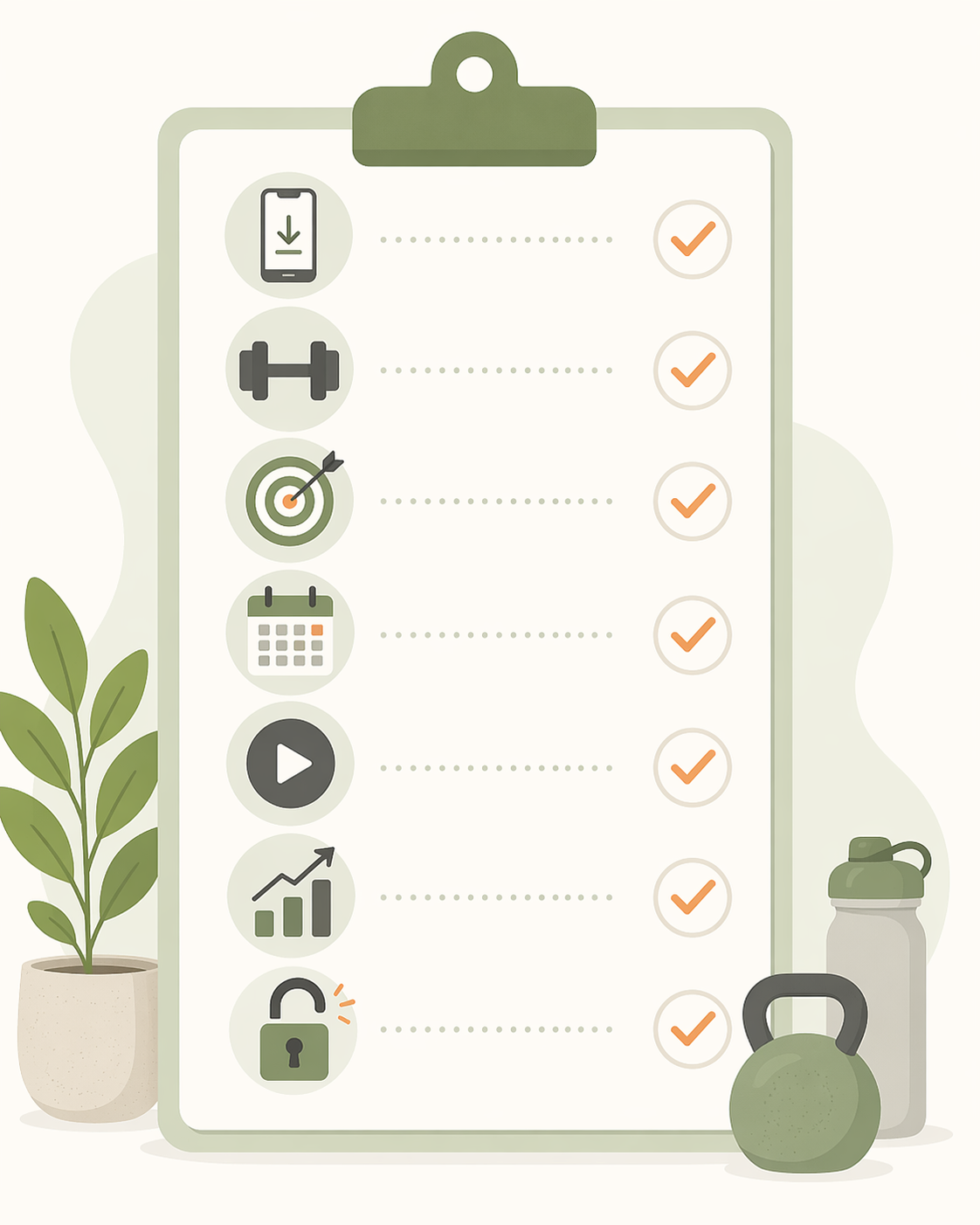
Print this list, screenshot it, or bookmark it. After seven days of using your chosen app, run through the questions. If the app passes, stick with it for at least four weeks before evaluating again. If it fails, pick another option from the matrix and repeat the test.
Quick-Start Recommendations by Reader Profile
If you want a single, no-fuss recommendation without reading the full matrix, find your profile below.
- "I have no equipment and want guided workouts." Start with Nike Training Club or FitOn. Both are fully free for workouts, offer short sessions (10-30 minutes), and show modifications for every exercise. NTC has more structured programs; FitOn has more variety (pilates, yoga, kickboxing).
- "I have dumbbells and want to build strength." Download Caliber or Hevy. Caliber builds custom programs based on your equipment and experience level, with video demos for over 500 exercises. Hevy is simpler — a digital logbook with progress graphs and social features — but its free tier is generous enough for long-term use.
- "I want to lose weight and track food too." Use Nike Training Club for workouts and MyFitnessPal (free version) for calorie tracking. MyFitnessPal's free tier includes a massive food database and barcode scanner, which is enough for most beginners. No single free app does both workouts and nutrition well, so this combo covers both bases.
- "I run or cycle outdoors." Strava is the default choice. Its free version tracks GPS for 30+ sports, includes community features and segment leaderboards, and is widely considered the best free option for runners and cyclists. If you also want strength training, pair Strava with Hevy or Caliber.
Once you have chosen an app and started using it, the next step is turning those workouts into a consistent routine. Our companion guide, How to Use Free Fitness Apps to Actually Build a Home Workout Routine, walks you through scheduling, habit stacking, and what to do when you miss a day.
Your Next Step: Pick One App and Start This Week
The research is clear: the best workout app is the one you actually use. A perfect app that sits untouched on your home screen is worse than a decent app that you open three times a week. The decision matrix and transparency table above exist to narrow your options, not to overwhelm you with analysis.
Here is your action plan for this week:
- Pick one app from the matrix that matches your goal and equipment.
- Download it and spend five minutes setting up your profile (goal, level, equipment).
- Complete at least three workouts during the first week.
- Run the 7-question checklist after day seven.
- If the app passes, commit to four more weeks. If it fails, try the next recommendation from the matrix.
For a deeper look at how specific apps match up against different fitness goals, see our companion article The Best Free Workout Apps for Your Specific Fitness Goal. And if you are still unsure where to start in your home fitness journey, the Home Fitness Decision Guide for Complete Beginners provides a step-by-step pathway that covers everything from choosing equipment to scheduling your first week.
This is general fitness education, not medical advice. For diagnosis or treatment of pain or injury, consult a qualified clinician.
Pick your next session
Browse all routines to find an appropriately-spaced next session.
Spot something off?
This content sits adjacent to health guidance — tell us if a citation or figure needs a correction.