
Why Best Is the Wrong Question
If you search for best exercise apps you get lists ranked by overall ratings or download numbers. Those lists assume you have a full commercial gym. If your home setup is two dumbbells, a bench, and a resistance band, those rankings are useless. I have been burned by apps that look great on paper but do not let me tell them I only have adjustable dumbbells and a doorframe pull-up bar.
The real question is not which app has the highest App Store score. It is which app adapts to your actual equipment list, your space constraints, and your goal. That is why I look at apps like Fitbod, Shred, and TR[Ai]NER that let you filter or auto-generate workouts for your specific gear. They scored 5/5 for equipment demands in my tests, but that means you can select your equipment from a checklist—not that the app automatically adapts like a human coach. You still have to train the algorithm.
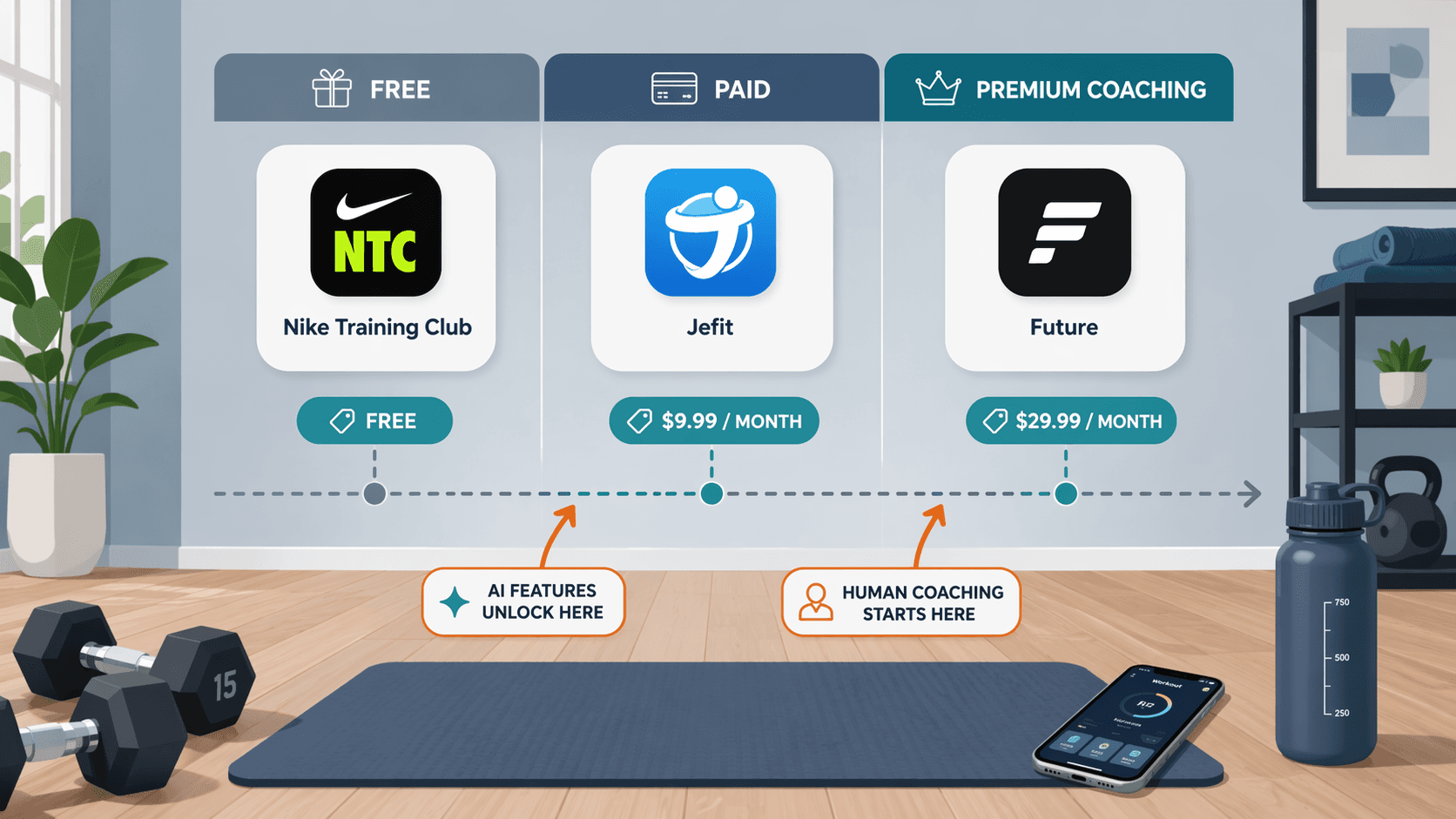
Nike Training Club’s free tier also lets you filter by equipment. That is rare. But check the granularity: does it know if you have “only two dumbbells” vs. “a full set of adjustable dumbbells”? I have not tested that far, but the option itself is worth highlighting.
Peloton and iFIT lose auto-adjust features when used without their branded hardware. If you do not own the bike or treadmill, those apps still assume you have at least some equipment. They are not truly “no-equipment” apps. Keep that in mind before you subscribe.
Caliber’s free tier has a large exercise library, but its premium coaching is expensive and not proven for home-gym-only setups. Do not buy it just because it is free. Strong lacks a program library and AI recommendations—that is a deal-breaker for home users who want guidance. Jefit offers structured programs and equipment filtering, and it works well for strength with limited equipment in an apartment.
Pricing matters. The average app costs $34/month. But you do not have to pay that. Nike Training Club is free. TR[Ai]NER has a free trial. Hevy’s Pro is $2.99/month. Those serve home users well without committing to a subscription.
So ignore the “best” lists. Start with what you own. Then find the app that actually sees it.
Comments
Join the discussion with an anonymous comment.