
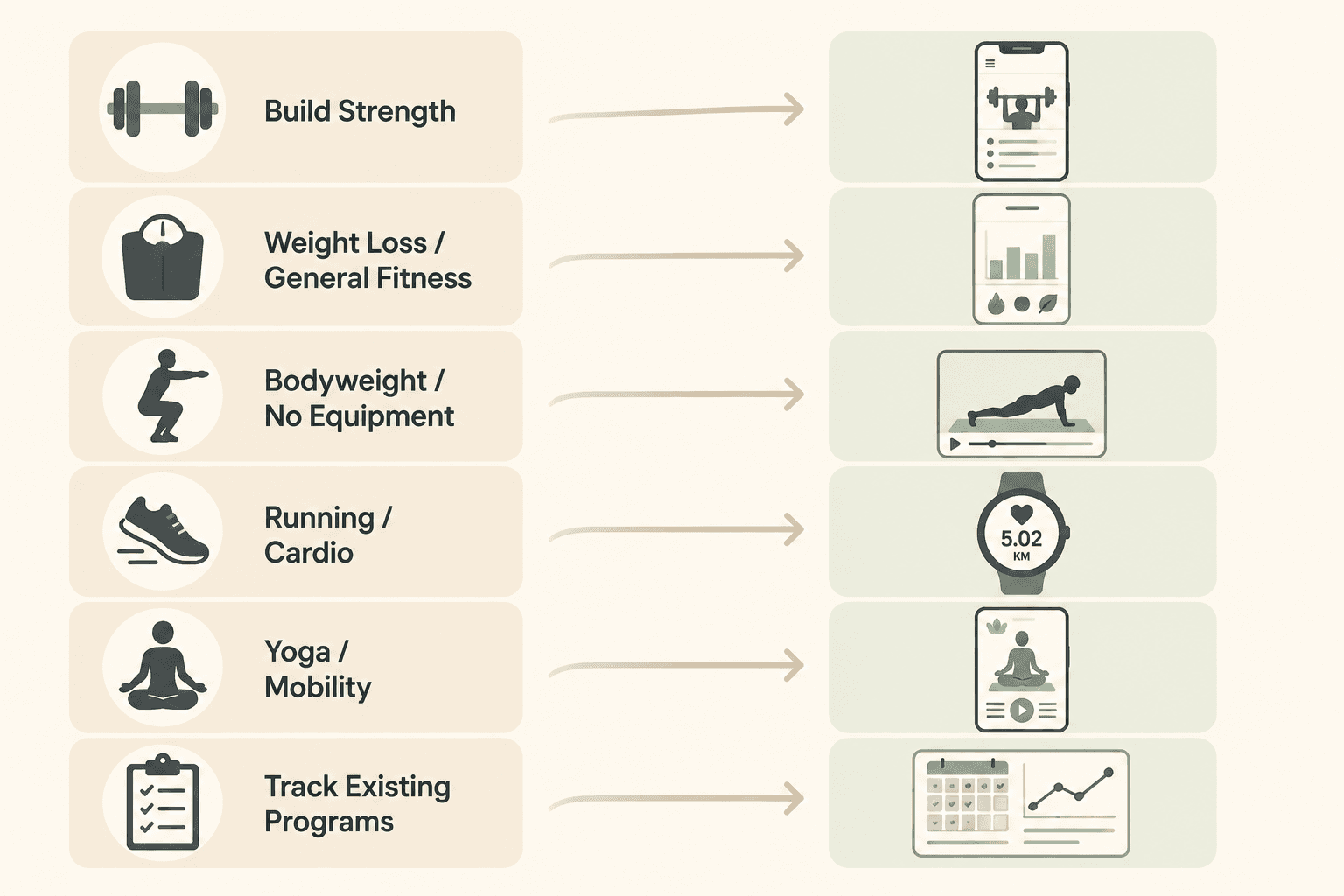
Searching for a workout planner free of awkward surprises should not mean downloading six apps, entering your goals six times, and discovering that the useful part starts after the paywall. The cleanest way to choose is to start with the job you need the planner to do next week: follow a strength program, get guided workouts, run with GPS, do yoga, or simply log a plan you already trust.
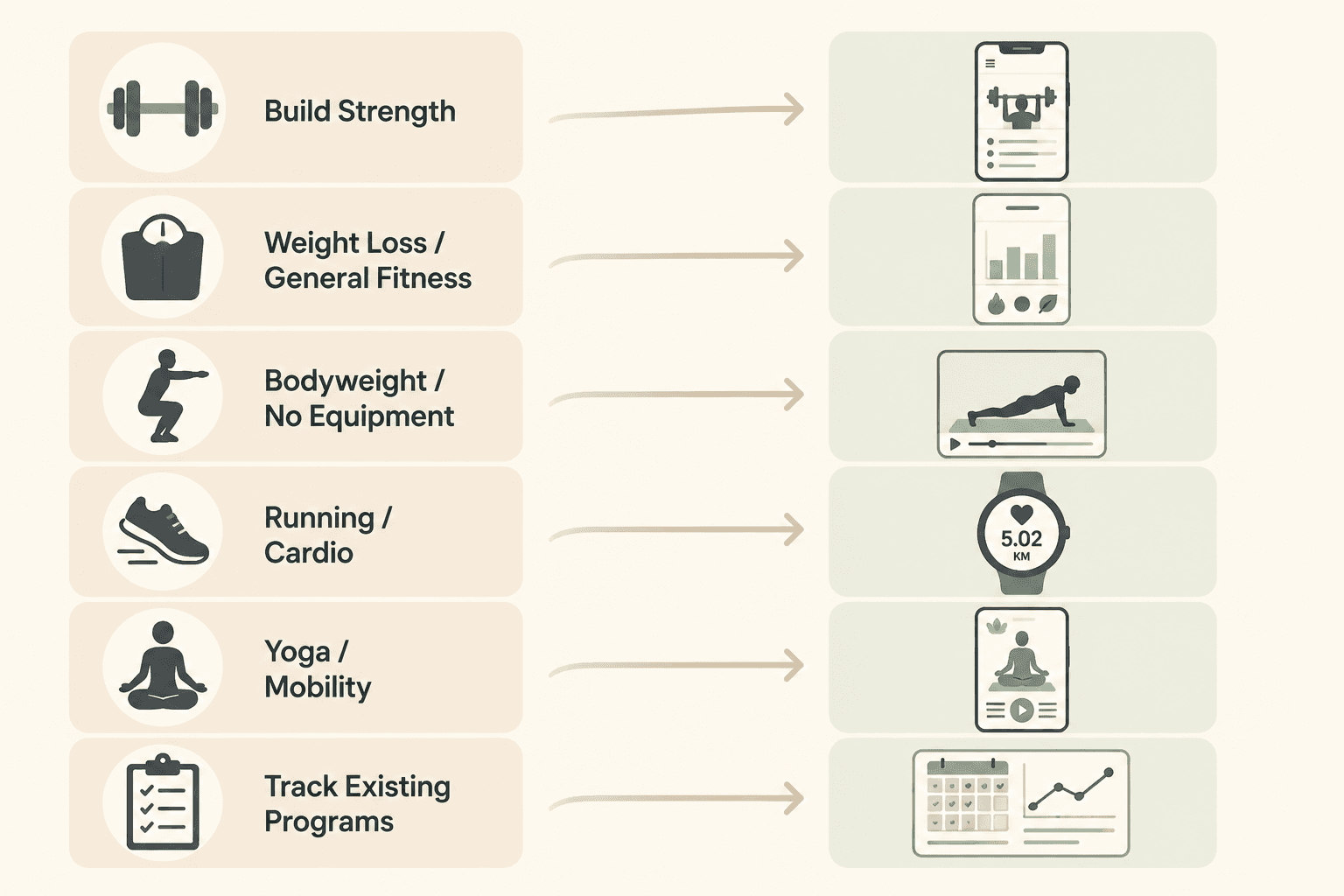
| Your main goal | Best free match | What the free tier realistically gives you | When to pay or choose something else |
|---|---|---|---|
| Build strength or muscle | Boostcamp, Caliber, or StrongLifts 5x5 | Boostcamp is strongest for browsing established strength programs; Built Workout reports 1,000+ programs, including GZCLP, nSuns 5/3/1, and Reddit PPL. Caliber is better if you want a more guided strength-app feel. StrongLifts fits a narrow barbell progression goal. [1] | Choose Hevy or Strong instead if you already have a program and only need logging. Choose a paid tier only if the free version blocks the specific program management or coaching you need. |
| Lose weight or train for general fitness | Nike Training Club, FitOn, or Gymshark Training | Nike Training Club is the cleanest free pick because Garage Gym Reviews describes it as free with 300+ workouts, and Forbes Health also lists it as a top fitness app in 2026. FitOn gives broad video access, while Gymshark Training is useful for free community-style training. [2][3] | Pay only if you need nutrition extras, offline access, or a more structured diet-and-training system. |
| Bodyweight or no-equipment training | Nike Training Club, FitOn, or DAREBEE | Nike Training Club and FitOn work well when you want guided sessions. DAREBEE is the low-friction option when you want printable routines and do not want another app account. | Choose a strength-specific app if your real goal is progressive overload rather than sweatier no-equipment sessions. |
| Running or cardio | Map My Fitness, Strava, or Runkeeper | Map My Fitness is useful when you want GPS tracking across many activity types; Garage Gym Reviews lists 600+ activities. Strava is better if routes, segments, and social comparison keep you consistent. Runkeeper works for goal-based running habits. [2] | Choose something else if you mainly want strength programming. Running apps are trackers first, not full home-training planners. |
| Yoga, mobility, Pilates, or barre | Nike Training Club or FitOn | Both are better fits than a strength logger for someone who wants classes, movement quality, and variety rather than sets, reps, and load tracking. | Pay only if a specific instructor, offline library, or meal-plan bundle is the reason you will actually use it. |
| Track an existing program | Hevy or Strong | Hevy has the more generous free tracker profile: LoadMuscle and Stronger both highlight unlimited logging/history-style usefulness, progress graphs, social features, and no ads in the free experience. Strong is fast and familiar, but its free plan is commonly limited by a 3-routine cap. [4][5] | Do not use a tracker as your only planner if you still need someone to choose the exercises, progression, and weekly structure for you. |
That table does most of the work. A free planner is only generous if its free part lines up with your actual bottleneck. A huge library does not help if you need GPS. A beautiful video app does not solve progressive overload. A fast logger is not a coach.
Pricing and free tiers are current to mid-2026. Before you build a habit around any app, check the app store listing and the company’s own pricing page, because the difference between “free enough” and “free until it matters” can change quietly.
If You Want Strength, Start With Program Architecture
Strength training is where generic free-app lists become least helpful. The question is not whether an app has dumbbell exercises. The question is whether it can carry a plan across weeks: exercises, sets, reps, rest, progression, substitutions, and history.
Boostcamp is the strongest free match when you want to pick a real strength program and follow it. Its advantage is not that it has workouts in the vague sense. Its advantage is program variety: Built Workout’s 2026 review describes access to 1,000+ strength programs, including well-known options such as GZCLP, nSuns 5/3/1, and Reddit PPL. [1]
That matters because a beginner often does not need more exercise choice. They need fewer decisions. If the goal is muscle or strength, a library of established programs is more useful than a random workout generator, as long as the user can choose a program that matches their equipment and recovery. For a deeper strength-only comparison, the site’s guide to the best strength training app is the more focused next read.
Caliber belongs in the same strength cluster, but for a different user. It is a better fit when you want structured strength training without spending your first week comparing GZCLP against PPL against 5/3/1. LoadMuscle’s 2026 review describes Caliber as offering 500+ exercises, AI programs, and an ad-free experience. [4] That is a useful free shape for someone who wants guidance and logging in one place, especially if they are not attached to a famous program template.
StrongLifts 5x5 is narrower, and that is partly the point. It is not trying to be a yoga app, a calorie app, or a class platform. It is for barbell linear progression. If you have access to a barbell setup and want a simple progression structure, the free core program is easier to understand than a giant app menu. If you train at home with only adjustable dumbbells or bands, it may be the wrong kind of simple.
When Hevy or Strong Is the Better Strength Choice
If you already know your program, do not over-shop for programming. You need a tracker. That is where Hevy and Strong make more sense than a program library.
Hevy’s free tier is unusually practical for logging. LoadMuscle and Stronger’s 2026 comparisons both describe a free experience with unlimited logging or history-style usefulness, progress graphs, social features, and no ads, with premium mainly adding more advanced analysis. [4][5] For a home lifter repeating a dumbbell upper/lower split, that removes the recurring annoyance: rebuilding the same workout every Monday because the app treats repetition like a premium behavior.
Strong remains worth considering because its logging flow is fast and familiar. The catch is the free-plan routine limit. If three saved routines cover your week, it may be enough. If your program has more days or you rotate variations, that cap becomes the point where “free” starts costing time.
The practical split is simple: use Boostcamp when you need the plan, Caliber when you want guided strength structure, StrongLifts when you want barbell 5x5 progression, and Hevy or Strong when the plan already exists and the job is clean logging.
For Weight Loss and General Fitness, Guided Workouts Matter More Than Exercise Databases
A general fitness planner has a different job. It has to reduce the “what should I do today?” problem without assuming the user wants to manage load, percentages, or weekly volume. For many home users, that means guided video, filters for time and equipment, and enough variety to keep the week from feeling stale.
Nike Training Club deserves plain credit here. Garage Gym Reviews describes it as free and reports 300+ workouts across 10 categories; Forbes Health also includes Nike Training Club among its 2026 fitness app picks. [2][3] The lack of a paid tier is not a small detail. It means a beginner can start a plan without wondering which essential habit tool is being held back for the upgrade screen.
Its limitation is also clear. Nike Training Club is broad. That breadth is useful for strength, cardio, yoga, mobility, and short home sessions, but it does not make the app the best progressive overload tool. If the user’s real objective is muscle gain with measurable progression, Boostcamp, Caliber, or a dedicated logger will age better.
FitOn is the other strong free pick for general fitness, especially for people who like video-led sessions. Garage Gym Reviews reports that FitOn’s free version gives access to all workout videos, while Pro, listed at $30 per year in that review, adds extras such as meal plans and offline access. [2] That is a cleaner trade than many freemium apps: the workouts are not dangled and then withheld.
Gymshark Training fits when community challenges and a more brand-led training environment help you show up. It is not the first app to choose for detailed lifting progression, and it is not necessary if Nike Training Club already gives you enough structure. But for a home user who likes short-term challenges and free access without a complicated paywall, it belongs in the general-fitness lane.
Bodyweight and No-Equipment Training Need Less App Than People Think
No-equipment training can be overcomplicated quickly. If you want guided sessions, Nike Training Club and FitOn are the obvious free starting points. They give you movement demos, pacing, and class structure. That helps if you are new, returning after a layoff, or training in a living room where the workout has to start before your motivation expires.
DAREBEE is different. It is the option for someone who would rather open a printable routine than manage another app. That can be a real advantage for bodyweight training, where the plan may be simple enough that a phone-based planner adds more taps than value. The tradeoff is that you give up the app conveniences: reminders, logged history, video pacing, and automatic progression.
For weight loss, be careful with what the app is actually promising. A workout planner can make training easier to repeat. It does not, by itself, solve nutrition, sleep, stress, or daily movement. Paying for meal plans may be useful for some people, but the free workout tier should still stand on its own before the app asks for money.
Running Apps Are Trackers First
A runner searching for a free workout planner usually needs a different kind of planning: GPS, distance, pace, route history, and enough goal structure to repeat the habit. They do not need a strength app that happens to include cardio workouts.
Map My Fitness is the broadest free cardio-tracking match in this group. Garage Gym Reviews reports GPS tracking and 600+ activity types, which makes it useful if your “cardio” week includes running, walking, cycling, hiking, or a mix of activities. [2]
Strava is the better fit when social comparison, routes, and segments are part of why you keep going. That can be helpful, or it can be noise. If you want to quietly build a running habit, the most social app may not be the calmest one.
Runkeeper belongs here for goal-based running habits. It is easier to recommend to someone who wants a running-specific tool than to someone trying to combine strength, Pilates, and cardio under one home-workout dashboard.
Yoga, Mobility, Pilates, and Barre Should Not Be Forced Into a Lifting Tracker
For yoga and mobility, the planner has to serve the session, not just record it. A sets-and-reps interface is usually the wrong tool. You want classes, filters, duration choices, and enough instruction that you are not pausing every few minutes to decode the next movement.
Nike Training Club and FitOn are the cleanest free matches. Nike Training Club covers yoga, Pilates, and mobility within its broader workout library, while FitOn’s video-led model works naturally for Pilates, barre, and yoga-style classes. [2] The right choice is mostly about which class style you will repeat.
This is where many app roundups waste the reader’s time. A yoga user does not need to be sent into a strength logger because that logger has a generous free tier. Generosity only counts when it removes the friction in front of the workout you actually plan to do.
How to Tell Whether a Free Tier Is Actually Usable
Before downloading, check the free tier against the one behavior you need to repeat. For strength, that may be saving routines and logging history. For running, it may be GPS without constant coaching prompts. For general fitness, it may be access to complete workouts rather than previews. For yoga, it may be enough full-length classes in the style you prefer.
- If the app helps you choose what to do next, it is a planner.
- If the app records what you already chose, it is a tracker.
- If the app gives you follow-along sessions, it is a guided workout library.
- If the app mainly offers PDFs or visual routines, it is closer to a printable plan.
Those categories can overlap, but confusing them is how people end up with the wrong free app. A beginner trying to build muscle may think they need “workouts,” when they actually need progression. Someone trying to move more after work may think they need a program, when a free guided library is enough. Someone following a coach’s plan may not need another plan at all.
The most useful free workout planner is the one whose free tier carries your next repeated action without making you rebuild, guess, or upgrade too early. As of June 2026, that points most strength-program shoppers toward Boostcamp, guided general-fitness users toward Nike Training Club or FitOn, no-equipment users toward Nike Training Club, FitOn, or DAREBEE, runners toward Map My Fitness, Strava, or Runkeeper, yoga and mobility users toward Nike Training Club or FitOn, and existing-program lifters toward Hevy or Strong.
Treat “best free” as a fit question. Pick the app that supports the training you will actually repeat, then verify the current free tier before you hand it your week.
References
- The 12 Best Workout Apps for Strength Training in 2026, Built Workout
- The 12 Best Free Workout Apps Tested by Experts (2026), Garage Gym Reviews
- The 10 Best Workout And Fitness Apps Of 2026, Forbes Health
- 11 Best Workout Apps in 2026 (Tested), LoadMuscle
- Best Workout Tracker Apps in 2026: Honest Comparison & Reviews, Stronger
Comments
Join the discussion with an anonymous comment.