
If you search for a fitness app on iPhone, the first confusion is not even the App Store. It is Apple itself. The Health app is the big data cabinet: steps, sleep, heart rate, weight entries, medications, and records from connected apps or devices. The Fitness app is where many iPhone users can see movement and workout activity, even without an Apple Watch. Apple Fitness+ is the paid workout-video subscription. Those three names sound like one product family, but they answer different questions.
For a lot of casual users, that middle option—the free Fitness app already on the iPhone—is a better starting point than a new subscription. PCMag’s guide to tracking workouts without an Apple Watch describes how iPhone users can use the Fitness app for basic activity tracking and manually start workout types from the phone itself, so the floor is higher than many “best fitness app iPhone” lists admit.[1]
The useful question is not “Which app has the most features?” It is: what are you trying to do, what can you spend each month, and what equipment do you actually have? Answer those three before you look at star ratings.
The Three Filters That Matter
Start with the information you already know. You do not need to test five apps to make the first cut.
| Filter | What To Decide | Why It Changes The App Choice |
|---|---|---|
| Goal | Strength, running, general wellness, weight loss, or guided workouts | A strength app needs fast logging and progression; a wellness tracker may only need Apple’s built-in tools. |
| Budget | $0, $5-10/month, or $10-20/month | FitCraft’s 2026 pricing comparison shows a wide spread, from low-cost strength trackers to video subscriptions and higher-priced coaching-style apps.[2] |
| Equipment | None, bodyweight, dumbbells, full gym, or Apple Watch | A polished gym app can be a poor fit if every useful plan assumes machines or barbells. |
This is also where subscription pressure should slow down. Annual plans can be cheaper, and FitCraft’s comparison reports annual savings in the 30-67% range across several apps.[2] But cheaper is not the same as safer if you have not proven that you will open the app three weeks from now.
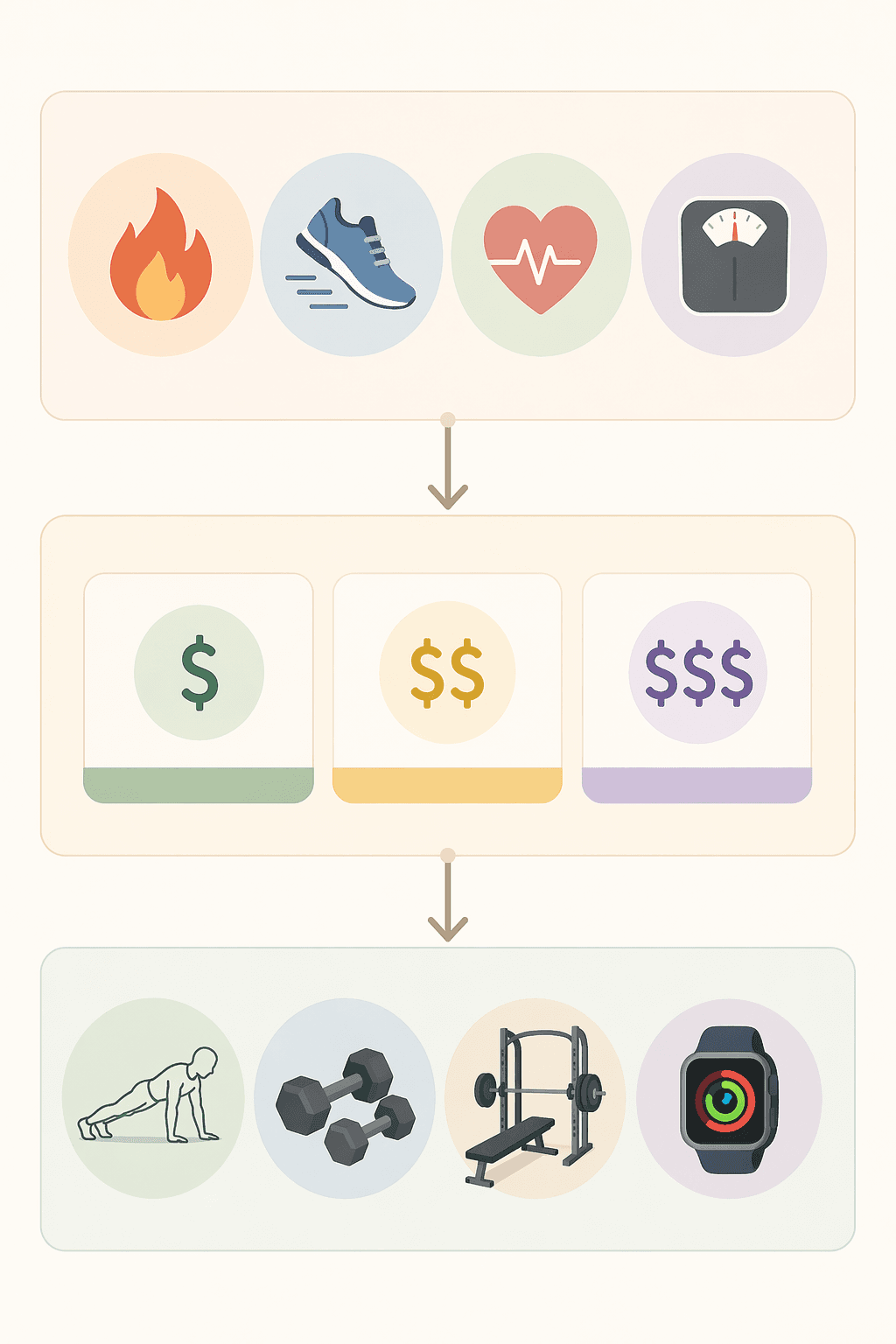
A Quick Decision Matrix For iPhone Users
Use this as the first pass. It is deliberately plain because most bad app choices happen before the user understands what they are buying.
| Your Situation | Start Here | When To Upgrade |
|---|---|---|
| I just want to move more and track basic activity | Apple Fitness app | Upgrade only if you want coached workouts, deeper trends, or a training plan. |
| I want free guided workouts at home | Nike Training Club | Upgrade if you need personalization, progression, or a program that adapts to your history. |
| I lift weights and want to log sets quickly | Hevy or Strong | Move to Fitbod or JEFIT if you want more programming help or broader exercise libraries. |
| I want polished Apple video classes | Apple Fitness+ | Keep it if you enjoy the classes; do not treat it as the default strength-training answer. |
| I mainly run | Apple Fitness, Apple Watch workouts, or a dedicated running app | Upgrade when you care about structured workouts, pace targets, routes, or race preparation. |
| I want weight loss support | Pair activity tracking with a food or habit system | Upgrade when the app helps you sustain the behavior you are actually tracking. |
If you are brand new and still deciding whether free is enough, the deeper branch is how to choose a free workout app as a beginner. If you already know you want strength training, skip the general app debate and use the strength training app guide instead.
If Your Goal Is General Wellness, Do Less First
General wellness is the category where people most often overbuy. If your goal is “walk more,” “close my rings,” “notice whether I’m active,” or “start doing short workouts,” Apple’s free tools may already cover the job. You can see movement, track workouts, and keep the habit visible without creating another account or accepting an annual renewal.
That does not mean Apple Fitness is the best training app. It means the first problem is observation, not coaching. A basic tracker is useful when it makes the behavior visible and boring enough to repeat. Paying for a prettier dashboard before the habit exists often just gives you a more expensive reminder that you are not using it.
Phone-only tracking is good enough for many casual decisions, but it should not be treated like lab equipment. JointCorp’s 2026 comparison cites smartphone step-counting accuracy in the 93-97% range, which supports using the iPhone as a practical everyday tracker, while still leaving room for error based on how the phone is carried and what activity is being measured.[3]
Add a paid app when the missing piece is specific: coached classes, a calendar, a plan, reminders you actually like, or Apple Watch integration that changes your behavior. For a broader breakdown of when the paid layer is worth it, use the free vs. paid workout apps guide.
If You Want Free Guided Workouts, Nike Training Club Is The Serious Option
Free guided workouts are different from free tracking. Here, you are not just recording movement; you want someone to tell you what to do. Nike Training Club deserves a real look because Garage Gym Reviews identifies it as a strong free workout option with 185+ workouts available at no cost.[4]
The tradeoff is structure. A library of good workouts is not the same thing as a progressive plan that watches what you completed, adjusts next week, and nudges the load upward. If you want variety, bodyweight sessions, short home workouts, or a no-risk way to stop scrolling and start moving, Nike Training Club fits. If you want a strength program that develops over months, it becomes less convincing.
For goal-by-goal free choices, the better comparison is best free workout apps by fitness goal, because “free” means different things for yoga, strength, walking, running, and general fitness.
Strength Training Needs A Different Standard
Strength training is where a generic fitness app often falls apart. A useful strength app has to make logging fast, remember your previous sets, handle substitutions, and help you progress. Beautiful video classes are nice, but they do not replace a clean set-and-rep history when you are standing next to dumbbells trying to remember what you lifted last time.
| App | Best Fit | Watch The Tradeoff |
|---|---|---|
| Hevy | Budget strength tracking; strong free tier; low-cost paid plan listed at $2.99/month in FitCraft’s 2026 matrix.[2] | Less of a coached video experience. |
| Strong | Fast logging for lifters who already know their exercises; FitCraft lists it at $4.99/month.[2] | Less useful if you need the app to teach or design everything. |
| Fitbod | Lifters who want more programming help and workout generation. | Costs more than simple loggers and can be more app than a beginner needs. |
| JEFIT | Exercise library, gym-style routines, and structured strength tracking; JEFIT’s own 2026 evaluation places it among tested workout-app options.[5] | Can feel heavier than a quick logger if you only need basic set tracking. |
| Apple Fitness+ | Polished video classes inside the Apple ecosystem; FitCraft lists Apple Fitness+ at $9.99/month.[2] | Not the strongest pick when the main job is progressive strength logging. |
Hevy and Strong are the two I would look at first for normal iPhone users who lift. Hevy is attractive when price matters and you want a generous starting point. Strong is attractive when logging speed matters and you already know your routine. Fitbod and JEFIT become more relevant when the app has to help build the workout, not just record it.
Equipment should make the final call. If you have only adjustable dumbbells, a full-gym routine is friction. If you train in a commercial gym, a bodyweight-only app may underuse what you have. For that narrower decision, use the limited-equipment strength app guide.
Apple Fitness+ Is Polished, But It Is Not The Default Answer
Apple Fitness+ makes sense for a certain iPhone user: you like Apple’s interface, you want friendly video classes, you may have an Apple Watch, and you are more likely to exercise when the class looks good and starts quickly. That enjoyment matters. An app you like enough to open beats a technically superior app you avoid.
The mistake is treating Apple Fitness+ as the automatic upgrade from the free Fitness app. It is an upgrade into coached content, not necessarily into better strength progression, faster lifting logs, or cheaper tracking. Zapier’s fitness-app roundup and Forbes Health’s fitness-app evaluations both compare a wide range of fitness apps by use case rather than treating one polished subscription as the answer for every goal.[6][7]
If you are choosing between Apple Fitness+ and third-party apps, the deeper comparison is here: Apple Fitness+ vs. third-party iPhone fitness apps.
Running And Weight Loss Are Not One-App Problems
For running, the iPhone decision depends on whether you are tracking movement or training. If you just want to know that you ran, walked, or built a weekly habit, Apple’s built-in tools may be enough. If you care about pace work, race plans, intervals, routes, or long-term performance trends, a dedicated running app or Apple Watch-centered setup starts to make more sense.
Weight loss is even easier to misread. A workout app can support weight loss, but it is rarely the whole system. The useful app is the one that helps you repeat the behavior you are actually changing: walking, strength sessions, food logging, weigh-ins, sleep routines, or some combination. If the app only adds another dashboard and no repeatable behavior, it is decoration.
This is where app-store popularity can mislead. A large user base says an app is widely adopted; it does not prove it fits your equipment, budget, or starting point. The global fitness-app market was estimated at $3.4 billion in 2025, with 888 million downloads and 540 million users, which explains why the category feels crowded, but those figures are global market context rather than iPhone-specific buying advice.[8]
Be Careful With Annual Billing
Annual billing can be the right move after you know the app belongs in your routine. It is a poor first commitment when you are still testing whether the app fits your life. FitCraft cites JMIR mHealth research indicating that the average fitness-app user churns within 90 days, so the safer first test is usually month-to-month, even when the annual plan looks cheaper on paper.[2]
A practical rule: pay monthly for the first one or two months, set a calendar reminder before renewal, and upgrade to annual only after the app has survived normal weeks, busy weeks, and at least one week when motivation was low. For current price ranges and annual-cost math, use the iPhone fitness app cost breakdown.
The Shortlist By Situation
| If This Sounds Like You | Pick |
|---|---|
| I have an iPhone, no gym, and I just want to move more. | Start with Apple Fitness. Add Nike Training Club if you want free guided sessions. |
| I have dumbbells and want to build strength at home. | Start with Hevy if price matters; try Strong if logging speed matters. |
| I want someone on screen telling me what to do. | Try Nike Training Club first at $0; consider Apple Fitness+ if you prefer Apple’s polished class experience. |
| I already lift and want better progression. | Compare Hevy, Strong, Fitbod, and JEFIT before paying for a general fitness subscription. |
| I want a beginner path after choosing an app. | Use a simple 30-day onboarding plan instead of downloading another app. |
That last row matters. Choosing the app is only the setup step. If you need help turning the choice into a first month of workouts, use the 30-day workout app roadmap rather than restarting the search.
For most iPhone users, the best first choice is not exotic: Apple Fitness for basic tracking, Nike Training Club for free guided workouts, Hevy or Strong for strength logging, and Apple Fitness+ only when polished coached video is the thing you will actually use. Pick the one that matches your goal, monthly budget, and equipment. Ignore the rest until you have a reason to care.
References
- No Apple Watch? No Problem: Track Workouts With Your iPhone, PCMag
- Fitness App Subscription Pricing Comparison 2026, FitCraft
- Best Fitness Tracker Apps: iOS vs Android Comparison 2026, JointCorp
- Best Free Workout Apps, Garage Gym Reviews
- Best Workout Apps for 2026: Top 7 Options Tested and Reviewed, JEFIT
- The best fitness apps, Zapier
- Best Fitness Apps, Forbes Health
- Fitness App Revenue and Usage Statistics, BusinessOfApps
Comments
Join the discussion with an anonymous comment.