
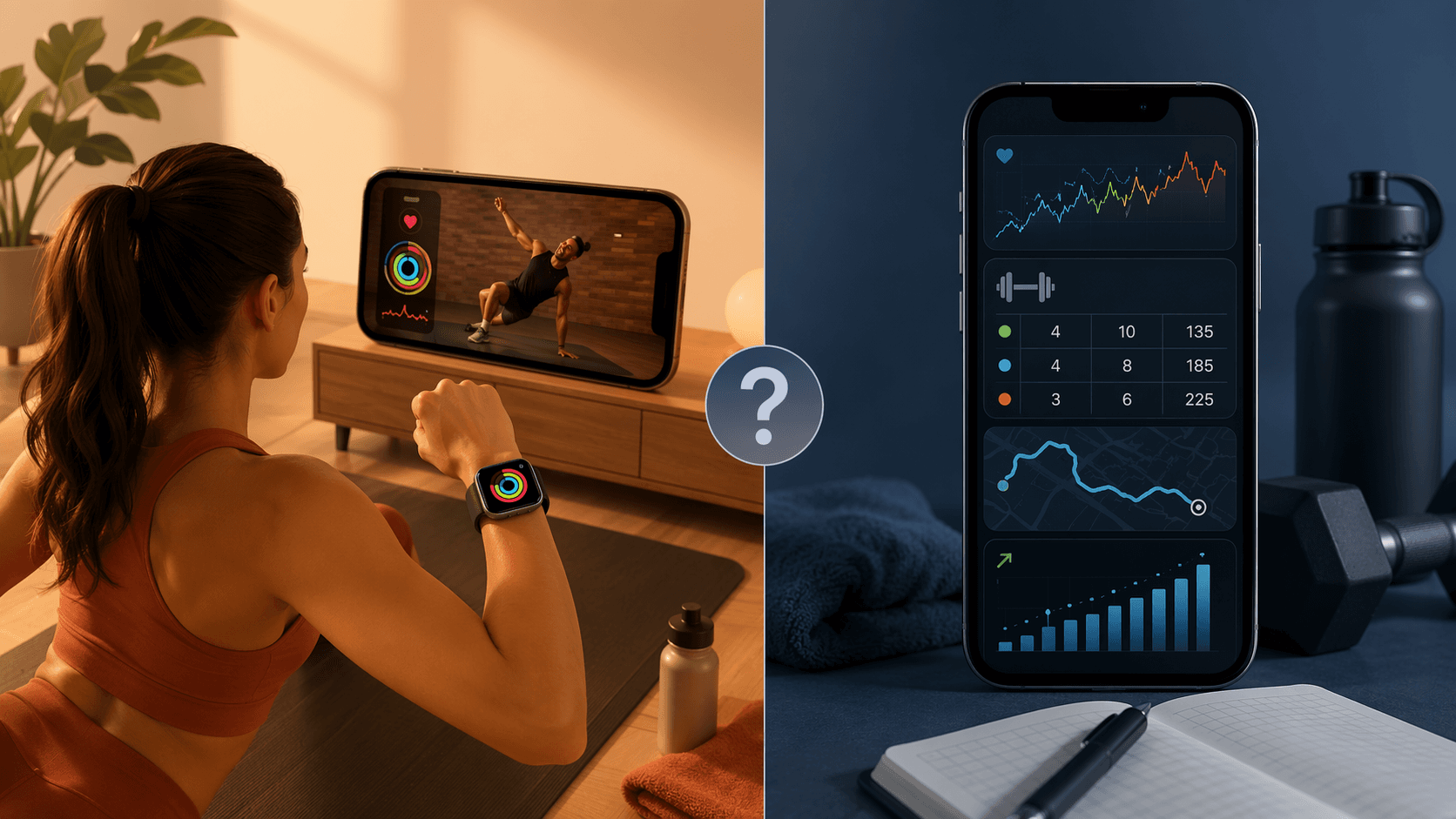
The first real question for an iPhone owner is not whether Apple Fitness+ is polished. It is. The question is whether the workout you want depends on Apple’s hardware loop: put on the Apple Watch, start a class, see your heart rate on the screen, watch the rings move, and finish without managing a separate training log. If that sounds like the workout, Fitness+ is one of the cleanest fitness app iPhone experiences available. If your workout depends on remembering last week’s squat sets, comparing run segments, building cycling routes, or getting a coach to adjust programming, you will outgrow it quickly.
Fitness+ costs $9.99 per month or $79.99 per year, with more than 5,000 classes across 12 workout types, Custom Plans, Time to Walk, Time to Run, and family sharing for up to five members.[1] The catch is not hidden, exactly, but it is easy to underestimate: the best parts of Fitness+ depend on an Apple Watch, which starts at $249+.[2] Without the watch, the iPhone-only version loses the live heart-rate display, Burn Bar, and ring-closing feedback that make the service feel different from a normal video library.[1][2]
That matters because a lot of fitness apps now sell the same promise in different packaging. The global fitness app market is estimated in the roughly $12 billion to $14 billion range for 2025–2026, and subscriptions account for 62.2% of fitness app revenue in one market analysis.[3] In plain terms: the app aisle feels crowded because recurring billing is the business model. The decision should start with training behavior, not with whichever platform has the smoothest onboarding screen.
The fastest way to choose: match the app to the workout
| If you are this iPhone user | Start here | Why |
|---|---|---|
| Apple Watch class-goer | Apple Fitness+ | Best fit when guided sessions, onscreen watch metrics, rings, class variety, and family sharing are the main value. |
| Strength lifter | Strong, Hevy, or Jefit | Better fit when the workout depends on set, rep, weight, rest-time, and exercise-history tracking. |
| Runner or cyclist | Strava | Better fit for GPS tracking, route discovery, Beacon, leaderboards, and paid performance analysis.[2][6] |
| Budget beginner | Try Fitness+ monthly if you already own an Apple Watch; otherwise compare free tiers first | The Apple Watch changes the total cost, and annual plans are safer after the habit exists. |
| Coaching-seeker | Caliber or Future | These are coaching products, not class libraries; pricing is much higher, but the value is human programming and accountability.[7] |
The table is intentionally uneven. A beginner who wants 20 minutes of low-friction movement after work does not need the same software as someone trying to progress a deadlift or train for a hilly half marathon. Fitness+ is excellent at lowering the friction to start. It is not built to be a serious lifting log, a route database, or a coach.
Where Apple Fitness+ genuinely works
Fitness+ is at its best when the class itself is the product. You choose strength, HIIT, yoga, cycling, core, Pilates, dance, meditation, or another supported workout type, then follow an instructor without building your own session from scratch. The production is clean, the cues are beginner-friendly, and the Apple Watch handoff is exactly the kind of thing Apple does well: heart rate appears on screen, rings update, and the whole session lands neatly inside the Fitness app.[1][2]
For a reluctant beginner, that simplicity is not a small advantage. A blank workout planner can become another reason not to train. Fitness+ removes several early decisions: what to do, how long to do it, when to stop, and whether the session “counted.” If the goal is to build a weekly habit with low setup, especially at home, Fitness+ deserves more credit than it sometimes gets from people who already know how to program their own training.
Custom Plans also help when you want structure without spreadsheet energy. They can stack classes into a more consistent routine, and Time to Walk or Time to Run gives the outdoor sessions a lighter audio-guided option.[1] Family sharing is another practical win: one subscription can cover up to five family members, which changes the math if several people in the house actually use it.[1]
The cleanest recommendation is this: choose Fitness+ if you already own an Apple Watch, enjoy guided classes, and want your iPhone, watch, and TV or iPad to behave like one workout system. If you are still setting up the watch side of that system, the guide to Apple Watch home workout setup is the more useful next step than comparing another dozen apps.
Where Fitness+ stops being enough
The weakness shows up the moment your training question becomes specific. “What did I bench last week?” “How long did I rest between heavy sets?” “Which accessories are actually progressing?” Fitness+ does not answer those questions well because it is a class platform, not a set-and-rep logging system.
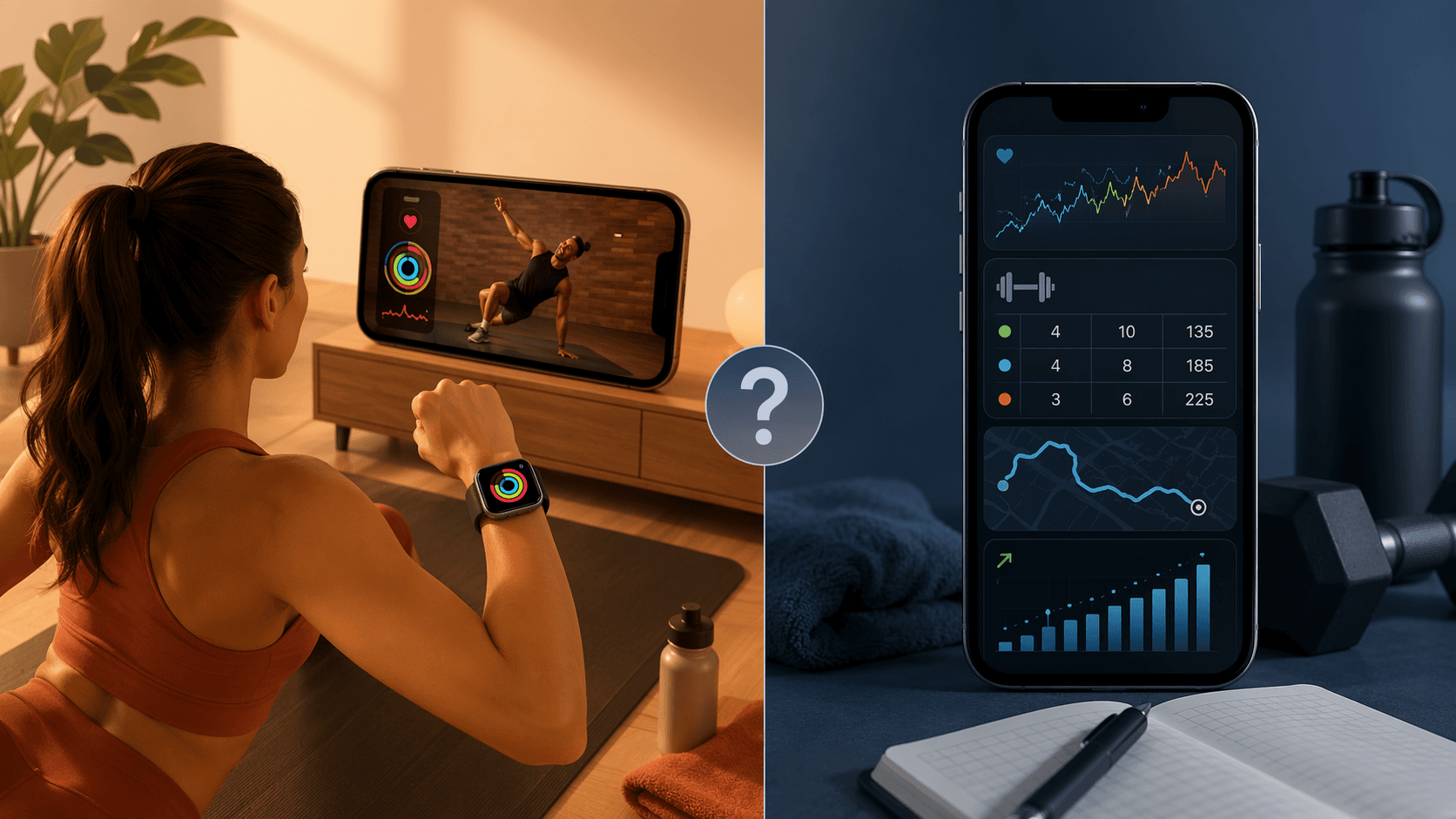
Strong and Hevy are built around the opposite assumption: the workout is a record you will return to. They focus on sets, reps, weight history, rest timers, exercise libraries, and fast logging. Reviewers have specifically highlighted dedicated Apple Watch support such as haptic rest timers, which matters in a gym or garage when pulling out an iPhone between sets is annoying.[4][5] Hevy is also notable for offering a generous free tier, with premium listed at $2.99 per month in one 2026 app roundup.[5]
Jefit sits in the same strength-tracking world but leans harder into exercise-library depth and built-in planning. Its own 2026 app write-up describes a library of more than 1,400 exercises and AI-based progressive overload recommendations in the paid tier.[8] Because that claim comes from Jefit’s own site, it is best treated as a product disclosure rather than an independent verdict. The broader point is still useful: this category is trying to solve progressive strength tracking, which Fitness+ is not trying to solve.
This is where combining apps stops looking messy. Fitness+ can handle yoga, mobility, HIIT, or an easy guided strength class. Strong, Hevy, or Jefit can handle the sessions where load, volume, and progression matter. The iPhone can support that split just fine; the important thing is not pretending one app is doing both jobs equally well.
Runners and cyclists need a different kind of memory
Outdoor running and cycling are not just “cardio classes outside.” Route history, GPS tracks, segment context, safety sharing, and performance trends become part of the training record. Strava’s free tier includes GPS tracking, route discovery, Beacon live-tracking safety features, and social segment leaderboards, while advanced metrics such as training logs and performance analysis sit behind its $11.99 per month subscription.[2][6]
Apple Fitness+ has Time to Run and Time to Walk, which can be useful when you want guided audio without planning a workout.[1] That is different from replacing Strava. A runner trying to compare familiar routes, watch segment progress, or participate in a local leaderboard is asking for a route-and-community system. Fitness+ is asking you to follow a session.
If the watch itself is part of your buying decision, it is also worth separating app features from tracker features. Apple Watch heart-rate, calorie, and activity data can be useful, but they are still measurements with limitations. For a deeper look at the device side, read Apple Watch fitness tracking accuracy before treating any app dashboard as the whole truth.
Coaching apps are not Fitness+ competitors in the usual sense
Caliber and Future belong in a separate layer. They are not mainly selling a library of classes or a self-directed log. They sell programming, feedback, and accountability from a human coach. Pricing data places coaching apps such as Caliber and Future in the $99 to $199 per month range, far above Fitness+ and most self-guided trackers.[7]
That price only makes sense if you want someone else involved in the decisions: what to train, when to adjust, how to work around missed sessions, and whether the plan still fits your goal. For some people, that is overkill. For others, it is the difference between owning a plan and following one.
The cost question is bigger than the monthly app price
Fitness+ looks inexpensive at $9.99 per month or $79.99 per year until the Apple Watch requirement enters the frame.[1][2] If you already own the watch, the subscription is easy to justify for class-heavy training. If you are buying the watch mainly to unlock the better Fitness+ experience, the total first-year cost is a different conversation.
Annual plans are also where fitness apps get dangerous. Pricing comparisons show that annual billing often saves 30% to 50%, with some examples such as Fitbod and Centr showing larger annual discounts, but the same pricing analysis warns that 90-day churn makes month-to-month testing safer until adherence is proven.[7] The boring advice is the right advice: pay monthly for the first month or two unless you already know the app matches your actual week.
Prices also change often. Treat every price here as a comparison anchor, not a permanent contract term. Before paying annually, check the app’s current iPhone subscription screen, the App Store terms, and whether the subscription renews through Apple or directly through the provider.
For a broader budget view, especially if you are also buying dumbbells, a bike trainer, a mat, or a wearable, the guide to home fitness on a budget puts app subscriptions in the context they usually deserve: one line item in a larger home-training setup.
So, which fitness app should an iPhone user choose?
Choose Apple Fitness+ if guided variety is the workout: classes, instructors, watch metrics, rings, family sharing, and a low-friction routine that starts quickly. It is especially strong for beginners, mixed home workouts, households with multiple users, and anyone who already likes training inside the Apple Watch ecosystem.
Choose a third-party app if the workout depends on records and context. Strength lifters should start with Strong, Hevy, or Jefit. Runners and cyclists should look at Strava. People who want another human adjusting the plan should compare coaching apps such as Caliber or Future. Nike Training Club and other class-style apps can also make sense for budget-conscious users, but the central split remains the same: class guidance is not the same as training management.
The best answer for many iPhone owners is a stack: Fitness+ for yoga, HIIT, mobility, or approachable class days; a strength tracker for progressive lifting; Strava for outdoor routes; and coaching only if accountability is worth the higher monthly spend. That setup is less elegant than one Apple subscription, but it respects the way people actually train.
References
- Best Expert-Tested Workout Apps and Services for 2026, CNET
- The Best Workout Apps We've Tested for 2026, PCMag
- Fitness App Market Size reports, Grand View Research, Polaris Market Research, and Coherent Market Insights
- The 9 best fitness apps in 2026, Zapier
- The 12 Best Free Workout Apps Tested by Experts, Garage Gym Reviews
- The 10 Best Workout And Fitness Apps Of 2026, Forbes Health
- Fitness App Subscription Pricing Comparison 2026, FitCraft
- Best Workout Apps 2026: Top Options Tested and Reviewed, JEFIT Blog
Comments
Join the discussion with an anonymous comment.