
The easiest way to get bad apple watch fitness data is to do the workout correctly and set up the watch lazily. That usually means two things: you never did the outdoor calibration walk, and you tap whatever workout type sounds close enough before starting a living-room session.
That matters because Apple Watch metrics are not equally trustworthy. A University of Mississippi meta-analysis reported in June 2025 found Apple Watch heart rate error at 4.43% and step-count error at 8.17%, while calorie estimates were off by 27.96%.[1][2] That is the useful boundary for home training: heart rate and steps are good enough to build habits and spot patterns; calorie burn should be treated as a rough direction, not a score you earned with decimal-point precision.
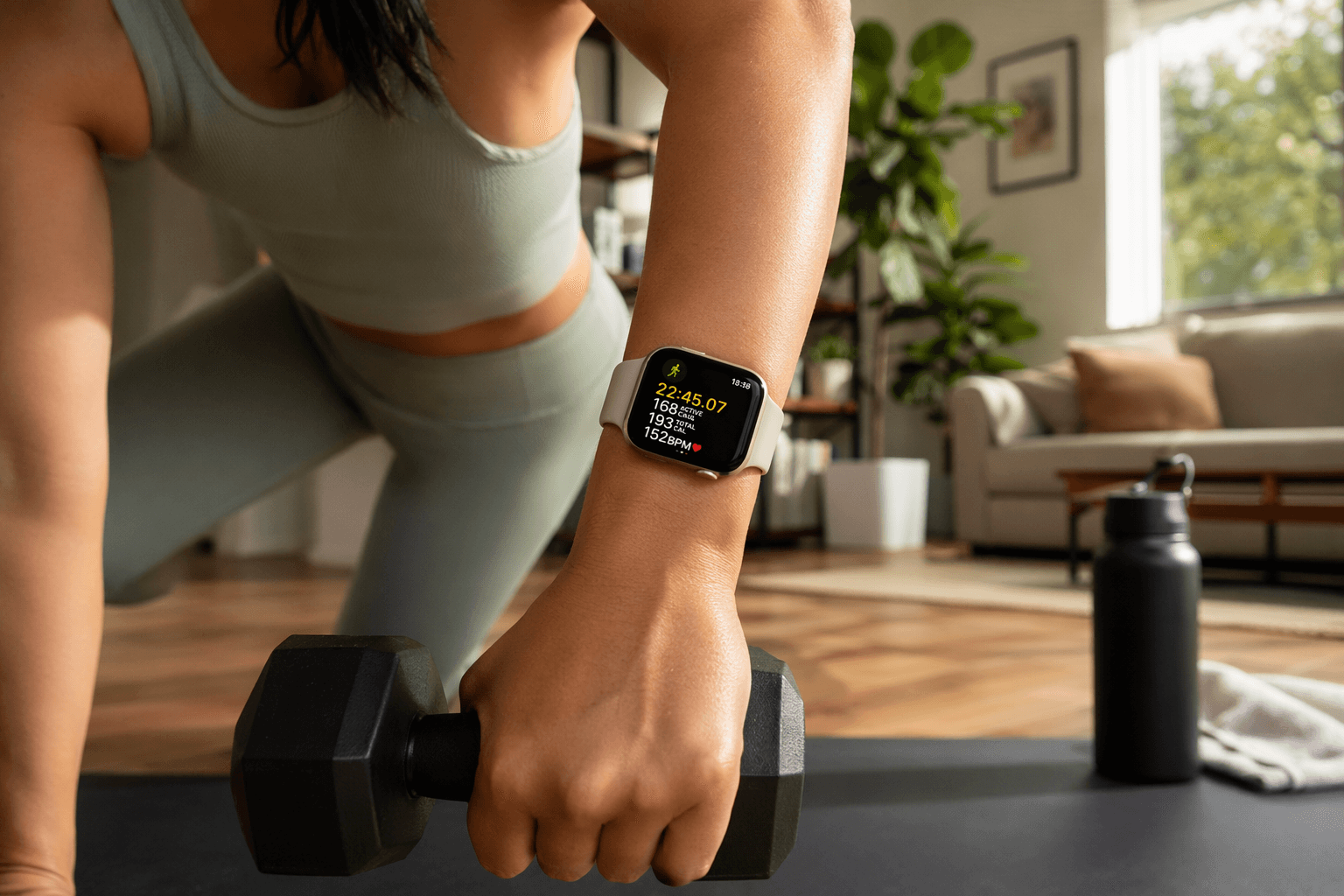
For home workouts, the goal is not to squeeze every feature out of the watch. It is to stop feeding it messy inputs and then over-believing the output. Start with calibration, choose the closest workout type each time, and judge the right metrics afterward.
Do the 20-minute calibration walk first
Apple recommends calibrating Apple Watch with an outdoor walk or run of at least 20 minutes in an open, flat area with good GPS reception.[3] This is the dull setup step people skip because it does not feel like training. It is also the step that helps the watch learn your stride, improve distance estimates, and refine activity-related calculations when GPS is limited or unavailable.
That last part is the home-workout payoff. A dumbbell circuit in a spare room does not give the watch much GPS context. A HIIT video may include marching, jumping, floor work, and rest periods that do not resemble a clean outdoor run. Calibration will not magically turn calorie burn into a lab measurement, but it gives the watch better personal movement data before you ask it to interpret indoor sessions.
- Wear the watch snugly enough that the sensor stays in contact with your wrist.
- Open the Workout app and choose Outdoor Walk or Outdoor Run.
- Move for at least 20 minutes in an open outdoor area with good GPS reception.
- Use your normal pace rather than trying to perform for the watch.
If you share the watch, change wrists often, or reset fitness calibration data, you should treat calibration as something to redo. Otherwise, this is mostly a one-time investment. It is not a weekly ritual.
Pick the workout type before the first rep
Apple’s Workout app includes more than 25 workout types, and the label is more than decoration.[4] It tells the watch what kind of movement pattern to expect. For a home exerciser, the important choices are not obscure outdoor sports; they are the sessions that look similar on a mat but ask the body to do different things.
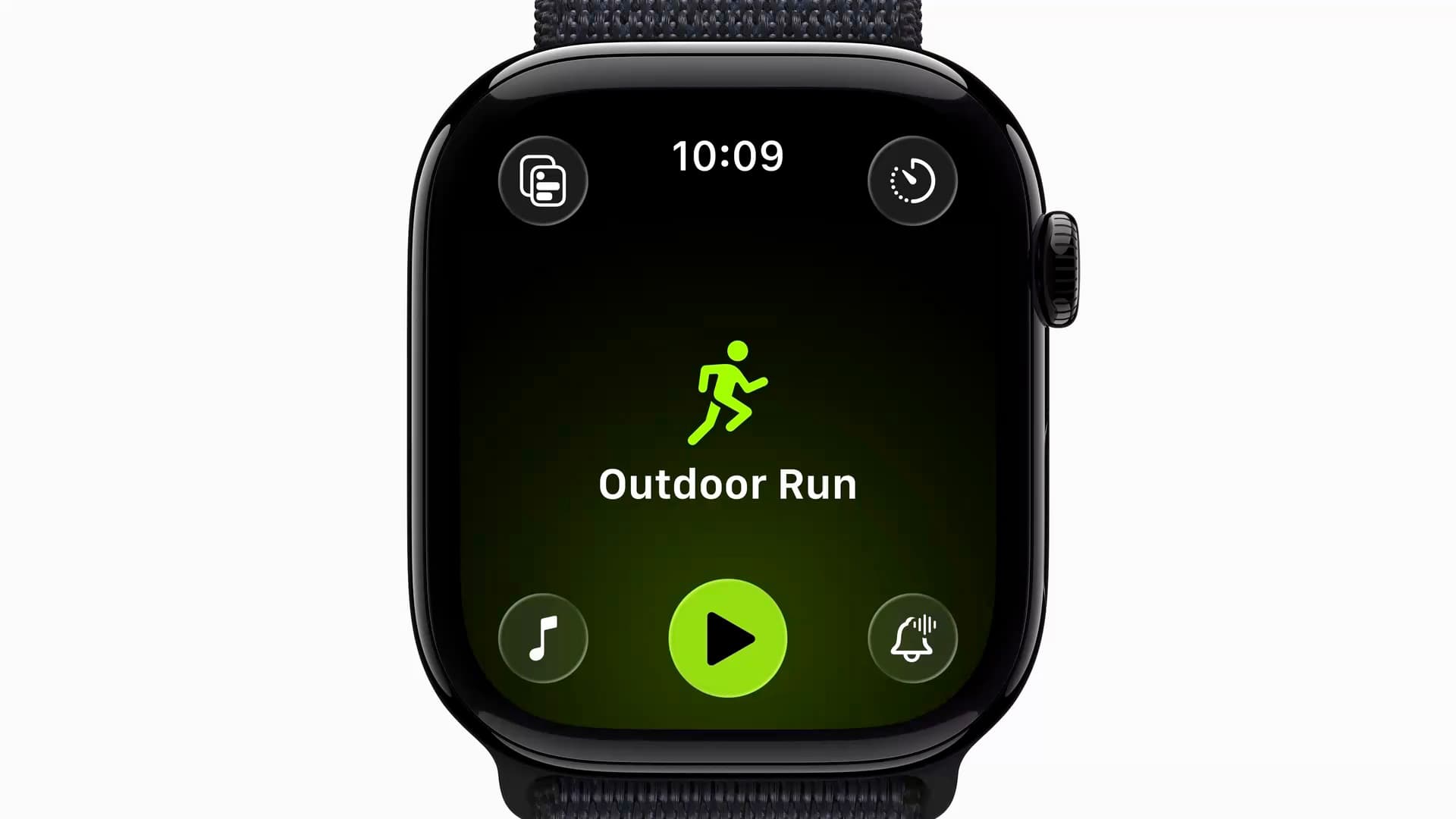
| Home workout | Start with this workout type | Why it fits |
|---|---|---|
| Dumbbell circuits, kettlebell work, resistance-band sessions, bodyweight strength circuits | Functional Strength Training | Best fit when strength moves are dynamic and use multiple joints or everyday movement patterns. |
| Intervals with bursts of hard effort and short rests | HIIT | Best fit when the session is organized around repeated high-intensity intervals. |
| Planks, dead bugs, crunch variations, Pilates-style ab blocks | Core Training | Best fit when the work mainly targets the trunk rather than full-body conditioning. |
| Traditional lifting with longer rests and more controlled sets | Traditional Strength Training | Best fit when the session looks more like sets, reps, and rest than a circuit. |
| Treadmill walking or running | Indoor Walk or Indoor Run | Best fit when the main movement is steady walking or running without GPS. |
| Yoga flow or mobility-focused sessions | Yoga or Flexibility | Best fit when the session is built around poses, range of motion, or stretching rather than conditioning. |
| A mixed video that does not clearly fit one category | Other | Use only when no specific type fits; do not make it the default for everything. |
Functional Strength Training is for more than dumbbells
Functional Strength Training is the common home-gym choice when the session mixes squats, lunges, rows, presses, hinges, carries, and bodyweight moves. It is especially useful for circuits where your heart rate rises because you keep moving, not because every set is a clean maximum-strength effort.
A beginner doing three rounds of goblet squats, push-ups, Romanian deadlifts, and band rows should usually start here. The watch will still estimate, but at least you have told it the session is resistance work with changing movement patterns rather than a run, a yoga class, or a generic calorie session.
HIIT needs actual intervals
HIIT is not a synonym for “sweaty.” Use it when the workout is built around repeated hard bursts and recovery periods: jump squats, mountain climbers, skaters, burpees, fast step-ups, or similar blocks where intensity rises and falls on purpose. Apple describes High Intensity Interval Training as intense exercise followed by shorter rest or recovery periods.[4]
If the video is really a strength circuit with light conditioning, Functional Strength Training may fit better. If it is mainly floor-based trunk work, Core Training is cleaner. The point is not moral purity; it is giving the sensor model the least-wrong starting assumption.
Core Training is narrower than “I used my abs”
Nearly every good strength session uses the core. That does not make every session Core Training. Choose Core Training when the workout is mainly planks, hollow holds, dead bugs, crunches, rotations, anti-rotation holds, and similar trunk-focused work. If core exercises are just one station inside a full-body circuit, keep the broader category.
Traditional Strength Training is for sets, reps, and rest
Use Traditional Strength Training when the session is closer to classic lifting: a set of presses, a rest, a set of rows, a rest, a set of split squats, a rest. This is different from a fast functional circuit even if both use dumbbells.
The watch will not count your reps or judge your squat depth. What it can do is keep the session consistently categorized so week-to-week comparisons are not polluted by switching labels at random.
Set up the watch before the workout gets messy
Before a home session, the best setup is boring and repeatable. Make sure the watch is charged enough, tighten the band, open Workout, choose the closest workout type, and start recording before the warm-up if you want the warm-up included. If you only care about the main set, start there instead. Just be consistent.
Wrist position matters more than most people want to admit. A loose watch bouncing during burpees or kettlebell swings can interrupt optical heart-rate readings. For floor work, the sensor may also struggle when your wrist is bent hard under load. You do not need to obsess over it, but you should notice when a suspicious heart-rate dip lines up with push-ups, planks, or gripping dumbbells.
Also decide what counts as one workout. If you do 10 minutes of mobility, 25 minutes of dumbbell circuits, and 8 minutes of core, you can record one broader Functional Strength Training session, or you can split it if you actually plan to compare those pieces later. Splitting every tiny block creates more data, but not always more clarity.
After the workout, trust trends before totals
The number most people stare at first is active calories. It is also the number that deserves the most caution. With the meta-analysis finding calorie estimates off by 27.96%, using one workout’s calorie total as proof that one session was “better” than another is asking too much from the device.[1][2]
A more useful review starts with questions the watch can answer more honestly: Did your average heart rate rise for a similar circuit? Did recovery feel easier at the same workload? Did you train more days this week than last week? Did your walking volume collapse on strength days? These are not perfect measurements, but they are better training questions than whether one living-room workout supposedly burned 63 more calories than another.
| Metric | How to use it | How much to trust it |
|---|---|---|
| Heart rate | Compare effort during similar workouts and watch for unusual spikes or dips. | Useful, especially as a trend; not a medical-grade reading. |
| Steps | Track general daily movement around training days. | Useful for broad activity patterns. |
| Active calories | Use as a rough direction, not as a precise workout score. | Caution: large error margin in available research. |
| Cardio fitness / VO2 max | Watch the longer-term trend rather than reacting to one estimate. | Useful as a trend when enough qualifying data exists. |
| Training load | Use to see whether recent training is rising, falling, or staying steady. | Useful for pattern recognition, not a coach replacement. |
Cardio fitness is a trend, not a daily grade
Apple’s cardio fitness feature estimates VO2 max and shows whether your cardio fitness is low, below average, above average, or high for your age and sex.[5] That can be useful for someone who trains at home and does not have lab testing, but the useful part is the direction over time. A single estimate after a rough week is not a referendum on your fitness.
For home training, cardio fitness becomes more meaningful when paired with what you actually did. If your steady treadmill walks feel easier over several weeks and your cardio fitness trend improves, that is worth noticing. If the estimate moves around while your training has been irregular, do not build a whole plan around one data point.
Training load helps when your week has no coach
Apple’s training load feature is designed to compare the intensity and duration of recent workouts against what you have done over a longer period.[6] That is useful for home exercisers because the risk is often invisible: one week you add a new HIIT video, keep the dumbbell circuit, and still try to close every ring.
Use training load to catch the pattern before your knees or sleep complain. If the load is climbing and your workouts feel worse, you may need a lighter day. If the load is flat but your goal is to build capacity, you may need progression rather than another random video. The watch cannot decide that for you, but it can show whether the week you remember matches the week you actually recorded.
Battery life affects how complete your data is
Battery life is not the exciting part of fitness tracking, but it decides whether the watch is on your wrist when the useful data happens. Apple lists up to 24 hours of battery life for Apple Watch Series 11 and up to 42 hours for Apple Watch Ultra 3.[7] For most single daily home workouts, either can work. For multi-day training blocks, sleep tracking, and frequent GPS workouts, the larger battery margin on Ultra 3 changes how often you have to negotiate with the charger.
This is also where the Apple Watch differs from a more fitness-first watch. Garage Gym Reviews’ Garmin-versus-Apple Watch comparison frames Apple Watch as the stronger smartwatch experience, while Garmin is positioned more around deeper endurance and training-focused battery advantages.[8] For living-room strength, HIIT, treadmill, and general health tracking, Apple Watch is still a practical tool. Just do not let missed charging create gaps and then pretend the week’s data is complete.
A simple setup routine for every home workout
- Calibrate once with Apple’s 20-minute outdoor walk or run.
- Before each session, tighten the watch enough for steady heart-rate contact.
- Choose the closest workout type instead of defaulting to Other.
- Keep categories consistent when comparing similar workouts week to week.
- Review heart rate, steps, cardio fitness trends, and training load before caring about calories.
- Treat active calories as directional, especially for strength circuits and mixed indoor sessions.
That is the operating principle: calibrate once, choose the closest workout type each time, and read trends more seriously than single-session calorie totals. Apple Watch fitness tracking is useful for home training when the setup is clean and the interpretation has limits.
References
- Apple Watch Is Accurate for Heart Rate, But Not Calories, Study Finds, CNET, June 2025
- Apple Watch Study Finds Calories Burned Measurements Are Inaccurate, MacRumors, June 2025
- Calibrating your Apple Watch for improved Workout and Activity accuracy, Apple Support
- Workout types on Apple Watch, Apple Support
- Set up Cardio Fitness Levels, Apple Support
- Track your training load on Apple Watch, Apple Support
- Apple Watch Series 11 and Apple Watch Ultra 3 technical specifications, Apple
- Garmin vs Apple Watch, Garage Gym Reviews, 2026
Comments
Join the discussion with an anonymous comment.