
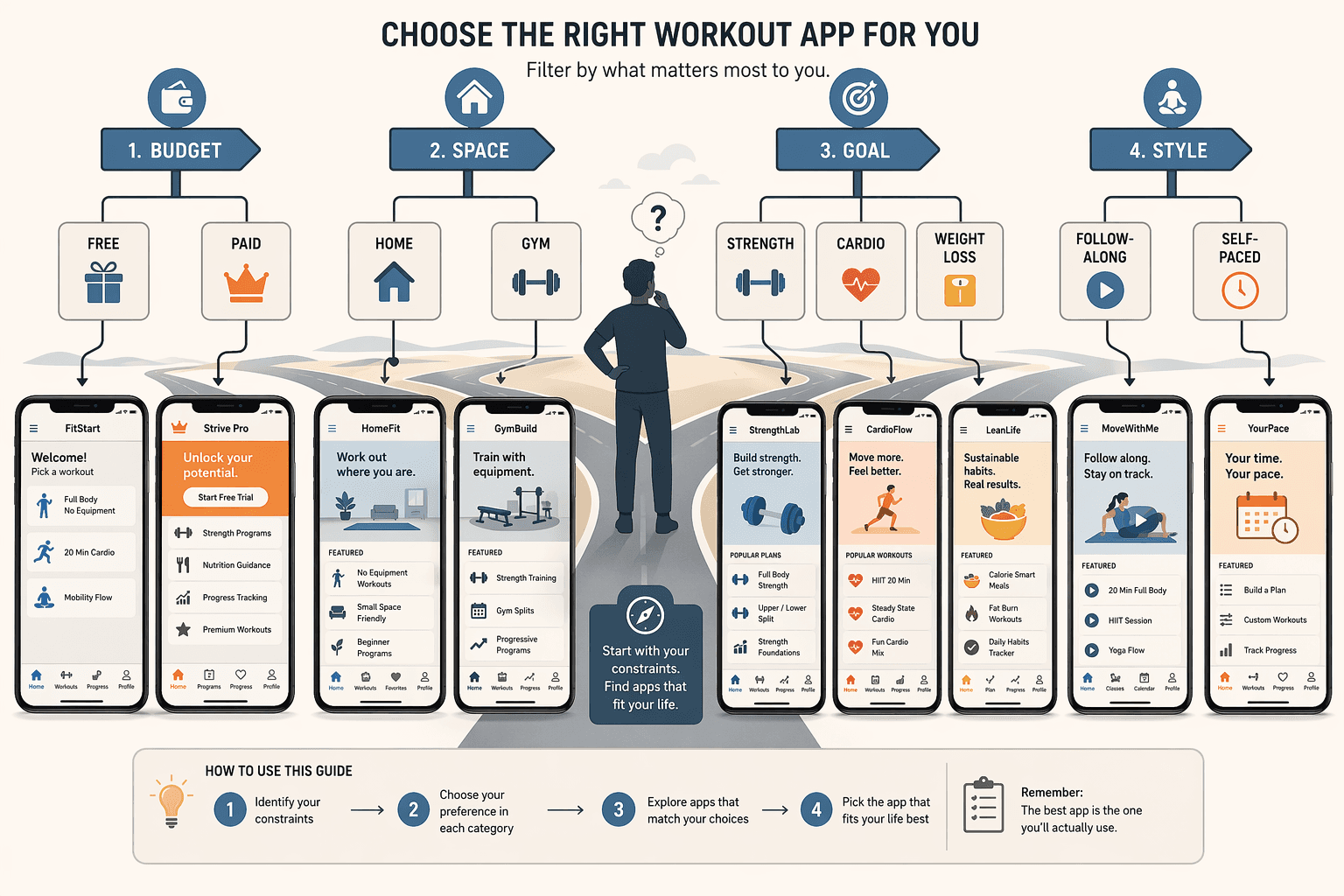
Do Beginners Actually Need to Pay for a Workout App?
The first time I saw “free” next to a workout app, I spent an hour picking apart what that word actually hid. No ads? No data tracking? No future paywall? Most claims are half-true. Nike Training Club is genuinely free — 300-plus workouts, certified trainers, no paid tier ever. That’s real. The question is: can a beginner make meaningful progress with that free library, or do you need to hand over $10 to $15 a month to actually get somewhere?
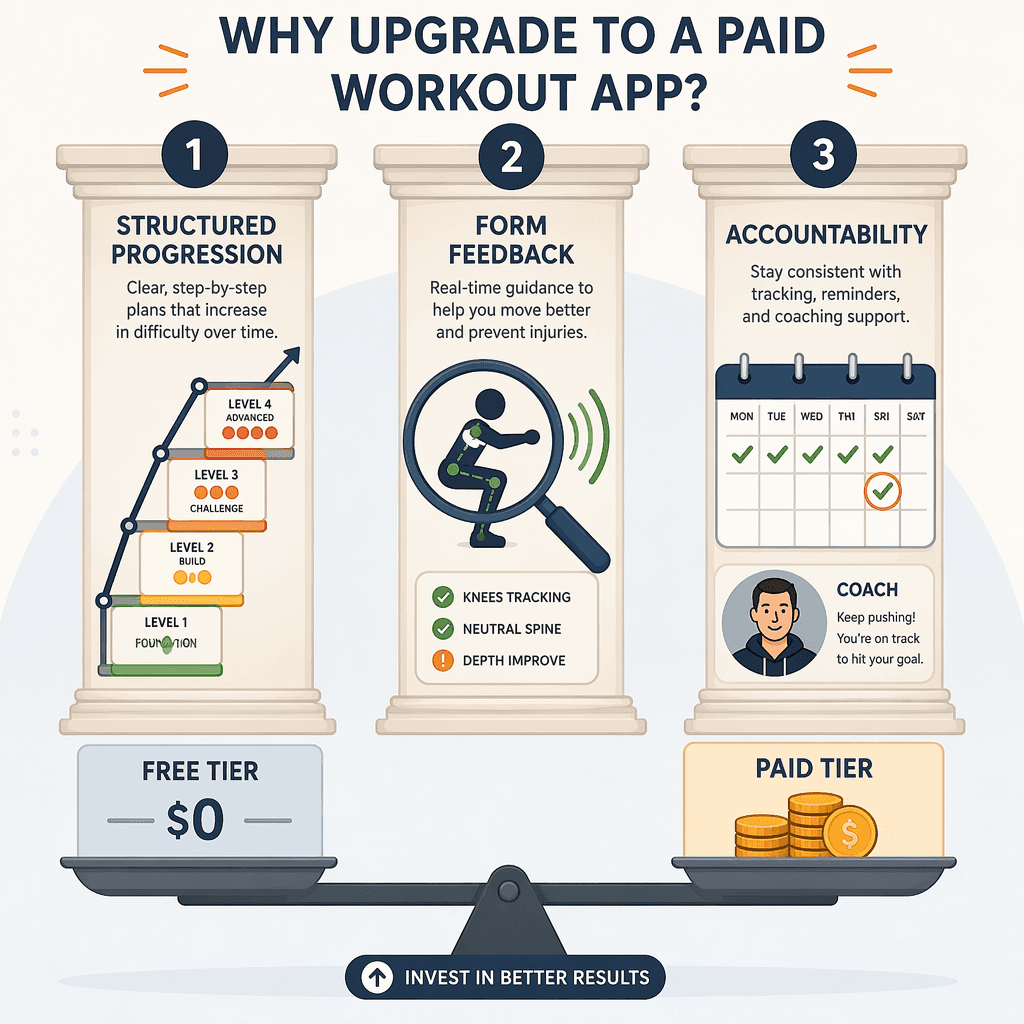
After running the numbers, my answer is: start with a genuinely free app and you will see real progress for 8 to 12 weeks. The decision to upgrade should come only when one of three specific triggers — need for structured progression, form feedback, or accountability — starts hurting your adherence. Not because the app looks shinier. Not because you think you should be spending money. But because your training is suffering from something a paid app can fix. The cost gap between free and premium ($0 vs $10–30/mo) is far smaller than the gap between a matched and mismatched app.
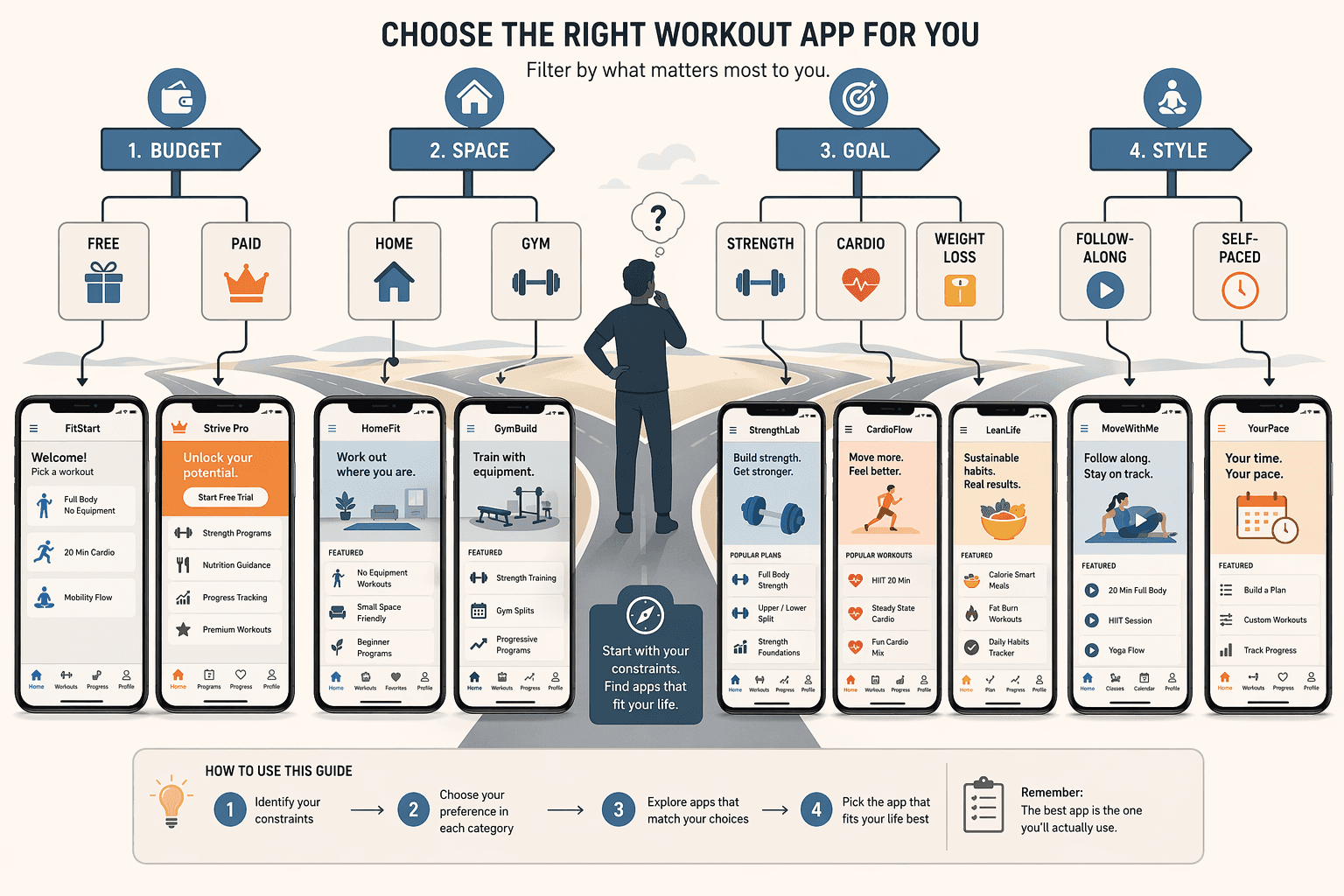
What “Free” Actually Gets You — and What It Costs
“Free” in the app store is not one category. It spans fully free (no paid tier ever), freemium with locked features behind a subscription, ad-supported, and time-limited trials. You can waste hours downloading an app that claims to be free only to hit a paywall on the second workout. Here is what the major apps actually give you for $0.
| App | Pricing Model | Free Tier Features | Paid Tier Cost | Best For |
|---|---|---|---|---|
| Nike Training Club | Fully free | 300+ workouts, no ads, no paid tier ever | $0 | Beginners who want the widest free library |
| Caliber | Freemium | 500+ exercise library, ad-free | Pro $19/mo (group coaching) | Beginners who want professional programming without a big commitment |
| FitOn | Freemium | Full workout library free | $30/yr (GGR) or $199.99/yr (Forbes) — pricing not consistent | Beginners who want meal plans and offline access later |
| Apple Fitness+ | Paid only (free trial) | 10-day free trial | $10/mo or $80/yr | Apple Watch users who want integrated metrics |
| Peloton App | Paid only (free trial) | 30-day free trial | $12.99/mo | Beginners who thrive on live classes and community |
| Future | Paid only | None — full coaching from day one | $199/mo | Beginners who need daily one-on-one coaching |
One note on FitOn: the premium pricing is all over the place. Garage Gym Reviews says $30/yr; Forbes Health says $199.99/yr. I lean toward the lower figure because it comes from a dedicated free-app roundup, but the discrepancy itself is worth flagging. Either way, the free tier is genuinely useful for workouts. The paid version’s value is less clear.
If you want a deeper look at whether paid strength training apps deliver on their promises, see our free vs premium breakdown for home lifters.
A $0 price tag does not mean no sacrifice. Nike Training Club is clean — no ads, no data tracking that I could find — but its content library rotates slowly. You can repeat the same 300 workouts for weeks before it feels stale. That repetition fatigue is a real cost: the app becomes boring, and boredom kills consistency faster than a paywall. Other free apps are less transparent. FitOn’s free tier gives full access to workouts, but premium is needed for offline downloads and meal plans. Many free apps monetize by sharing anonymized usage data. Is that a dealbreaker? Maybe not for most beginners, but it is worth reviewing the privacy policy before you log your first workout.
The Cost-Per-Session Reality Check
Let me run the math that matters. Assume you work out three times a week. Here is what each option actually costs per session.
| App Type | Monthly Cost | Sessions/Week | Cost per Session |
|---|---|---|---|
| Free app (NTC, Caliber free) | $0 | 3 | $0.00 |
| $10–15/mo app (Apple Fitness+) | $10 | 3 | ~$0.83 |
| $13/mo app (Peloton) | $13 | 3 | ~$1.08 |
| $19/mo app (Caliber Pro) | $19 | 3 | ~$1.58 |
| $200/mo coaching (Future) | $200 | 3 | ~$17 |
| $200/mo coaching used 2x/week | $200 | 2 | ~$25 |
| In-person personal trainer | $200–600 | 1–2 | $50–150 |
A $10–15 app used three times a week costs roughly a dollar per workout. That is a tenth of a personal trainer session, but it is still ten times what the free app costs. The real question is whether that dollar buys something that keeps you exercising. Personal trainers charge $50 to $150 per session. A $200/month coaching app like Future gives you daily interaction with a real trainer for roughly the same cost as two in-person sessions — but only if you actually use it several times a week. If you only train twice a week, your effective cost per session climbs to $25. Still cheaper than most PTs, but not the automatic steal it appears to be.
Trigger 1: When Random Classes Aren’t Enough — Structured Progression
A library of 300 workouts is useless if you have no idea which ones to do in what order. Nike Training Club has programs, but reviews note that its long-term progressive programming is less developed than Peloton's structured programs. The first trigger for upgrading is simple: you are doing random workouts and you are not seeing progress because the difficulty never increases systematically. Paid apps like Peloton ($12.99/mo) and Apple Fitness+ ($10/mo) offer progressive programs that build week over week. Caliber Pro ($19/mo) goes further with group coaching and structured plans. If you feel stalled or lost, spending $10 to $15 a month on a program that tells you exactly what to do next can jumpstart progress.
Trigger 2: When You Need Eyes on Your Squat — Form Feedback
Free apps show you how to do an exercise — video demonstration, cue list. They cannot tell you if you are doing it wrong. For many beginners, that is fine. But if you have ever felt a sharp pain in your lower back during a deadlift, or watched your knees cave in on a squat, you need feedback. Here is where the types of feedback matter. Group coaching (Caliber Pro, $19/mo) lets a coach review your form via video upload periodically. One-on-one coaching (Future, $199/mo) gives you a dedicated trainer who watches every set and adjusts your plan daily. AI-generated plans use your past performance data but offer no real-time correction. Daily Burn’s True Beginner program costs $19.95/mo and provides excellent instruction, but no live feedback. If you are a beginner worried about injury, our guide on free workout apps ranked by injury prevention can help you choose a free option that emphasizes form cues. But if you have already hurt yourself or are uncertain about a movement, paying for at least group coaching is worth every dollar.
Trigger 3: When Motivation Fizzles — Accountability
The biggest killer of a new fitness habit is not lack of knowledge — it is lack of consistency. Free apps have community features, but paid apps invest heavily in structured accountability. Peloton’s live classes and leaderboard create social pressure to show up. Future’s daily coach check-ins make skipping a session feel like letting someone down. Caliber Pro’s group coaching combines structured plans with community. PCMag’s evaluation of live coaching features notes that apps with coaching or live classes significantly outperform passive apps in user retention. If you have quit twice already, the $13/mo for Peloton may be the cheapest insurance against a third attempt.
When Upgrading Actually Makes Sense
Here is how to apply the three triggers to your own situation. Be honest.
- If you have been using a free app for 8–12 weeks, you are still seeing progress, and you have not hit any of the three triggers: stick with free. Nike Training Club, Caliber free, or FitOn free are genuinely enough. You do not need to spend money yet.
- If one trigger is active — you feel lost without a program, or you are unsure about form, or you keep skipping workouts — consider a $10–15/mo app like Apple Fitness+ ($10/mo) or Peloton ($13/mo). That is roughly a dollar per session — cheap enough to test for a month.
- If two or three triggers are present — you need structured programming, form feedback, and accountability — a coaching app is worth it. Start with group coaching (Caliber Pro $19/mo) before jumping to $200/mo one-on-one. The cost per session is still far below personal training.
- If you are still deciding whether to exercise at home or join a gym, our home fitness decision guide for beginners can help you work through that first.
For a broader overview of the best beginner-friendly apps this year, see our 2026 roundup of exercise apps for beginners.
The Bottom Line
You can start with a genuinely free app and make real progress for 8 to 12 weeks. That is not marketing — it is the truth. Upgrade to a paid app only when one of the three triggers is actively hurting your adherence. Not because the app looks shinier. Not because you think you should be spending money. But because your training is suffering from something a paid app can fix. Do the math. Be honest about where you are. And if you are still making gains on free, ignore the upgrade nudge and keep going.
Comments
Join the discussion with an anonymous comment.