
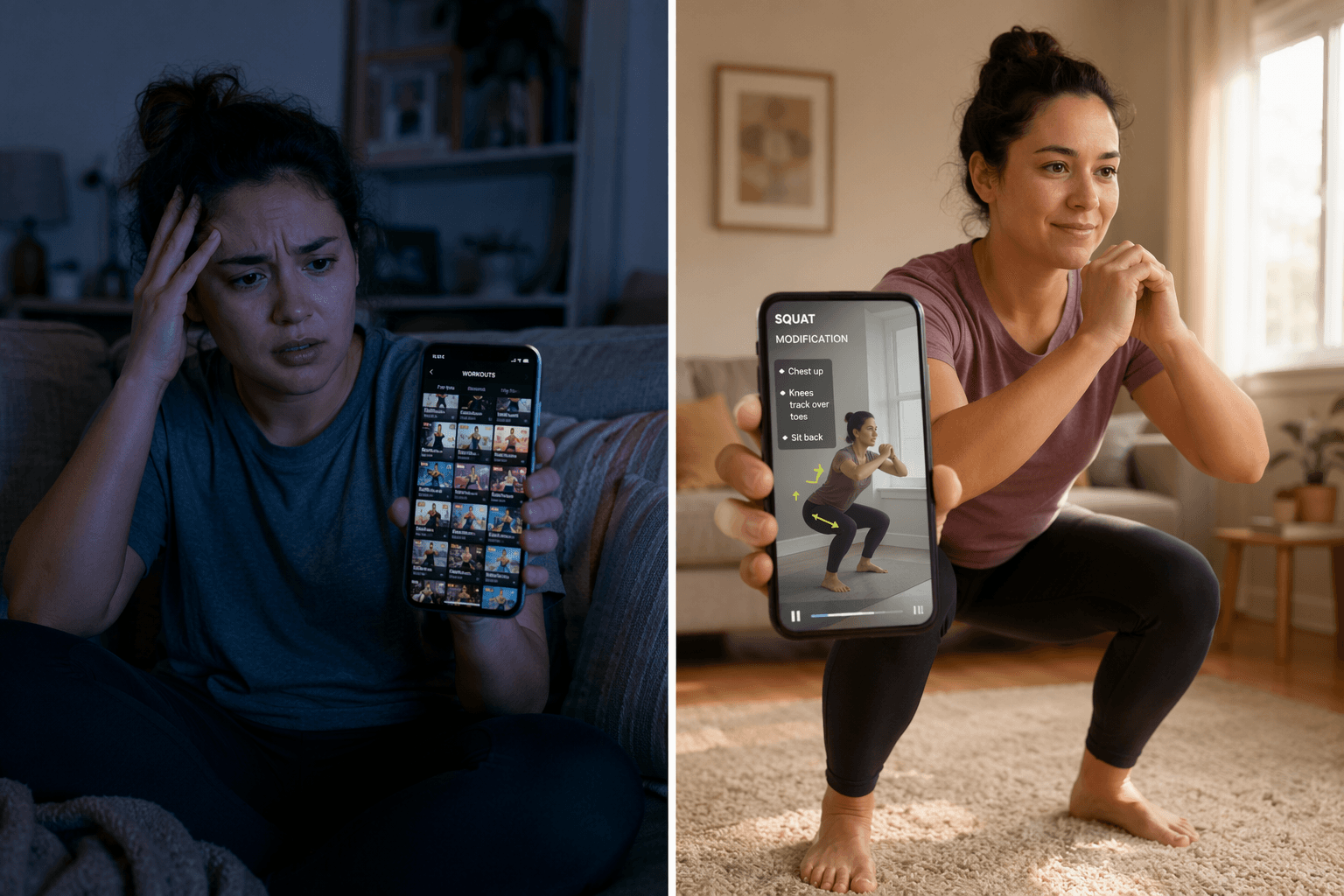
Most beginner injuries don’t happen during a dramatic fail. They happen because an app made something dangerous easy.
There are three ways a free workout app can hurt an absolute beginner:
- It shows an exercise the beginner has never seen, with no real explanation of how to do it safely.
- It lets the beginner use too much weight or too many reps because the app didn’t adjust for their actual capacity.
- It programs too many days in a row because the app doesn’t force rest days.
Each of these is a design choice. Some apps build safety into the experience. Others leave it up to you. And when you have never exercised before, leaving it up to you is the same as making it optional to get hurt.
Did the app even ask about your injuries?
You would think every workout app would start by asking whether you have a bad knee or a history of back trouble. Most free apps skip this step entirely.
Caliber is the exception. Its free version includes a thorough onboarding questionnaire that collects goals, equipment access, experience level, prior or current injury history, and medical condition risk before generating a custom program. That means the very first program a beginner sees is already adjusted for the things that could hurt them. I have tested a lot of free apps, and I have not found another free tier that does this.
Nike Training Club, by contrast, has no fitness assessment or questionnaire. It throws you into the same library of workouts that an experienced lifter sees. No filter for a bad shoulder. No filter for a sprained ankle. Just hundreds of exercises and a start button.
FitOn, Freeletics, Sweat — none of them collect injury history in their free tiers either. A program that starts without knowing your physical limitations is blind to your risk. That is the first gate, and most apps fail it.
Can a beginner actually follow the instruction?
Having a video of the exercise is not enough. I have seen too many reviews praise an app for having video without checking whether the video actually teaches someone who has never seen a squat before.
Caliber’s free tier includes a library of over 500 exercises, each with video, step-by-step instructions, a muscle map, and key takeaways. Garage Gym Reviews rated it 5 out of 5 for instruction. That rating matters, but what matters more is that a beginner can read the instructions alongside the video. The words explain what the video might not show: where to feel the tension, how to brace, what not to do.
FitOn shows modifications on screen for most exercises in its free tier. Trainers lead each workout and demonstrate the standard movement, then a button on the same screen switches to a lower-impact version. No digging through settings. No guessing.
Freeletics, on the other hand, shows workout animations but includes no explanation of proper form. A beginner watching an animation of a burpee has no idea whether their back is straight or their knees are caving in. The animation moves. The beginner tries to follow. That is how injuries happen.
The difference between ‘modifications available’ and ‘modifications shown on every move’ is the difference between a safety feature and a marketing bullet point. FitOn sets the benchmark. Other apps bury modifications in settings, or don’t have them at all.
Warm‑ups that aren’t optional
A beginner does not know that a warm-up is essential. If the app offers a warm-up as an optional extra, they will click past it.
CNET flagged the Sweat app for exactly this: warm-ups are optional. That is a problem because Sweat is a popular app for women, and many beginners start there. An optional warm-up is the same as no warm-up for someone who does not understand why they need it.
None of the other free apps in this comparison make warm-ups mandatory either. Some include them as part of the programmed session. But when they are skippable with one tap, the app shifts the responsibility to the least informed person in the room.
Volume and rest days: will the app let you do too much too soon?
The second injury vector is volume that exceeds what a beginner can tolerate. Some apps control this well. Others assume anyone can handle a 45‑minute HIIT session.
FitOn caps sessions at 10–30 minutes. A physiotherapist review highlighted this as a protective feature: short sessions reduce overuse injury risk and keep consistency high. For someone who has never exercised, 10 minutes of guided movement is plenty. More than 30 minutes without proper preparation can lead to strain from accumulated fatigue.
Caliber surfaces a strength balance score that shows how developed your major muscle groups are compared to one another. It does not let you ignore a glaring imbalance between your push and pull strength. That is a safety feature disguised as an analytics dashboard.
Other apps do not cap intensity or monitor balance. Freeletics offers no volume progression logic for beginners — it jumps into challenging workouts. Nike Training Club has structured programs but no way to know if you are ready for the next level. Without guardrails, a beginner who feels good on day one can easily overdo it.
As for rest days: most free apps don’t enforce them. The best you get is a suggestion. Caliber’s strength balance score might nudge you to rest, but it doesn’t lock the program. FitOn’s short sessions mean you could theoretically do them every day, which is not ideal. If enforced rest days matter to you, you are looking at paid tiers.
What a physiotherapist actually found
In April 2026, a physiotherapist reviewed seven free fitness apps and published the results on DigiHealth. Nike Training Club and FitOn were named ‘safer starting points due to guided instruction’. That is not a fitness blogger with an affiliate code. It is a clinician evaluating apps the way they would evaluate a piece of equipment.
The physiotherapist also noted that structured programs reduce the risk of overtraining and poor exercise selection, especially for beginners. That aligns with everything else in this article, but it carries more weight coming from someone who treats injuries for a living.
It is one review, not a clinical trial. But it is the strongest independent evidence we have. When a clinician says an app is a safer starting point, I listen.
Safety scores at a glance
Here is how the top free apps score on the three injury vectors. Each criterion is scored 0–2 based on available evidence. A score of 2 means the feature is present and usable by an absolute beginner. A score of 0 means it is absent or actively harmful.
| App | Injury history | Form instruction | Volume control | Mandatory warm-up | Modifications | Enforced rest days | Total |
|---|---|---|---|---|---|---|---|
| Caliber (free) | 2 | 2 | 1.5 | 1 | 1.5 | 1 | 9 |
| FitOn (free) | 0 | 2 | 2 | 1 | 2 | 1 | 8 |
| Nike Training Club (free) | 0 | 2 | 1 | 1 | 1 | 1 | 6 |
| Freeletics (free) | 0 | 0.5 | 0.5 | 0.5 | 0 | 0.5 | 2 |
| Sweat (7-day trial only) | 0 | 1 | 1 | 0 | 0.5 | 1 | 3.5 |
| Daily Burn (paid after trial) | 0 | 1.5 | 1.5 | 1 | 2 | 1 | 7 |
Caliber leads because it is the only free app that collects injury history and surfaces imbalance data. FitOn is close behind because it forces short sessions and makes modifications obvious. Nike Training Club is a safer option than most, but the lack of personalization limits its score.
The trap of ‘free trial’ programs
Daily Burn’s True Beginner program is one of the safest programs I have seen for a complete beginner: no‑jumping options, floor work, and a clear progression. But it is only available with a paid subscription after the free trial. Sweat offers a 7‑day free trial and then charges.
If you choose a trial‑only app as your foundation, you will either lose access to the safe features or feel pressured into a subscription before you have tested the program. For a true beginner, that is a real risk. The app you start with should be the app you can keep using without worrying about a payment date.
Caliber and FitOn are genuinely free in the tiers that matter for safety. That counts.
Your first month: Caliber or FitOn
If you have never exercised and you are worried about injury, start with Caliber or FitOn. Caliber if you want injury history collection and strength balance tracking. FitOn if you want visible modifications and enforced short sessions.
Avoid Freeletics — its animations without explanations are a genuine danger for someone who cannot self‑correct. And be careful with apps that only offer a trial of their safe features: a 30‑day window is not enough to build a safe routine.
Once you have the app, your next step is to build the habit consistently. An app that protects you from injury is the right starting point, but it only works if you actually use it. Read our guide to the first 30 days with a workout app for the full picture on building a routine that sticks.
If you are still unsure where to start, try our home fitness decision guide to map out your goals, space, and equipment before you choose an app.
Comments
Join the discussion with an anonymous comment.