
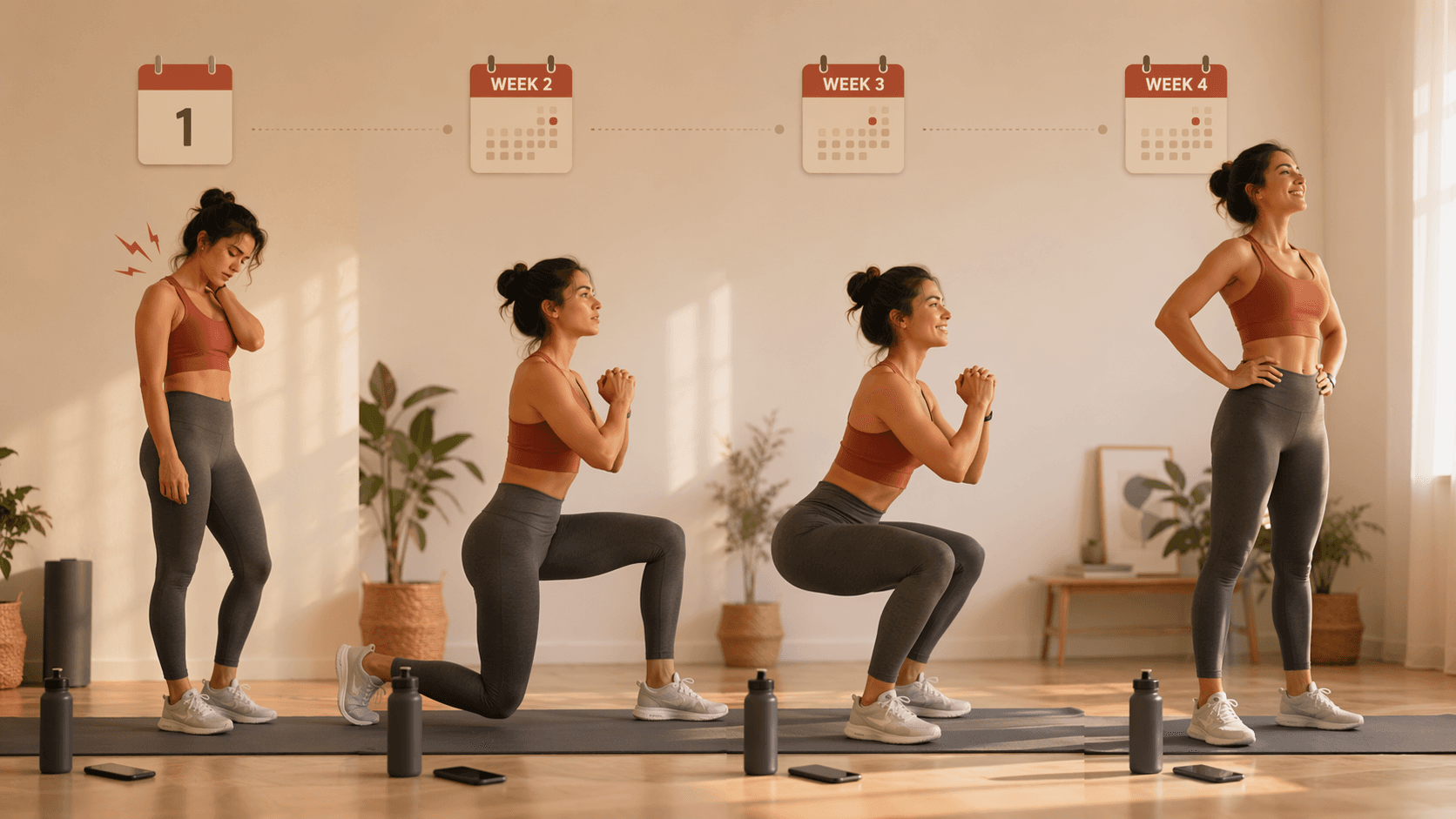
What the first 30 days usually feel like
The first month with workout apps for beginners is usually less about picking a perfect product than surviving the awkward stretch between intention and routine. Fitness apps generated $3.4B in 2025 and reached 540M users, which tells you this is a mainstream habit problem, not a tiny niche [1]. What helps most at the start is not a bigger comparison grid but a small, repeatable plan: 15–25 minute sessions, three times per week, with low equipment and clear next steps [2].
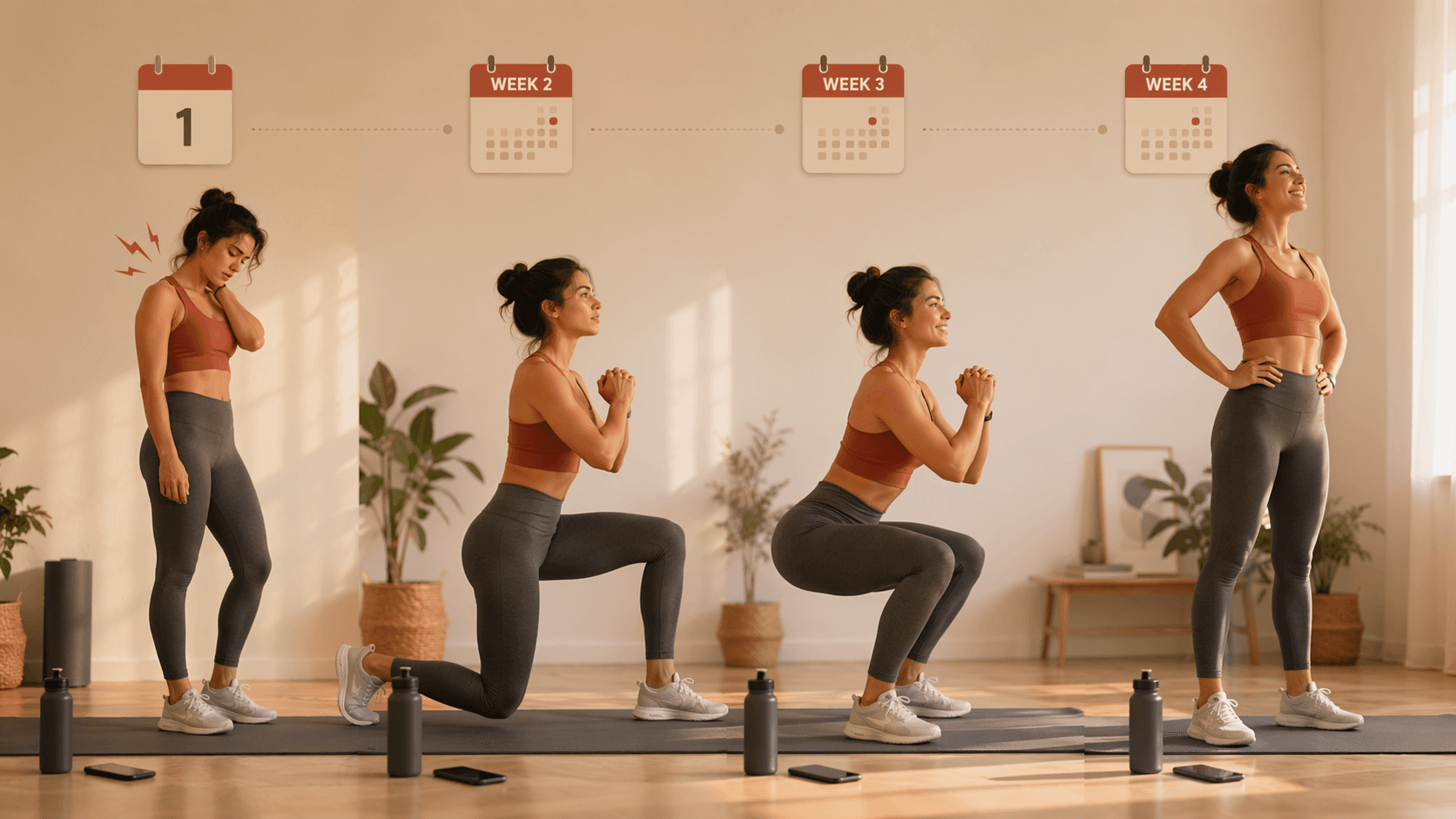
| Week | What it usually feels like | What matters most |
|---|---|---|
| Week 1 | Awkward, a little sore, and unsure whether this is normal [3] | Choose one structured plan with short sessions and low equipment [2] |
| Week 2 | Motivation often dips just as the routine starts to feel familiar [3] | Get to session 8 by the end of week 3; reminders and streaks help you come back [4][5][6] |
| Week 3 | Movements feel less foreign and coordination starts to improve [3] | Keep completing sessions instead of chasing harder workouts |
| Week 4 | You may feel steadier, but visible change is still early [3] | Decide whether free structure is still enough or whether more progression would help [4][5][6] |
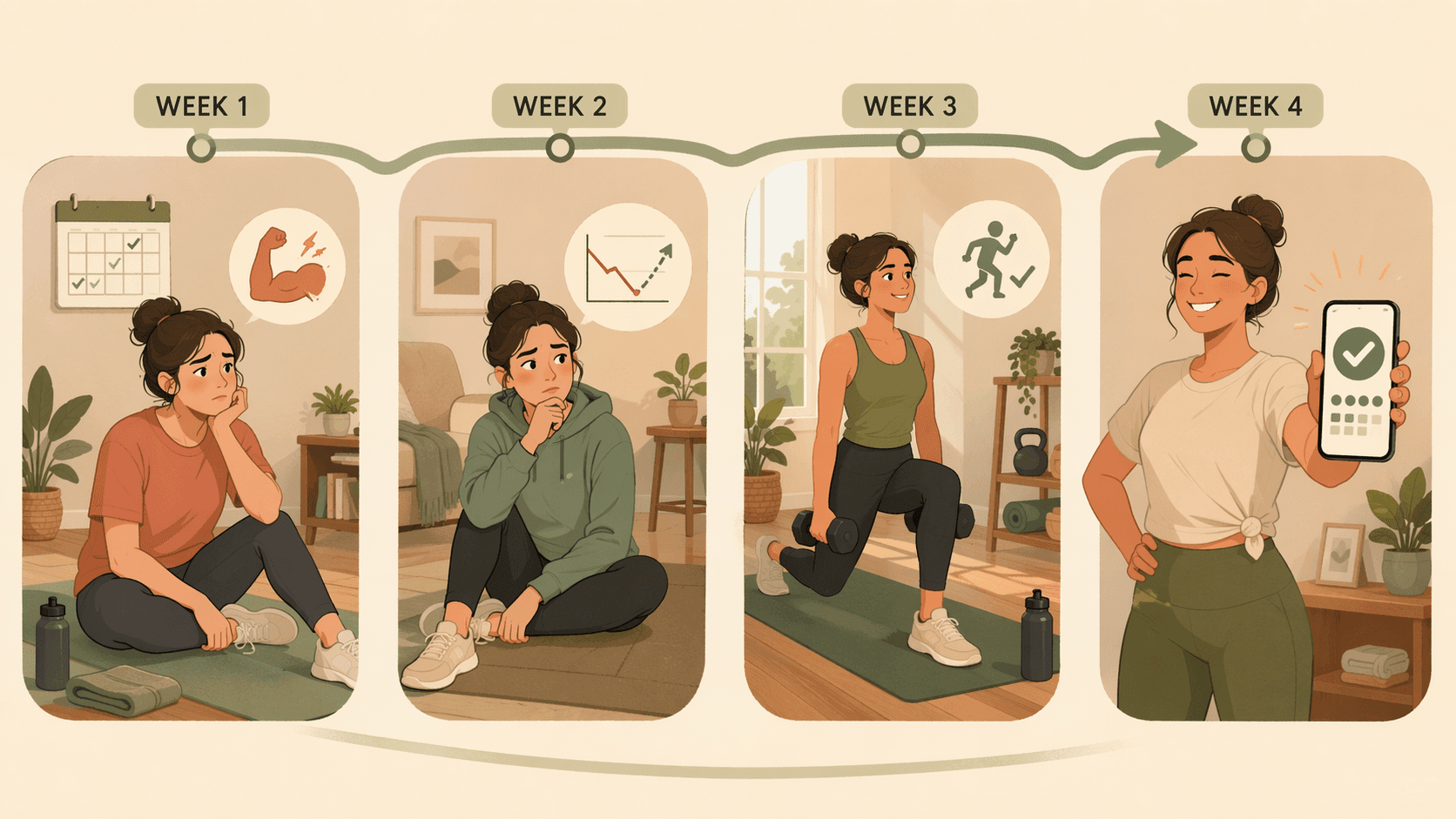
Week 1: make the plan small enough to repeat
Week 1 is the moment to stop treating app choice like a shopping project. If you want to narrow the field quickly, the 4 Non-Negotiable Features and 3 Types of Workout Apps for Beginners are enough to tell you whether an app gives you a repeatable plan or just a large library of workouts.
- Pick one structured beginner plan with 15–25 minute sessions and low equipment, not an open-ended workout catalog [2].
- Put three sessions on your calendar before you test another app.
- Expect clumsiness. Soreness often peaks on days 2–3, and that is usually part of normal adaptation rather than a sign that you picked the wrong program [3].
- If soreness turns sharp, one-sided, or comes with unusual symptoms, stop and get medical guidance instead of trying to push through it.
Week 2: protect the return
Week 2 is where many beginners misread a normal dip as failure. Motivation commonly drops here even when the body is starting to adapt [3]. This is also where the "8 sessions in the first 3 weeks" target becomes practical instead of moral: it is the strongest 30-day retention signal the testing writeups converged on, which is why scheduling, notifications, and streak tracking matter more than obsessing over whether one workout was perfect [4][5][6].
If that pattern already feels familiar, the dropout cycle is unpacked more directly in Why Your Workout App Failed (and What to Look for Instead). The useful takeaway is simpler: the app is there to bring you back before motivation fully recovers, not to prove you are disciplined enough to browse endlessly.
Week 3: let coordination catch up
By week 3, the same movements usually feel less foreign. The workout may not feel easy, but it often stops feeling like a series of awkward first attempts [3]. That shift matters because beginners often expect visible changes before the nervous system has caught up; in most cases, visible changes take 6–8 weeks, not 6–8 sessions [3].
So the goal here is not to chase intensity just because you are finally less sore. It is to finish the session, keep the schedule, and let the app’s structure do its job. If the workouts are still getting done, the month is on track.
Week 4: decide what the app should do next
For weeks 1–3, free options are usually enough. Nike Training Club, FitOn, Caliber, and Gymshark Training are practical starting points, but their free-tier availability and feature sets can change, so treat them as current snapshots rather than permanent promises [4][5][6]. Last reviewed: June 26, 2026.
If you want to compare free and paid structure more deliberately, Free vs. Paid Workout Apps for Beginners is the right next branch. The practical split at the end of the month is straightforward: stay with the free plan if it is still getting you to complete sessions; move to a paid structured program only if you now want more progression, coaching, or a schedule that takes more decisions off your plate. If the app itself has become friction, switch to a non-app structure such as the 4-Week At-Home Cardio Progression Plan and keep the habit moving.
By day 30, the win is not transformation. It is evidence: about eight completed sessions, less dread before pressing play, and enough repetition to know the habit can continue. If the app is helping, keep it. If it is too loose, upgrade only when progression or coaching would clearly help. If pain, unusual symptoms, or a medical concern shows up, pause and get professional guidance.
References
- Fitness App Market — Business of Apps — https://www.businessofapps.com/data/fitness-app-market/
- Best Workout Apps for People Who Have Never Exercised Before: 2026 Guide — Daily Burn — https://dailyburn.com/life/health/best-workout-apps-for-people-who-have-never-exercised-before-2026-guide/
- Best Workout Apps for Beginners — Garage Gym Reviews — https://www.garagegymreviews.com/best-workout-app-for-beginners
- Best Free Workout Apps — Garage Gym Reviews — https://www.garagegymreviews.com/best-free-workout-apps
- Best Fitness Apps — Forbes — https://www.forbes.com/health/weight-loss/best-fitness-apps/
- Best Workout Apps — Good Housekeeping — https://www.goodhousekeeping.com/health-products/g27112869/best-workout-apps/
Comments
Join the discussion with an anonymous comment.