
Best Strength Training Apps for Limited-Equipment Home Gyms
Not every strength training app works when your gear is limited to dumbbells, bands, and bodyweight. This guide evaluates which apps actually adapt to what you own and which ones waste your money without a full gym setup.
A strength training app gets exposed fast in a small home gym. Tell it you have dumbbells, resistance bands, and bodyweight space, and it either rebuilds the session around that reality or hands you a commercial-gym workout with a few substitutions you now have to solve yourself. That is the difference between useful software and expensive homework.
For limited-equipment home training, the best app is not the one with the biggest exercise library. A library can show you 200 ways to sweat in your living room. A progressive training program decides what you should do next week, how load or reps should change, and what happens when you do not own the machine it originally wanted.
That distinction matters before naming winners. Nike Training Club is valuable because it is free, polished, and home-friendly, and Garage Gym Reviews identifies it as a strong free option with a large guided workout library. But it does not offer progressive overload tracking in the way a strength-focused training app should, so it belongs in the “guided workouts” lane rather than the “build my strength program over time” lane.[1]
What “limited equipment” actually means
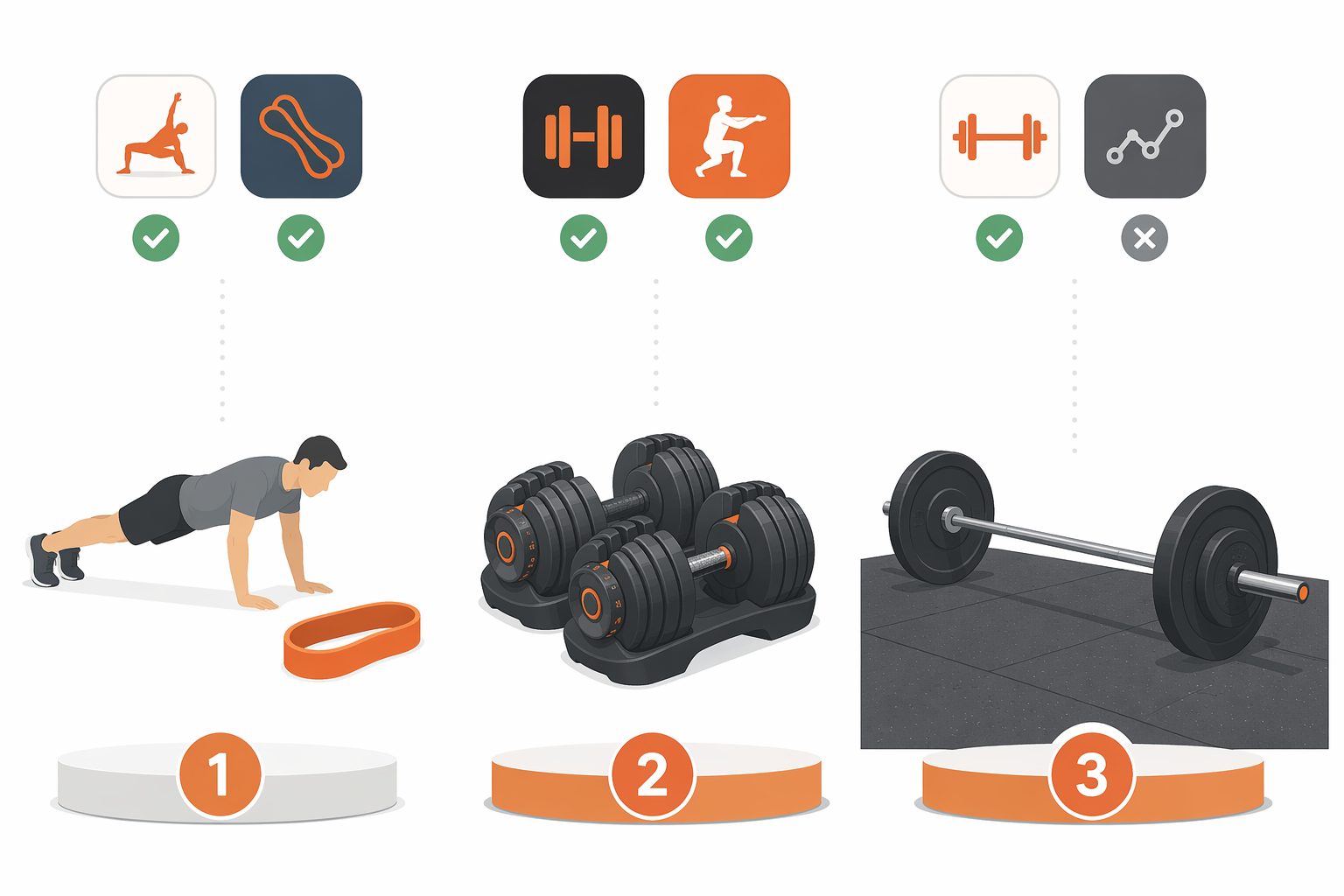
Limited equipment is not one setup. A person with adjustable dumbbells under a desk has more loading options than someone with a single loop band. A garage lifter with a short barbell and bench is in a different category again, even if they still do not have cables, machines, or a full rack. If an app treats all of those users as “home gym” and then serves the same week of training, the label is doing too much work.
| Home-gym tier | What the app must handle | What usually goes wrong |
|---|---|---|
| Bodyweight + bands | Scalable reps, tempo, unilateral work, band substitutions, beginner-friendly exercise selection | The app runs out of meaningful progression and starts repeating random circuits |
| Dumbbells only | Load tracking, rep targets, unilateral substitutions, intelligent swaps for barbell and machine movements | The plan keeps asking for cables, leg press, smith machine, or fixed machines |
| Minimal barbell setup | Progression around the lifts the user can actually perform without assuming a rack, platform, or specialty equipment | The program assumes a squat rack and bench are available every week |
If you are still deciding what belongs in a small training space, the practical limits are footprint, noise, storage, and setup time—not whether the room looks like a fitness ad. A compact equipment plan matters because the app should fit the gear, not pressure you into buying around its exercise database. For that equipment side of the decision, see this compact home gym equipment guide for apartments.
The strongest picks for limited-equipment strength training
Fitbod and Shred sit at the top because they do the specific thing limited-equipment users need most: they adapt workouts around available gear instead of assuming a commercial gym. In Garage Gym Reviews’ expert testing, both earned 5/5 for equipment flexibility. That score comes from Garage Gym Reviews’ own testing methodology across app categories; it is useful expert evaluation, not a standardized industry measurement.[2]
That caveat does not make the rating meaningless. It makes it easier to use correctly. A 5/5 equipment-flexibility score says these apps performed well under that review framework when judged on their ability to work with different equipment situations. For a home lifter, that is more relevant than whether an app has a celebrity coach, a huge social feed, or a beautiful exercise animation you cannot actually perform in your hallway.
Fitbod: the cleanest fit for dumbbell-first home gyms
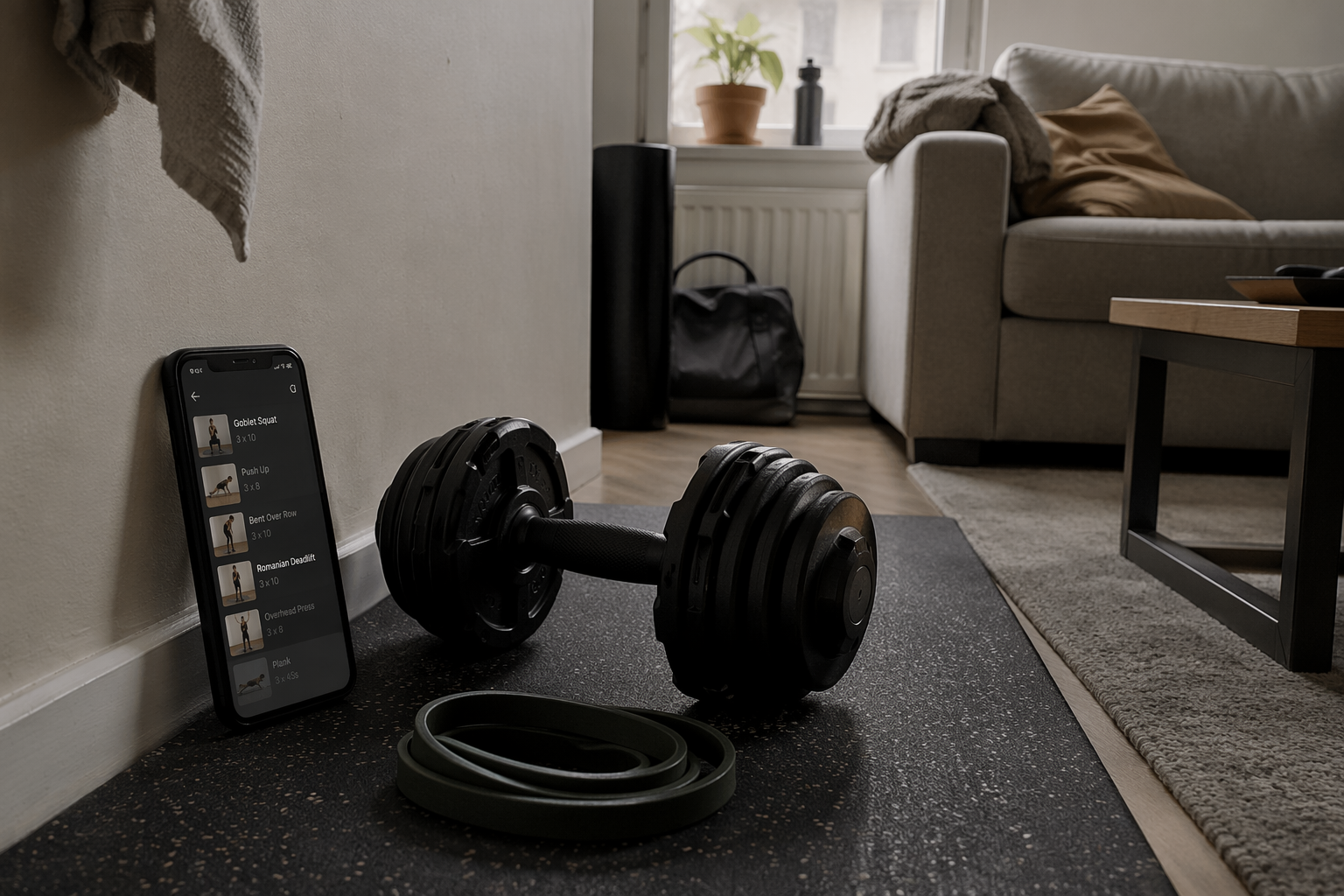
Fitbod is the easiest recommendation for the common apartment setup: adjustable dumbbells, maybe a bench, a mat, and a willingness to train consistently if the app stops creating friction. Its advantage is not that dumbbell exercises are rare. They are not. The advantage is that the app can build around the equipment profile instead of making the user manually rescue the workout.
For a dumbbell-only user, that means the app’s equipment awareness has real consequences. A barbell bench press can become a dumbbell press. A machine row can become a dumbbell row. Lower-body work can lean harder on split squats, goblet squats, Romanian deadlifts, lunges, step-ups if the user has a stable surface, and higher-rep sets when load is capped. The program still has to manage fatigue and progression; it cannot just replace everything with random burpees and call the day “strength.”
Fitbod’s pricing also lands in the realistic paid-app range for this category. In the mid-2026 pricing context available in the research materials, home-relevant strength apps span free options such as Nike Training Club, Hevy, and Caliber Free; roughly $12.99–$14.99 per month options such as Fitbod, Boostcamp Pro, and Muscle Booster; and coaching-heavy services around $199–$200 per month such as Future and Caliber Premium.[1][2][3]
For most limited-equipment users, Fitbod’s question is simple: do you want the app to make the programming decision for you? If yes, it belongs near the top of the list. If you already know exactly which program you want to run and only need logging, it may be more app than you need.
Shred: another top adaptive choice when the app must respect your gear
Shred earns the same 5/5 equipment-flexibility score from Garage Gym Reviews, which puts it in the same top tier as Fitbod for this specific problem.[2] The important point is not that every user will prefer Shred’s interface or coaching style. It is that Shred belongs in the short list because the app is judged to adapt to the equipment available rather than forcing the user into a gym-built template.
That matters most for the awkward middle ground: users with enough gear to train hard, but not enough gear to follow a standard gym program cleanly. Dumbbells and bands can cover a lot, but they require intelligent exercise selection. Pulling patterns, hamstring work, heavy leg loading, and vertical pressing all become more constrained when the heaviest implement in the room is a pair of adjustable dumbbells. The app has to understand those constraints before progression means anything.
For bands-plus-bodyweight users, the bar is even higher. A useful app should not pretend that band curls, push-ups, and air squats progress the same way as loaded barbell lifts. It needs to scale leverage, tempo, range of motion, reps, rest, and exercise difficulty. This is where equipment-aware programming separates itself from a static list of “home workouts.”
Workout library or progressive program?
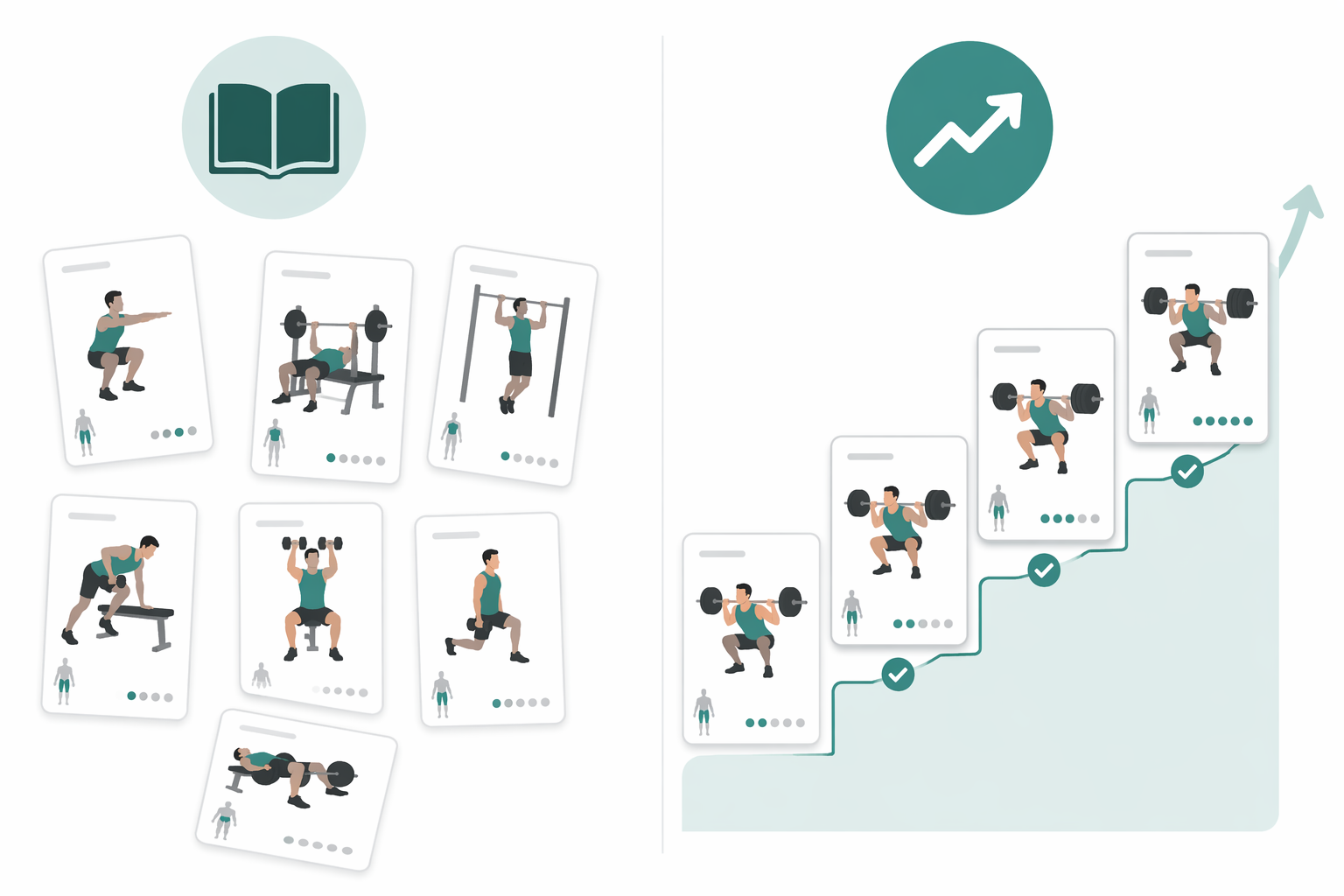
The cleanest way to avoid buying the wrong app is to separate libraries from training systems. A library answers, “What can I do today?” A training system answers, “What should change from last time?” Both can be useful. Only one reliably handles strength progression.
| App type | Best use | Weakness for limited-equipment strength training |
|---|---|---|
| Guided workout library | Free or low-friction sessions, beginner movement exposure, variety | Often lacks progressive overload tracking and long-term strength structure |
| Adaptive strength app | Building sessions around owned equipment and adjusting training over time | Usually costs more and may require trusting the app’s recommendations |
| Program marketplace or library | Experienced lifters choosing a known plan and modifying it intelligently | Beginners may not know which program or substitution is appropriate |
| Coaching-heavy service | Accountability, personal feedback, higher-touch support | Much higher price; may be unnecessary if the main issue is equipment adaptation |
Nike Training Club is the best example of a library that still deserves respect. It is free and home-friendly, and it can be exactly right for someone who wants guided movement without another subscription.[1] For absolute beginners starting with bodyweight training, pairing an app like that with a simple beginner bodyweight workout routine can be more useful than paying for advanced programming too early.
But if the goal is strength training with measurable progression, the app needs to track more than completion. It should know the load used, the reps performed, what equipment was available, and what substitution changed the intended stimulus. Otherwise, the user becomes the programmer every time a cable stack or squat rack appears on screen.
Free options that are actually worth considering
Free does not automatically mean shallow. It does mean you should check what is locked behind the upgrade before building your training habit around the app. Caliber Free is the standout here because Garage Gym Reviews rated Caliber 4.6/5 as its best free workout app overall, and the free-forever version includes 500+ exercises with video demos, strength tracking, and body metric logging.[1]
That makes Caliber Free a strong value pick for someone who wants more tracking structure than Nike Training Club without immediately paying. It does not displace Fitbod or Shred as the main adaptive recommendations for limited-equipment users, but it should be on the shortlist for budget-conscious lifters who care about logging and exercise instruction.
Hevy also belongs in the free-tier conversation, especially for people who already know their exercises and mainly need a logging environment. The tradeoff is familiar: logging is not the same as adaptive programming. If you want a deeper look at apartment-friendly free choices, start with this guide to free workout apps for limited-equipment apartments. For a broader look at what free plans tend to include or withhold, see the best free workout apps for home fitness.
Boostcamp is strong, but not beginner-proof
Boostcamp is tempting because it offers over 1,000 programs, exercise substitution, and offline mode, according to FindYourEdge’s 2026 strength app coverage.[3] Those are not minor features. Offline access can matter in a garage, basement, or corner of a building where Wi-Fi drops as soon as you start the timer. Substitutions matter when the written program calls for equipment you do not own.
The catch is that a large program library transfers more responsibility to the user. An experienced lifter can look at a plan, understand its intent, and make a reasonable swap when equipment is missing. A beginner may not know whether a banded good morning is a suitable replacement for a Romanian deadlift, or whether a dumbbell front squat changes the loading enough to require a different rep target.
So Boostcamp is a conditional recommendation: excellent for self-directed lifters who can choose intelligently and adapt a program without breaking it, weaker as a default first app for someone who wants the software to make those decisions. The offline-mode point should also be kept narrow. The available research supports offline mode as a feature, but does not establish exactly how complete offline functionality is across every use case, such as full program editing, media playback, or syncing behavior after reconnecting.[3]
Why JuggernautAI is the wrong app for many home gyms
JuggernautAI is the useful warning in this category. It may have serious programming logic, but the available Garage Gym Reviews evaluation gives it an equipment-demands score of 4/5 and notes that it requires a barbell, squat rack, and weight bench.[2] That is a very different home gym than a mat beside a couch.
This is where many app roundups become unhelpful. They praise the sophistication of the programming without asking whether the reader can perform the core lifts as written. If your “home gym” is a garage with a rack, bench, barbell, plates, and enough ceiling clearance, JuggernautAI may be worth considering. If your setup is dumbbells, bands, and a doorway anchor, the app is solving a different problem than the one you have.
The issue is not that barbell-focused programming is bad. It is that barbell-focused programming becomes expensive friction when the required equipment is missing. A limited-equipment user should not pay for an app and then spend the week rewriting squats, bench work, and barbell accessories into a different program.
Pricing: use it as a risk filter
Price matters less as a ranking category than as a risk filter. A free app that lacks progression may still be a good choice if you only need guided workouts. A $12.99–$14.99 monthly app can be a good buy if it saves you from rebuilding every workout. A $199–$200 coaching service needs to solve a bigger problem than “I need dumbbell substitutions.” Mid-2026 pricing varies by region, platform, and promotion, so the useful question is not just monthly cost; it is whether you can verify equipment fit before paying.[1][2][3]
Muscle Booster deserves a brief caution here. At $14.99 per month with no free trial in the Garage Gym Reviews data, it creates more risk for limited-equipment users because they cannot easily test whether the app’s programming fits their actual gear before committing.[2] That does not make it unusable. It does make the purchase less forgiving than an app with a free tier or trial period.
For beginners trying to build the habit before optimizing the stack, app choice is only one part of the setup. A simple plan, repeatable schedule, and gear you can leave ready often matter more than adding another paid service. This guide to starting workouts at home is the better starting point if consistency is still the main bottleneck.
The purchase decision
Choose Fitbod or Shred if you have limited equipment and want the app to produce adaptive strength programming around what you actually own. They are the strongest candidates because equipment flexibility is central to the way they were evaluated, and that is the feature most home users feel every session.
Choose Nike Training Club if you want free, guided, home-friendly workouts and do not need true progressive overload tracking. It is a strong library, not the same thing as a long-term strength program.
Choose Boostcamp if you are experienced enough to pick from a large program library, use substitutions sensibly, and manage the consequences when equipment changes the training stimulus. Its offline mode and program depth are useful, but they do not remove the need for judgment.
Choose JuggernautAI mainly if your home gym really includes the barbell, rack, and bench its programming expects. If your setup is dumbbells, resistance bands, and bodyweight space, the better purchase is the app that adapts before you have to.
References
- Best Free Workout Apps, Garage Gym Reviews.
- Best Weightlifting Apps, Garage Gym Reviews.
- Best Strength Training Apps 2026, FindYourEdge.
What a small equipment investment adds
We don't have a build tagged to this exact tier yet. Browse all builds.
How often should you repeat this?
See our recovery and rest reference for citation-anchored rest-interval guidance.
Spot something off?
Tell us if a movement, tier assumption, or duration didn't match your experience.