
Battery decides the Ultra 2 vs Watch 9 for home workouts
For home workout tracking, the Galaxy Watch Ultra 2 and Galaxy Watch 9 are functionally equivalent; the real difference is battery life and continuous wear. The Watch 9 saves $240–$320 and is the sensible pick for logging workouts, while the Ultra 2's multi-day battery earns its premium for anyone who wants Samsung's recovery features, which depend on the watch staying on the wrist.
- Test space profile
- Indoor apartment home workout space
- Floor damage risk
- none
- No-drill compatible
- ✓
- Test date
If the question is galaxy watch ultra2 vs watch9 home workout tracking, the narrow answer is simple: for logging an apartment workout, the Ultra 2 does not buy you much that the Watch 9 lacks. Samsung put both watches on the same Snapdragon Wear Elite platform, the same BioActive sensor family, and the same Wear OS 7 / One UI 9 Watch software base, with listed health features including Vitals, Heart Health Score, Fitness Index, Daily Cardio Load, and the FDA-listed Sleep Apnea feature.[1] For reps on a mat, dumbbell circuits beside the couch, treadmill walks, or short indoor intervals, that makes the cheaper Watch 9 the rational starting point.
That is also the conclusion of our companion comparison, Galaxy Watch Ultra 2 vs Watch 9: Does the cheaper watch track just as well? The more interesting decision starts after the workout ends. Samsung’s newer recovery features are not just buttons in the app. They need nights, days, and repeated records. A watch that dies or lives on the charger during those windows is not collecting the data those features are built from.
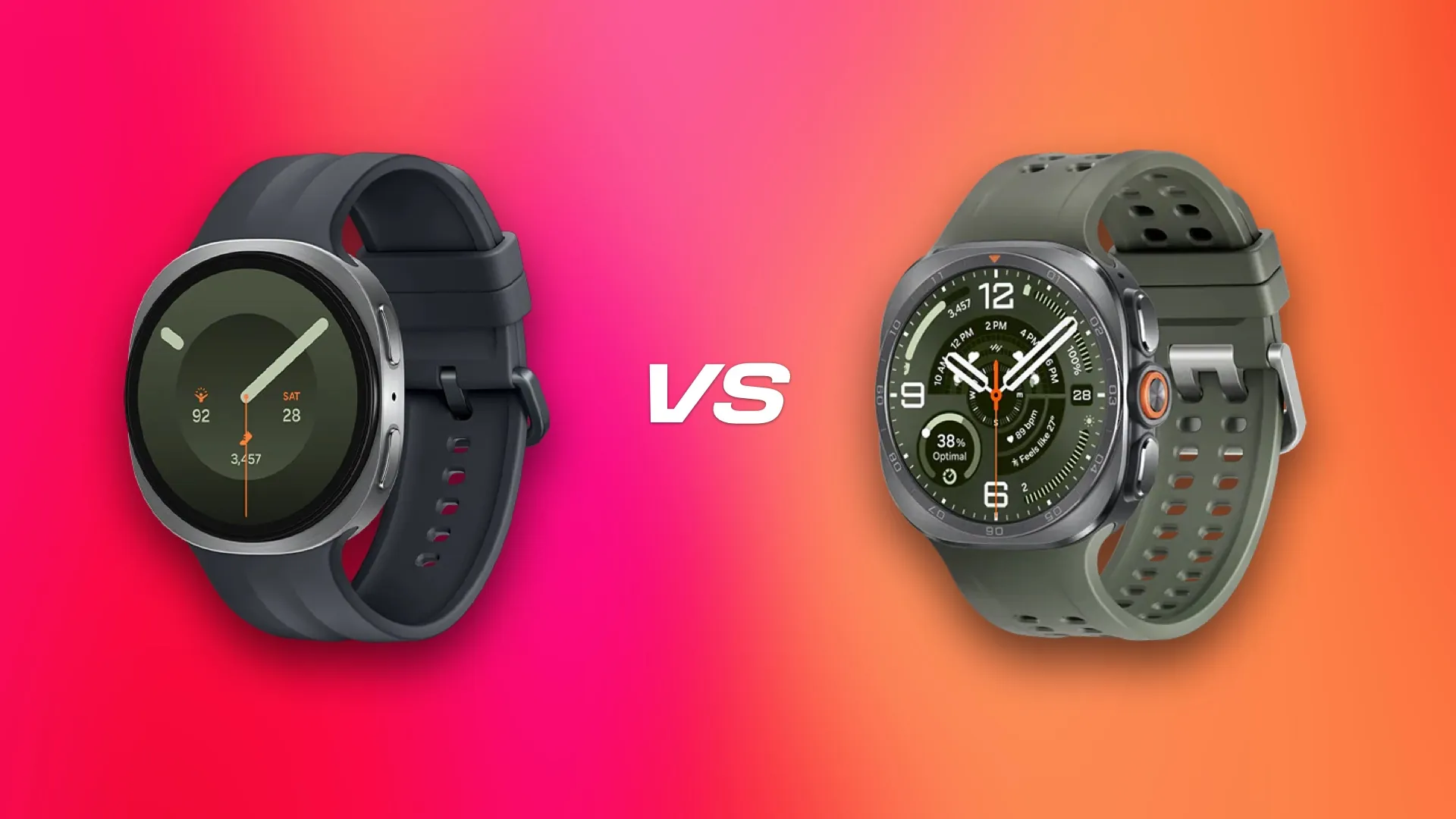
The premium is really a battery question
Samsung’s U.S. launch pricing puts the Galaxy Watch 9 at $379.99 for the 40mm Bluetooth model and up to $459.99 for the 44mm LTE model. The Galaxy Watch Ultra 2 is a single $699.99 model.[1] So the Ultra 2 premium is roughly $240 to $320 depending on which Watch 9 version you would have bought.
For workout logging alone, that is hard to defend. You can spend that difference on adjustable dumbbells, a bench that folds under the bed, a fan, floor protection, or several months of programming. In a small-space setup, those purchases can change the actual training session more than the watch case does. That is why the better comparison is not “which watch has the longer spec sheet?” It is “which watch stays on your wrist when the health features are trying to build a history?”
The tested battery gap is large enough to change that answer. Samsung claims up to 30 hours for the Watch 9 and up to 60 hours for the Ultra 2.[1] Independent results are not identical, and they should not be flattened into one magic number. PCMag measured 26 hours for the Watch 9 and 69.5 hours for the Ultra 2 with always-on display use in its comparison.[2] SamMobile reported about 48 to 50 hours from the Ultra 2.[3] CNET also described the Ultra 2 as landing around 50 hours in its review period.[4] Our own week-long Galaxy Watch Ultra 2 battery log for home workouts sits in the same practical territory: not a week-long watch, but much less dependent on a daily charging ritual than a roughly one-day model.
| Watch | Samsung battery claim | Independent battery results cited here | Battery capacity | Launch price |
|---|---|---|---|---|
| Galaxy Watch 9 | Up to 30 hours | PCMag: 26 hours | 390mAh, 40mm; 445mAh, 44mm | $379.99–$459.99 |
| Galaxy Watch Ultra 2 | Up to 60 hours | PCMag: 69.5 hours; SamMobile: 48–50 hours; CNET: about 50 hours | 800mAh | $699.99 |
The hardware explains some of that spread. Samsung lists the Ultra 2 with an 800mAh battery, which is 35% larger than the original Galaxy Watch Ultra’s 590mAh pack.[1] The Watch 9 uses smaller batteries: 390mAh in the 40mm model and 445mAh in the 44mm model.[5] Capacity is not runtime by itself, but in this pair it matches what reviewers are seeing: the Ultra 2 has enough battery headroom to turn charging from a daily task into something closer to an every-other-day task for many users.
Why one missed night matters more than one imperfect workout reading
A single home workout is forgiving. If the watch takes a few moments to lock into a heart-rate rise during push-ups or kettlebell swings, the session still exists. Duration, exercise mode, calories estimate, heart-rate trend, and effort history all get saved. That is why two watches with the same chip, sensor platform, and health software can be treated as functionally equivalent for ordinary workout logs.
Recovery features are less forgiving because they are built from continuity. Samsung says Vitals requires wearing the watch while sleeping for at least seven days within the previous 28 days.[1] Heart Health Score requires an initial 24-hour setup period.[1] Daily Cardio Load requires at least seven days of activity records, with 28 days recommended for more accurate personalized insights.[1] Those footnotes are more useful than the feature names because they say what the watch must actually do: stay on the wrist long enough to accumulate a baseline.
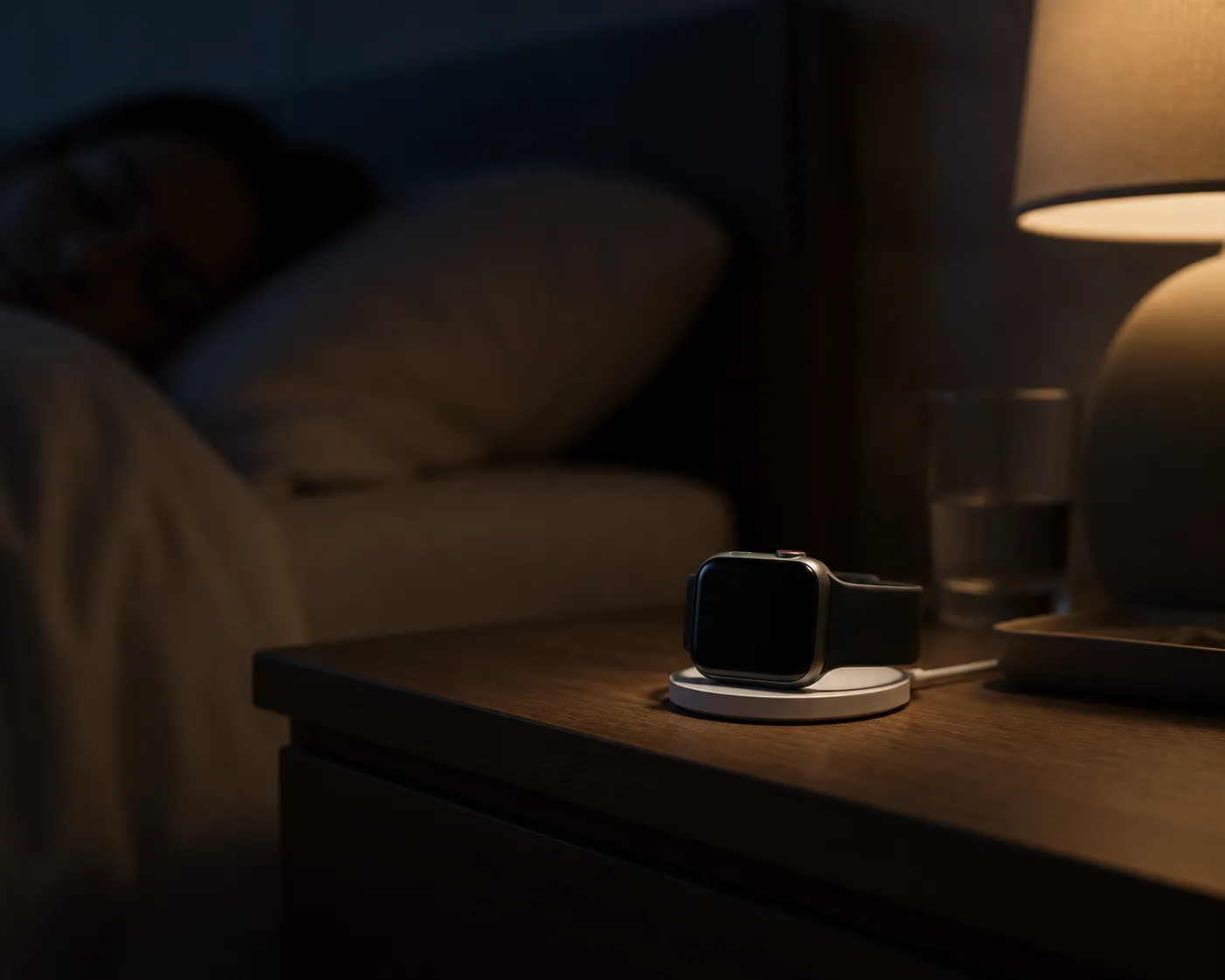
This is where a 26-hour result feels different from a 48-to-69.5-hour result. A one-day watch can still work, but it asks for discipline. You charge while showering, while making coffee, during dinner, or before bed. Miss the window and the device may be on the puck exactly when sleep data, overnight Vitals, or the next morning’s recovery context would have been collected. The failure is not dramatic. It is just a blank night.
The Ultra 2 does not remove charging from life. SamMobile measured a full Ultra 2 charge at roughly 1 hour and 45 minutes, with about 40% reached in 30 minutes.[3] Android Central reported about 90 minutes for the Watch 9.[6] So the Ultra 2 is not necessarily the quicker device to refill. Its advantage is that it can usually wait longer before the decision becomes urgent.
For someone who only wants to see yesterday’s dumbbell session in Samsung Health, that is not worth $240 to $320. For someone who wants to use Vitals, Daily Cardio Load, Heart Health Score, and sleep patterns as part of a recovery routine, the battery gap becomes the main reason to even consider the Ultra 2. The value is not in recording a better set of squats. It is in reducing the number of times the watch is absent when Samsung’s software expects a continuous record.
The comfort problem with the obvious battery winner
Battery alone would make this too easy. The Ultra 2 is the stronger 24/7 candidate on runtime, but it is also the heavier, thicker watch. Samsung lists the Watch 9 at 34g and 8.6mm thick for the aluminum model, while the Ultra 2 is 61.5g and 10.7mm thick with a titanium case.[1] CNET’s reviewer called the Ultra 2 bulky for sleep tracking.[4] SamMobile also noted that the original Ultra was often too bulky at night, which matters because the Ultra 2 keeps the same rugged basic idea even while improving battery life.[3]
That does not make the Ultra 2 a bad sleep watch for everyone. Wrist size, strap choice, sleep position, and tolerance for a raised case all matter. But it does mean the buying logic has a trap: a watch with enough battery for overnight tracking can still fail the job if you take it off because it annoys you in bed.
The Watch 9 has the opposite compromise. It is easier to imagine wearing overnight because it is lighter and slimmer, but its shorter tested runtime means you need a dependable charging habit. For some people, that is simple. Put it on the charger during a shower every evening, top it up during breakfast, and it never misses a night. For others, especially anyone already juggling small-space equipment, work calls, pets, kids, or late workouts, daily charging is exactly how the data gaps start.
The practical test is not which watch looks more capable on a product page. It is which one survives your normal day. If a lighter Watch 9 stays on your wrist for sleep and gets charged during predictable dead time, it may feed Samsung’s recovery tools better than an Ultra 2 that sits on the nightstand because the case feels too large. If the Ultra 2 feels fine overnight, its battery makes the whole recovery-data routine less fragile.
For apartment workouts, the expensive case does not change the room
Most home workouts do not ask a smartwatch to be an expedition device. In an apartment, the watch is usually tracking short strength blocks, mobility work, indoor walks, cycling, rowing, yoga, or mixed circuits inside a space that may also be a living room. GPS durability and outdoor adventure styling matter less than whether the screen is readable, the band stays comfortable during sweat, and the battery is not at 8% when the workout starts.
That is why the Watch 9 is the clean pick for the person who opens Samsung Health, records the session, checks the trend, and moves on. The shared platform matters more than the Ultra 2 shell. The money saved is real, and in a compact training area it can be put toward equipment that changes what you can train. Our apartment compact home gym setup is a better place to spend that premium if the watch is only a workout logbook.
The answer changes when the watch is part of a recovery loop. If you are using sleep, Vitals, Daily Cardio Load, and soreness trends to decide whether today should be intervals, zone 2, mobility, or a rest day, then the missing data becomes more annoying than a bulky spec sheet. That is the same reason recovery habits outside the watch—like managing muscle tightness or soft-tissue irritation at home—need consistency more than novelty. The device has to be present when the body is recovering, not just when the workout timer is running.
There is still no reason to pretend early reviews settle everything. Samsung announced the watches on July 22, 2026, and released them on August 7, 2026; as of August 26, 2026, they have only been on the market for about three weeks.[1] Long-term battery aging, strap comfort, sleep tolerance, and sensor performance across more bodies need more time. The current evidence is strong enough to separate workout logging from continuous wear, but not strong enough to declare permanent winners on every health metric.
Who should buy which watch
Buy the Galaxy Watch 9 if your main goal is home workout tracking. It has the same core Samsung watch platform, the same listed health feature set, and a much lower price. Accept that you will need a daily charging rhythm, and the cheaper watch makes sense.
Consider the Galaxy Watch Ultra 2 if you specifically want the watch to stay on your wrist across workouts, sleep, and recovery days with fewer charging interruptions. Its battery advantage is the one spec here that changes daily behavior. The premium is easiest to justify for the person who wants Samsung’s recovery features to accumulate useful history and who finds the larger 61.5g case comfortable enough to sleep in. If the bigger watch comes off at night, the battery advantage stops mattering.
References
- Samsung Galaxy Watch Ultra2 and Watch9: Your Health Companion on the Wrist — Samsung Newsroom US
- Samsung Galaxy Watch 9 vs. Galaxy Watch Ultra 2: Does the Adventure Model Justify the Higher Price? — PCMag
- Samsung Galaxy Watch Ultra 2 review — SamMobile
- Samsung Galaxy Watch Ultra 2 Review: Better Battery, Better Galaxy Watch — CNET
- Samsung Galaxy Watch 9 — Wikipedia
- Samsung Galaxy Watch 9 — Android Central
This result comes from one real apartment under the stated conditions — it is a strong signal, not a guarantee your space will measure identically.
Builds this evidence supports
Can insect protein build muscle at home?
Insect protein from crickets and mealworms produces a muscle protein synthesis response comparable to milk protein in acute trials, but the only training study in young men found no extra strength or size gain. This verdict sorts out what the human research actually supports so home lifters can decide if insect protein is worth buying.
Swimming Pool Under $5? The Real Price Ladder
No swimming pool under $5 can support home exercise — that budget buys a resistance band or one community-pool day pass. The verified price ladder runs from $125 inflatables to $25,999+ swim spas, with a depth rule that separates pool toys from real training.
What a Cargo Container Pool Really Costs vs. a Home Gym
A cargo container pool's base price hides a much larger all-in cost: $50,000–$85,000+ installed, plus $500–$7,340 a year to run. This cost reality-check benchmarks the container pool against container gyms and in-home builds so you can judge which delivers more training value per dollar.
Spot something off?
If this result didn't match your own space, let us know — floor-damage and noise claims carry real deposit-risk consequences if we get them wrong.