
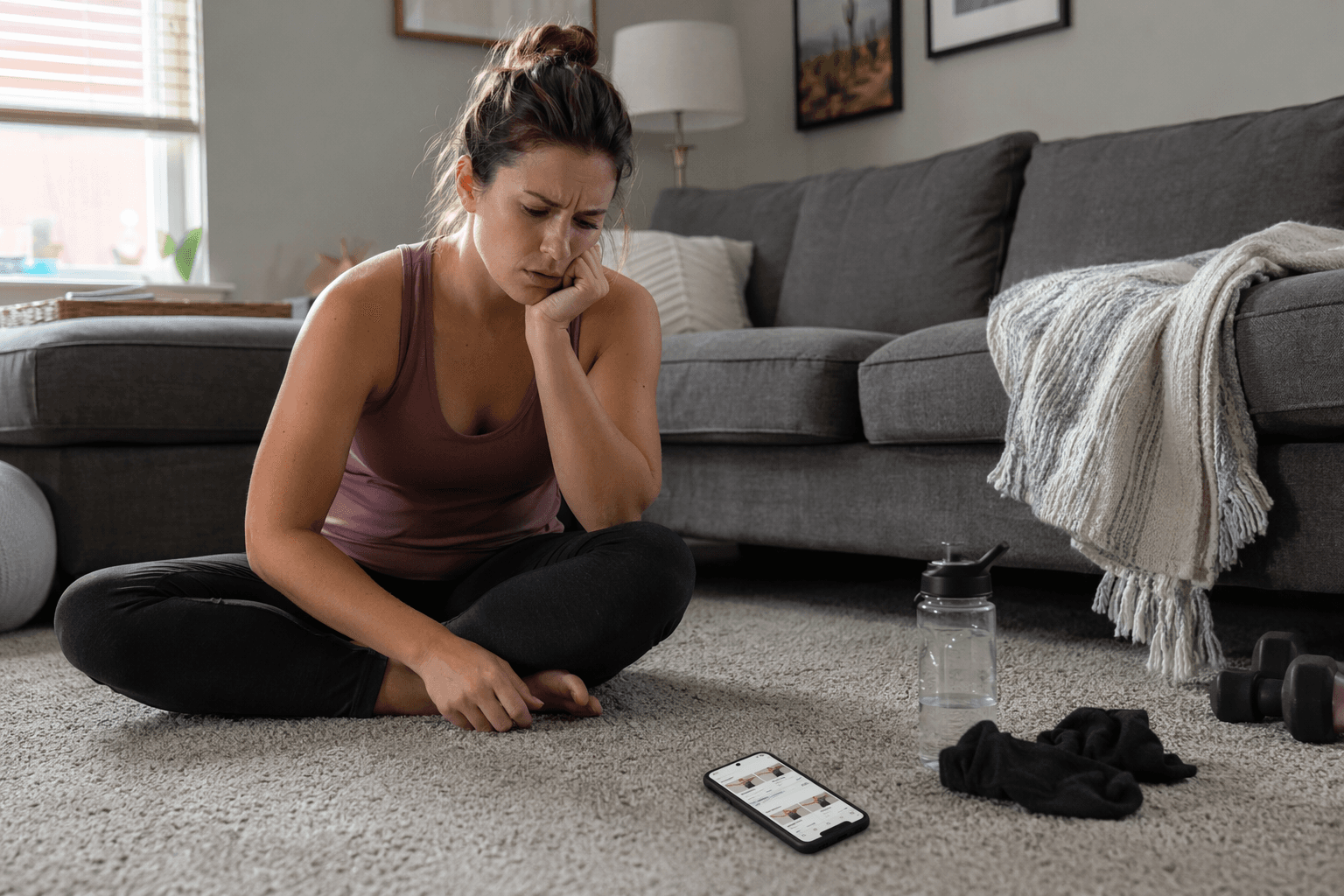
The first bad sign in many workout apps for beginners comes before the workout even starts: the app asks you to pick “beginner,” “intermediate,” or “advanced,” then treats that tap like a real evaluation of your body.
A few screens later, the “beginner” plan may include burpees with push-ups, pull-ups, pistol squats, fast mountain climbers, or a plank sequence with no visible modification. If you cannot do the movement, the app often gives you a timer, a rep count, and silence. That is not a motivation problem. That is a setup problem.
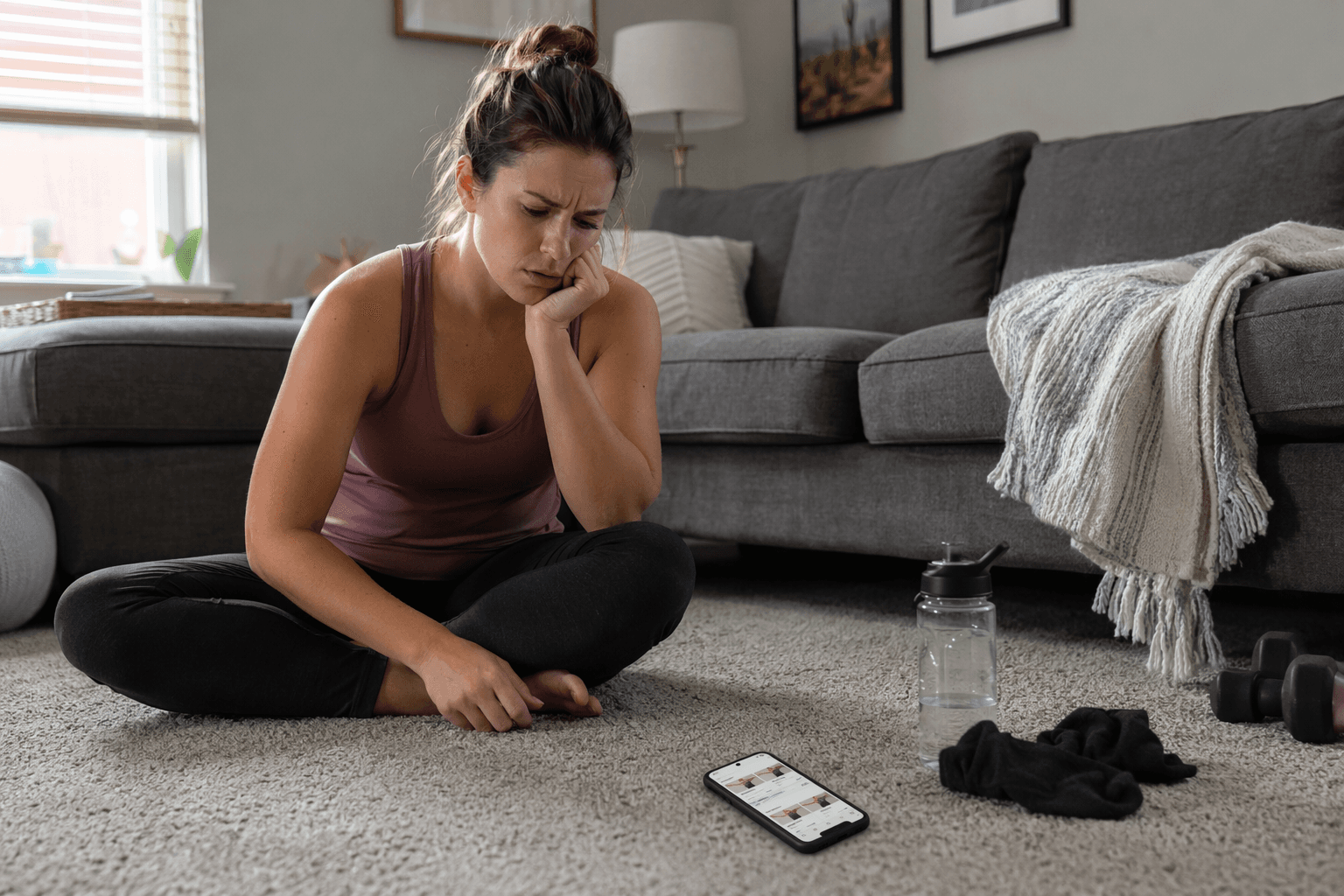
A beginner does not usually quit at the grand, cinematic moment people imagine. They quit because they do not know whether knee discomfort is a warning sign, whether they are allowed to rest before the timer ends, whether “hinge” means bend the knees or push the hips back, or whether being unable to finish the first workout means they chose the wrong app — or the wrong version of themselves.
The “beginner” label is doing too much work
A 2026 independent Medium analysis looked at 50 popular workout apps against seven beginner-focused criteria: exercise explanations, genuine fitness assessment, a true beginner tier, progressive overload structure, no-equipment options, jargon-free language, and rest time guidance. In that analysis, 73% of the apps failed beginners on at least three of the seven criteria.[1]
That number should be read carefully. It is not a peer-reviewed clinical trial, and it should not be treated as the final word on the entire fitness app industry. But it is a useful warning light because the failures it identifies are exactly the ones beginners run into at home: no meaningful assessment, movements that do not match their current capacity, and instructions too thin to rescue the workout once confusion starts.
Only 12% of the apps in the analysis — 6 out of 50 — included a genuine physical fitness assessment before prescribing workouts. Most asked users to self-label as beginner, intermediate, or advanced.[1]
That is a weak way to start because beginners are often the least equipped to label themselves accurately. Someone who has not exercised in years may choose “beginner” and still be given more impact than their joints tolerate. Someone who used to play sports may choose “intermediate” and discover that old confidence does not mean current conditioning. Someone returning after injury may have strong legs but poor tolerance for kneeling, jumping, or weight-bearing through the wrists. A single label cannot see any of that.
A real assessment asks what the app needs to know before it prescribes
A beginner-ready app does not need a medical exam. It does need more than “What is your fitness level?” before it starts assigning workouts.
At minimum, the app should try to learn whether the user can squat comfortably, get down to and up from the floor, support bodyweight on the hands, tolerate impact, follow basic movement cues, and recover between sets. It should ask about injuries, equipment access, time available, and previous training experience in a way that changes the plan — not just in a way that makes onboarding feel personalized.
This matters because beginners do not only need easier workouts. They need different entry points. A person who cannot do a standard push-up does not need to be told to “try your best” for 45 seconds. They need wall push-ups, incline push-ups, knee push-ups, or another route that teaches the pattern without turning the first session into a failed test.
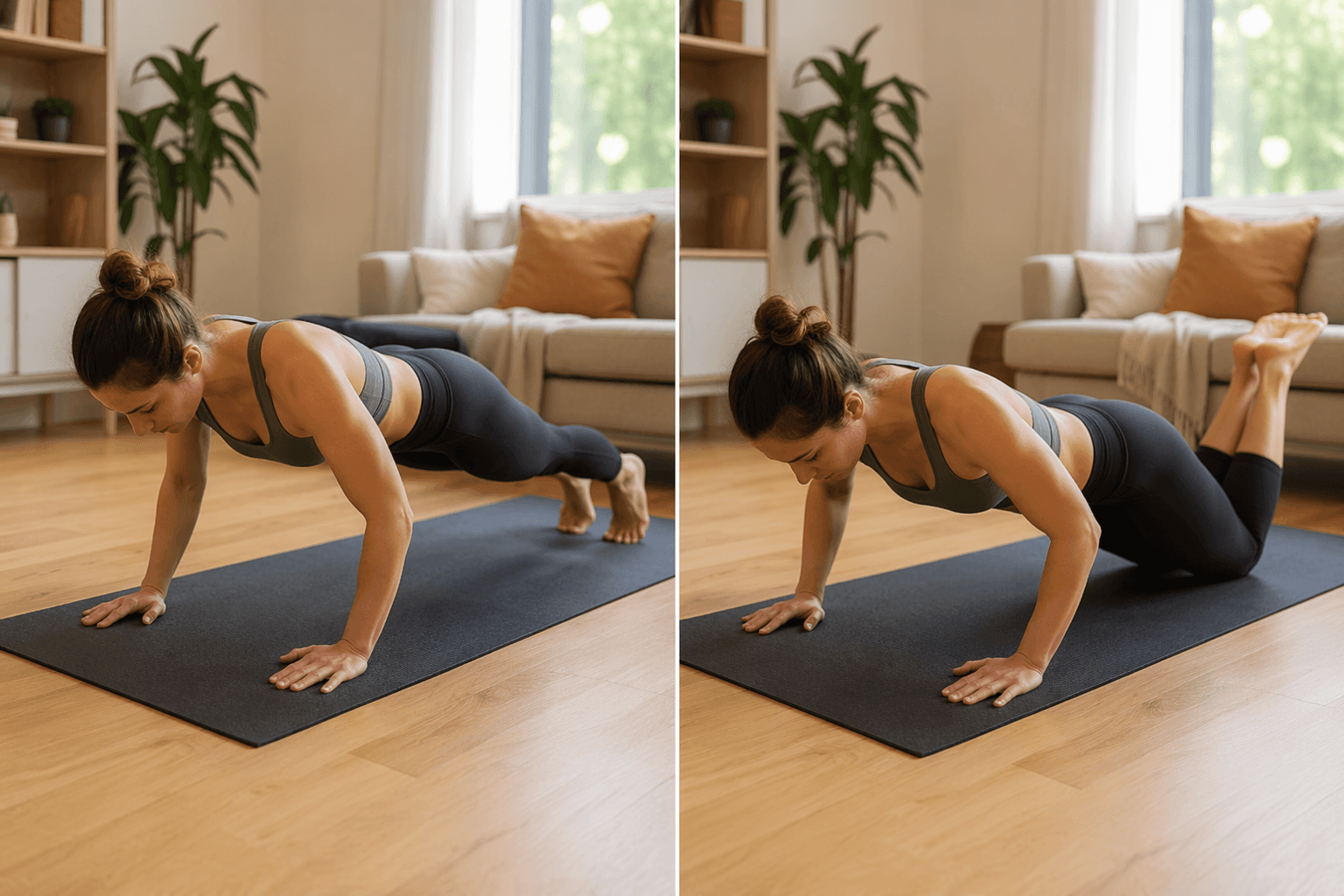
The difference is not cosmetic. If an app cannot distinguish between “this person can train push-ups from the floor” and “this person needs an elevated or kneeling version,” it is not actually adapting to a beginner. It is dressing a generic plan in beginner language.
Beginner-labeled workouts can still be physically inappropriate
The Medium analysis found that 58% of apps labeling themselves “beginner” included exercises that true beginners may physically be unable to perform, including pull-ups, pistol squats, and burpees with push-ups.[1]
This is where app marketing and living-room reality split apart. A pull-up is not a beginner exercise just because it appears in week one with fewer reps. A pistol squat is not beginner-friendly because the instructor smiles through it. A burpee with a push-up is still a burpee with a push-up, even if the workout is called “Start Strong.”
For a complete beginner, exercise selection has to respect what the body can currently do. That usually means simple movement patterns, slower pacing, low-impact options, and a path to build capacity before intensity. Squats may need to start from a chair. Planks may need to start elevated. Lunges may need to become supported split squats or step-backs. Cardio may need marching, step touches, or low-impact intervals before jumping.
The app does not have to make every workout effortless. It does have to make the first version possible. A workout that begins beyond the user’s current capacity teaches them one thing very efficiently: this app is not for them.
Instruction has to do more than name the exercise
In the same 50-app analysis, only 18 apps provided both video and text instructions. Twelve apps gave only an exercise name with a rep count.[1]
That is not enough for someone learning alone. A beginner seeing “Romanian deadlift — 12 reps” may not know where to feel it, how much to bend the knees, whether the back should stay flat, how far to lower, or what to do if the hamstrings feel tight. Video helps, but video alone can still move too fast. Text helps, but text alone can be hard to translate into motion. The best beginner instruction usually gives both: a clear demonstration and a short explanation of the setup, movement, breathing, common mistakes, and easier variation.
This is also where jargon matters. “Brace your core,” “drive through the heels,” “stack the ribs,” and “keep a neutral spine” may be useful cues once a person understands them. For a new exerciser, they can become one more reason to feel behind before the workout has even begun.
Good instruction lowers the number of decisions a beginner has to make mid-workout. It tells them what to do if the movement hurts, what to swap if they cannot complete the full version, and when to stop chasing the instructor’s pace. That is not hand-holding. That is the basic infrastructure of a usable beginner program.
Retention numbers make more sense when the workouts are mismatched
Fitness apps lose roughly 70% of users within the first 100 days, and health apps average about 3% retention by day 30, according to retention benchmarks cited by Business of Apps and Sahha.ai.[2][3]
Those numbers are often framed as a motivation story: people download an app, feel excited, then lose discipline. Sometimes that is true. But it is too convenient to blame the user when so many apps make the first month harder than it needs to be.
If the app skipped assessment, prescribed movements the user cannot perform, gave thin instructions, ignored rest, and assumed equipment the user does not own, abandonment is not mysterious. The beginner was asked to solve too many problems at once: how to exercise, how to modify, how hard to push, how long to rest, how to interpret discomfort, and how to progress.
That is why “I just need to be more consistent” is sometimes the wrong lesson. Consistency is easier when the plan is legible, physically possible, and adjustable on bad days. A beginner app should create those conditions instead of pretending motivation will cover every design gap.
The seven checks to make before you trust a beginner app
Before paying for an app — or giving a free one two weeks of your attention — inspect it like you are choosing a coach, not downloading a calendar. These are the standards that matter most.
| What to check | What it should look like | Warning sign |
|---|---|---|
| Fitness assessment | It asks about current ability, limitations, equipment, time, injuries, and experience, then changes the plan accordingly. | It only asks you to choose beginner, intermediate, or advanced. |
| True beginner exercises | The first workouts use movements a new exerciser can realistically attempt, with easier versions available. | Pull-ups, pistol squats, full burpees, fast push-up circuits, or high-impact intervals appear immediately. |
| Exercise instruction | Each movement has video plus plain-language text cues, setup notes, and common mistakes. | You get only an exercise name, timer, or rep count. |
| Modifications | Easier and harder versions are visible before or during the workout. | The instructor says “modify if needed” but never shows how. |
| Progression | The plan gradually changes volume, difficulty, or complexity in a way you can follow. | Workouts feel randomly hard or suddenly jump in difficulty. |
| Rest guidance | The app tells you when to rest, how long to rest, and what to do if you need more time. | Every pause feels like falling behind. |
| No-equipment path | There is a complete route for bodyweight training if you do not own dumbbells, bands, or machines. | The app says “home workout” but assumes equipment you do not have. |
You do not need perfection in every category, but the first three are hard to compromise on. If the app does not assess you, does not start with realistic movements, and does not teach clearly, the rest of the feature list matters much less.
Use the preview period aggressively
Do not judge an app by the onboarding animation or the size of the exercise library. Open the first week of workouts. Tap into the exercise demos. Look for modifications before you need them. Check whether rest is built in or treated like an inconvenience. Search for a no-equipment plan if that is your reality.
A huge library can be useful later. At the start, it can also be a junk drawer. Beginners need fewer wrong choices, not 800 exercises with no clear path through them.
Free vs. paid is not the real dividing line
Paid subscribers retain at nearly twice the rate of free users, according to retention benchmarks from Business of Apps and Sahha.ai.[2][3]
That does not mean paying causes success by itself. A credit-card charge can increase commitment, but retention often travels with the things paid products are more likely to include: adaptive programming, clearer progression, feedback loops, reminders, coaching features, and better workout organization.
A free app with excellent instruction and sensible beginner pathways can beat a paid app that throws you into random circuits. A paid app can be worth it when it removes guesswork you would otherwise spend weeks trying to solve. The question is not “Is paid better?” It is “What support am I actually getting for the money?”
If cost is the main decision point, the deeper comparison at free vs. paid workout apps for beginners is the better next read.
A few apps show what better beginner design can look like
This is not a full ranking, and it should not be treated like one. Still, the 2026 analysis identified Nike Training Club, Caliber, and FitOn as apps that better matched the beginner criteria: Nike Training Club for free access, clear instruction, and modifications; Caliber for assessment, structured programs, and form videos; and FitOn for free full-workout access with modifications shown.[1]
Those examples are useful because they show the right direction. The point is not that every beginner should download the same app. The point is that a beginner app can do more than hand you a timer and hope your knees, wrists, vocabulary, schedule, and confidence all cooperate.
For app-specific recommendations, use the companion guide to the best workout apps for true beginners. This article is the filter; that guide is the shortlist.
Choose based on your actual constraint
A beginner who has no equipment needs a different app than a beginner with adjustable dumbbells. Someone nervous about form needs different support than someone who understands basic movement but needs programming. Someone restarting after a long break may need more rest guidance than a former athlete who mainly needs a sane ramp-up.
- If you want a stricter feature filter, read the deeper framework on four non-negotiable features for beginner workout apps.
- If you do not own equipment or do not want to buy any yet, start with no-equipment workout apps for beginners.
- If you learn best by seeing, reading, or following coached classes, compare instructional styles in workout apps for beginners.
- If you want a step-by-step way to decide, use the five-step beginner app decision framework.
The app store label is only a claim. The evidence is in the workout itself: assessment before prescription, movements you can actually start, instruction you can understand, visible modifications, rest that is allowed, a no-equipment route if you need one, and progression that does not assume you already know how to scale effort.
References
- 2026 analysis of 50 popular workout apps — Medium
- Fitness app retention benchmarks — Business of Apps, 2026
- Health app retention benchmarks — Sahha.ai
Comments
Join the discussion with an anonymous comment.