
Best Fitness Apps for iPhone in 2026: A Buyer's Guide by Workout Style
Overwhelmed by the App Store's fitness app options? This guide matches the best iPhone apps to your training style — strength logging, guided classes, running, or AI coaching — with clear free vs. paid tradeoffs and Apple Watch compatibility details.
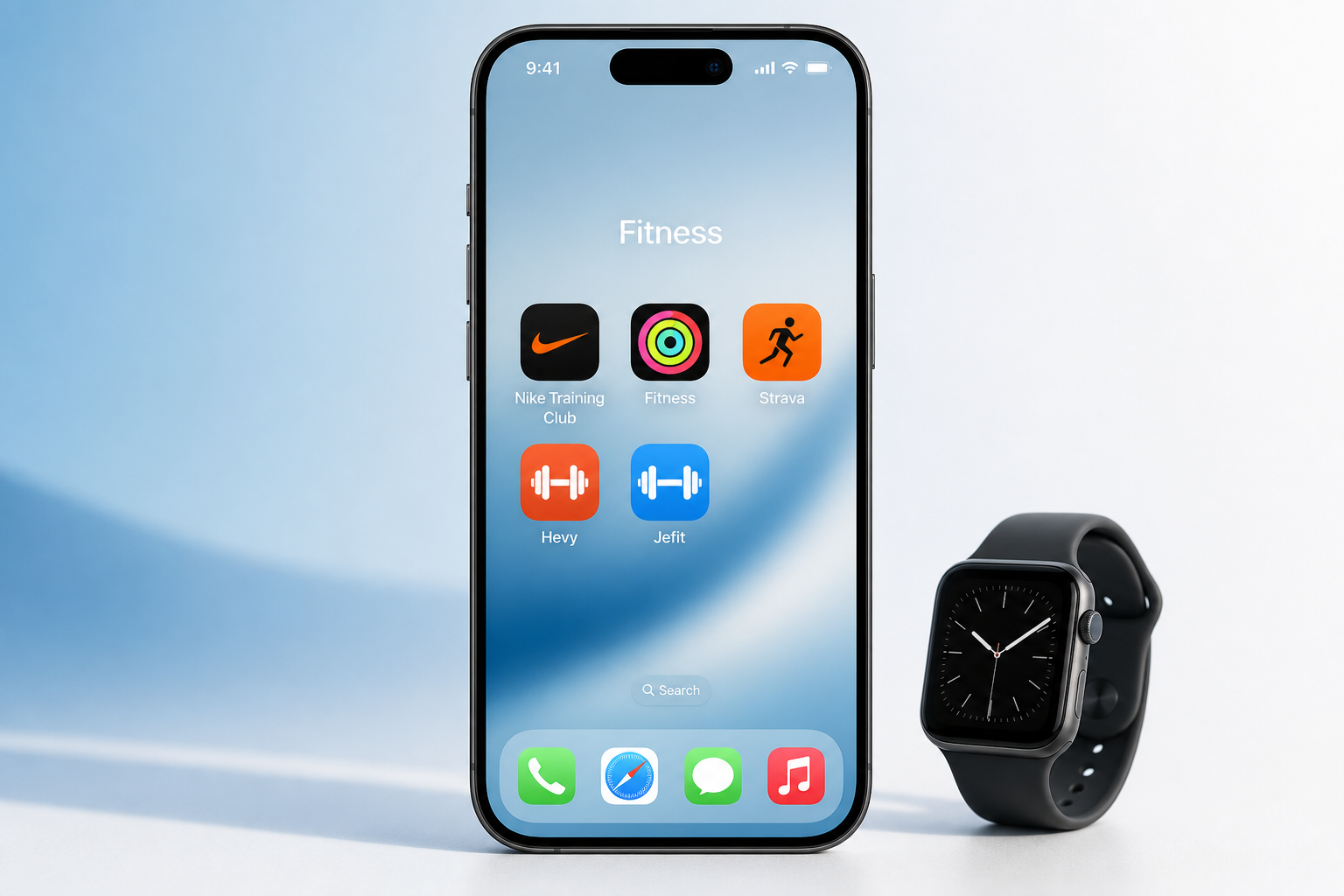
Introduction: The 2026 iPhone Fitness App Landscape
Open the App Store and search for "fitness app" — you will see hundreds of results, each promising to transform your workouts. The problem is not a lack of options; it is that most guides treat all fitness apps as interchangeable, ranking them in a single list that ignores how differently people actually train. A strength lifter logging sets and reps has almost nothing in common with a runner mapping weekend routes or a beginner following guided yoga classes.
This guide takes a different approach. Instead of a flat ranking, we organize recommendations by training style — strength logging, guided classes, running and cycling, AI coaching, and beginner-friendly options. Each section includes detailed app-vs-app comparisons so you can see exactly what you gain or lose with each choice. We also cover Apple Watch integration and the real cost of paid subscriptions, because the total cost of ownership matters as much as the feature list.
If you prefer a decision-tree format that starts with your goal, Apple Watch ownership, and budget, read our iPhone fitness app decision guide first. This guide assumes you already know your training style and want to compare the top contenders within that category.
How We Tested and Selected These Apps
We evaluated apps across five training-style categories, not by a generic feature checklist. For each category, we downloaded and used the free and paid tiers, tested Apple Watch integration where available, and assessed real-world usability — not just marketing claims. Pricing was verified against multiple sources including Forbes Health, PCMag, CNET, and Garage Gym Reviews, all updated between late 2025 and mid-2026.
Our methodology prioritized three criteria:
- Category fit: Does the app serve its training style well, or is it a generalist that does nothing exceptionally?
- Free tier quality: What can you actually do without paying? Many apps lock core features behind subscriptions.
- Apple ecosystem integration: How well does it sync with Apple Watch, Apple Health, and iPhone-native features?
Quick Reference: Best App for Each Training Style
Use this table to find your training style and the top recommended app. The deep-dive sections below provide full comparisons with pros, cons, and pricing details.
| Training Style | Top Pick | Runner-Up | Free Tier Quality | Apple Watch Support |
|---|---|---|---|---|
| Strength logging | Hevy (free tier) or Jefit (Elite) | Strong or Setgraph | Hevy: excellent; Jefit: good with ads | Hevy, Jefit, Strong all sync |
| Guided classes | Nike Training Club (free) | Apple Fitness+ ($9.99/mo) | NTC: 100% free, 300+ workouts | Both fully supported |
| Running and cycling | Strava (free or Premium) | Runna ($19.99/mo) | Strava free tier is generous | Strava syncs GPS and HR |
| AI coaching | Fitbod ($15.99/mo) | Caliber (free or coached) | Fitbod: 3 free workouts; Caliber: free version with 500+ exercises | Both sync with Watch |
| Beginners | Nike Training Club (free) | FitOn (free or Pro at $30/yr) | Both offer full access without payment | Both support Watch |
For Strength Logging: Jefit vs. Hevy vs. Strong vs. Setgraph
Strength logging apps are the most crowded category in the App Store. Every app tracks sets, reps, and weight — the differences come down to exercise library size, free tier generosity, social features, and how well the app helps you progress over time. Here is how the four leading options compare.
| Feature | Jefit | Hevy | Strong | Setgraph |
|---|---|---|---|---|
| Exercise library | 1,400+ with HD demos | Large, community-contributed | Comprehensive with demos | Large, user-contributed |
| Free tier limits | Full library, ads, no AI planner | Core features never locked | Limited to 3 custom routines | Unlimited logging |
| Premium price | $12.99/mo or $69.99/yr | $2.99/mo or $23.99/yr | $9.99/mo or $69.99/yr | $4.99/mo or $29.99/yr |
| AI features | AI progressive overload, adaptive planner | None | None | None |
| Apple Watch sync | Yes | Yes | Yes | No |
| Best for | Lifters who want AI-driven progression | Budget-conscious lifters who want full features free | Lifters who want simple, fast logging | Lifters who want unlimited free logging |
Jefit stands out for its exercise library of over 1,400 movements with high-definition demonstrations and its AI-driven progressive overload system, which automatically adjusts weights and reps based on your logged performance. The free tier includes the full exercise library and unlimited logging, but you will see ads and lose access to the adaptive planner. Jefit's Elite plan costs $12.99 per month or $69.99 per year. It is trusted by over 20 million users and has more than 42,000 five-star ratings, according to the company.
Hevy takes a different approach: its free tier is remarkably generous, with core features — unlimited routines, detailed progress tracking, and social sharing — never locked behind a paywall. The Pro plan costs just $2.99 per month or $23.99 per year, making it the cheapest premium option in this group. Hevy also has strong community features, letting you follow friends and share workouts. If you want a strength logging app that works fully without a subscription, Hevy is the clear choice.
Strong is the simplest option for fast, no-frills logging. Its free tier limits you to three custom routines, which may be enough for casual lifters but frustrating for anyone who rotates multiple programs. Premium costs $9.99 per month or $69.99 per year. Strong includes volume tracking and one-rep max estimates, and it syncs with Apple Watch for quick logging during workouts.
Setgraph is the dark horse: its free tier offers unlimited logging with no routine limits, and premium costs just $4.99 per month or $29.99 per year. However, it lacks Apple Watch support and has a smaller user community than the others. For lifters who want a simple, unlimited free tracker and do not need wearable integration, Setgraph is worth a look.
For Guided Classes: Nike Training Club vs. Apple Fitness+ vs. Peloton
Guided class apps are the closest thing to having a personal trainer in your living room. They offer video-led workouts across disciplines like HIIT, yoga, strength, and meditation. The three major players — Nike Training Club, Apple Fitness+, and Peloton — serve different audiences and budgets.
| Feature | Nike Training Club | Apple Fitness+ | Peloton App+ |
|---|---|---|---|
| Price | Free (100%) | $9.99/mo or $79.99/yr | $28.99/mo |
| Class library | 300+ on-demand workouts | 5,000+ live and on-demand | Thousands of on-demand and live |
| Family sharing | N/A (single user) | Up to 5 family members | Up to 5 family members |
| Apple Watch integration | Yes (heart rate, calories) | Seamless (on-screen metrics) | Yes (heart rate, calories) |
| Trainer quality | Certified Nike trainers | Certified trainers | Certified instructors |
| Best for | Budget-conscious users who want quality free content | Apple ecosystem users who want variety and family sharing | Users who want live classes and a large community |
Nike Training Club is the standout for anyone who does not want another subscription. It is completely free — no trial, no premium tier, no hidden paywalls — and offers over 300 workouts led by certified Nike trainers across more than 10 workout categories. The app includes bodyweight exercises, HIIT, cross-training, yoga, and core work, with minimal equipment required. Multiple sources, including Forbes Health (rated 5.0/5 as "Best Free Fitness App") and PCMag ("Best Overall"), rank it as the top free workout app. If you only download one app from this guide, make it this one.
Apple Fitness+ costs $9.99 per month or $79.99 per year and can be shared with up to five family members via Family Sharing. It offers over 5,000 live and on-demand classes, and its integration with Apple Watch is the best in the business — your heart rate, calories, and activity rings appear on screen during workouts. PCMag calls it "Best Value" for Apple ecosystem users. The one-month free trial lets you test it before committing.
Peloton App+ costs $28.99 per month, making it the most expensive option in this category. It offers thousands of on-demand and live classes with a strong community component — leaderboards, shoutouts from instructors, and social features that mimic the in-studio experience. If live classes and community motivation are important to you, Peloton is worth the premium, but for most users, Nike Training Club or Apple Fitness+ provide better value.
For Running and Cycling: Strava vs. Runna vs. Apple Fitness+
Outdoor cardio apps need accurate GPS tracking, route mapping, and performance analytics. The social dimension also matters — many runners and cyclists use these apps to share activities and compete with friends.
| Feature | Strava | Runna | Apple Fitness+ (Outdoor) |
|---|---|---|---|
| Price | Free; Premium $11.99/mo or $79.99/yr | $19.99/mo | $9.99/mo (included in Fitness+ subscription) |
| GPS accuracy | Excellent, with route mapping | Good, with race-specific features | Good, integrated with Apple Watch GPS |
| Social features | Dominant (segments, leaderboards, clubs) | Limited (training groups) | Minimal (sharing via Apple Health) |
| Training plans | Basic (Premium: route builder, goals) | Race-specific plans (5K to marathon) | Time-to-run and Time-to-walk classes |
| Apple Watch sync | Full (GPS, HR, route) | Full (GPS, HR) | Full (seamless, on-screen metrics) |
| Best for | Runners and cyclists who want social features and analytics | Runners training for a specific race | Apple users who want guided outdoor runs |
Strava remains the dominant app for runners and cyclists. Its free tier is generous — you can track activities, view basic stats, and follow friends. Premium at $11.99 per month or $79.99 per year unlocks deeper analytics like heart rate analysis, route planning, segment leaderboards, and training logs. PCMag, CNET, and Garage Gym Reviews all recommend Strava as the top pick for outdoor cardio. The social features — segments, clubs, and challenges — create a motivational layer that no other app matches.
Runna is purpose-built for race training. At $19.99 per month, it offers structured training plans for distances from 5K to marathon, with pace-specific workouts and long runs. If you are training for a specific event and want a plan that adapts to your progress, Runna is a strong choice. For casual runners who just want to log miles, Strava's free tier is sufficient.
Apple Fitness+ also offers outdoor running and walking classes through its Time-to-Run and Time-to-Walk series. These are guided audio experiences that integrate with Apple Watch GPS and heart rate data. They are included in the $9.99 per month Fitness+ subscription, making them a good option for users who already subscribe for other classes.
For AI Coaching: Fitbod vs. Caliber vs. TR[Ai]NER
AI coaching apps generate personalized workout plans based on your goals, available equipment, and recovery status. They adapt over time as you log workouts, theoretically providing a more tailored experience than static routines.
| Feature | Fitbod | Caliber | TR[Ai]NER |
|---|---|---|---|
| Price | $15.99/mo (3 free workouts) | Free (500+ exercises); Group coaching $19/mo; 1-on-1 $200/mo | Varies (emerging app) |
| AI adaptation | Adjusts based on recovery, equipment, and logged performance | AI + human coaching hybrid | AI-driven (limited public data) |
| Exercise library | Large, with video demos | 500+ exercises, ad-free | Moderate |
| Apple Watch sync | Yes (heart rate, workout logging) | Yes (heart rate) | Limited |
| Best for | Lifters who want fully automated AI programming | Users who want a free AI-assisted app or hybrid coaching | Early adopters exploring new AI coaching models |
Fitbod is the most established AI coaching app for strength training. It costs $15.99 per month and offers three free workouts to test the system. The AI considers your recovery status (based on logged muscle fatigue), available equipment, and training history to generate each session. Garage Gym Reviews notes that Fitbod's pricing is competitive with the average paid app, which they found to be around $34 per month across all tested apps.
Caliber takes a hybrid approach. Its free version includes over 500 exercises with an ad-free experience and basic AI recommendations. For $19 per month, you get group coaching with a human coach who reviews your progress and adjusts your plan. The 1-on-1 coaching tier costs $200 per month, putting it in the same range as Future ($199/month). Caliber is a good middle ground for users who want AI guidance but also value human feedback.
TR[Ai]NER is a newer entrant with limited public data on pricing and long-term effectiveness. It uses AI to generate workouts based on your goals and equipment, but its exercise library and Apple Watch integration are less mature than Fitbod or Caliber. Early adopters may find it interesting, but most users will get better results from the established options.
For Beginners: Nike Training Club vs. FitOn
If you are new to fitness, the most important app qualities are a low intimidation factor, clear form guidance, and minimal equipment requirements. Both Nike Training Club and FitOn excel in these areas, and both offer full access without requiring a subscription.
| Feature | Nike Training Club | FitOn |
|---|---|---|
| Price | Free (100%) | Free; Pro $30/yr |
| Workout variety | 300+ workouts, 10+ categories | All workouts accessible on free tier |
| Beginner features | Beginner-friendly interface, modification options, minimal equipment | Live classes, social features, modification options |
| Trainer quality | Certified Nike trainers | Certified trainers |
| Apple Watch sync | Yes | Yes |
| Best for | Beginners who want a simple, free, high-quality app | Beginners who want live classes and a social experience |
Nike Training Club is our top recommendation for beginners. It is completely free, has a clean and approachable interface, and offers guided workouts with clear form cues and modification options. The Manual describes it as having a "beginner-friendly interface" with "high-quality guided workouts" that require "minimal equipment." You can start with bodyweight workouts and progress to using dumbbells or resistance bands as you build confidence.
FitOn is a strong alternative, especially if you enjoy live classes or want a more social experience. The free version gives you access to all workouts — a rare offering — and the Pro tier costs just $30 per year, making it one of the cheapest premium options available. FitOn's live classes let you work out alongside other users in real time, which can be motivating for beginners who struggle with solo workouts.
Apple Watch and Health Integration: What Works Best
Apple Watch integration is a major consideration for iPhone users. Some apps offer deep integration with on-screen metrics and automatic workout detection, while others provide basic heart rate syncing. The table below shows what each app supports.
| App | Watch App | Heart Rate Sync | On-Screen Metrics | Apple Health Export |
|---|---|---|---|---|
| Nike Training Club | Yes | Yes | No | Yes |
| Apple Fitness+ | Yes (native) | Yes | Yes (rings, HR, calories) | Yes (native) |
| Strava | Yes | Yes | No | Yes |
| Hevy | Yes | Yes | No | Yes |
| Jefit | Yes | Yes | No | Yes |
| Fitbod | Yes | Yes | No | Yes |
| Caliber | Yes | Yes | No | Yes |
| FitOn | Yes | Yes | No | Yes |
| Peloton | Yes | Yes | No | Yes |
Apple Fitness+ is the only app that offers on-screen metrics during workouts — your heart rate, activity rings, and calorie burn appear on the iPhone or iPad screen while you exercise. All other apps sync heart rate data to the Watch app but do not display it on the main screen. For most users, basic heart rate sync is sufficient, but if you want the most immersive Apple Watch experience, Fitness+ is the clear winner.
Free vs. Paid: What You Actually Get at Each Price Point
The fitness app pricing landscape in 2026 spans from completely free to $199 per month for personal coaching. Understanding what you actually get at each tier helps you avoid paying for features you will never use.
| Price Tier | Examples | What You Get | Best For |
|---|---|---|---|
| Free ($0/mo) | Nike Training Club, Hevy (free), Strava (free), FitOn (free) | Full access to core features; ads or limited advanced analytics | Budget-conscious users, beginners, casual exercisers |
| Budget paid ($3–$10/mo) | Hevy Pro ($2.99/mo), Setgraph ($4.99/mo), Strong ($4.99/mo) | Removes ads, unlocks advanced tracking, adds social features | Regular exercisers who want more features without a big commitment |
| Mid-range ($10–$20/mo) | Jefit Elite ($12.99/mo), Apple Fitness+ ($9.99/mo), Strava Premium ($11.99/mo), Fitbod ($15.99/mo) | Full feature set, AI coaching, large class libraries, family sharing | Dedicated exercisers who want comprehensive tools |
| Premium coaching ($199/mo) | Future ($199/mo), Caliber 1-on-1 ($200/mo) | Personal coach, customized plans, regular check-ins | Users who want human accountability and personalized programming |
Garage Gym Reviews found that the average price of a paid workout app across all tested apps is $34 per month, but that figure is skewed by expensive coaching apps. Most users will find everything they need in the free or budget paid tiers. PCMag notes that "a good rate is between $10 and $15 per month" for a workout app, which aligns with the mid-range tier.
For a more detailed breakdown of what each price tier actually includes across dozens of apps, see our Free vs Paid Exercise Tracker Apps guide.
FAQ: Which App Should You Choose for Your Goal?
Still unsure? Here are quick answers to common questions based on specific goals.
- Which app is best for building muscle? Jefit (Elite) for AI-driven progressive overload, or Hevy (free) for unlimited strength logging without a subscription.
- Which app is best for weight loss? Nike Training Club (free) for a variety of calorie-burning classes, or Apple Fitness+ for guided cardio and strength workouts with family sharing.
- Which app works best without an Apple Watch? Nike Training Club and FitOn work well with iPhone alone. Strava's free tier also works without a Watch, using iPhone GPS for outdoor activities.
- Can I use multiple apps together? Yes. Many users combine a strength logging app (Hevy or Jefit) with a guided class app (Nike Training Club or Apple Fitness+) for variety. All major apps export to Apple Health, so your data stays unified.
- Which app is best for running? Strava (free or Premium) for social features and analytics, or Runna for race-specific training plans.
- Which app is best for yoga and flexibility? Nike Training Club includes yoga classes in its free library. Apple Fitness+ also offers a dedicated yoga category with multiple class lengths.
If you want a more structured decision framework that considers your workout type, Apple Watch ownership, and budget together, our iPhone fitness app decision guide walks through each combination step by step.
This result comes from one real apartment under the stated conditions — it is a strong signal, not a guarantee your space will measure identically.
Builds this evidence supports
No build currently links to this specific test. Browse all builds with a matching tag.
Spot something off?
If this result didn't match your own space, let us know — floor-damage and noise claims carry real deposit-risk consequences if we get them wrong.