The fastest way to ruin a promising strength training app is to open it in a small home gym and see barbell back squats, cable flyes, machine leg curls, and lat pulldowns waiting in the first week. That is not a training problem. It is an equipment-fit problem.
A useful strength training app for a home gym has to pass a boring test before it gets to talk about coaching, motivation, or “smart” programming: can it remember what you actually own? If the answer is no, every workout becomes a little admin project before it becomes training.
Start With Equipment Fit, Not App Rankings
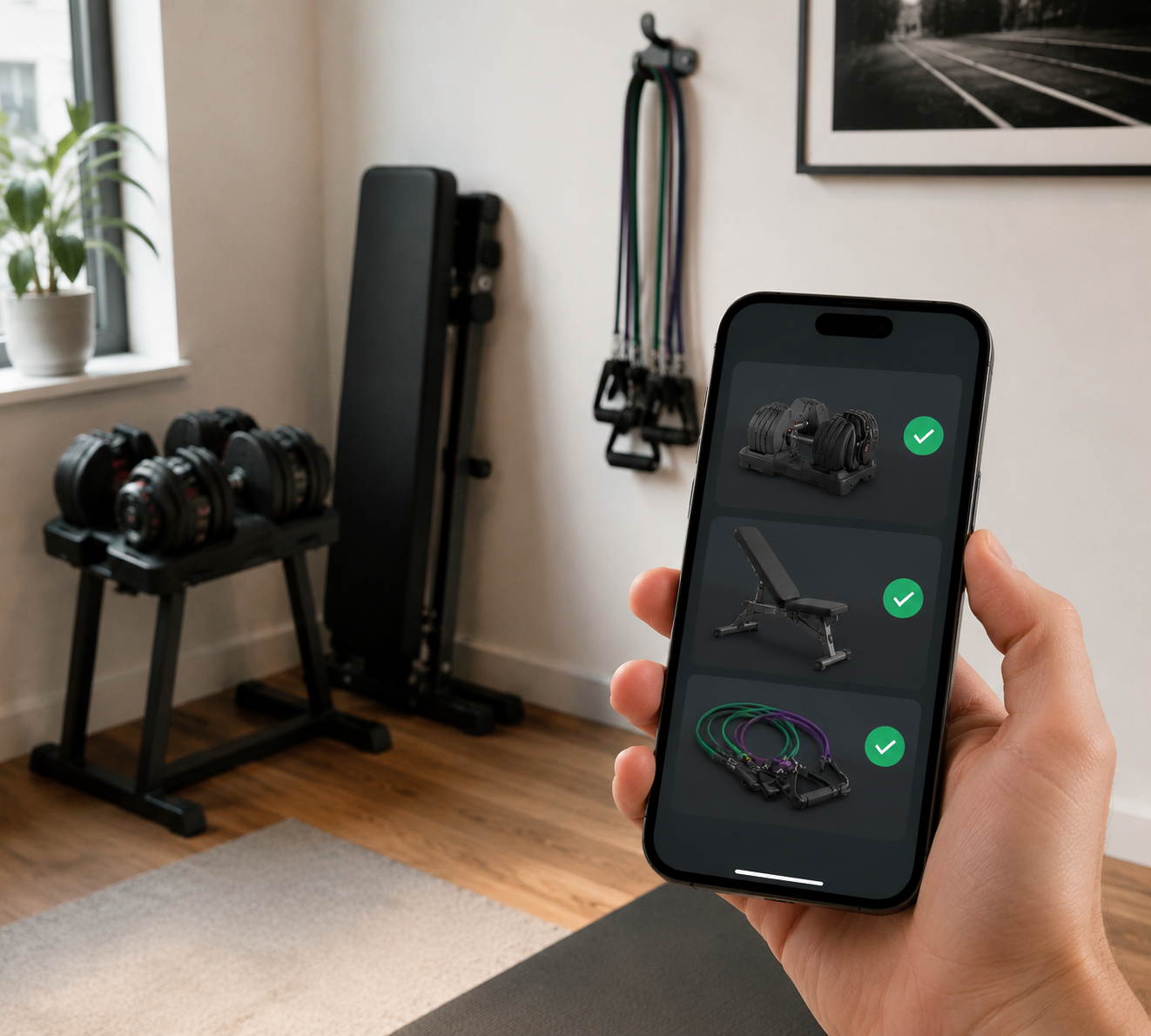
For a home lifter with adjustable dumbbells, a foldaway bench, and bands, the real split is not “best overall” versus “best for beginners.” It is whether the app can program inside your constraints without making you rewrite the workout every session.
| App | Best equipment-fit signal | Home-gym catch |
|---|---|---|
| Fitbod | Lets users declare available equipment and generates workouts around it | Progression can feel less structured than a coach-built strength plan |
| Caliber | Lets users declare available equipment, including bodyweight-only options | Best value depends on whether you want the coaching layer |
| Boostcamp | Filters programs by full gym, garage gym, dumbbell-only, and at-home setups | Dumbbell-only selection is smaller than the full-gym library |
| Ladder | Coach-provided alternatives and progressive overload for home setups | iOS-only |
| JuggernautAI | Strong fit for barbell-focused setups | Requires barbell, squat rack, bench, and plates |
| Nike Training Club | Large bodyweight and minimal-equipment library | Less compelling as long-term personalized strength programming |
| Hevy | Flexible exercise library and logging | More of a tracker/library than an automatic home-gym programmer |
Garage Gym Reviews testers rated both Fitbod and Caliber 5 out of 5 for equipment demands, with both apps allowing users to select available equipment and receive workouts limited to what they own, including bodyweight-only options.[1] That is the kind of detail that matters more than a glossy interface when your bench has to be folded back against the wall after pressing.
This comparison is built from tester reviews rather than a controlled study. That matters. Equipment compatibility here means reviewers found real app features that help match workouts to gear; it does not prove one app will produce better strength gains for every person. Adoption, usability, and training effectiveness are related, but they are not the same thing.
Fitbod: The Cleanest Fit When Your Equipment List Is Specific
Fitbod’s biggest advantage for home gyms is not that it sounds high-tech. It is that the app asks what equipment you have and builds sessions around that inventory. If you have dumbbells, a bench, bands, and no rack, that distinction saves you from the familiar pre-workout ritual of hunting for substitutions before you have even warmed up.
Garage Gym Reviews specifically identifies Fitbod as an app that lets users select available equipment and then auto-generates workouts around those choices, which is why its 5 out of 5 equipment-demand rating is meaningful for apartment and small-space lifters.[1] A big exercise library is nice; a library that stays inside your room is better.
That does not make Fitbod perfect. The app’s AI-driven training can be useful when you want variety and fewer decisions, but a lifter who wants a very deliberate long-term block may find it less satisfying than a tightly structured strength program. For the home-gym reader, though, the first battle is getting a workout that can actually be performed. Fitbod clears that bar more convincingly than most.
Fitbod is the easy first trial if you keep changing between “dumbbells only,” “bench available,” and “bodyweight today because the room is a mess.” It is also a strong pick if your patience for manual substitutions is already gone.
Caliber: Similar Equipment Control, With a More Coaching-Oriented Feel
Caliber belongs in the same first tier because it also lets users declare equipment and receive workouts matched to those constraints, including bodyweight-only training. Garage Gym Reviews gave Caliber the same 5 out of 5 equipment-demand score as Fitbod.[1]
That puts Caliber in rare territory for a home strength training app: it treats limited equipment as a programming condition, not as an inconvenience the user has to solve after the fact. If you only own adjustable dumbbells and a bench, the app should not behave as if a cable stack is hiding behind the couch.
The decision between Caliber and Fitbod is less about whether either one understands home equipment and more about how much guidance you want around the plan. Caliber’s appeal is stronger if you want a more coaching-oriented environment around strength training. Fitbod’s appeal is stronger if you want quick automated sessions that respect your gear and keep moving.
For a small home gym, that is a better comparison than asking which app has more exercises. Once an app has enough viable dumbbell, bodyweight, bench, and band movements, the next question is whether it uses them in a way you can repeat and progress.
Boostcamp Is Useful If You Choose the Right Program Lane
Boostcamp is not the same kind of app as Fitbod or Caliber. Its home-gym strength is filtering. Men’s Journal notes that Boostcamp lets users filter programs by equipment need, including full gym, garage gym, dumbbell-only, and at-home categories.[2]
That is immediately useful because it lets you avoid the worst mismatch before you start. A garage-gym program can assume more than an apartment setup. A dumbbell-only program should not suddenly require a barbell. An at-home program should not be full of machine work. Those lanes are not cosmetic; they decide whether the plan survives contact with your room.
The constraint is selection. Men’s Journal also reports that Boostcamp’s dumbbell-only library is smaller than its full-gym selection.[2] That does not make Boostcamp a bad choice. It means the app is better if one of its filtered programs already fits your setup than if you expect it to generate endless custom workouts around a precise inventory.
Use Boostcamp when you want a recognizable program structure and your equipment matches one of its categories closely enough. If you are constantly modifying a dumbbell-only plan because you also lack a bench, or because the plan assumes loading jumps your adjustable dumbbells cannot make, you may be better off with an app that starts from your exact equipment list.
Ladder Works Only If the Platform Works for You
Ladder deserves a more precise answer than “good app, minor limitation.” Its model can work well for home training because it offers coach-provided equipment alternatives and progressive overload for home setups, a combination noted in tester coverage from Garage Gym Reviews and FindYourEdge.[1][3]
Coach-provided alternatives matter because substitutions are not all equal. Swapping a cable row for a band row is one thing. Swapping heavy back squats for a random bodyweight finisher is another. A coached system has a better chance of preserving the intent of the session when the equipment changes.
Then comes the hard stop: Ladder is iOS-only, which excludes Android users from the start.[3] For a home gym owner trying to solve an equipment problem, platform availability is not a tiny spec at the bottom of the page. If you cannot run the app, it is not your app.
JuggernautAI Is Strong, But Not for a Dumbbell Corner
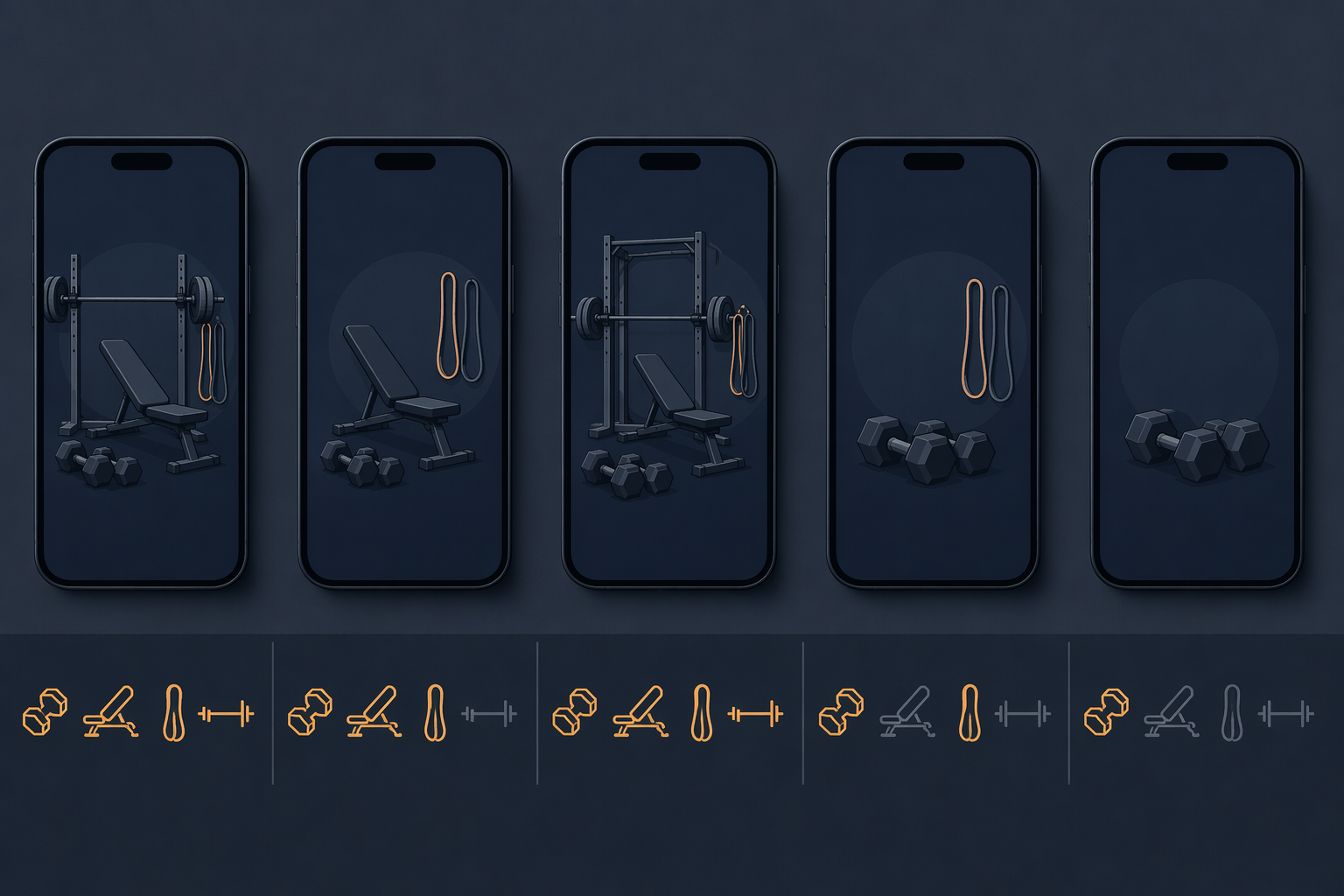
JuggernautAI is the easiest app here to misread. It can be a serious strength option in the right environment, but BarBend’s weightlifting app coverage lists its required equipment as a barbell, squat rack, bench, and weight plates.[4] That is not a small home-gym assumption. That is a barbell setup.
If your home gym has a rack, bench, bar, and enough plates, JuggernautAI may belong in the conversation. If your setup is adjustable dumbbells and bands, it should not survive the first filter. A well-designed barbell program does not become practical just because you can technically invent substitutions for half the week.
Nike Training Club and Hevy Are Helpful, But for Different Jobs
Nike Training Club and Hevy can both be useful in a limited-equipment home gym, but they solve a different problem. Forbes Health coverage points to Nike Training Club and Hevy as offering wide bodyweight and minimal-equipment workout libraries, but they do not offer the same personalized progression logic that makes strength training work long-term.[5]
That distinction matters. Variety helps when you need a workout today. Progression helps when you are trying to get stronger across months. A library can give you goblet squats, push-ups, rows, and split squats. A stronger training system decides how those movements change over time, what gets heavier, what gets repeated, and when the work backs off.
Hevy is especially useful if you already know what you want to do and mainly need logging, exercise organization, and a way to track sessions. Nike Training Club is more appealing when you want approachable minimal-equipment workouts. Neither should be mistaken for the best answer if your main need is automatic strength programming around a precise home-gym inventory.
How to Pick Without Wasting a Training Month
Before starting a trial, write down your real equipment list. Not the gym you plan to build later. Not the setup you would have if the bench were always unfolded. The equipment you can use on a normal weekday.
- Choose Fitbod or Caliber if you want the app to ask what you own and automatically build workouts around that equipment.
- Choose Boostcamp if you want a structured program and one of its equipment filters matches your setup closely.
- Consider Ladder if you use iOS and like coached programming with equipment alternatives.
- Use Nike Training Club or Hevy when you need minimal-equipment variety, logging, or workout ideas more than full personalized progression.
- Skip JuggernautAI unless your home gym is already a barbell setup with a rack, bench, and plates.
During the first week, do not judge only whether the workouts feel hard. Watch the friction. How many exercises did you have to replace? Did the app remember your equipment after setup? Did substitutions preserve the purpose of the lift, or did they just fill the screen? Could you progress the same movement next week without rebuilding the workout?
Pricing can matter, but subscription models change often, and any price comparison is only a snapshot as of June 2026. For home gym use, the more expensive mistake is paying for a polished app that keeps assuming equipment you do not own.
If every good program seems to require gear you do not have, the app may not be the only decision. It may be worth stepping back into a small-space equipment plan first, especially if you are choosing between an all-in-one or modular home gym, comparing the best home gym equipment for small spaces, or trying to match equipment to your budget, space, and goals.
The defensible choice is simple: pick the app that reduces equipment negotiation before it promises optimization. For most limited home gyms, that puts Fitbod and Caliber first, Boostcamp close behind when its filters fit, Ladder in play only for iOS users, and JuggernautAI outside the answer unless the “home gym” is really a barbell gym at home.
References
- Best Workout Apps — Garage Gym Reviews
- Best Workout Apps — Men's Journal
- Best Strength Training Apps 2026 — FindYourEdge
- Best Weightlifting Apps — BarBend
- Best Fitness Apps — Forbes Health
Comments
Join the discussion with an anonymous comment.