
Strength Training Apps for Small-Space Home Gyms: Which Platforms Actually Adapt to Limited Equipment
Most strength training apps assume you have a barbell, rack, and cable machine. This guide tests the apps that genuinely adapt to dumbbells, resistance bands, and bodyweight — so you don't waste time substituting exercises or quitting in frustration.
The Small-Space Training Problem: Apps That Assume a Full Gym
You clear the coffee table, roll out a yoga mat, and grab your adjustable dumbbells and a resistance band. You open a highly-rated strength training app, excited for the session. The first exercise: barbell bench press. The second: cable flyes. The third: leg press. In under sixty seconds, the app has made it clear — it was built for a commercial gym, not your living room.
This is the reality for apartment dwellers and small-space home gym users. Most popular strength training apps — from loggers like Strong and Hevy to AI-driven platforms like JuggernautAI — are designed around the assumption that you have a barbell, a squat rack, a bench, and a cable tower. When you don't, you're left manually substituting exercises, skipping sessions, or eventually quitting in frustration. The core thesis of this guide is simple: a small subset of apps genuinely adapt to minimal equipment, and choosing the wrong one means you'll spend more time fighting the app than training.
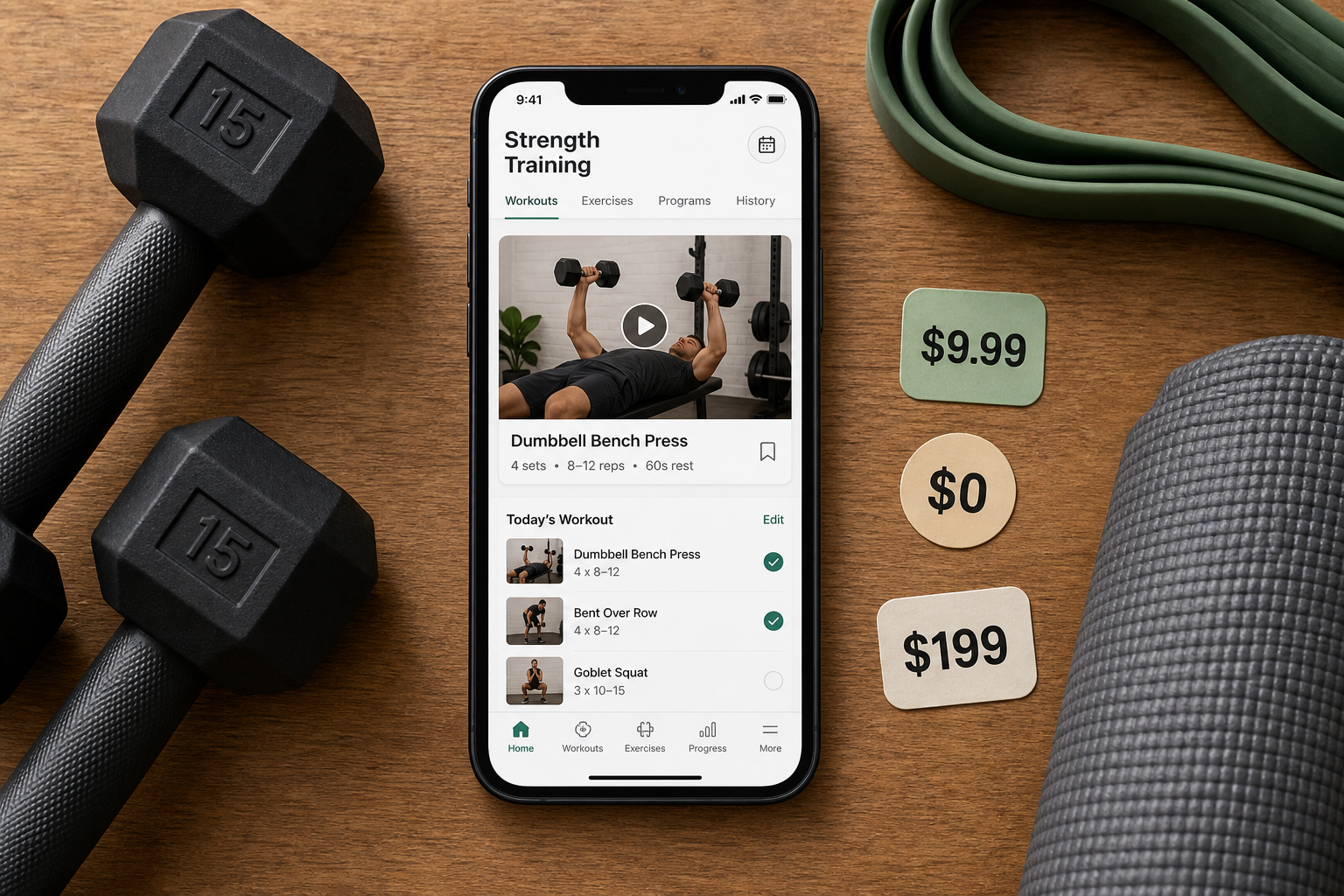
Why Most Strength Training Apps Fail the Home Gym User
The structural problem isn't malice — it's market design. Apps like Strong and Hevy are, at their core, workout loggers. They provide a clean interface to record sets, reps, and weight, but they assume you already know what to do and have the gear to do it. GGR's expert testing gave Hevy a 3/5 for equipment demands and a 1/5 for progressive overload, meaning it offers almost no guidance on what to do with the equipment you have or how to progress when you can't add weight. Strong is positioned by GGR as a logger, not a coach — it records your workout but doesn't adapt it.
Then there are the AI-driven platforms that do program for you, but only for a specific type of training. JuggernautAI, which costs $35 per month, earned a 4/5 for equipment demands from GGR, but it is explicitly focused on powerlifting and powerbuilding. It requires a barbell, squat rack, and bench. If you own a pair of dumbbells and a band, the app's programming is largely unusable without heavy manual intervention.
- Loggers (Strong, Hevy): Record your lifts but don't adapt programming to your gear. You must manually substitute exercises.
- Specialized AI (JuggernautAI): Programs for a specific training style (powerlifting) and assumes full gym equipment.
- Generic AI (some others): May offer equipment selection but lack the depth to build a complete, progressive program for minimal gear.
The contrast is sharp when you look at apps that are genuinely 'equipment-aware.' These apps don't just let you filter by equipment type — they build your entire program around what you own, automatically substituting exercises when your gear doesn't match the original movement pattern.
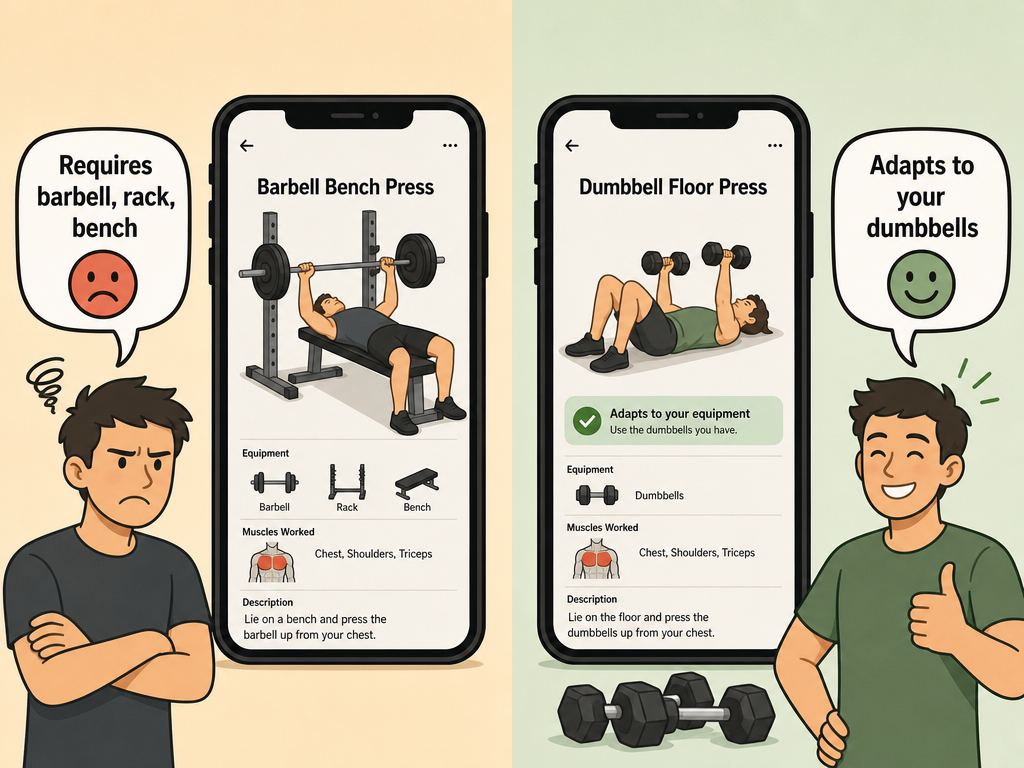
The Apps That Actually Adapt: Equipment-Demand Scores and How They Work
Garage Gym Reviews (GGR) conducted expert testing using certified personal trainers to evaluate strength training apps across several dimensions, including how well each app handles equipment constraints. The results reveal a clear divide: a handful of apps earned a perfect 5/5 for equipment demands, meaning they genuinely adapt to what you own. Here is how each of those apps handles the small-space constraint.
| App | Pricing | Equipment-Demand Score (GGR) | How It Adapts |
|---|---|---|---|
| Fitbod | $12.99/month or $79.99/year | 5/5 | Lets you select equipment from 'full gym' to 'bodyweight only.' AI analyzes every set and adjusts future workouts based on available gear. |
| Shred | $9.99/month (average app price is $34) | 5/5 | Each program tells you what equipment is needed. You can generate workouts targeting a specific body part, equipment set, and time. |
| Muscle Booster | $14.99/month | 5/5 | Includes gym equipment, minimal equipment, and bodyweight options. You can swap exercises based on what is available. |
| Future | $199/month (30-day risk-free trial) | 5/5 | A human coach asks for a video walkthrough of your gym space and plans workouts around the equipment you actually have. |
| Boostcamp | Free / Pro $14.99/month or $39.99/year | 5/5 | Offers over 1,000 workout plans with equipment filtering options and allows exercise swaps based on equipment needs. |
| Caliber | Free / Pro $19/month / Premium $200/month | 4/5 | Provides structured programming but scored slightly lower on equipment flexibility than the top tier. |
| Nike Training Club | Free | N/A (bodyweight-first by design) | Requires minimal to no equipment across most of its workout library. CNET and GGR both highlight its value for home use. |
Fitbod's approach is the most data-driven among the pure strength apps. Its AI analyzes every set you log and adjusts future workouts, and critically, it is 'equipment-aware programming for home or gym,' as noted by Edge. You can set your equipment profile once, and the app will never program a movement you can't perform. Shred takes a slightly different approach: it lets you generate a workout targeting a specific body part, equipment set, and time, which PCMag highlighted as a key feature. GGR testers noted that Shred's programming 'will let you know what type of equipment you need' so you 'don't accidentally pick a class that doesn't fit with the type of equipment you have.'
What to Look For: Exercise Substitution, Equipment Filters, and Bodyweight-Only Paths
For a small-space user, the total size of an app's exercise library matters far less than its ability to adapt that library to your gear. An app with 4,000 exercises is useless if 3,500 of them require a barbell or cable machine you don't own. Here are the specific features that determine whether an app will work for your constrained setup.
- Equipment profile selection: The app must let you define your available gear — ideally with granularity (e.g., 'adjustable dumbbells only,' 'resistance bands only,' 'bodyweight only'). Fitbod and Shred both offer this, with Fitbod ranging from 'full gym' to 'bodyweight only.'
- Automatic exercise substitution: When a programmed movement doesn't match your gear, the app should automatically swap it for a suitable alternative. Muscle Booster and Boostcamp both allow exercise swaps based on equipment needs.
- Bodyweight-only programming path: Some apps assume you have at least some equipment. A true bodyweight-only path, like Nike Training Club's default design, ensures you can train with zero gear.
- Home-to-gym portability: If you occasionally visit a commercial gym, the app should let you shift your equipment profile without losing your training history or progression. This is a differentiator for apps like Fitbod and Shred.
Tested Scenarios: Dumbbells Only, Resistance Bands Only, Bodyweight Only
To make this practical, we evaluated how each top-scoring app handles three common small-space equipment scenarios. The assessment is based on the apps' equipment-demand scores, feature descriptions, and expert testing results from GGR and other sources.
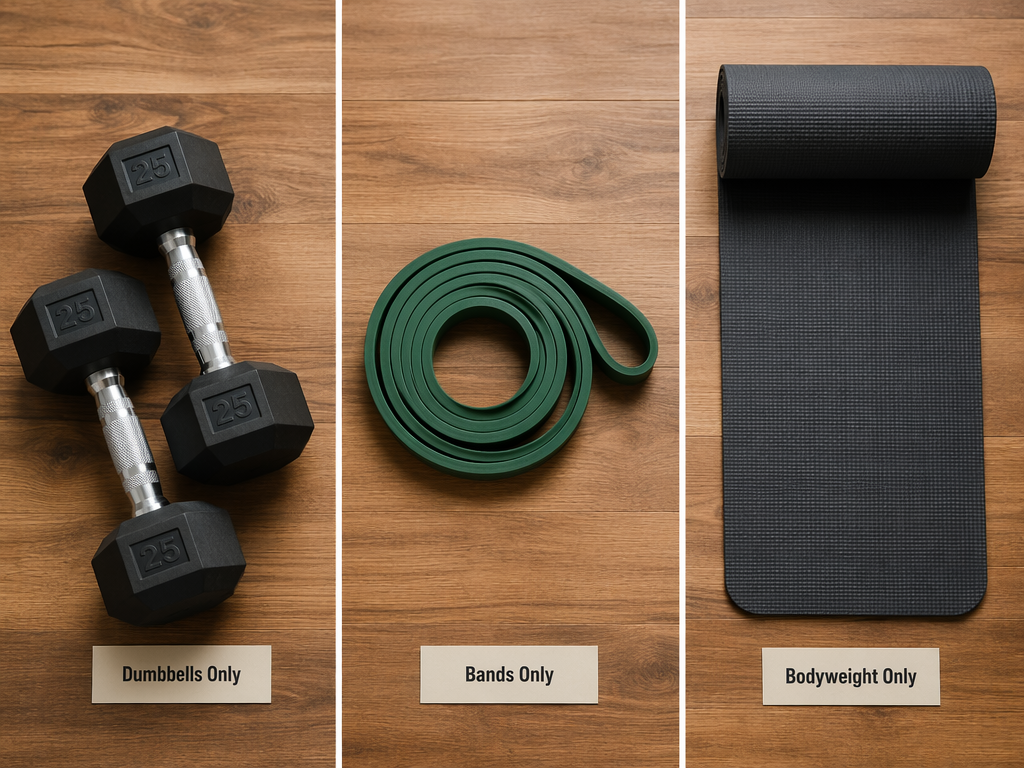
| Scenario | Best App Fit | Why It Works | Key Limitation |
|---|---|---|---|
| Dumbbells Only | Fitbod or Shred | Both allow you to set a dumbbell-only equipment profile. Fitbod's AI will program around that constraint, and Shred lets you generate dumbbell-specific workouts. | Progressive overload with fixed-weight dumbbells requires rep/set manipulation, which Fitbod handles less aggressively (scored 3/5 for progressive overload by GGR). |
| Resistance Bands Only | Muscle Booster or Boostcamp | Both include band-specific exercises and allow swapping to band alternatives. Muscle Booster explicitly offers 'minimal equipment' and 'bodyweight' options. | Band-specific programming is less common; you may need to manually verify that the substituted exercise targets the same muscle group effectively. |
| Bodyweight Only | Nike Training Club | NTC is bodyweight-first by design. It is completely free and offers over 10 workout categories including strength training. GGR rated its value 5/5. | No AI-driven progressive overload. You must manually track progression through harder variations (e.g., from knee push-ups to full push-ups). |
For the mixed-equipment user — someone with adjustable dumbbells, a few bands, and a mat — Fitbod and Shred offer the most flexibility. Both scored 5/5 for equipment demands, meaning they can handle a combination of gear types within a single program. Future, at $199/month, offers the most personalized approach: a human coach reviews a video of your space and builds a plan around exactly what you own. That level of customization comes at a steep price, but for users who can afford it, it eliminates the equipment-mismatch problem entirely.
Progressive Overload With Limited Gear: How These Apps Handle the Constraint
Progressive overload — the gradual increase of stress placed on the body during exercise — is the fundamental driver of strength gains. In a full gym, you simply add more weight to the bar. With fixed-weight dumbbells or resistance bands, you can't. The best adaptive apps use alternative methods to drive progress: rep scheme manipulation, tempo changes, rest reduction, and volume manipulation.
| App | Progressive Overload Score (GGR) | How It Drives Progress With Limited Gear |
|---|---|---|
| Shred | 4/5 | Uses AI to adjust rep ranges, sets, and rest periods. GGR testers noted it effectively manipulates training variables beyond just weight. |
| Fitbod | 3/5 | AI analyzes every set and adjusts future workouts, but GGR found its progressive overload less aggressive than Shred's. Relies more on volume and exercise variation. |
| Muscle Booster | Not scored by GGR | Allows exercise swapping and includes bodyweight/minimal equipment options, but progressive overload methodology is less transparent. |
| Hevy | 1/5 | Primarily a logger. No built-in progressive overload guidance — you must manage it yourself. |
| Nike Training Club | N/A | Bodyweight-first. Progression comes from harder exercise variations (e.g., single-leg squats, plyometric push-ups), not from the app's programming logic. |
For users with adjustable dumbbells, the constraint is less severe — you can still add weight in small increments. In that case, Fitbod's 3/5 progressive overload score is sufficient, especially when combined with its excellent equipment adaptability. The key is matching the app's progression logic to your specific gear limitation.
Top Picks and Equipment Demand Scores: Which App Fits Your Setup?
Based on the expert testing data from GGR, feature analysis, and the three equipment scenarios, here are the top recommendations organized by your specific setup. Pricing is approximate as of June 2026 and should be verified directly from each app before subscribing.
| App | Pricing | Equipment-Demand Score | Progressive Overload Score | Best For |
|---|---|---|---|---|
| Shred | $9.99/month | 5/5 | 4/5 | Dumbbells-only or mixed equipment. Best overall for small-space strength training with limited gear. |
| Fitbod | $12.99/month or $79.99/year | 5/5 | 3/5 | Dumbbells-only or mixed equipment. Best for data-driven users who want AI-adaptive programming. |
| Muscle Booster | $14.99/month | 5/5 | Not scored | Resistance bands or minimal equipment. Good exercise swapping flexibility. |
| Boostcamp | Free / Pro $14.99/month | 5/5 | Not scored | Budget-conscious users who want free access to community-created plans with equipment filtering. |
| Nike Training Club | Free | N/A (bodyweight-first) | N/A | Bodyweight-only training. Best free option for zero-equipment strength workouts. |
| Future | $199/month | 5/5 | N/A (human coach) | Users with budget for a human coach who will design a plan around a video walkthrough of your space. |
| Caliber | Free / Pro $19/month | 4/5 | Not scored | Users who want structured programming with moderate equipment flexibility. |
If you are strictly no-budget, Nike Training Club is the clear winner — it is completely free, requires minimal to no equipment, and GGR's tester called it a value 5/5, noting 'You don't see this kind of value in a free app almost ever.' For users willing to spend $10–15 per month, Shred offers the best combination of equipment adaptability and progressive overload logic. If you want a human touch and have the budget, Future's coach-led approach guarantees your plan matches your exact gear.
The Bottom Line: Match the App to Your Gear, Not the Other Way Around
The most common mistake small-space home gym users make is choosing an app based on popularity or exercise library size, then fighting it every session because it programs movements they can't perform. The right approach is the reverse: inventory your equipment first, then find an app that adapts to it.
The apps that scored 5/5 for equipment demands — Fitbod, Shred, Muscle Booster, Boostcamp, and Future — all share one critical feature: they build your program around what you own, not around an idealized gym setup. They automatically substitute exercises, filter by available gear, and in the case of Future, have a human coach verify your space. Apps like Strong, Hevy, and JuggernautAI serve a different audience — experienced lifters with full gym access — and will frustrate anyone training with minimal gear.
For readers still planning their home gym setup, our Home Fitness Equipment for Small Spaces guide can help you choose gear that pairs well with these adaptive apps. And if you're strictly on a free budget, our guides to Best Free Workout Apps for Small Spaces and Best Free Workout Apps for Limited Home Equipment cover the best no-cost options in more detail.
This result comes from one real apartment under the stated conditions — it is a strong signal, not a guarantee your space will measure identically.
Builds this evidence supports
Cable Machine Alternatives That Save Space and Money
Compare the best cable machine alternatives for home gyms – from resistance bands and pulley systems to suspension trainers and compact digital units – and find the right option for your space and budget.
How to Choose a Compact Home Gym That Works for Your Space, Budget, and Noise Tolerance
This article provides a structured decision framework for apartment dwellers and small-space residents to match their specific floor footprint, noise sensitivity, and budget to the most suitable compact home gym strategy — whether that's an all-in-one machine, modular build, smart digital system, or band/bodyweight setup.
The Garage Gym Reality Check: What Equipment Actually Fits in a Single-Car Garage
Most garage gym guides assume a two-car space. This article uses real dimensions, real equipment footprints, and three layout templates to show what fits—and what doesn't—in a single-car garage (10x20 to 12x20 ft).
Spot something off?
If this result didn't match your own space, let us know — floor-damage and noise claims carry real deposit-risk consequences if we get them wrong.