
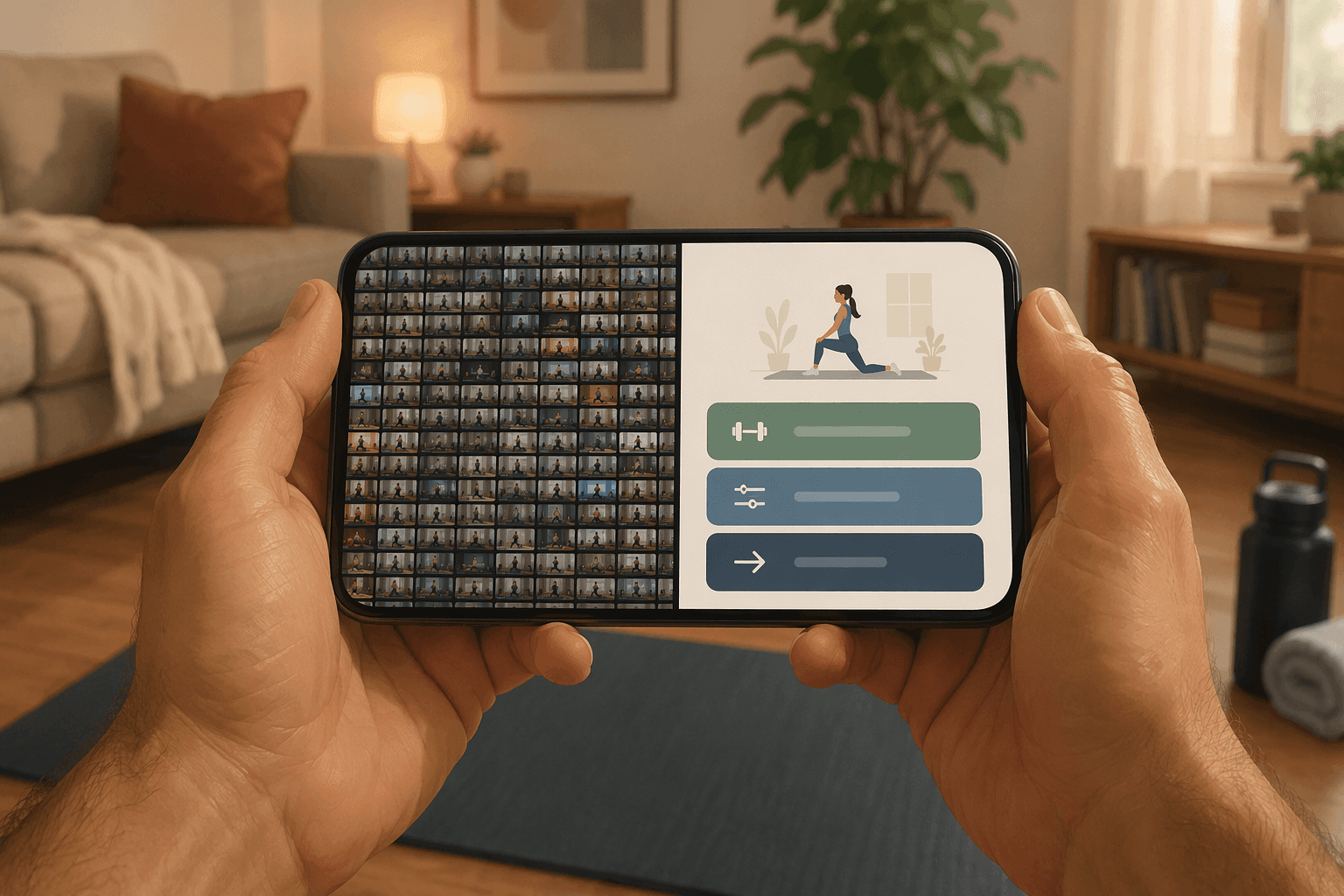
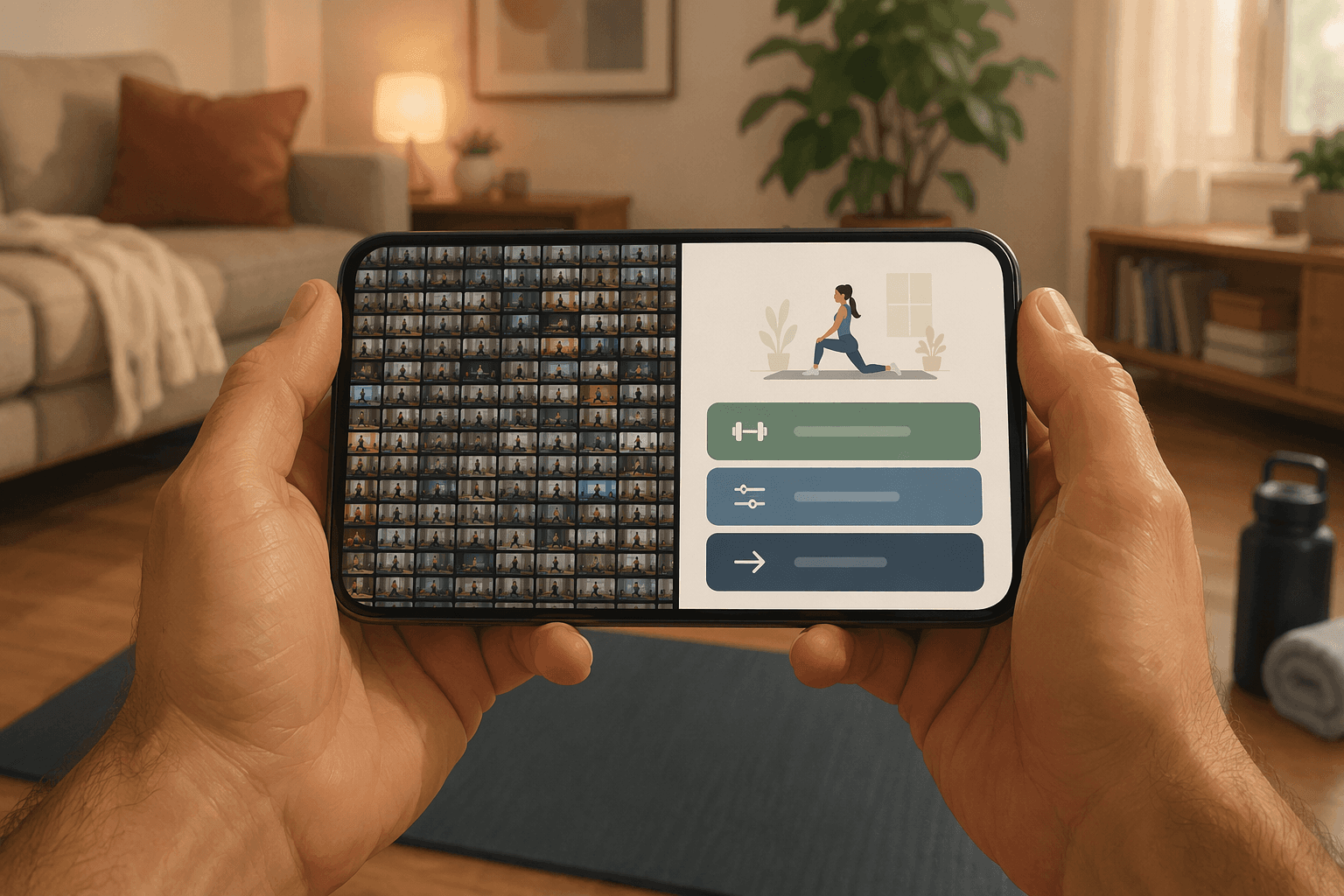
A very common beginner workout app story starts well enough: you download something with strong reviews, open it on a Tuesday night, and expect it to tell you what to do. Instead, you land in a wall of classes. Strength. HIIT. Core. Mobility. Beginner. Beginner strength. Beginner burn. Full-body blast. Something says “modify as needed,” but the trainer is moving fast, the app assumes you know what a hinge is, and the “no equipment” option still seems to involve a set of dumbbells you do not own.
That is not a motivation problem. It is often a design problem.
The important distinction is this: an app can contain beginner workouts without behaving like a beginner program. A beginner program does not just offer easier classes. It reduces the number of decisions you have to make, teaches the movement before asking for effort, and gives you a next step that makes sense even if you do not know exercise vocabulary yet.
Before comparing workout apps for beginners by brand name, use four features as a filter: structured day-by-day progression, visible form modifications, session length filters under 30 minutes, and bodyweight-first equipment flexibility. If one of those is missing, the app may still be good. It may even be excellent for someone who already exercises occasionally. But it is asking a true beginner to fill in gaps the app should have handled.
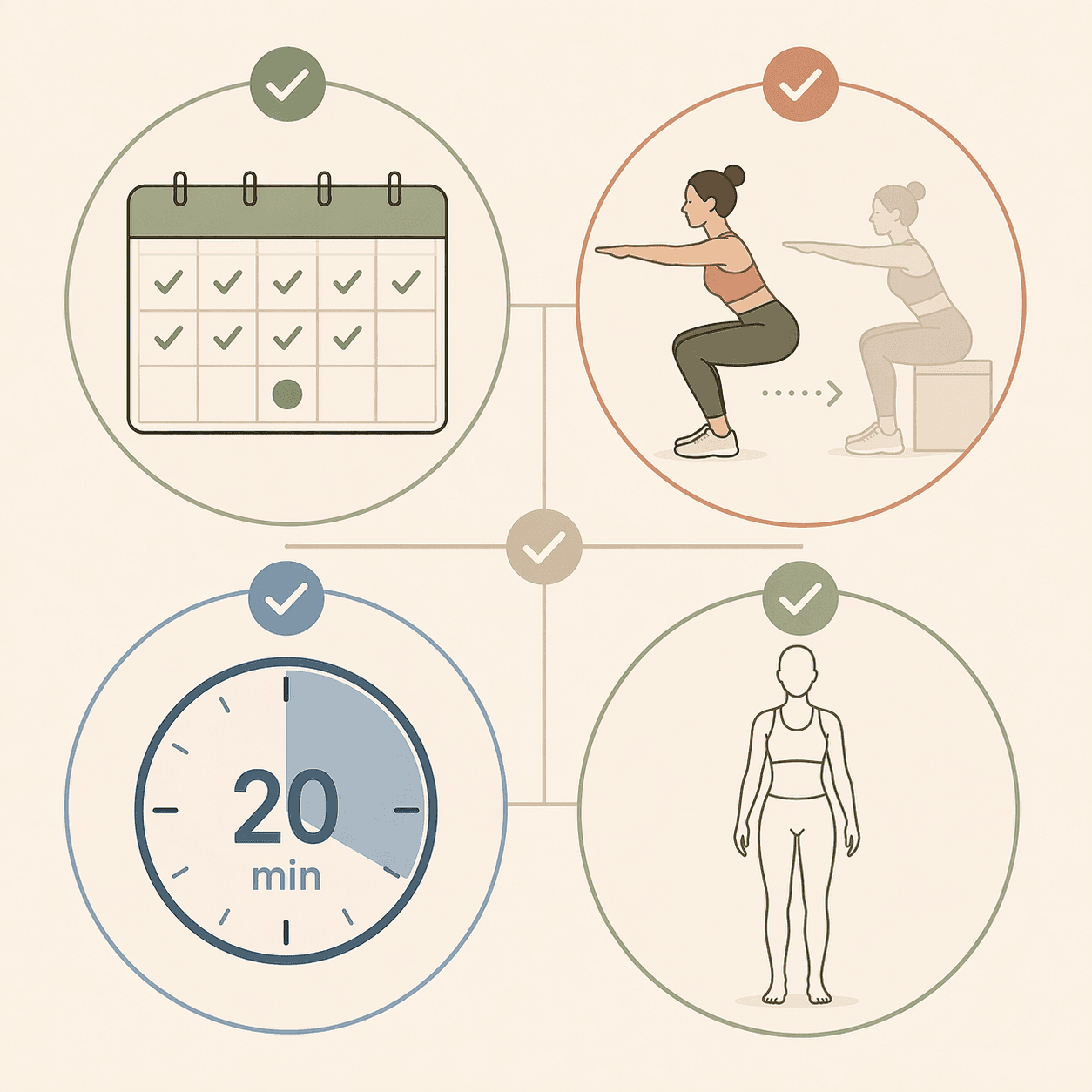
The quick diagnostic before you download
| Feature | What it looks like in a beginner-friendly app | What to be wary of |
|---|---|---|
| Structured day-by-day progression | The app tells you what to do today, what repeats, and what changes next. | A large class library with “beginner” tags but no sequence. |
| Visible form modifications | A trainer or alternate view shows low-impact, no-jump, easier-range options on screen. | A fast demo plus vague lines like “listen to your body” or “modify as needed.” |
| Session length filters under 30 minutes | You can quickly find 5-, 10-, 15-, 20-, or 25-minute sessions. | Most “beginner” workouts are 35 to 60 minutes, or short options are hard to find. |
| Bodyweight-first equipment flexibility | The starting plan works with floor space and your own body. | The app technically has no-equipment classes, but the main path assumes dumbbells, bands, benches, or machines. |
This is close to how stronger app reviews have started separating beginner needs from general app richness. Garage Gym Reviews said its 2026 beginner-app testing looked at more than 50 apps across 10 beginner-specific categories, including instruction quality, progressive overload logic, equipment demands, and trial period length; its useful finding was not that one app solves everything, but that apps praised by experienced users can score poorly when judged by beginner-specific criteria.[1]
That matters because “lots of content” is not the same as guidance. For a beginner, a giant library can feel like walking into a gym where every machine is available and nobody tells you where to start.
Structured progression: the app should choose the next workout, not just offer options
The first test is simple: after setup, does the app give you a clear Day 1?
Not a recommended shelf. Not a carousel of “popular for beginners.” Not 300 workouts sorted by mood. A real Day 1.
A beginner-friendly app should answer ordinary questions before the user has to ask them: How many days this week? Do I repeat this workout? When do I rest? When does the workout get harder? If I struggle today, do I redo it or move on? Those are not advanced programming questions. They are the questions people quietly have while standing in socks next to a yoga mat, already half-ready to close the app.
A class library can be useful later. At the beginning, it creates decision fatigue. Beginners do not yet have the pattern recognition to know whether a 20-minute lower-body strength class pairs well with yesterday’s full-body circuit, whether soreness means rest, or whether a “beginner HIIT” class is a reasonable first week choice. When the app makes every session a fresh search, the user has to become the coach.
Garage Gym Reviews’ focus on progressive overload logic is helpful here because progression is not just “make it harder.” It is the app showing a controlled path: maybe the same basic squat pattern appears again, the work interval grows slightly, the rest period changes, or a movement variation appears only after the easier version has been practiced.[1] The user should be able to feel, “I have seen this before, and now I know what is different.”
Caliber is a useful example of this feature because its free tier includes more than 500 exercises with video demos and uses a setup questionnaire to generate custom programs, rather than simply dropping the user into a general class feed.[1] That does not mean every beginner needs Caliber, or that a generated plan is automatically the right plan. It does show the difference between “here are exercises” and “here is your starting route.”
Nike Training Club is a different kind of boundary case. It is notable because it is a major app that is 100% free with no paid tier, but the tradeoff is that it lacks personalized programming.[1] For a beginner who is comfortable following a prebuilt plan and making a few choices, that may be enough. For someone who has already quit once because the app asked too many questions, free access alone will not fix the problem.
A good structured beginner path usually feels almost boring at first. That is not a flaw. Repetition is how the app gives the user a chance to learn. If every workout is new, every session becomes a first day again.
What to check during the trial
- After the questionnaire, does the app give you a specific first workout?
- Can you see the next few days without building the plan yourself?
- Does the same movement pattern repeat across the first week so you can learn it?
- Does the app explain why the plan changes, even briefly?
- If you miss a day, does the app calmly continue or does it punish you with streak anxiety?
Visible form modifications: “modify as needed” is not instruction
Form modifications are where many beginner apps reveal who they were really built for.
An experienced exerciser hears “take the low-impact option” and knows what to do. A beginner may not. If the move is a jumping jack, should they step one foot at a time? Raise the arms? Skip the arms? Slow down? If the move is a push-up, does modifying mean knees down, hands on a counter, smaller range of motion, or swapping the move entirely? The phrase sounds kind, but it can leave the person alone at the exact moment they need teaching.
A genuinely beginner-friendly app shows modifications on screen. Ideally, the main trainer performs the standard version while another trainer demonstrates the lower-impact version, or the video cuts clearly to an easier option before the set starts. For audio-led apps, there should be accessible video demos or form previews so the user can learn the movement before trying to keep pace.
This is where the small, practical teaching moments matter more than motivational polish. An Indie Hackers beginner test in 2026 ran 7 apps through a structured 2-month protocol and concluded that “teaching beats cheerleading”: apps that explained form and progression logic worked better for that tester than streak-heavy, gamified apps that leaned on encouragement.[2] That is not a large controlled dropout study, and it should not be treated like one. It is still useful because it describes the same kitchen-table problem many new exercisers run into: they do not need louder encouragement; they need to know where to put their feet.
Daily Burn’s “True Beginner” framing is also useful, even with an obvious caveat. Daily Burn’s own blog recommends its “True Beginner” program and says many fitness apps assume a baseline level of fitness.[3] Because that source is promoting Daily Burn, the recommendation should be treated carefully. But the framing names the issue well: a person can be a beginner not only because they are deconditioned, but because they have never learned the shared language of workouts.
When you evaluate an app, look for modifications before the workout becomes difficult. If the trainer explains the easier version only after people are already jumping, kneeling, twisting, or breathing hard, the app has made the beginner chase the instruction. The better pattern is preview first, move second.
The difference is not just safety, although safety matters. It is confidence. The user who knows the no-jump version is allowed to stay in the workout. The user who feels behind in minute three is more likely to decide the whole app is not for them.
Good modification signs
- Low-impact options are demonstrated, not merely mentioned.
- No-jump versions are shown during cardio moves.
- Strength moves include easier ranges of motion or supported variations.
- The app lets you preview form before the timer starts.
- The instructor explains what should be felt and what should not be forced.
Short-session filters are a usability feature, not just a convenience
Under-30-minute filters are often treated like a perk for busy people. For beginners, they are more basic than that. They make starting less dramatic.
A new exerciser may not know how hard a 45-minute beginner class will feel. They may be nervous about soreness, worried about looking foolish, or unsure whether they can finish. A 10-, 15-, or 20-minute option gives them a smaller promise to keep. The first win is not becoming fit in one session. It is opening the app, following the plan, and ending with enough confidence to come back.
The filter has to be easy to find. If the app technically contains short workouts but hides them behind several taps, search terms, or premium labels, it has not solved the beginner problem. The home screen or plan setup should make short starts visible from the beginning.
There is also a planning advantage. Short workouts are easier to repeat consistently, and repetition is what lets the user learn names, cues, and sensations. A short session with clear instruction can teach more than a long class that the beginner survives by copying shapes on screen.
If you already know you want a very small starting commitment, a structured short-session format such as the beginner guide to the 7-minute workout can help you see what a low-friction session looks like outside a full app environment.
Equipment flexibility should mean bodyweight-first, not “some no-equipment options exist”
Equipment is another place where marketing language gets slippery. An app may advertise no-equipment workouts while its beginner strength plan quickly asks for dumbbells, resistance bands, a bench, sliders, or gym machines. Those tools can be useful later. They are also one more reason for a beginner to postpone the first workout.
Bodyweight-first programming means the initial path works with your body, floor space, and maybe a mat. It should not require a shopping trip before Day 1. It should also be built as a real plan, not a handful of random no-equipment classes buried under better-supported equipment routines.
This does not mean equipment is bad. Some beginners enjoy dumbbells because the exercises feel clear and measurable. Others prefer audio coaching, gym-based plans, or machine work. The point is that the app should not make equipment ownership the price of entry while calling itself beginner-friendly.
A simple test: during setup, choose no equipment if the option exists. Then see whether the app still gives you a full first week. If the plan becomes thin, repetitive in a bad way, or suddenly less guided, the app’s real beginner path may depend on gear.
For readers who specifically want to avoid buying gear, a focused no-equipment comparison is a better next step than a general app ranking; start with no-equipment workout apps for beginners rather than assuming every beginner app treats bodyweight training seriously.
Free, paid, and trial periods: judge the guidance, not just the price
Price can matter a lot, but it should not distract from the four-feature test. A free app that gives clear structure, visible modifications, short sessions, and bodyweight-first plans may serve a beginner better than a polished paid app with a huge library and weak onboarding. A paid app may be worth it if the extra cost buys actual guidance rather than more content.
Be careful with pricing claims in app reviews, especially those published around seasonal promotions. The pricing information in the reviewed material for this article came from April through June 2026 publications, and app subscriptions can change. Also, several major review pages in this category use affiliate links, which does not make them useless, but it does mean transparent testing methods deserve more weight than a confident ranking box.
If budget is the deciding factor, use the same feature framework while comparing free and paid options. The question is not “Is free enough?” in the abstract. It is “Does the free version tell me what to do next, show me how to scale it, let me start short, and work without equipment?” For a more budget-focused pass, use Free vs. Paid Workout Apps for Beginners after you have checked the basics.
How to test an app in the first 10 minutes
You do not need to complete a full workout to learn whether an app respects beginners. Open it and move through setup slowly. Notice what the app asks you to decide before it has taught you anything.
- Finish onboarding and look for a specific first workout, not just recommendations.
- Open the first workout preview and check whether modifications are visible before the timer starts.
- Filter by duration and confirm that sessions under 30 minutes are easy to find.
- Set equipment to none and see whether the app still gives you a complete plan.
- Look at tomorrow. If you cannot tell what comes next, the app may be a library rather than a program.
If you recognize the pattern of downloading, trying, feeling lost, and quietly stopping, Why Your Workout App Failed goes deeper into that quit cycle. If you are ready to start after choosing an app, Your First 30 Days With a Workout App turns the first month into a week-by-week plan. And if you want app names after learning the framework, move on to the beginner app comparison: Workout Apps for Beginners: Why Most “Beginner-Friendly” Apps Fail.
The word “beginner” on an app store page is only a claim. The real test is what the app asks you to decide, what it teaches before it demands, how short the first sessions can be, and whether Day 1 works with only your body and a little floor space.
References
- A Legit Starting Point: Best Workout App for Beginners (2026). Garage Gym Reviews. 2026.
- Best Workout Apps for Beginners 2026 — I Tested 7 Fitness Apps for 2 Months. Indie Hackers. 2026.
- Best Workout Apps for People Who Have Never Exercised Before: 2026 Guide. Daily Burn. 2026.
Comments
Join the discussion with an anonymous comment.