
If you searched workout planner free, you probably do not want another app tour, a seven-day trial, or a “personalized” plan that turns out to be the same three full-body workouts everyone gets. You want to answer a few questions, see a usable plan, and know what to do on Tuesday without handing over a credit card first.
The useful split in 2026 is not really “AI versus non-AI.” It is simpler: does the planner build a program that progresses over weeks or months, or does it only generate today’s workout? A one-session generator can still be handy when you are traveling or improvising. It is not the same thing as a training plan.
The best free web-based AI planners are interesting because they remove several small frictions at once: no download, no app-store detour, no device lock-in, and, in the strongest cases, no account or payment step before you can see a plan. That matters for home exercisers. A plan that lives behind onboarding screens is often less useful than a plain browser tool that gives you a structured week before your coffee gets cold.
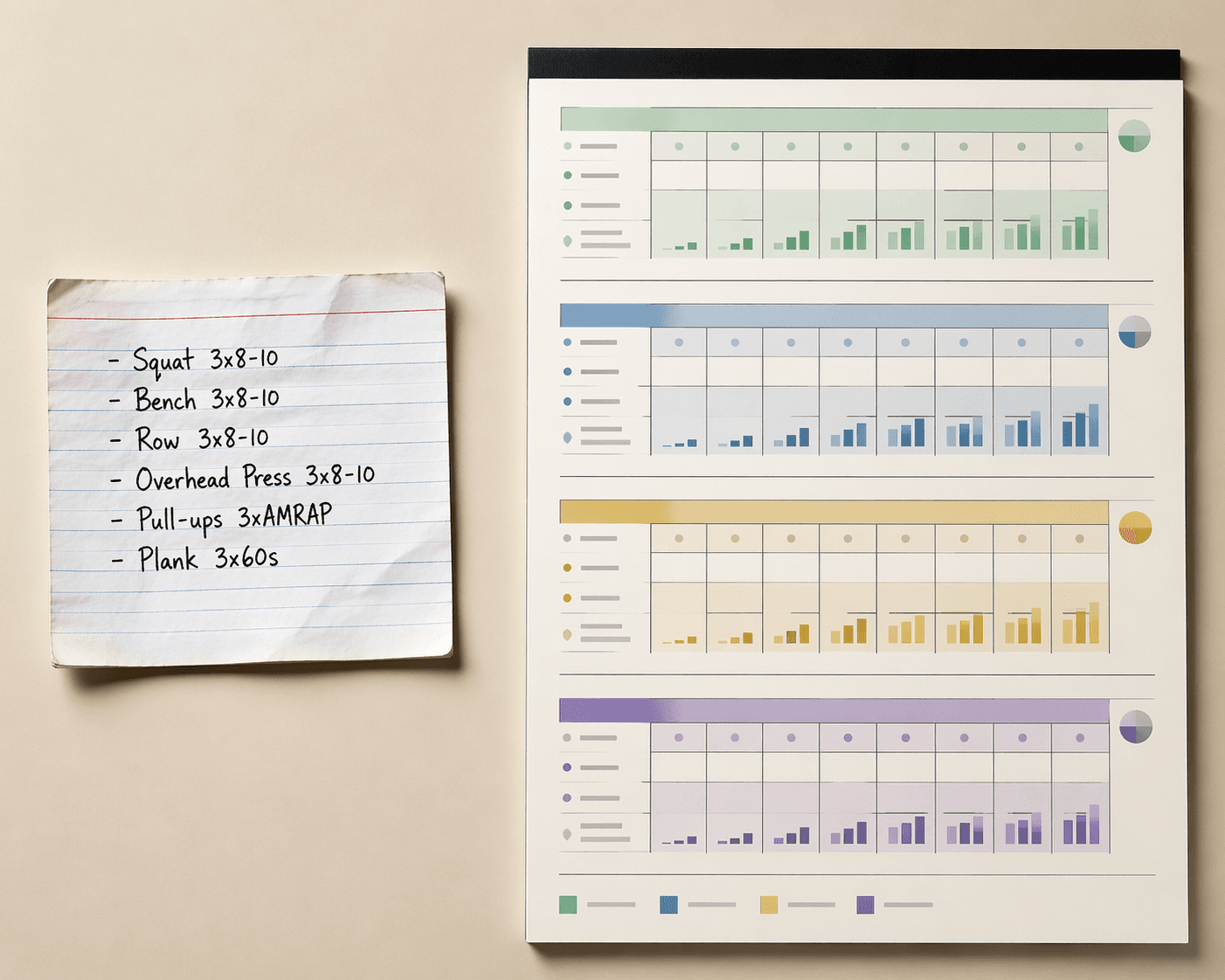
The first test: does it plan beyond one workout?
A real workout planner has to make decisions across time. It should decide how many days you train this week, where rest days sit, which muscles get repeated exposure, how hard the work becomes later, and what changes when the first phase is over. Without those choices, the tool is not planning. It is filling a workout card.
That distinction is where tools such as LoadMuscle and WorkoutGen deserve more attention than a typical random routine generator. LoadMuscle says its free AI workout planner draws from more than 4,000 exercises and uses periodization logic to create progressive programs, with no credit card required to use the planner.[1] WorkoutGen describes its generator as producing complete progressive programs rather than one-shot routines, using coach-validated programming algorithms and multi-month cycles that can extend beyond 6 months; its free tier does not require account creation to start.[2]
Those claims matter because the hard part of home training is rarely picking a movement. Most people can find a squat, press, row, hinge, or core drill. The hard part is arranging those movements so the second week is not a copy-paste accident and the fourth week is not guesswork.
| What the tool gives you | What it usually means in practice | How to judge it |
|---|---|---|
| Single workout | Useful for today, weak as a plan | Look for whether it tells you what changes next week |
| Weekly schedule | A usable start for beginners and busy home exercisers | Check rest placement, repeated muscle exposure, and session length |
| Progressive multi-week program | Closer to actual programming | Look for load, reps, sets, volume, or difficulty changes over time |
| Periodized multi-month cycle | Best fit for people who want structure without hiring a coach for planning | Check phase changes, deload logic, and how the plan adapts after the first block |
What a good free AI planner should ask before it builds a plan
A planner cannot produce a sensible home program from “build muscle” alone. The questionnaire is not a formality; it is the part that decides whether the output has any chance of matching your life.
LoadMuscle’s guide identifies several inputs good AI planners should consider: multiple goals at the same time, equipment specificity down to individual tools, preferred training split, session duration, muscle group priorities, and injury restrictions.[1] That is a practical checklist. If a planner asks only your goal and experience level, it may still produce a clean-looking workout, but it has not learned enough to know whether you have a pull-up bar, whether 45-minute sessions are realistic, or whether your knees tolerate lunges.
- Equipment should be specific: “dumbbells up to 30 lb,” “adjustable bench,” “resistance bands,” or “no anchor point,” not just “home gym.”
- Time should be treated as a constraint, not a suggestion. A 70-minute plan for someone with 35 minutes is a failed plan.
- Training days should be placed in a week, because recovery depends on spacing.
- Goals should be allowed to compete. Fat loss, strength, hypertrophy, mobility, and conditioning do not all demand the same weekly structure.
- Injury restrictions should change exercise selection, while still avoiding the false promise that software is giving medical judgment.
The more honest tools expose those tradeoffs. If you say you want muscle gain, three short sessions per week, only light dumbbells, and extra glute work, the planner has to make compromises. It might increase unilateral work, tempo control, exercise density, or weekly frequency. If it simply hands you a bodybuilding split designed for a commercial gym, the questionnaire did not do its job.
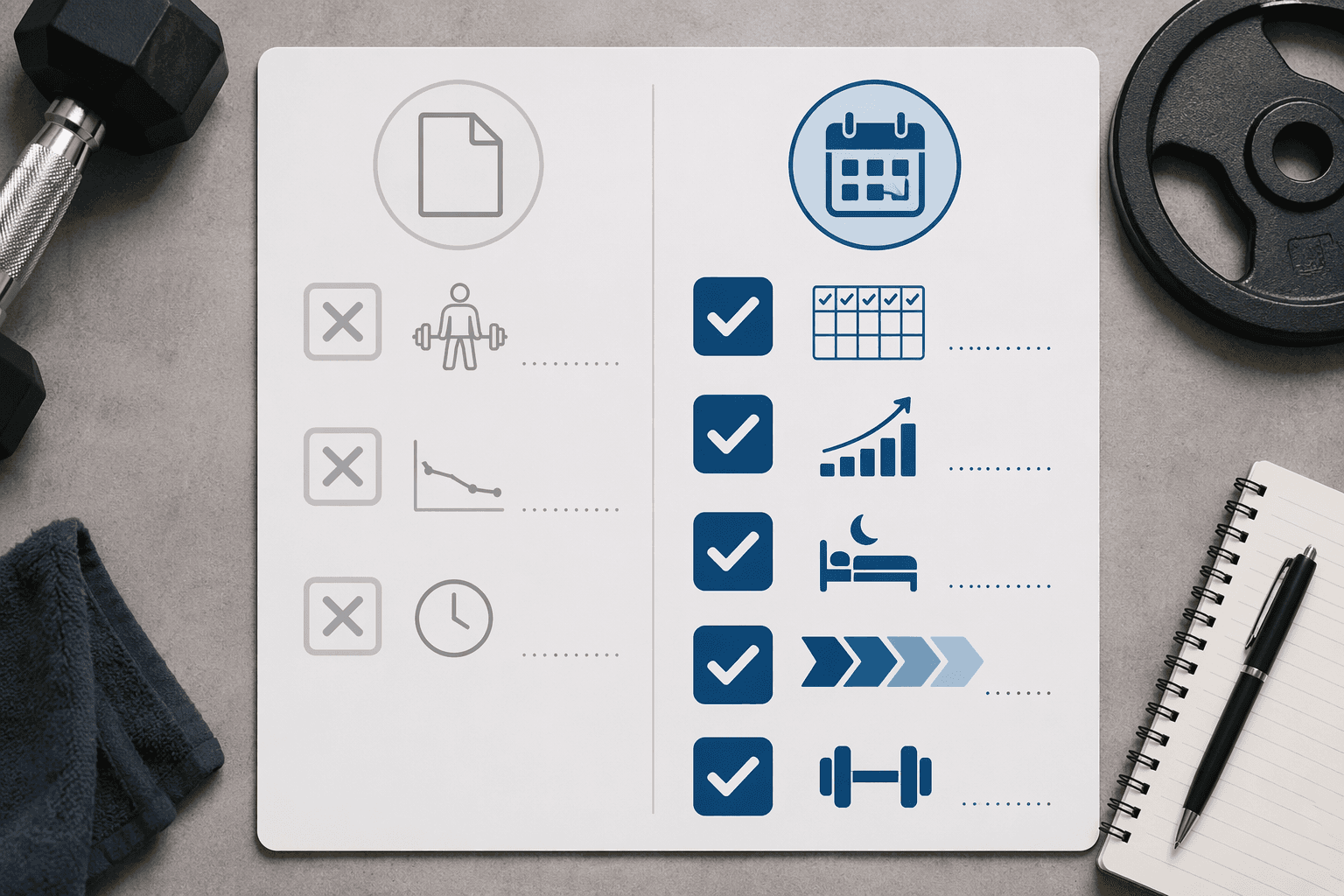
LoadMuscle: strongest when you want a fast plan without app friction
LoadMuscle is the kind of free web planner that makes sense for the person who wants a training structure before committing to an ecosystem. Its most important details are not the AI label; they are the 4,000+ exercise database, periodization logic, and no-credit-card entry point.[1]
A large exercise database is not automatically better. A beginner does not need 60 curl variations. But a broad library becomes useful when the planner must work around limited equipment, cramped rooms, or movements the user cannot perform. If the tool can swap a cable exercise for a band, dumbbell, bodyweight, or bench-supported alternative without breaking the plan, the database is doing real work.
Periodization is the bigger signal. A plan that changes volume, intensity, exercise emphasis, or phase goals over time asks less of the user’s guesswork. For a home exerciser, that can mean knowing when to add reps, when to increase load, when to hold steady, and when a week is meant to feel easier. That is the part many “free workout planner” pages skip.
The limitation is equally plain: LoadMuscle’s comparison material notes that AI planners can cost $0–20 per month compared with $50–150+ per personal trainer session, while also stating that AI cannot provide form coaching or real-time injury adaptation.[1] That is the right frame. The price difference is meaningful, especially for someone who only needs planning. It does not turn a browser tool into a coach watching your deadlift.
WorkoutGen: better fit when multi-month progression is the main job
WorkoutGen’s useful claim is that it is not just producing a day’s workout. Its comparison article describes complete progressive programs, coach-validated programming algorithms, and cycles that can run beyond 6 months.[2] For a user who has already failed at maintaining a spreadsheet, that longer arc matters.
Multi-month programming changes the user experience. Instead of repeatedly asking, “What should I do next?” you are checking whether the next block still matches your schedule, recovery, and equipment. The work shifts from inventing the plan to inspecting and following it.
Coach validation also matters, with a caveat. It can mean the rules behind the generator were shaped by people who understand programming. It does not mean a coach is reviewing your reps, noticing your shoulder position, or adjusting the plan after a bad night of sleep. The difference is easy to blur in marketing copy and important to keep clean in practice.
WorkoutGen is especially relevant for users who want to avoid the app-first route. If you want the broader app landscape—manual trackers, coached platforms, and AI planning inside mobile products—that belongs in a separate app comparison. Here, the advantage is narrower and more useful: start in a browser, answer the inputs, and see whether the program actually extends past week one.
Workout.lol and Hardgainer show the range of “free” planners
Not every useful free tool needs to be a deep periodization engine. Workout.lol appears in the current free web-tool comparison set as part of the accessible end of the market.[2] Tools in that lane can be useful when the user mostly needs a quick structure, a low-friction interface, and exercises matched to available equipment.
The Hardgainer Workout Plan Generator sits in a different corner. WorkoutGen’s comparison describes it as a free, science-first generator using volume landmarks such as MEV and MAV, plus RIR and RPE targets for intermediate lifters.[2] That is not beginner decoration. Minimum effective volume, maximum adaptive volume, reps in reserve, and rate of perceived exertion are useful only if the lifter understands how to apply them honestly.
For an intermediate lifter, those concepts can make a generated plan more precise. For a beginner, they can become another layer of confusion. If you do not yet know whether a set had two reps left or five, a simpler planner with clear sets, reps, rest, and progression rules may be the better choice.
How to inspect the output before trusting the plan
The output page tells you more than the landing page. Ignore the AI language for a minute and audit the plan like a tired person who has to follow it after work.
- Does it show a full weekly schedule, or only a list of exercises?
- Does it explain how sets, reps, load, difficulty, or volume progress after week one?
- Are rest days placed deliberately, especially after demanding lower-body or full-body sessions?
- Does the plan change across phases, or does every week look the same?
- Are exercises possible with your actual equipment?
- Does it offer substitutions without changing the whole program randomly?
- Does it respect stated injury restrictions while avoiding medical claims?
- Can you tell what to log after each session?
A plan can be plain and still be good. A three-day dumbbell program with clear progression beats a glossy six-day split that requires machines you do not own. The inspection should be boring on purpose: Can you perform the exercises? Can you recover between sessions? Do you know what changes next time?
If the planner gives only one workout, label it correctly. Use it for variety, travel, or a missed-session replacement. Do not mistake it for a training block. The body does not adapt to interface polish; it adapts to repeated, recoverable work that changes at the right speed.
What you still have to supply yourself
Free AI planners can remove planning friction. They cannot remove responsibility. They rely on accurate inputs at the start and honest logging after the plan begins. If you overstate your experience, hide pain, exaggerate your available time, or skip logging hard sets, the next recommendation is built on bad information.
Form is the biggest missing piece. A planner can tell you to do a Romanian deadlift. It cannot see whether your back position changes when the dumbbells pass your knees. It can suggest a regression. It cannot notice that your right shoulder is creeping up on every press. LoadMuscle’s own comparison acknowledges that AI planners cannot provide form coaching or real-time injury adaptation.[1]
Pain is the other boundary. An injury restriction box can help the program avoid obvious bad matches, but it is not a diagnosis. If a movement produces sharp pain, spreading symptoms, numbness, or a pattern that keeps returning, the correct next step is not to regenerate the workout until it looks nicer. That is when human clinical judgment matters.
Tracking also remains yours. The planner may generate the progression, but you need a record of loads, reps, effort, missed sessions, sleep disruptions, and exercises that felt wrong. Some users will pair a browser-based planner with a simple notebook. Others will want a manual tracker or app. If you are building a full planning-and-tracking setup, the useful distinction is to let the AI write the program and let the tracker preserve what actually happened.
Where free AI planners can replace a trainer—and where they cannot
For many healthy home exercisers, a strong free AI planner can replace the planning function of a trainer. That means exercise selection, weekly structure, progression rules, and phase organization. When the alternative is a generic PDF, an abandoned spreadsheet, or paying for sessions mainly to be told what to do next week, a planner such as LoadMuscle or WorkoutGen can be enough.
The cost comparison explains why people are looking. AI planners are described in the LoadMuscle guide as costing $0–20 per month, compared with $50–150+ per session for personal trainers.[1] For someone training at home three or four days per week, that difference can decide whether structured programming happens at all.
Price does not settle the whole question. Trainers do more than write plans when they are good: they watch movement, adjust based on what they see, notice avoidance patterns, manage confidence, and intervene when effort or pain is being misread. AI planning is strongest when the user is healthy enough to train independently and honest enough to report what happened.
That is why the better comparison is not “AI planner versus trainer” in the abstract. It is “AI planner versus the planning help you actually need right now.” If you need a progressive program for dumbbells, limited time, and clear goals, a web-based AI planner may cover the job. If you need eyes on form, medical judgment, or someone to keep you from rewriting the plan every four days, software is not a full substitute.
A practical verdict for 2026
Choose LoadMuscle or WorkoutGen when you want progressive planning without downloading an app, especially if you need the plan to respect equipment, schedule, goals, and training level. Consider a specialized tool such as the Hardgainer generator if you already understand volume landmarks and RIR/RPE well enough to use them. Keep simpler tools in the right lane: quick workouts, accessible structure, and low-friction exercise ideas.
Avoid any planner that hands you one workout and calls it a program. Before you commit, answer the questionnaire accurately, open the result, and look past the first session. If the plan shows a week, progression after week one, rest placement, equipment-appropriate substitutions, and phase logic, it may be worth following. If your body starts sending signals the algorithm cannot interpret, add tracking, scale the work, or bring in human guidance.
References
- AI Workout Planner: Complete Guide (2026), LoadMuscle.
- Best AI Workout Plan Generators 2026: Free Web Tools Compared, WorkoutGen.

Comments
Join the discussion with an anonymous comment.