
The App Store Top Charts Are Lying to You
Open the App Store and you see the same names: Nike Training Club, Apple Fitness+, Peloton. High ratings, millions of downloads. But if you pick one based on that alone, you are about to discover that “best overall” means something very different depending on whether you lift, run, or just want to move fifteen minutes a day.
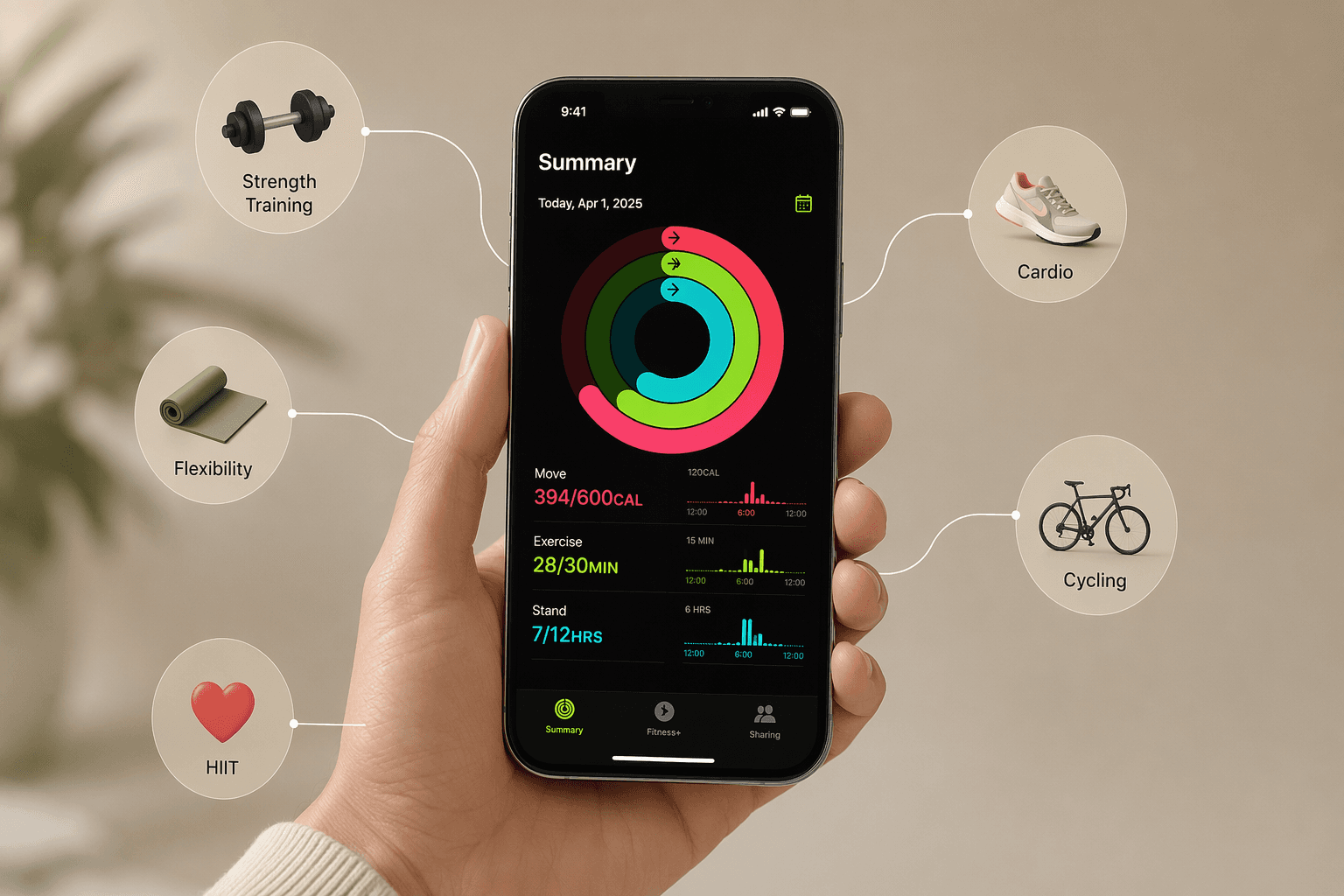
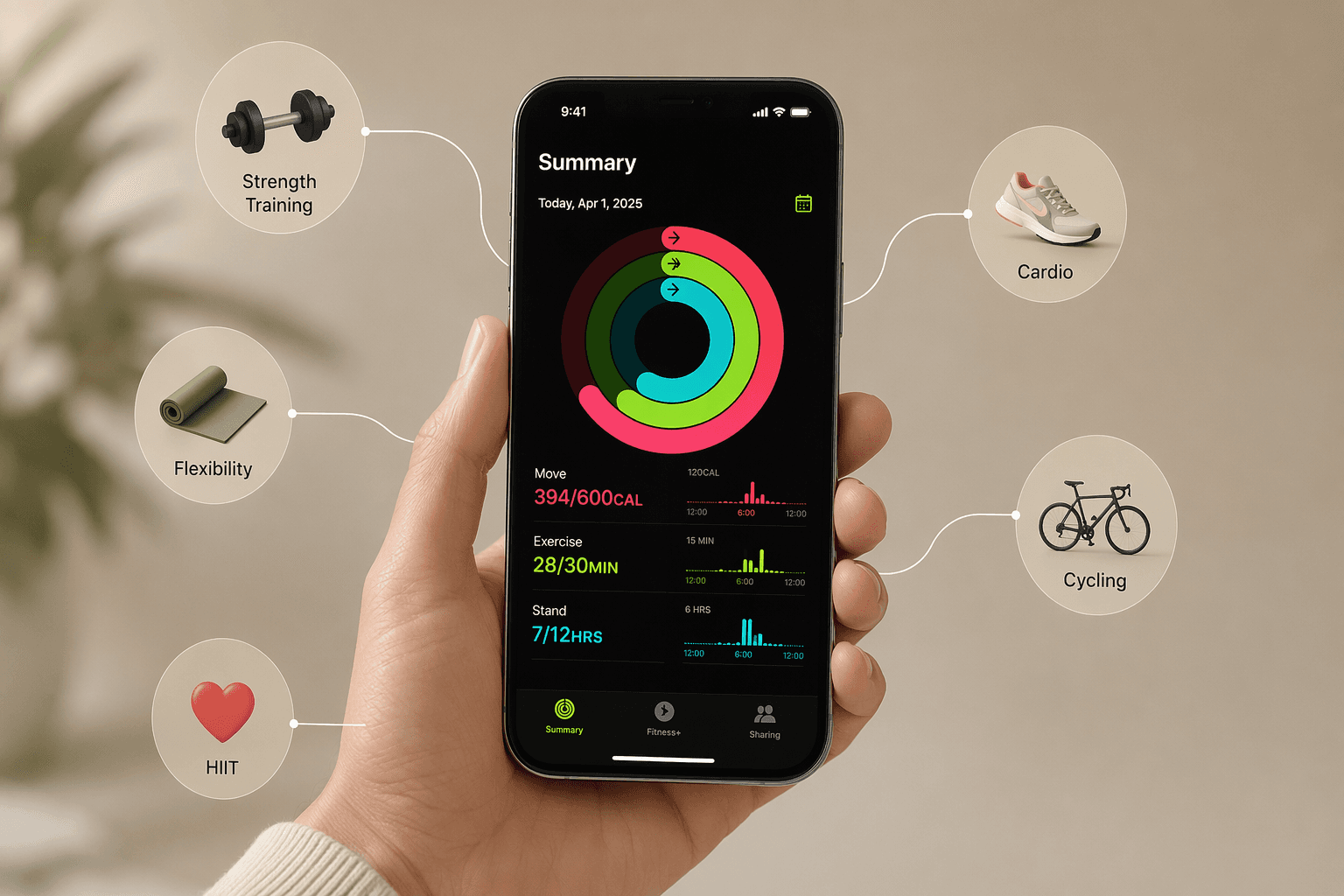
Take Apple Fitness+. Costs $10 a month, 5,000 classes across 12 workout types. Sounds like a no-brainer — until you realize its best feature (real-time heart rate and activity rings on screen) requires an Apple Watch. I have seen people download it expecting magic, then discover the magic requires a Watch they do not own. The reviews mention it, but they do not put it front and center. Without a Watch, half the value disappears.
Then Nike Training Club. Completely free — no hidden tier, no Pro upgrade. It has 185+ workout videos covering strength, HIIT, yoga, Pilates. “Free” is a powerful word, but the library is heavy on variety, light on progression. If you are an advanced lifter looking for structured progressive overload, you will outgrow it fast.
And that $34 per month “average” cost of a workout app you see quoted around? That includes Future at $199 a month and Ladder at $30 a month. They pull the average way up. Most users never pay anywhere near that. The best apps for many people cost exactly zero.
Two Questions That Cut Through the Noise
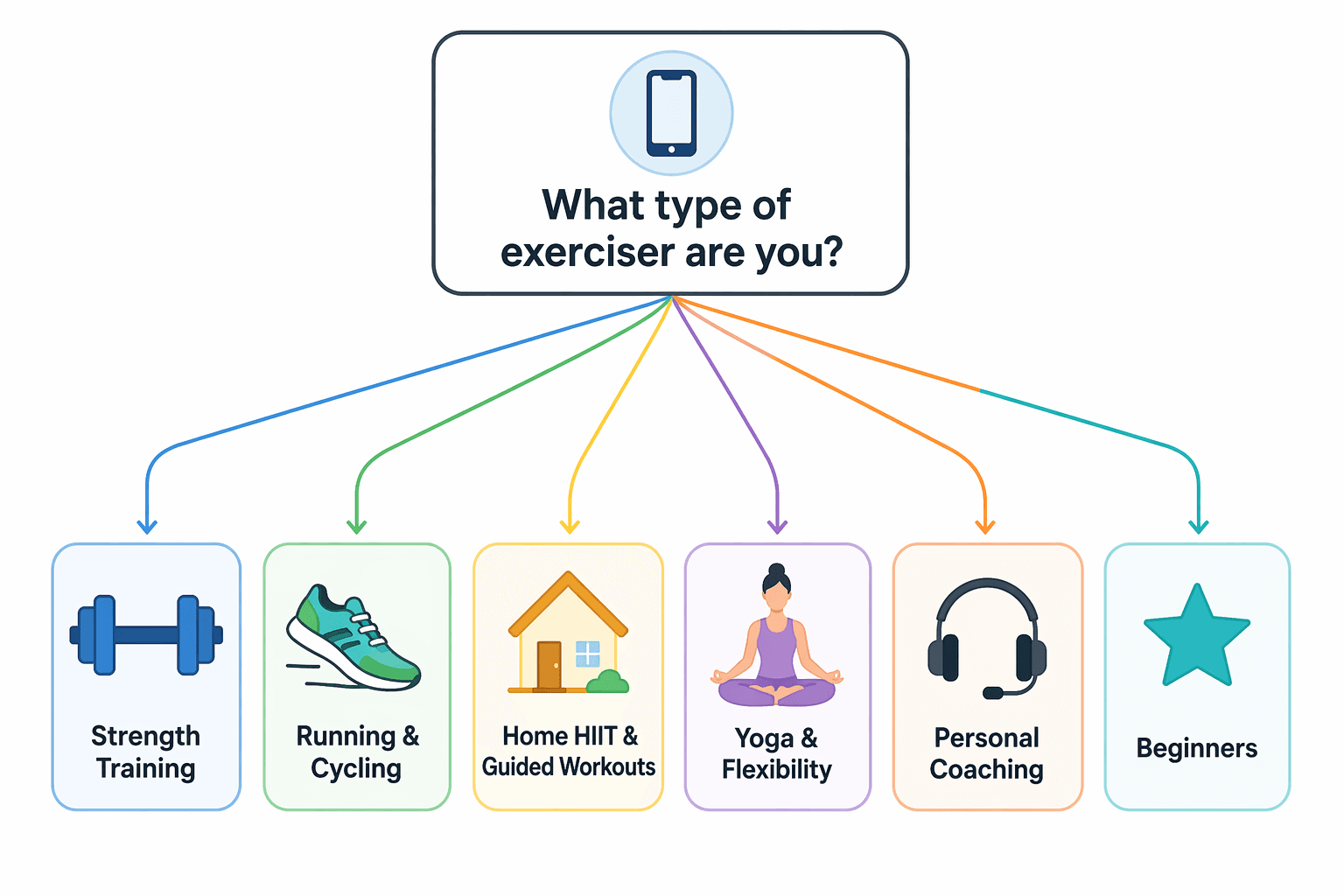
After cycling through more subscriptions than I care to count, I have found that two filters shrink the field from hundreds of apps to a handful of real options. First: what is your primary workout style? Second: do you own an Apple Watch?
The Apple Watch question is not a nice-to-have. Apple Fitness+ shows your heart rate, calories, and activity rings on screen only when paired with a Watch. Without it, you get the video and the trainers, but the real-time feedback is gone. Some apps like Strong and Strava offer Watch support for quick logging or recording, but they work fine without it. Others like Nike Training Club and Peloton do not require a Watch at all. The answer changes your shortlist completely.
The six workout-style branches cover the vast majority of iPhone users: strength training, running and cycling, guided home workouts, yoga and flexibility, personal coaching, and a dedicated beginner path. Pick your lane, then check the Watch box. The rest is just pricing and polish.
Apple Watch as a Hard Filter
I keep coming back to this because it is the single most common mistake I see in app store reviews. People download Apple Fitness+ expecting magic, then discover the magic requires a Watch. The Consumer Reports review is clear: Fitness+ integrates with Apple Watch to display real-time heart rate, calories burned, and activity rings on screen during workouts. Without a Watch, you get the video and the trainers, but the metrics are gone. That is half the value.
Apps like Strong, Strava, and Hevy also offer Watch apps — for logging workouts on your wrist or recording runs without carrying a phone. They work perfectly well without the Watch, but the Watch adds convenience.
Strength Apps: Speed or Smarts?
Strength training is the most crowded category on the App Store. Every app claims to make logging fast and tracking easy. The real split is between apps built for speed and apps built for programming.
On the speed side, Setgraph claims most users can log a set in under 3 seconds. That depends on the app design, but it gives you an idea. Strong is optimized for quick entry — tap, swipe, done. Its free tier is limited to three custom routines; Pro runs $4.99 a month. Hevy is more generous: the free version gives you unlimited routines and social features, with Pro at $2.99 a month.
On the programming side, JEFIT offers an exercise library of 1,400+ movements with HD demonstrations and muscle activation maps. Its progressive overload algorithm tells you when to increase weight or reps. The free tier includes the full library and unlimited logging; Elite is $12.99 a month. Fitbod uses AI to adjust your next workout based on recovery and past performance, and offers roughly 56% savings if you pay annually.
| App | Free tier limits | Pro price / mo | Best for |
|---|---|---|---|
| Strong | 3 custom routines | $4.99 | Speed and simplicity |
| Hevy | Unlimited routines, social features | $2.99 | Social lifters on a budget |
| JEFIT | Full exercise library, unlimited logging | $12.99 | Programmed training with demos |
| Fitbod | 3 free workouts | $15.99 | AI-driven progression |
Runners and Cyclists: Strava or a Real Coach?
If you run or cycle, Strava is the default. It tracks 50+ sport types, syncs with Apple Watch and Garmin, and has a social feed that keeps you coming back. The free tier handles GPS recording, basic stats, and segment leaderboards. Premium ($11.99/month) adds training logs, route planning, and performance insights.
But if your goal is a structured race plan, Strava’s coaching features are limited. Runna builds a training schedule based on your race distance, current fitness, and available days. Basic is free; premium is $19.99 a month. It also exports workouts to Apple Watch and Garmin, so you can run phone-free.
For indoor cyclists, Zwift is the obvious choice, but Peloton App One ($13 a month) gives you access to thousands of cycling, running, strength, and yoga classes without buying Peloton hardware. If you already have a spin bike, it is one of the best values in fitness apps.
Home Workouts: Free First, Pay Later
For guided home workouts, the best starting point is free. Nike Training Club has 185+ workouts, all free, no strings. FitOn offers a free basic tier with access to all workouts — no time limit. Pro costs about $25 for six months or $30 for a year.
If you want more structure and a bigger library, Apple Fitness+ ($10/month) and Peloton App One ($13/month) add thousands of classes, celebrity trainers, and music integration. Both work on iPhone, iPad, and Apple TV. The Apple Watch requirement for Fitness+ is the only real catch: without a Watch, you lose on-screen metrics. Peloton does not have that limitation.
| App | Price / month | Apple Watch required? | Class count | Offline downloads |
|---|---|---|---|---|
| Nike Training Club | Free | No | 185+ | No |
| FitOn | Free or ~$6/mo Pro | No | Hundreds | No |
| Apple Fitness+ | $10 | Yes | 5,000+ | Yes |
| Peloton App One | $13 | No | Thousands | Yes |
For users with home gym gear, we have a separate guide on the best workout apps for home gym users that factors in equipment type and space.
Yoga and Flexibility: The Free Winner
The yoga category just got more interesting. Alo Wellness Club became completely free in December 2025. That includes yoga, meditation, and sound baths — no subscription, no trial. It rivals paid options like StretchIt, which starts at $149.99 a year for deep flexibility programs. If your primary goal is stretching and mobility, Alo is the easy pick, and it is free.
Personal Coaching: If You Really Need a Human
If you want a real human coach designing your workouts and checking in on you, your options are narrow — and iOS-only. Future costs $199 a month and pairs you with a coach who adjusts your plan weekly. Ladder is $30 a month, also iOS-only, with small-group coaching led by professional athletes. Caliber has a free version with 500+ exercises and no ads, plus paid coaching tiers that go from $19 to $200 a month.
These are premium products for people who have struggled to stay consistent on their own. The pricing is justified by the human interaction, but the subscription fatigue risk is high — the average fitness app user churns within 90 days, according to FitCraft data. I would not pay $199 a month until I had already built the habit with a free app.
Beginners: Don’t Pay Until You Build the Habit
If you are new to working out, the most dangerous thing you can do is sign up for an annual subscription on a $30/month app. The 90-day churn rate is real. Start with something free: Nike Training Club, FitOn, or Hevy’s generous free tier. Use them for a month. If you are still opening the app three weeks in, then consider upgrading.
For a detailed step-by-step onboarding process, read our 5-step framework for complete beginners. It walks you through goal setting, equipment, and choosing your first app without spending a dime.
The Decision Tree in One Table
| Workout style | Has Apple Watch | No Apple Watch |
|---|---|---|
| Strength training | Hevy (free) or Strong ($4.99/mo) | Hevy (free) or JEFIT (free) |
| Running / cycling | Strava (free) or Runna ($19.99/mo) | Strava (free) or Runna ($19.99/mo) |
| Guided home workouts | Apple Fitness+ ($10/mo) or Peloton ($13/mo) | Nike Training Club (free) or FitOn (free) |
| Yoga / flexibility | Alo Wellness Club (free) | Alo Wellness Club (free) |
| Personal coaching | Future ($199/mo) or Ladder ($30/mo) | Caliber (free) – coaching tiers available |
| Beginner | Nike Training Club (free) or FitOn (free) | Nike Training Club (free) or FitOn (free) |
The App You’ll Actually Open
The app that wins is the one you actually open. That sounds obvious, but it is the reason generic rating lists fail. They evaluate features in a vacuum, not friction in your real life.
If you are a runner who never looks at social metrics, do not pay for Strava premium. If you are a strength beginner, do not pay for Fitbod until you have outgrown a free log like Hevy. And if you are still searching, read our analysis of why most fitness apps fail — it might save you a hundred dollars.
Start with the decision tree. Check your Apple Watch status. Pick one app from the table. Use it for two weeks. If it feels right, you have your match. If not, the tree has another branch.
Comments
Join the discussion with an anonymous comment.