
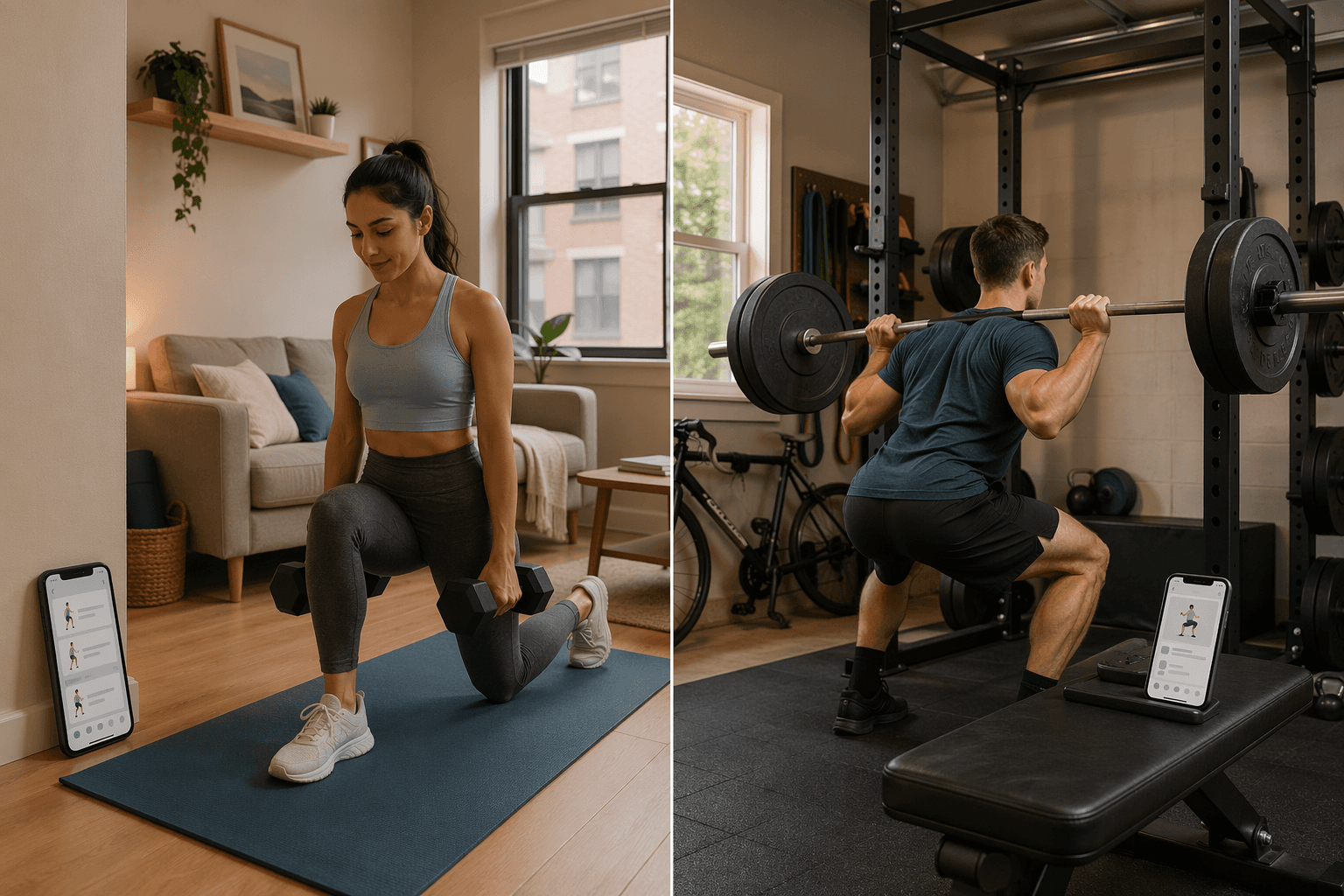
The One Question Most App Lists Ignore: What Do You Own?
The average workout app costs $34 a month. That figure lumps together everything from studio-style coaching to simple loggers. I’ve paid for apps that assumed I had a cable machine. If you train at home with two dumbbells and a bench, you are not the audience for a $199/month personal-coaching app. The apps that actually work for home gyms cluster in the $10–$15/month range — and at least two strong options cost nothing.
The disconnect isn’t a pricing glitch. It’s a structural failure in how most roundups are built. They rank apps by popularity, features, or “AI personalization” without asking the one question that matters: what equipment does this app assume you own? Fitbod, for example, earns a 5/5 for equipment demands because its onboarding lets you select from “bodyweight only” all the way up to a full rack. Most apps don’t. They assume a barbell, a cable machine, and a leg press. When your setup is a yoga mat and a single dumbbell, those apps are worse than useless — they’re actively frustrating.
Three Tiers, One Question: What Do You Own?
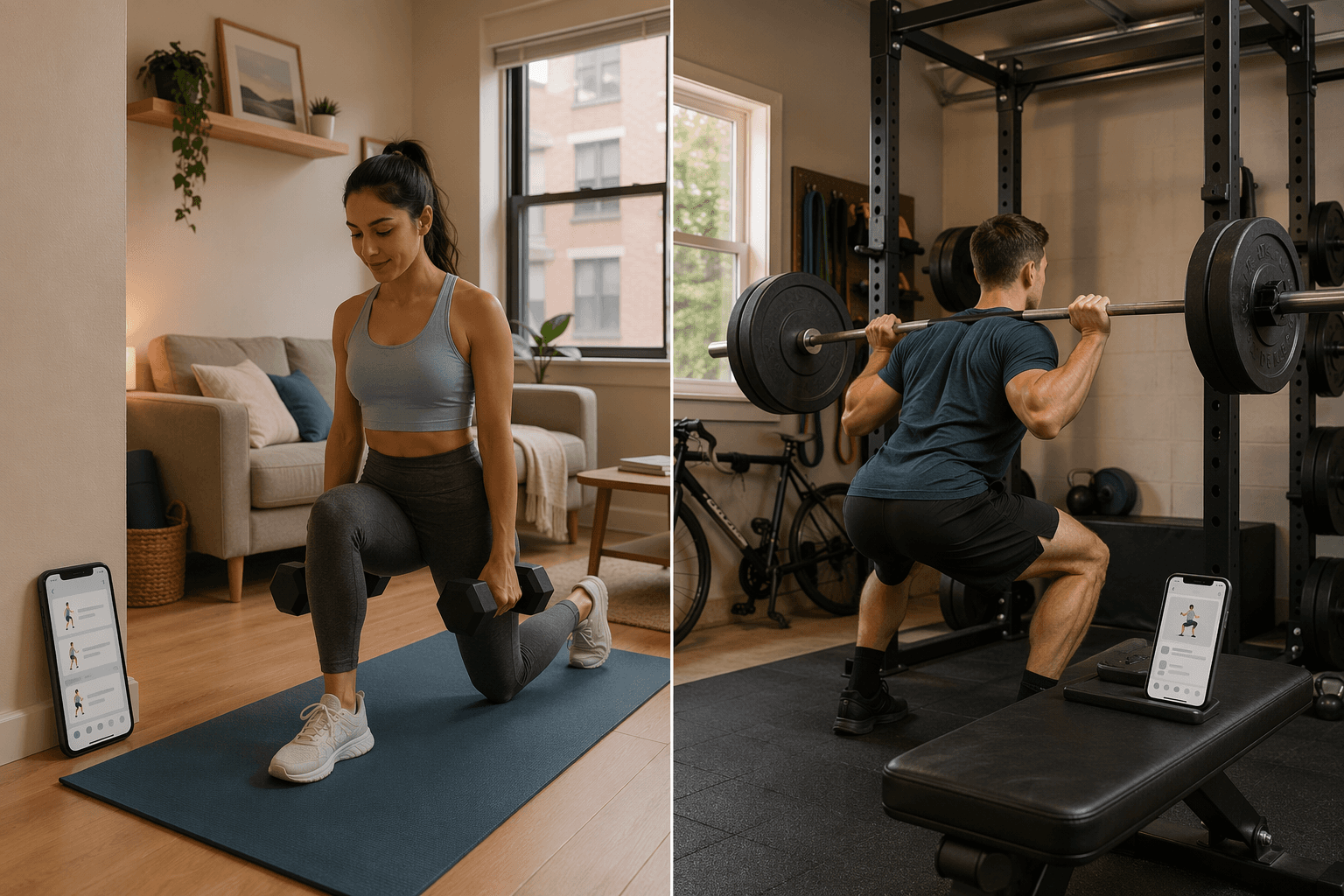
Experience level and budget matter, but they’re secondary. The primary decision axis for a home gym strength training app is what hardware you have. I divide home setups into three tiers:
- Bodyweight / dumbbell-only – you own no barbell, no rack. Maybe a bench, maybe bands.
- Barbell + rack – you have a barbell, plates, and a squat stand or half-rack. This is the sweet spot for dedicated strength programming.
- Full gym – you own a rack with cable attachment, adjustable dumbbells, maybe an EZ bar or a specialty bar. The app's equipment library matters less because the limitation is gone.
If you're unsure which tier you're in, start with the How to Build a Compact Home Gym in 3 Phases guide — it'll help you see where your current gear sits and what a reasonable upgrade path looks like. For the rest of this article, the framework is simple: pick an app that matches your tier, then look at price.
Bodyweight or Dumbbell Only: The Tier Most Apps Ignore
This is the most common home gym setup, and the one worst served by mainstream apps. The problem isn’t a lack of exercises — it’s that the app’s programming engine expects a barbell squat and bench press as default moves. When you have only dumbbells, you need an app that either lets you filter equipment explicitly or provides bodyweight-only programs that feel complete.
Three apps stand out here:
- Nike Training Club – 100% free, with guided video workouts that let you filter by equipment. The bodyweight and dumbbell categories are solid. No subscription pressure. Rated 3.5/5 by FindYourEdge, but for zero dollars it’s hard to beat.
- Caliber Strength Training – the free-forever tier includes over 500 exercises with demo videos and written instructions. No credit card. No ads. It’s a genuinely useful free app, not a teaser. If you’re unsure what you need, start here.
- Hevy – free for unlimited logging, progress charts, and routine templates. The app doesn’t care what equipment you have; it just logs what you tell it. The Pro tier ($2.99/month) adds custom graphs and data export, but the free tier already covers the core need. I’ve used the free tier extensively — no hidden limits on routines or ads.
If you’re truly down to one dumbbell, pair the app with the Complete Single-Dumbbell Full-Body Workout — it gives you a sequence the app may not program on its own.
Barbell and Rack: The Sweet Spot for Programming Apps
Once you have a barbell and a rack, the app landscape opens up. You can run linear progression, periodized programs, and auto-regulated training. But you still need an app that understands you are not doing leg extensions or cable flyes. The two best options for this tier are Boostcamp and Fitbod.
| App | Free Tier | Premium Price | Why It Fits Barbell+Rack |
|---|---|---|---|
| Boostcamp | Yes – access to hundreds of coach programs | $14.99/mo or $39.99/yr | Programs by Jim Wendler, Dr. Eric Helms, and others. Free tier gives full access to the programme library; Pro adds custom progressions and advanced analytics. Equipment demands rated 5/5. |
| Fitbod | 3 free workouts | $12.99–$15.99/mo (varies by plan) | Onboarding quiz lets you specify exact gear: barbell, rack, plates, bench. AI adjusts volume and exercise selection based on your fatigue and availability of each muscle group. Equipment demands 5/5. |
Pick your tier first. Test the free tier. Then decide if it’s worth paying. That’s the framework. The right app for you is the one that knows what you own — not the one with the most features.
Comments
Join the discussion with an anonymous comment.