
Why the Format You Choose Matters More Than the Tool
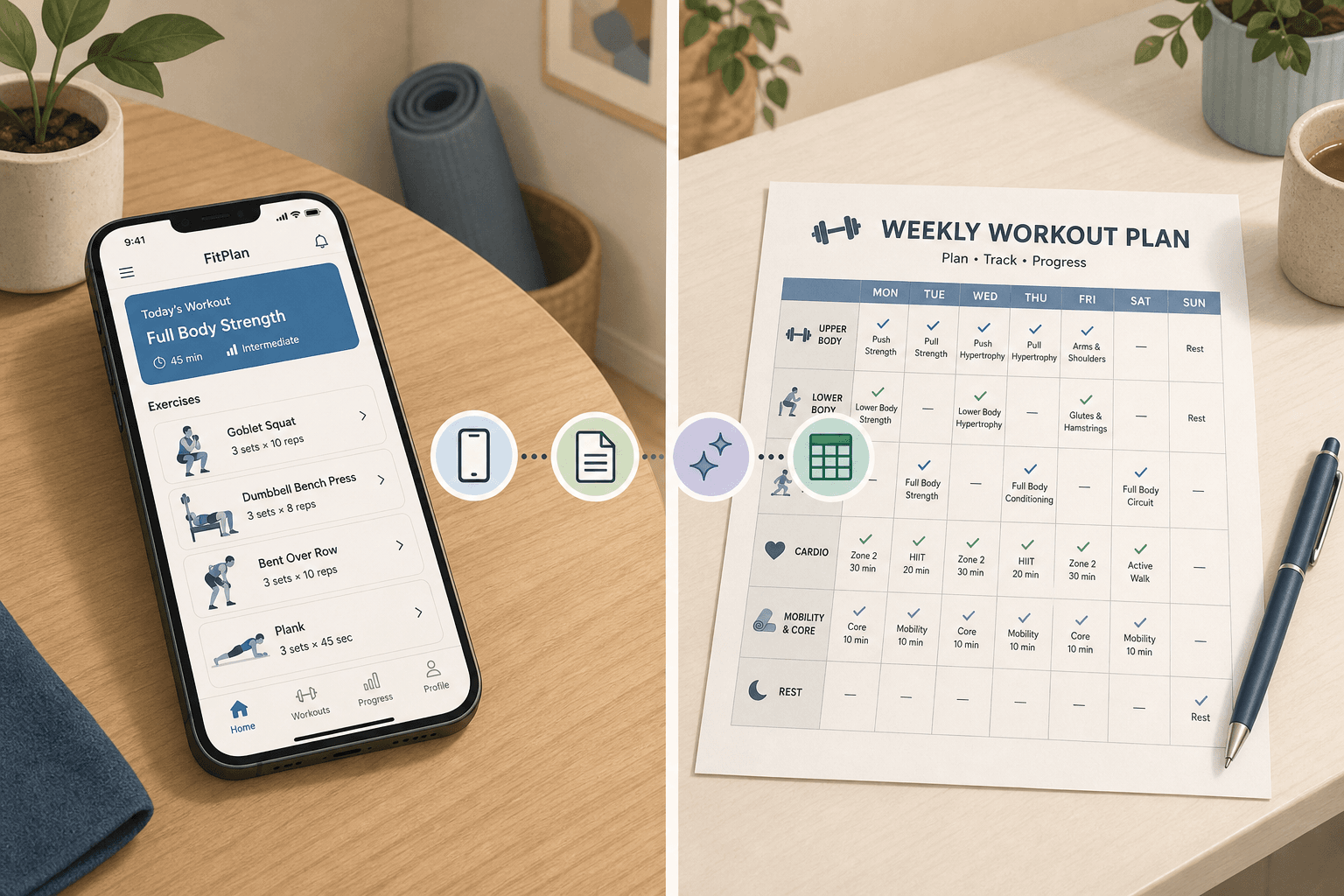
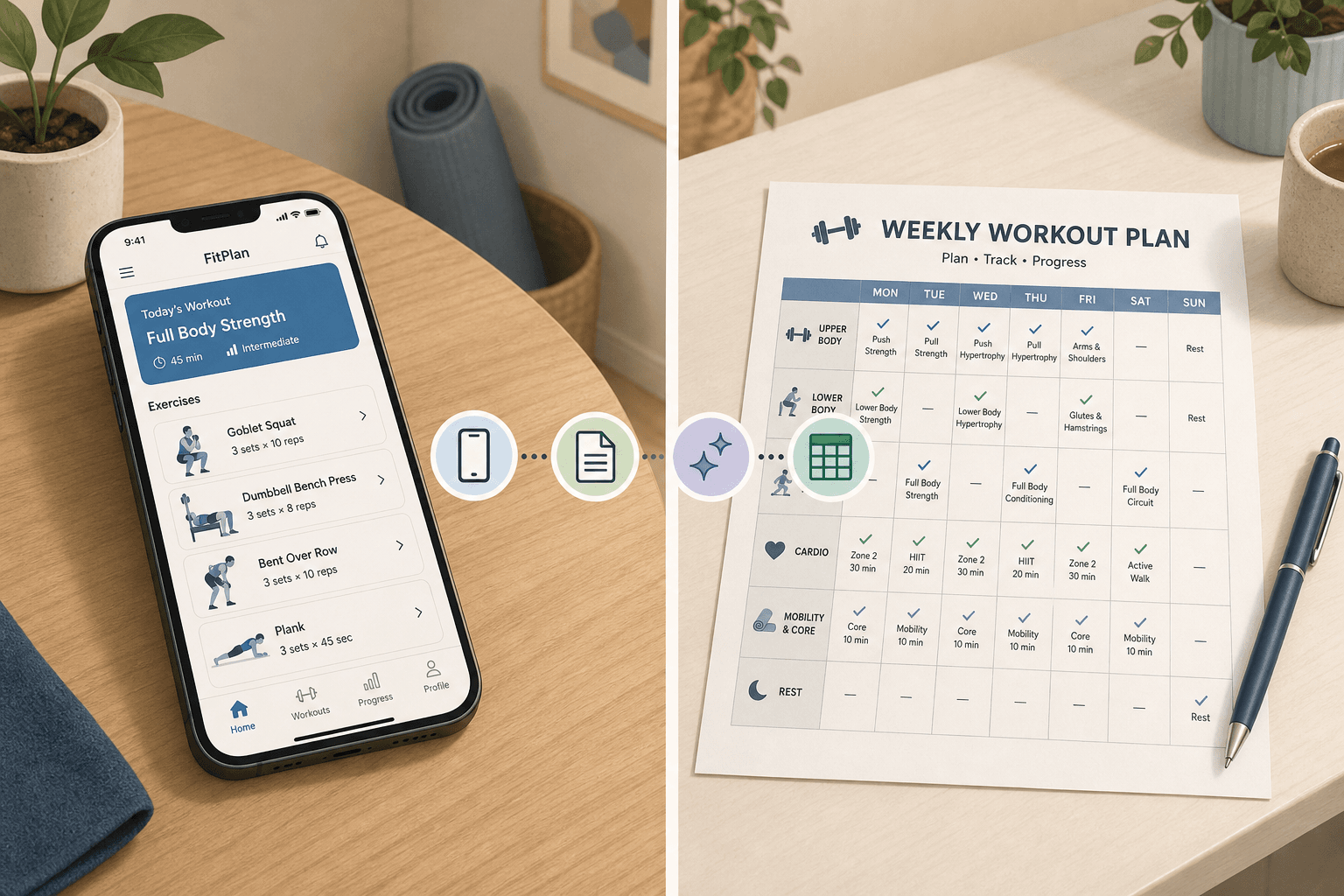
When you search for a "workout planner free," the results are overwhelming: dozens of apps, printable PDFs, AI generators, and spreadsheet templates all claiming to be the best. The natural instinct is to compare features — does App A have more exercises than App B? But that approach misses a more fundamental question: which format actually fits how you train and how you make decisions?
The format of your planner — whether it's an app, a printable template, an AI builder, or a spreadsheet — determines its usefulness more than any individual tool within that format. An app with a perfect exercise library is useless if you hate logging on a phone screen. A beautifully designed printable is useless if you need automatic progression adjustments. The goal of this guide is not to rank individual tools but to help you identify which format type matches your training environment, your decision-making style, and your definition of "free."
The Four Free Planner Formats at a Glance
Each format solves a different problem. Before diving into specifics, here is a quick-reference comparison of the four formats across the dimensions that matter most for home fitness planners.
| Format | Personalization | Privacy | Offline Access | Ease of Use | Best-Fit User Profile |
|---|---|---|---|---|---|
| Apps (NTC, Hevy, Boostcamp) | High — guided programs, logging, progress graphs | Low — data collection, ads, account required | Varies — some require internet for full features | High — tap and go, minimal setup | Users who want guided workouts, tracking, and social motivation |
| Printable Templates (PureGym, Canva) | Low — you fill in the blanks | Complete — no data leaves your notebook | Full — paper never needs a signal | Medium — requires printing and manual logging | Users who prefer pen and paper, value privacy, or train in a no-phone zone |
| AI Builders (LoadMuscle) | Very high — algorithm generates plan from your inputs | Medium — requires inputs but no ongoing tracking data | Partial — generated plan can be downloaded as PDF | Medium — one-time setup, then follow the plan | Users who want a custom plan built for them but don't want to design it themselves |
| Spreadsheets (Google Sheets, Excel) | Maximum — you control every cell and formula | High — data stays in your own account or file | Full — downloadable and editable offline | Low — requires comfort with formulas and manual setup | Data-oriented users who want full control over tracking and analysis |
A Simple Decision Framework: Goal, Equipment, Frequency, and Decision Style
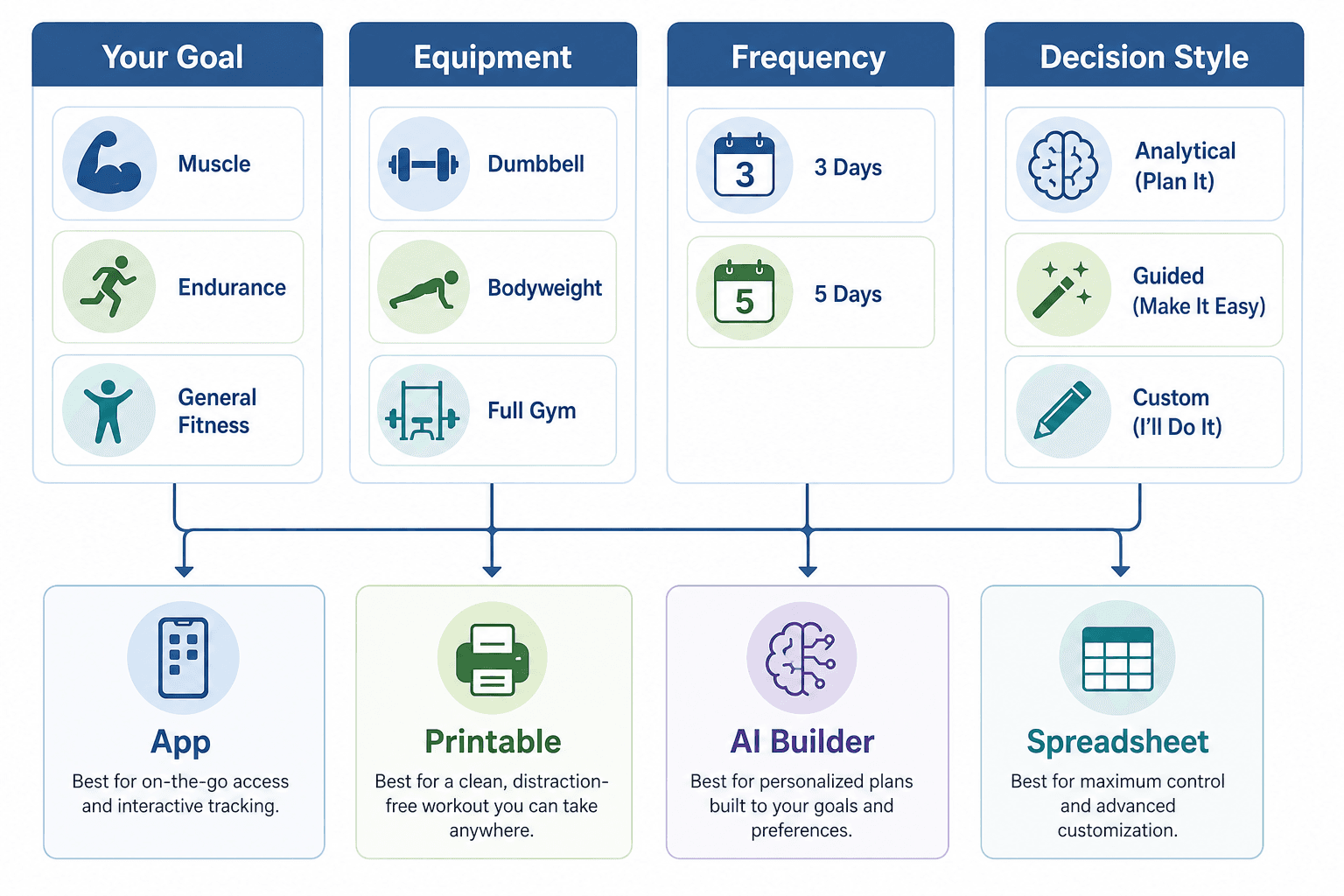
Choosing a format comes down to four factors. Walk through each one, and the right format becomes clear.
- Training goal: Are you building muscle, improving endurance, or maintaining general fitness? Strength-focused goals benefit from apps with progressive overload logic (like Hevy or Boostcamp). General fitness goals are well served by Nike Training Club's diverse workout library. Endurance goals may need a format that tracks volume over time — a spreadsheet or a tracker app.
- Available equipment: Bodyweight-only? Dumbbells? A full home gym? Apps like Nike Training Club let you filter workouts by equipment level. AI builders like LoadMuscle generate plans based on exactly what you own. Printables and spreadsheets require you to select exercises yourself, which is fine if you know what you are doing but challenging if you are a beginner.
- Weekly frequency: Training 2 days a week is a different planning problem than training 6 days. AI builders and apps handle frequency automatically — you tell them your schedule, and they distribute volume accordingly. Printables and spreadsheets require you to manually plan each session, which becomes tedious at higher frequencies.
- Decision style: Do you want the tool to plan everything (AI builder or app with guided programs), or do you want full control over every variable (spreadsheet)? Most people fall somewhere in between. Printables offer a middle ground — the structure is provided, but you make the exercise choices.
| If your priority is... | Choose this format | Why |
|---|---|---|
| Guided workouts with minimal setup | App (NTC, Hevy, Boostcamp) | Apps handle programming, logging, and progression automatically |
| Complete privacy and no screen time | Printable template | Paper has no ads, no data collection, and no notifications |
| A custom plan built from your exact inputs | AI builder (LoadMuscle) | Generates a periodized plan based on your goal, equipment, and schedule |
| Full control over every variable | Spreadsheet (Google Sheets, Excel) | You design the logic, track the data, and own the file |
Deep Dive: Free Workout Planner Apps
Apps are the most popular format for a reason: they handle the heavy lifting of programming, logging, and progression. But "free" means different things across different apps. Here are the standout free tiers that actually deliver value.
Nike Training Club (NTC) — The Only Truly 100% Free Major App
Nike Training Club is the rare app that is genuinely free with no premium upsell. It offers over 300 workouts across more than 10 categories, including at-home and in-person programs. You can filter by fitness goals, target muscle groups, and equipment levels. Most workouts are taught by certified trainers and instructors. Forbes Health ranked it as "Best Free Fitness App" with a 5.0 rating, and PCMag named it their top-tested pick, noting it includes "exercises for late pregnancy, family-friendly activities, hour-long strength training sessions, and short yoga classes." A tester from Garage Gym Reviews commented, "You don't see this kind of value in a free app almost ever."
Hevy — Best Free Tier for Strength Tracking
Hevy's free tier includes workout logging, progress graphs, routine management, and social features. A tester from Garage Gym Reviews noted, "One of my squat workouts said I lifted the equivalent of a car. If that can't keep someone motivated, I'm not sure what will." Hevy is particularly strong for users who want to track progressive overload over time and share workouts with a community.
Boostcamp — 1,000+ Expert-Built Programs at No Cost
Boostcamp offers over 1,000 workout plans in its free tier, earning a 5/5 for value from Garage Gym Reviews. The free plan "provides plenty for most users," making it an excellent choice for strength-focused lifters who want access to proven programs without paying.
Other Notable Free Tiers
- Caliber: The free version includes a library of over 500 exercises, an ad-free experience, and algorithm-based custom program creation. Forbes Health rated it "Best for Whole Body Health" with a 4.9 rating on the App Store.
- JEFIT: The free version has a database of over 1,400 exercises and a training log tracker, but Garage Gym Reviews notes it has "a lot of ads" and many features are locked behind the $12.99/month Elite subscription.
- FitOn: Free access to all workout videos, but offline downloads, meal plans, and wearable connectivity are locked behind Pro ($30/year according to GGR, or $129.99/year according to PCMag — pricing varies by source and may have changed).
For a deeper comparison of individual apps based on your specific constraints (equipment, space, time, level), see our constraint-based free workout planner comparison.
Deep Dive: Printable Templates and Spreadsheets
If you value privacy, prefer pen and paper, or train in a space where a phone is a distraction, printable templates and spreadsheets are the most straightforward options. They require more manual work but offer complete control and zero data collection.
Printable Templates: Simple, Private, and Free
PureGym offers four free downloadable and printable workout plan templates: a monthly workout planner, a weekly workout planner, and two daily workout planner options. The daily templates let you plan each workout in full with exercises, sets, reps, and notes for tracking. These are the simplest entry point with zero data privacy concerns — no account, no tracking, no ads.
For users who want more customization, Canva offers editable workout planner templates that you can personalize before printing. The trade-off is that you need to know enough about exercise selection to fill in the blanks. If you are a beginner and want a step-by-step guide on how to build your own plan, our DIY weekly workout plan guide walks through the entire process.
Spreadsheets: Maximum Flexibility for Data-Oriented Users
Google Sheets and Excel templates offer the most flexibility for users who want to design their own tracking system. Free templates are available on Reddit (particularly the r/beginnerfitness subreddit) and sites like Template.net. With a spreadsheet, you control every variable: exercise selection, sets, reps, rest periods, progressive overload logic, and data visualization. The downside is the setup time — you need to be comfortable with basic formulas and willing to invest time in building your system.
Deep Dive: AI Workout Planners
AI workout planners represent the newest format in the free planner landscape. They use algorithms to generate personalized training programs based on your goals, experience level, available equipment, and schedule. The key advantage over static templates is deeper personalization with periodization logic — progressive overload, deload weeks, and phase cycling are built into the plan automatically.
LoadMuscle's free AI workout planner is a notable example. It draws from a library of 4,000+ exercises and uses a "smart exercise selection" algorithm that balances compound and isolation movements based on your equipment, fitness level, and goals. The process takes about 60 seconds: you set your goal and level, select your equipment (bodyweight-only or specific equipment), choose your schedule (2–7 days per week with full body, upper/lower, push pull legs, or custom splits), and the plan is generated. You can then download it as a PDF with exercise images and links, or share it via a unique URL.
AI planners offer "more customization than generic templates and cost less than personal trainers," as LoadMuscle's guide notes. However, they cannot assess your form or adapt to injuries like a human coach. This space is evolving quickly, and many AI planners charge subscriptions for advanced features. For a deeper comparison of AI planners versus manual trackers and human-coached platforms, see our 2026 strength training app landscape analysis.
The Hidden Costs of "Free": Ads, Data Collection, and Upsell Cycles
Every "free" planner comes with trade-offs. Understanding them is essential to choosing a tool that actually serves you rather than one that extracts value from you.
- Ads: JEFIT's free version is a prime example — it has a huge exercise library (1,400+ exercises) but is cluttered with ads. The experience degrades significantly unless you pay for the Elite subscription.
- Data collection: Most free apps collect usage data, workout history, and sometimes health metrics. If privacy is a priority, printables and spreadsheets are the only formats that guarantee zero data collection.
- Limited features behind paywalls: FitOn gives free access to workout videos but locks offline downloads, meal plans, and wearable connectivity behind a Pro subscription. JEFIT locks many features behind its $12.99/month Elite tier.
- Upsell cycles: Many apps use a "freemium" model where the free tier is intentionally limited to push you toward a paid subscription. Nike Training Club is the notable exception — it is genuinely free with no premium tier.
For a deeper exploration of how free fitness apps monetize their users and what to watch out for, read our investigation into the hidden costs of free workout apps.
Quick-Pick Recommendations by User Profile
If you are still unsure which format to try, here are quick recommendations for common user profiles.
| User Profile | Recommended Format | Why |
|---|---|---|
| Bodyweight-only home trainer who wants variety | Nike Training Club + printable calendar | NTC provides guided bodyweight workouts; a printable calendar helps you track consistency without screen time |
| Strength-focused lifter with dumbbells or barbells | Boostcamp or Hevy | Boostcamp offers 1,000+ expert-built programs; Hevy provides excellent tracking and social features |
| Data nerd who wants full control | Google Sheets template | You control every variable, track every metric, and own your data completely |
| Beginner who wants a plan built for them | LoadMuscle AI planner | Generates a personalized plan in 60 seconds based on your exact goal, equipment, and schedule |
| Privacy-conscious user who avoids apps | Printable template from PureGym | Zero data collection, no account required, works offline by definition |
| Busy parent with 20-minute windows | Nike Training Club | Short, guided workouts that can be filtered by duration and equipment level |
Comments
Join the discussion with an anonymous comment.