
The Paradox of Choice: Why 5,000+ Classes Hurt Beginners
Open the App Store and search for "workout app." You will find apps boasting libraries of 5,000, 10,000, or even 20,000 on-demand classes. For someone who has never followed a consistent exercise routine, this abundance is not a feature — it is a liability.
Decision fatigue hits hard when you do not know the difference between a HIIT session and a strength circuit, let alone which one you should do on a Tuesday morning. A massive library assumes you already have the knowledge to curate your own program. Beginners do not. They need a path, not a buffet.
The apps that actually work for beginners are the ones that remove choice, not add it. They present a clear, multi-week progression that tells you exactly what to do today, why you are doing it, and what comes next. They treat the first month as a teaching phase, not a testing ground.
Four Non-Negotiable Features for a True Beginner App
Based on testing data from multiple review panels and real-user trials, four features consistently separate apps that retain beginners from apps that lose them. These are not nice-to-haves. They are the minimum viable design for someone starting from zero.
- Structured multi-week progression. A clear program that builds intensity gradually over 4 to 8 weeks. The app tells you what to do each session, not just what is available. Daily Burn's True Beginner program is a strong example: an 8-week plan with no jumping or floor work required, where every exercise is modified on screen and the difficulty ramps at a sustainable rate.
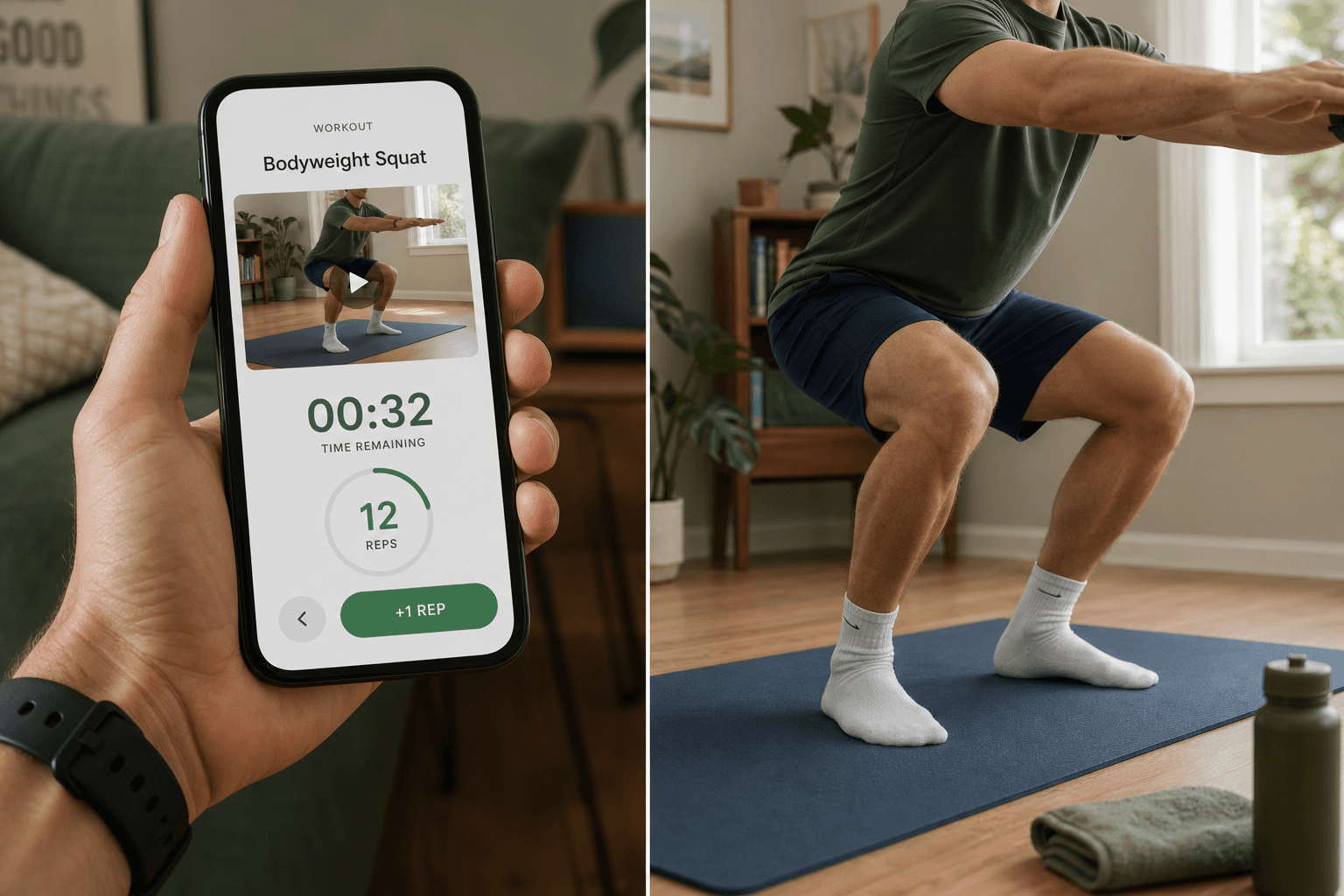
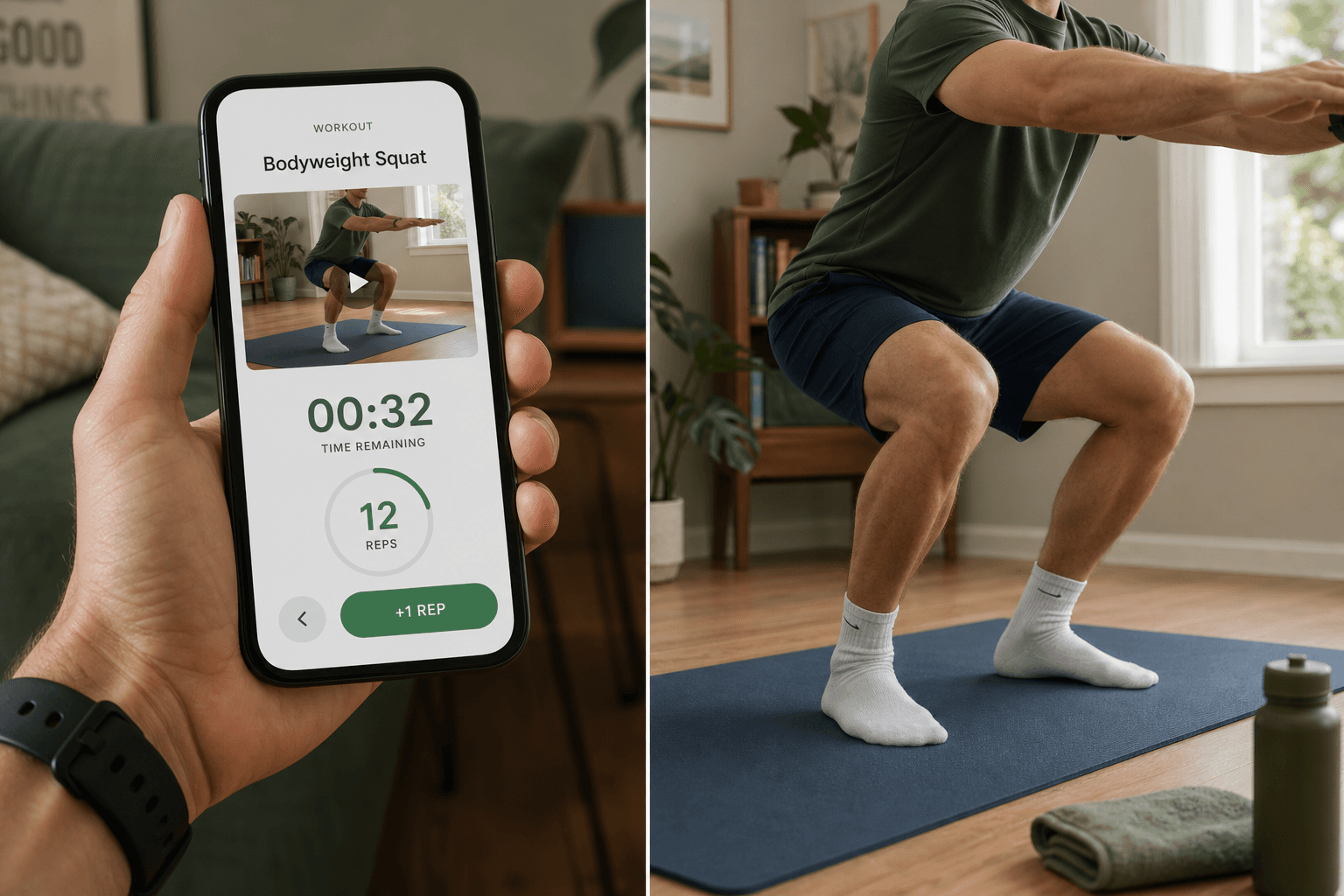
- Form coaching, not just rep counting. A beginner cannot evaluate their own squat depth or spinal alignment. The app must demonstrate proper form through high-quality video, explain common mistakes, and ideally provide cues during the movement. This is the difference between an app that teaches and an app that merely tracks.
- Visible low-impact modifications. Every exercise should be shown with at least one alternative — a seated version, a no-jump version, or a reduced-range option. The modification should appear on screen alongside the standard movement, not buried in a settings menu. Beginners need to see that scaling is part of the design, not a concession.
- Sessions ≤30 minutes. The evidence is consistent: sessions longer than 30 minutes in the first two weeks lead to higher soreness and higher dropout. The recommended starting point is 15 to 25 minutes, three days per week. An app that defaults to 45-minute workouts is not designed for beginners.
Which Apps Pass and Which Apps Fail the Non-Negotiables?
The following assessment draws on structured testing from Garage Gym Reviews (50+ apps tested across 10 categories), Good Housekeeping (40+ apps), and real-user data from a two-month trial of seven apps. No single app passes all four criteria perfectly, but the differences are revealing.
| App | Structured Progression | Form Coaching | Visible Modifications | Sessions ≤30 Min | Key Limitation |
|---|---|---|---|---|---|
| Daily Burn (True Beginner) | Yes — 8-week program | Yes — trainer-led with cues | Yes — every exercise modified on screen | Yes — 15–25 min default | Paid subscription required |
| Caliber | Yes — algorithm-generated custom programs | Yes — high-quality demo videos | Partial — modifications available but not always shown alongside | Yes — adjustable session length | Strength-focused; less variety for cardio |
| Nike Training Club | No — class library, not a training plan | Yes — 5/5 instruction rating | Yes — modifications shown in many classes | Yes — many sessions under 30 min | No structured progression; you must build your own plan |
| FitOn | Partial — 2 to 4 week programs | Yes — trainer-led with modifications | Yes — modifications shown | Yes — short session options | Programs are short; limited long-term structure |
| Fitness Refined | Yes — auto-generates programs based on equipment and schedule | Yes — 1,000+ exercise videos | Partial — modifications available but less prominent | Yes — adjustable | Smaller/newer app; less multi-source validation |
The most instructive case is Nike Training Club. It received a 5/5 instruction rating from Garage Gym Reviews testers and is frequently called "best for beginners" by outlets like Good Housekeeping. Its individual workouts are excellent — clear coaching, good modifications, professional production. But it lacks structured programming. As Garage Gym Reviews noted, "it's more of a class library than a coherent training plan." For a beginner who does not know how to sequence workouts across a week, that gap is critical. Great instruction per session does not compensate for the absence of a progression framework.
FitOn's free version, by contrast, was called "best for beginners" by Garage Gym Reviews for its intuitive interface and trainer-led videos with modifications. Its programs, however, are only 2 to 4 weeks long — shorter than the 8-week programs from Daily Burn that are purpose-built for sedentary beginners. FitOn is a good starting point, but users will need to find a new program every month.
What a Two-Month Test of Seven Apps Revealed
In 2026, a personal blog on Indie Hackers documented a two-month test of seven fitness apps with three real beginners: a new lifter in her 40s with a busy corporate job, a 28-year-old who had never followed a program longer than two weeks, and a father training at 6 AM before work. The findings cut through the marketing noise.
"Motivational quotes and streak badges are fine, but the apps that stuck taught form, explained why certain exercises show up repeatedly, and made progression feel logical rather than arbitrary."
The single strongest predictor of whether a beginner stuck with an app was not workout intensity, not library size, and not gamification features. It was session completion rate — whether the user finished the workout they started. Apps that taught form and explained progression logic produced higher completion rates than apps that relied on motivational features.
The test found that Fitness Refined stood out because it "feels less like an app and more like a calm, patient coach," with automatic program generation based on the user's equipment and schedule. Its 1,000+ exercise videos and clear progression logic helped beginners understand not just what to do, but why.
What Your First Month Should Look Like
If you are starting from zero, the first month is not about building muscle or burning calories. It is about building the habit of showing up and learning fundamental movement patterns. Here is a week-by-week framework based on what the data shows works.
- Week 1: Three sessions, 15 minutes each. Focus entirely on form. Use an app that demonstrates every movement with clear video and verbal cues. Do not worry about intensity. The goal is to complete every session.
- Week 2: Three sessions, 20 minutes each. Add one or two new exercises. Pay attention to how the app explains progression — why are you repeating certain movements? The apps that explain this logic produce higher adherence.
- Week 3: Three sessions, 20–25 minutes each. Introduce one modification per session. Try the low-impact version of an exercise and compare it to the standard version. This builds body awareness and confidence.
- Week 4: Three sessions, 25 minutes each. By now, the routine should feel familiar. If the app offers a structured program, you should be entering the second phase of progression. If you are still choosing workouts from a library, consider switching to an app with a built-in plan.
Three days per week is the optimal starting frequency for the first month. Anything more is likely to lead to soreness and burnout. The goal is consistency, not volume.
Red Flags: How to Spot an App That Will Let You Down
Before you download an app, scan for these warning signs. They indicate the app was designed for experienced exercisers, not for someone starting from zero.
- No beginner program or labeled difficulty levels. If every workout is labeled "All Levels" or there is no way to filter by experience, the app is not designed for true beginners. Look for apps that have classes "clearly labeled for beginners, intermediates, or advanced users."
- No visible modifications. If the app shows a single version of each exercise with no low-impact or seated alternative on screen, it assumes a baseline fitness level that beginners do not have.
- No clear progression logic. If the app presents a library of workouts without explaining how they fit together across a week or month, you are being asked to design your own program. That is a job for a coach, not a beginner.
- Over-reliance on streaks and notifications. Gamification features like streak badges and daily reminders are fine as supplements, but if they are the primary engagement mechanism, the app is compensating for a lack of substantive teaching. The apps that retained beginners in the two-month test did so through instruction and logical progression, not through notification pressure.
Comments
Join the discussion with an anonymous comment.