
Why Most 'Beginner' Apps Fail True Beginners
Open the App Store and search for "workout app for beginners." You will find hundreds of results. Nearly every app in the fitness category claims to be beginner-friendly. But there is a wide gap between an app that is labeled for beginners and one that is actually built for someone who has never exercised consistently.
The most common failure pattern is the library dump. An app offers 1,000 on-demand classes, a dozen workout types, and a grid of filters — then expects a person at fitness level zero to self-navigate. Research from the Garage Gym Reviews team, which tested over 50 apps, confirms that apps dropping users into a generic library are "usually too overwhelming for someone starting from zero." The result is paralysis, not progress.
This article is not another list of apps with a "best for beginners" tag slapped on each entry. Instead, we are establishing four non-negotiable tests that an app must pass to be genuinely useful for an absolute beginner. Then we will evaluate the most popular apps against those tests — and name the ones that fail.
The 4 Non-Negotiable Tests Every True Beginner App Must Pass
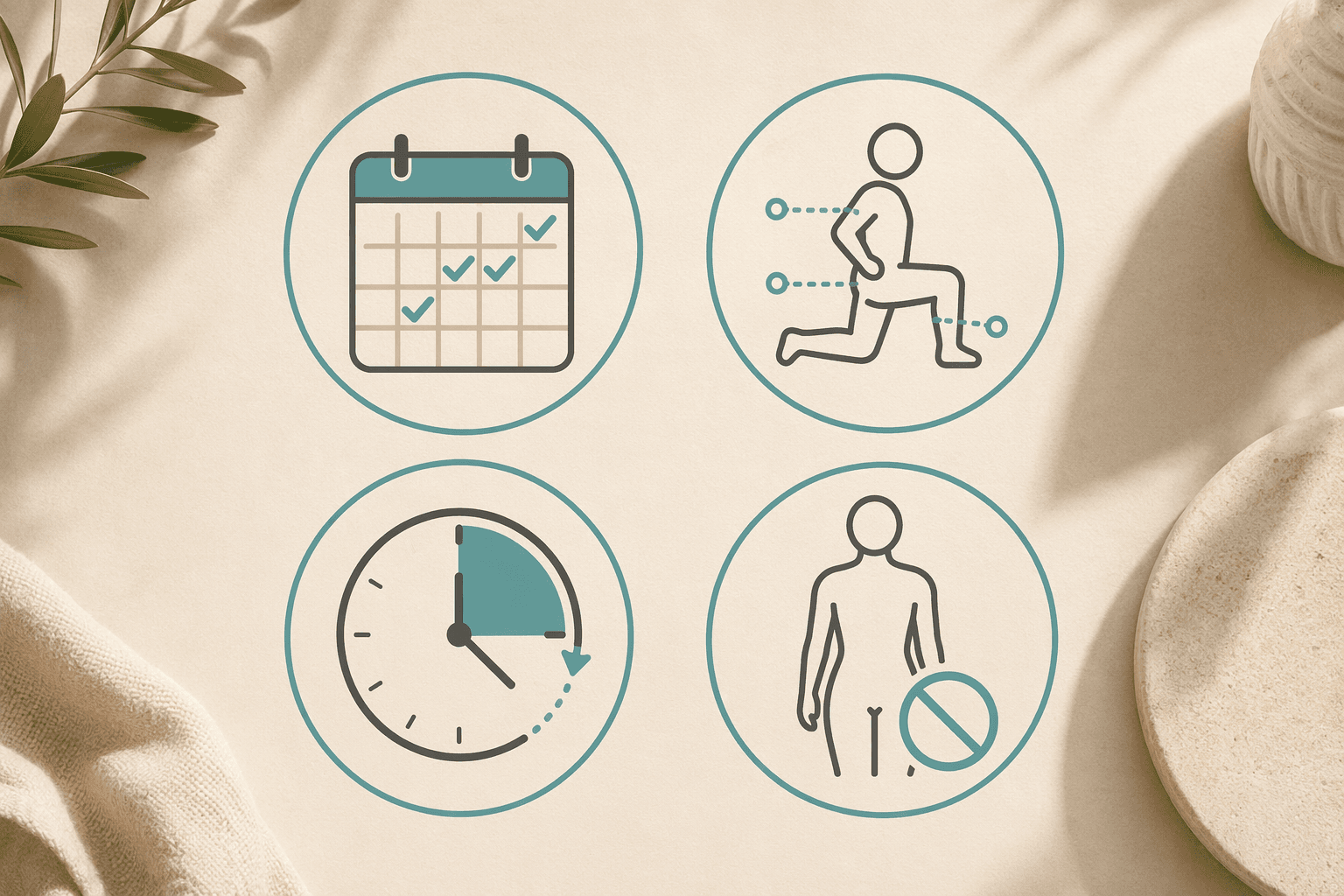
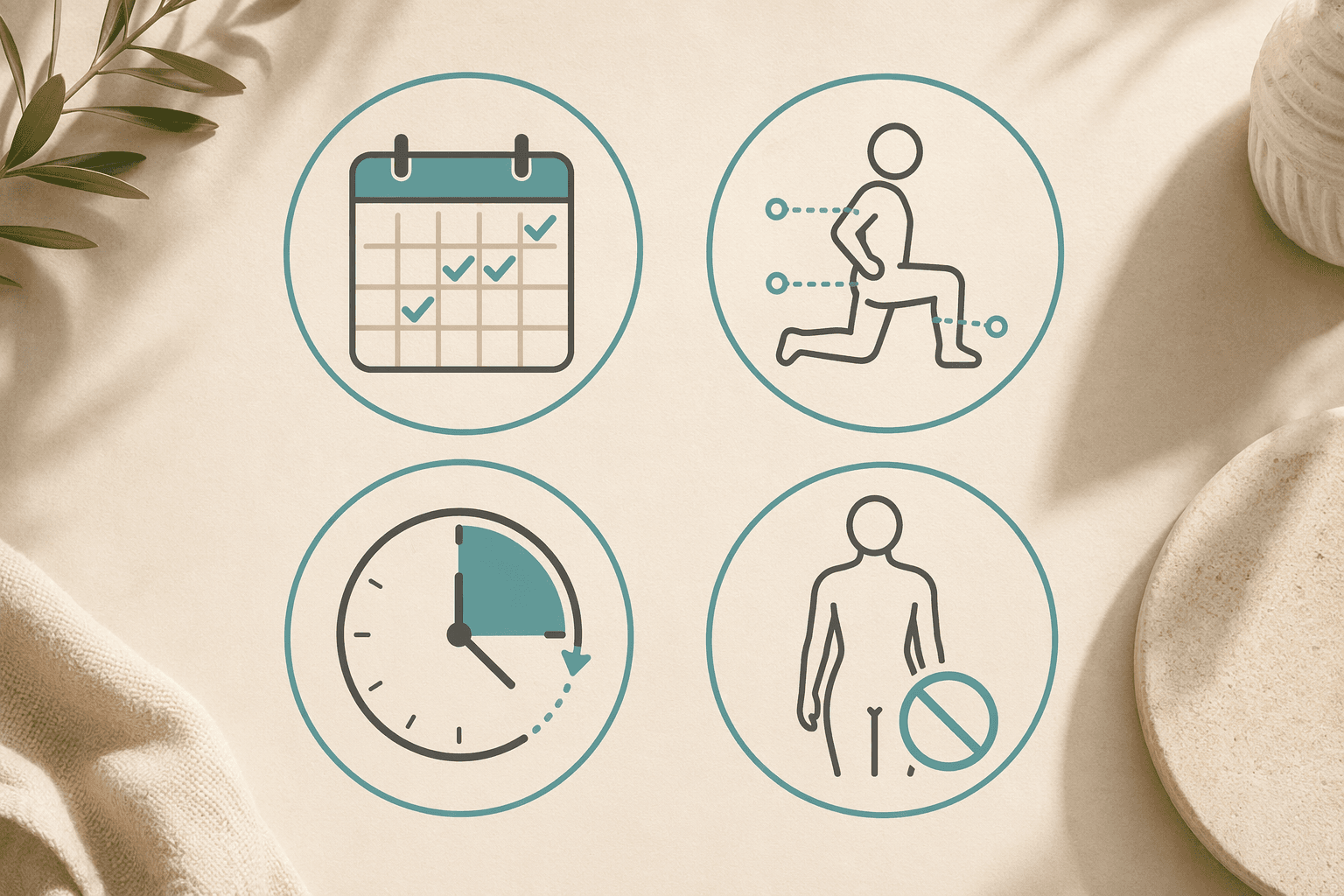
These four criteria come from a simple question: what does a person who has never exercised need on day one? Not variety. Not advanced analytics. Not a huge library. They need a clear path forward, someone to show them how to move safely, a time commitment that feels manageable, and zero pressure to buy gear.
Test 1: Structured Day-by-Day Progression
A true beginner app must tell you exactly what to do each day. It should have a multi-week program that builds gradually — not a library where you have to decide which class to take. The Daily Burn guide on beginner apps calls this "the single most important feature for a true beginner." If an app requires you to design your own schedule, it has already failed this test.
Test 2: Form Coaching with Visible Modifications
A beginner does not know what a proper squat looks like. They do not know how to brace their core or whether their knees should track over their toes. The app must provide clear form coaching — ideally with video demonstrations — and show visible modifications for each exercise. Low-impact, seated, and no-jumping alternatives are not optional extras; they are essential for someone who may have joint limitations or low cardiovascular fitness.
Test 3: Sessions of 30 Minutes or Less
The ideal first workout is 15 to 25 minutes, three days per week. This is not an arbitrary recommendation — it is based on the reality that anything longer increases the dropout risk in the first two weeks. A beginner's primary goal in month one is habit formation, not fitness gains. An app that defaults to 45-minute sessions is not designed for a true beginner.
Test 4: No-Equipment Bodyweight Options
A beginner should not need to buy anything for the first month. Bodyweight-only workouts are sufficient to produce measurable fitness gains in previously untrained individuals. The Garage Gym Reviews team notes that bodyweight-only workouts done four times per week for three months produce real results. If an app requires dumbbells, resistance bands, or a yoga mat on day one, it is not built for someone who has never exercised.
Apps That Pass All 4 Tests (and Why They Work)
The following apps were evaluated against all four tests. Each one passes, but they serve slightly different needs. The table below shows how they compare across the key criteria.
| App | Structured Progression | Form Coaching | Sessions ≤30 Min | No Equipment | Pricing |
|---|---|---|---|---|---|
| Daily Burn True Beginner | Yes — full multi-week program | Yes — trainers pace for newcomers | Yes — 15–30 min | Yes — no jumping, no floor work | $19.95/mo after trial |
| Apple Fitness+ | Yes — 'Workouts for Beginners' collection | Yes — multiple trainers show modifications | Yes — 5–45 min range | Yes — bodyweight options | $10/mo or $80/yr |
| FitOn (Beginner Plans) | Yes — structured 'Beginner' plans | Yes — modifications shown on screen | Yes — short and long options | Yes — bodyweight available | Free / Pro $25/mo |
| Down Dog (Absolute Beginner) | Yes — progressive beginner levels | Yes — detailed verbal cues | Yes — adjustable duration | Yes — yoga is bodyweight | Free trial / ~$10/mo |
| Caliber (Strength Fundamentals) | Yes — curated beginner plans | Yes — 500+ video demos | Yes — adjustable session length | Yes — bodyweight plans | Free / Pro $19/mo |
Daily Burn True Beginner — The Gold Standard for Never-Exercised
Daily Burn's True Beginner program is, according to their own guide, "the only major app built specifically for people who have never exercised." The program features no jumping, no floor work, and trainers who deliberately pace for newcomers. Every session is part of a structured multi-week progression. It passes all four tests without qualification.
Apple Fitness+ — Best for Apple Ecosystem Users
Apple Fitness+ offers a dedicated "Workouts for Beginners" collection with over 5,000 on-demand workouts ranging from 5 to 45 minutes. Multiple trainers in each class demonstrate modifications, and the 10-minute "Time to Walk" sessions are an excellent entry point for someone who is not ready for structured exercise. At $10 per month (or $80 per year), it is one of the more affordable paid options.
FitOn — Best Free Option with Caveats
FitOn's free tier gives access to all workouts, including structured "Beginner" plans. The Garage Gym Reviews team rated it the best free app for beginners, noting that modifications are shown on screen. However, the home screen "pushes too many options at once," which can overwhelm a true beginner. The solution is to ignore the home screen and navigate directly to the Beginner plans. If you can do that, FitOn passes all four tests at a free price point.
Down Dog and Caliber — Niche but Effective
Down Dog's Absolute Beginner yoga level provides detailed verbal cues and adjustable session durations, making it ideal for someone who wants a low-impact start. Caliber's strength fundamentals program offers curated beginner plans with over 500 exercise video demonstrations. Its free version includes a library of workout plans and strength tracking. Both apps pass all four tests, though they are more specialized than the all-purpose options above.
Popular Apps That Claim to Be Beginner-Friendly but Fall Short
Some of the most popular fitness apps are frequently recommended for beginners but fail on at least two of the four tests. Understanding why they fall short is just as important as knowing which apps pass.
Nike Training Club — Free but Unstructured
Nike Training Club (NTC) is completely free since 2020 and offers hundreds of trainer-led workouts across 10-plus categories. It has an intuitive interface and premium-feeling features despite being free. However, as the Garage Gym Reviews team notes, NTC has "no fitness assessment or personalized programming." There is no structured beginner program. You are dropped into a library and expected to self-navigate. For a true beginner, this is overwhelming. NTC fails Test 1 (structured progression) and partially fails Test 2 (no dedicated form coaching for beginners).
Peloton App One — Great Content, Wrong Structure
Peloton's App One costs $13 per month and offers 16-plus workout types with top industry instructors. It has beginner classes and a user-friendly interface. But like NTC, it is fundamentally a library of classes, not a structured progression. A beginner must decide which class to take, when to take it, and how to progress. Peloton fails Test 1 for the same reason NTC does.
Aaptiv — Close but Not Quite
Aaptiv offers 8,000 workouts for $14.99 per month with a 7-day trial. It has audio-based coaching and some structured programs. However, the Garage Gym Reviews team gave it a 3 out of 5 for progressive overload because most programs are only 4 to 6 weeks long. More importantly, its library-first approach means a beginner still faces the paradox of choice. Aaptiv passes Tests 3 and 4 but fails Test 1 and partially fails Test 2.
What Your First Month Actually Looks Like (Week by Week)
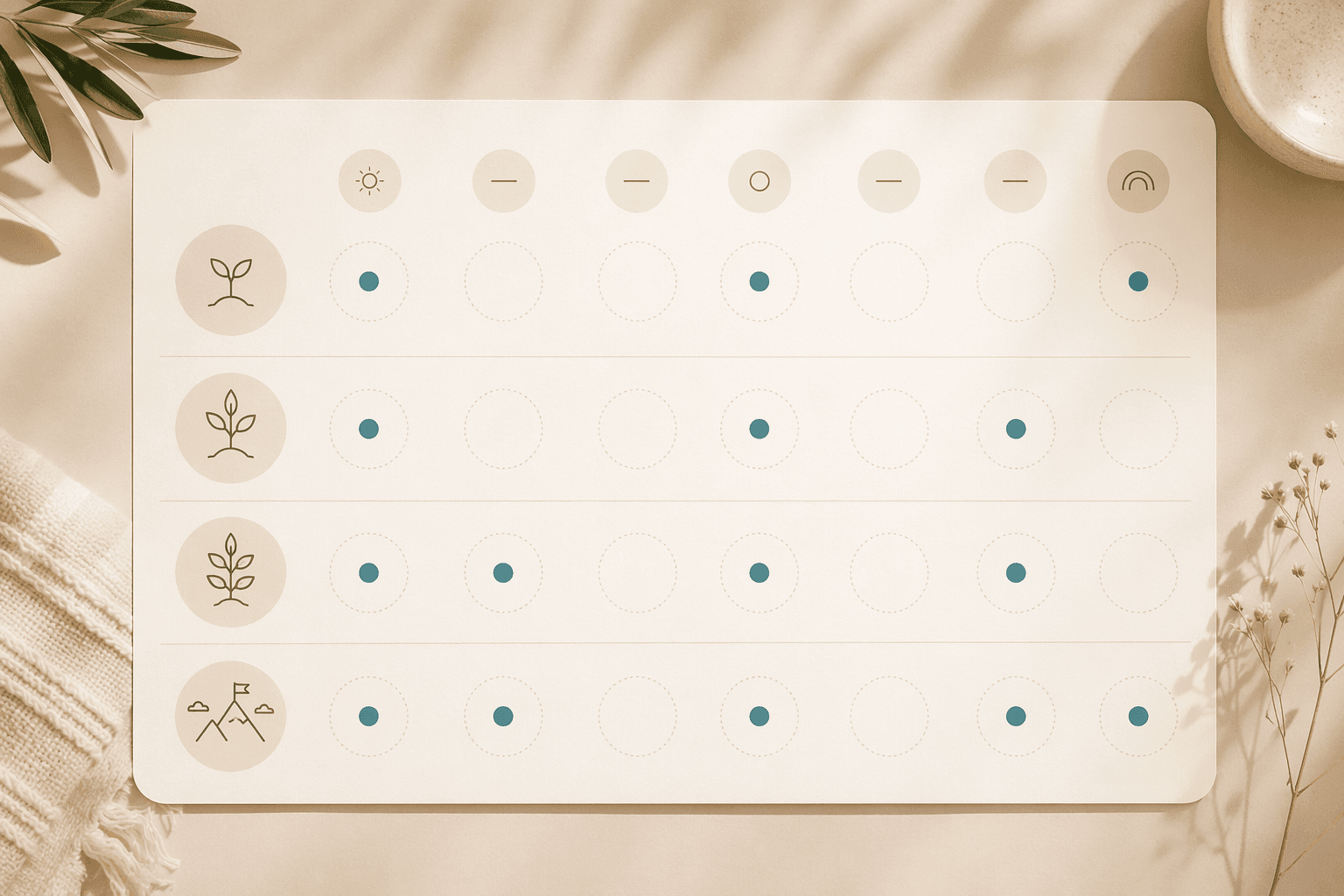
Knowing which app to use is only half the battle. The other half is knowing what to actually do. Below is a week-by-week guide for your first month using the apps that passed all four tests.
Week 1: Three Sessions, 15 Minutes Each
Your only goal this week is to complete three sessions. Not to break a sweat. Not to feel sore. Just to show up. Use Daily Burn True Beginner or the Apple Fitness+ "Workouts for Beginners" collection. Set a timer for 15 minutes. If you feel like stopping at 10 minutes, stop. The habit is more important than the workout.
Week 2: Three Sessions, 20 Minutes Each
Increase to 20 minutes. Stick with the same app and the same program. You may start to notice that movements feel slightly more familiar. This is the beginning of the neurological adaptations that produce "newbie gains." If you are using FitOn, navigate directly to the Beginner plans and ignore the home screen.
Week 3: Four Sessions, 20 Minutes Each
Add a fourth session. You are now working out four days per week. This is the frequency that the Garage Gym Reviews team identifies as the threshold for measurable fitness gains in previously untrained individuals. If you feel any joint pain or unusual fatigue, drop back to three sessions. Listen to your body.
Week 4: Four Sessions, 25 Minutes Each
Push to 25 minutes. By now, the routine should feel more natural. You have established a habit. If you have been consistent, you are ready to evaluate whether you want to continue with the same app or explore more variety.
For a more detailed week-by-week plan that works with any of these apps, see our guide: How to Start Working Out at Home (and Actually Stick With It).
Equipment Checklist: Nothing for Month 1, Light Dumbbells Optional for Month 2
One of the most common barriers for beginners is the belief that they need equipment to start. You do not. For the first month, you need exactly three things: a phone or tablet with the app installed, enough clear floor space to lie down and extend your arms, and comfortable clothing that allows movement.
- Month 1: Bodyweight only. No dumbbells, no resistance bands, no yoga mat (though a towel or carpet works fine).
- Month 2 (optional): Light dumbbells in the 3 to 8 pound range. These are not required but can add variety and progressive overload if you want it.
- Month 3 (optional): A yoga mat for comfort, and possibly a set of resistance bands for additional exercise options.
If you want a complete done-for-you plan that requires zero equipment, check out our 4-Week Bodyweight Plan for Absolute Beginners. It pairs well with any of the apps listed above.
Signs You're Ready to Level Up to a More Advanced App
A true beginner app is not meant to be used forever. At some point, you will outgrow it. Here are the signs that it is time to move on.
- You complete your sessions without feeling challenged. The workouts that used to leave you breathless now feel like a warm-up.
- You want longer sessions. You find yourself adding extra exercises or repeating circuits because 25 minutes no longer feels like enough.
- You are ready for equipment. You have purchased light dumbbells or resistance bands and want an app that incorporates them into structured programs.
- You want more variety. The same 15 bodyweight exercises are starting to feel repetitive, and you want to explore different training styles like HIIT, strength training, or yoga.
When you reach this point, you can transition to apps like Peloton App One or Nike Training Club — which are excellent for intermediate users — or explore our training plans for structured multi-week programs that build on the foundation you have established.
Comments
Join the discussion with an anonymous comment.