
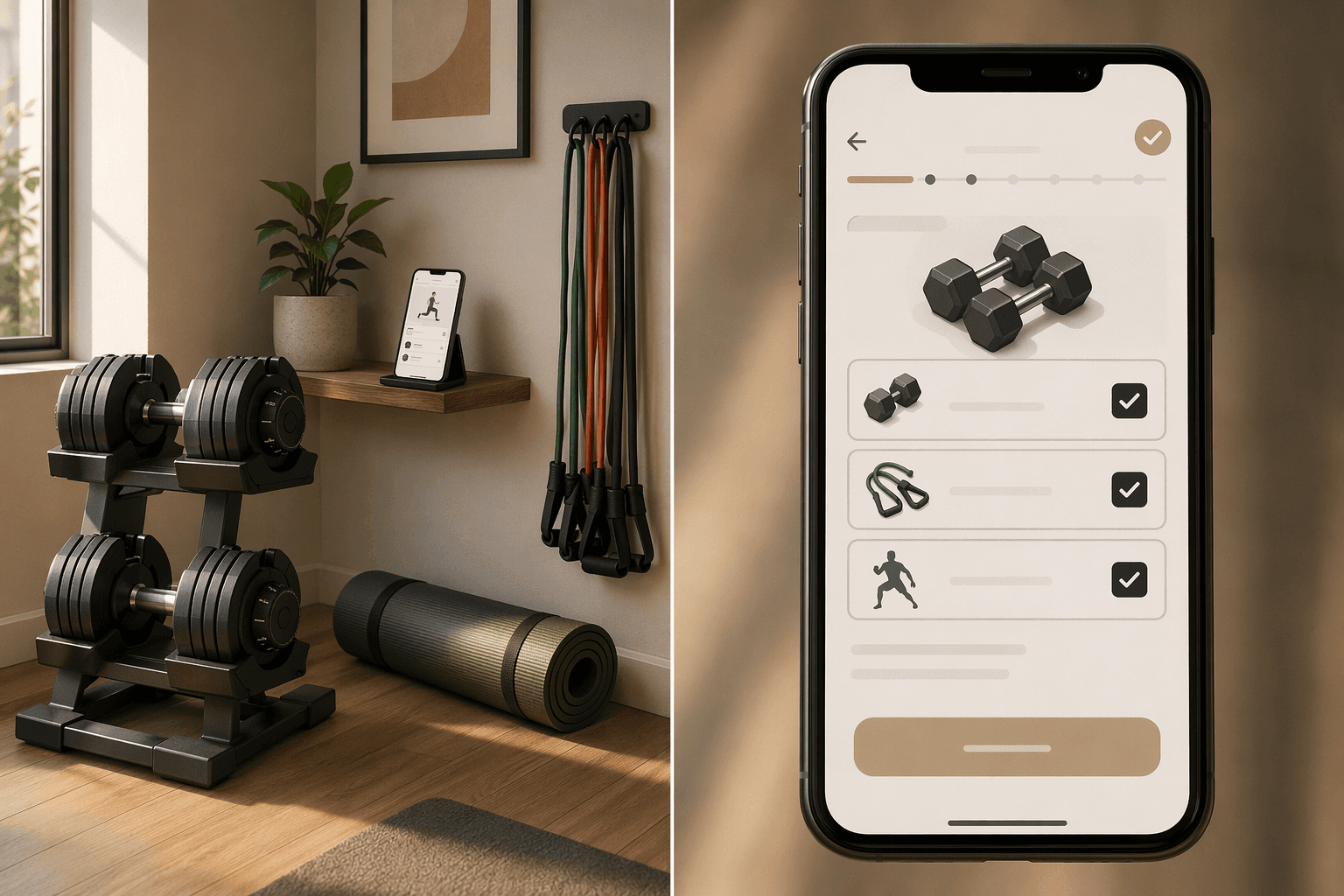
An app that shines with a barbell and rack is useless if all you have are resistance bands. And the app that works great for bands will waste your time if you own a cable machine. I have been down that road. I downloaded a highly rated app, set up my profile, and the first workout it gave me included a barbell row. I do not own a barbell. That is not a small oversight — it means the app never actually looked at what I had.
That experience taught me one thing: ignore the marketing, ignore the AI hype, and look at the equipment selector screen first. If the app cannot be told exactly what gear you own, any recommendation it makes is guesswork. This article is not another generic good workout apps list. It is an equipment-matching guide. If you own adjustable dumbbells, a barbell with rack, a cable machine, resistance bands, or nothing but your bodyweight, you will walk away knowing which app will actually generate exercises you can do. (If you are comparing by budget or equipment quantity instead of type, our tier-based app guide is a better fit.)
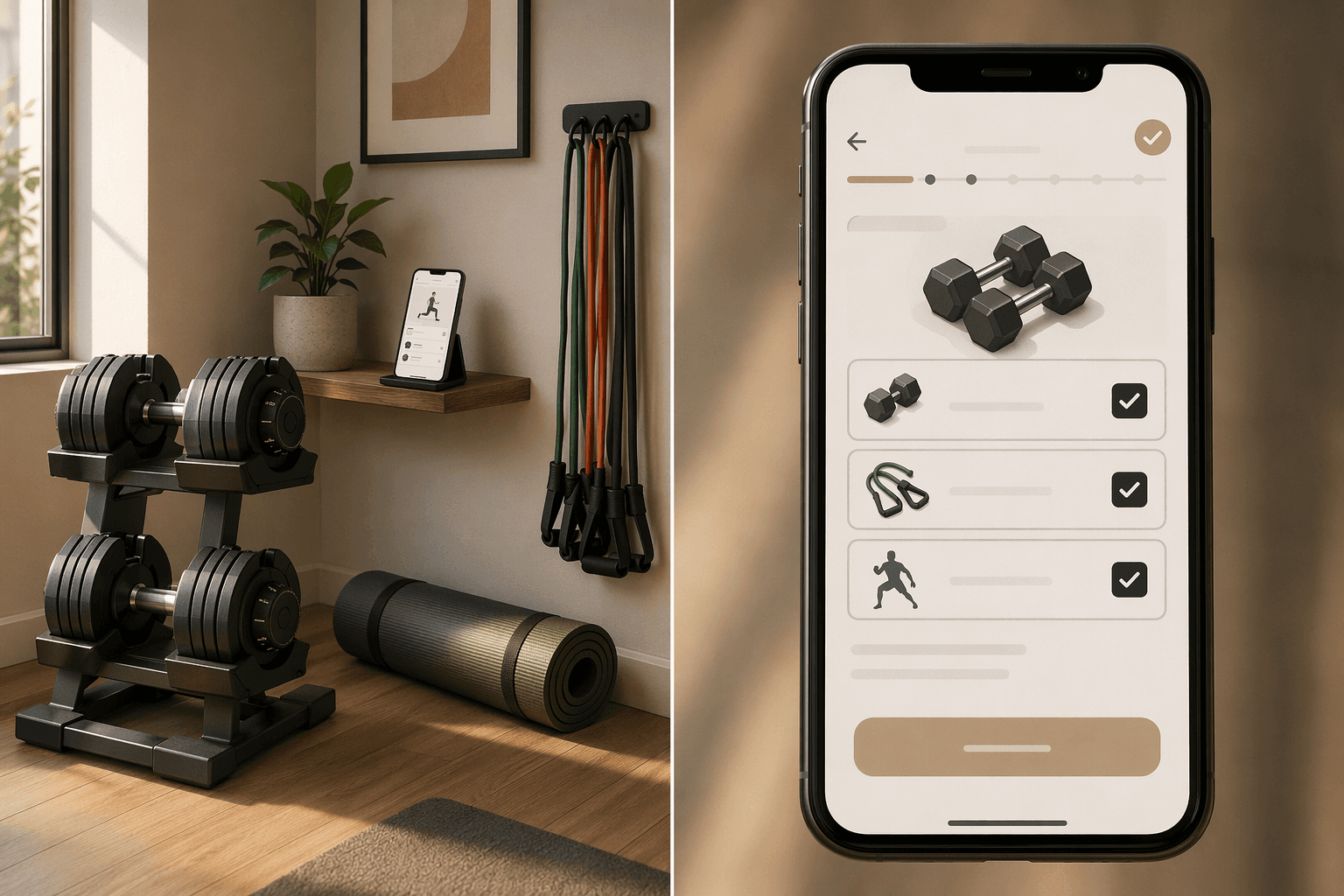
Stop looking at pricing. Look at this screen first.
Before any discussion of pricing, AI algorithms, or social features, check one thing: does the app let you specify your exact equipment? I do not mean a vague dropdown with "home gym" or "minimal." I mean checkboxes for dumbbells, barbell, cable machine, resistance bands, bodyweight. And then — crucially — does the app actually use that selection to filter its exercise library? Or does it just store the preference and ignore it?
This is where Fitbod stands out. The app is built on 400 million+ logged workouts, and its algorithm scores 800+ exercises per user — but the key claim is that it "only recommends exercises that match the equipment selected in your profile." I have tested this: if you select only resistance bands, you never see a barbell movement. That is a real constraint, not a checkbox. If you add adjustable dumbbells, it adjusts the weight increment logic accordingly. That is the difference between an app that works with your gear and one that works despite your gear.
A few other apps do this well, though each has limits. Alpha Progression offers multiple gym profiles — including a rare dumbbell-only profile — so users with different setups can maintain separate preferences. JEFIT has a huge library (1,400+ exercises) and lets you filter by equipment, but its filtering is more of a search tool — you still have to build your own workout. Hevy and Strong are excellent loggers, but they do not dynamically filter exercises by equipment — they rely on you to know what fits your setup. That works for experienced lifters, but it adds friction if you are exploring a new movement.
Adjustable dumbbells: where most apps overpromise and underdeliver
Adjustable dumbbells are the most common home gym purchase, and most apps claim to support them. In practice, many apps assume you have a full set of fixed dumbbells in 5-lb increments or, worse, assume you are in a commercial gym. The apps that genuinely handle adjustable dumbbells let you set the weight increments your dumbbells support and then generate progressions within that range.
Here is where the evidence points:
- Fitbod: 1,600+ exercises, AI that adjusts weight suggestions based on your logged history and equipment. You select adjustable dumbbells, and the algorithm will only suggest dumbbell exercises. Price $15.99/month (with a free trial of 3 workouts).
- Alpha Progression: Unique dumbbell-only gym profile. It calculates optimal weight and rep targets per set. Price $9.99/month.
- JEFIT: 1,400+ exercises with HD demo videos. The free tier includes full access to the library and unlimited logging. Its AI-driven progression algorithm is solid, but the filter is more of a global search than a workout constraint. Still, the sheer breadth means you can almost always find a dumbbell variation. Elite subscription $12.99/month.
- Hevy: Best free option for logging. Unlimited workout logging, basic progress charts, and a social feed. Pro $9.99/month. Fastest logging interface among the apps I tested.
If you only own adjustable dumbbells and want an app that treats that as its primary mode, start with Alpha Progression. If you want the most adaptive AI and are willing to pay more, Fitbod is the clear choice. If you want a massive reference library and do not mind a little manual selection, JEFIT is superb value, especially its free tier.
Barbell and rack: only a handful of apps treat strength training seriously
If you have a barbell, squat rack, and bench, your needs are different. You want strength programming — periodization, load progression, and structured programs like 5/3/1, GZCLP, or StrongLifts. Many apps claim barbell compatibility, but few actually deliver the progression logic that makes barbell training effective.
JuggernautAI is the gold standard for barbell-based strength training — but it requires a barbell, squat rack, and bench at minimum. It earns a 4 out of 5 for equipment demands because it is not designed for other gear. It costs $35/month, which is steep, but the periodized AI programming is unmatched for dedicated strength athletes. If you do not have a full barbell setup, skip it.
Boostcamp earns a 5 out of 5 for equipment demands and offers proven programs like 5/3/1, nSuns, and GZCLP. It is $14.99/month (or $39.99/year for PRO). If you want a comprehensive platform that handles both programming and logging, this is the best value for barbell-focused lifters.
StrongLifts 5x5 is the simplest option — a dead-simple linear progression program with automatic weight progression and deload built in. The core program is free. It works great if you are a beginner or intermediate lifter doing a standard barbell progression, but it offers only that one program.
Caliber Strength Training offers a free version with 500+ exercises and coach-reviewed barbell programs. Its equipment demands score is high, and the coaching option provides direct feedback on form. It is a good middle ground for barbell users who want some guidance but not the full JuggernautAI commitment.
Cable machines and resistance bands: the blind spots most apps ignore
Cable machines are the most poorly served equipment type in the workout app world. Many apps include a few cable exercises — tricep pushdowns, lat pulldowns — but treat them as an afterthought. Very few apps allow you to select "cable machine" as your primary equipment and then filter the entire library to cable-based movements. Fitbod does include cable machine in its equipment selection, and its algorithm will exclude exercises that do not use cables if that is all you have. JEFIT's library of 1,400+ exercises almost certainly includes a substantial number of cable movements, but you will need to search manually or rely on its categorization. Hevy and Strong are again excellent for logging once you know which cable exercises you want to do, but they do not generate cable-specific workouts.
Resistance bands are the most commonly underrated piece of home gym equipment. Many apps lump them into "minimal equipment" or "bodyweight" categories, which ignores the fact that band resistance changes with stretch — a thin band and a heavy band are completely different loads. An app that treats bands seriously should let you log which band you used (thin, medium, heavy) and suggest progressions based on band type.
Fitbod allows you to select resistance bands in your equipment profile, and its algorithm will then generate exercises that use bands. That is the closest you will get to a band-aware AI. Freeletics is primarily a bodyweight HIIT app, but its premium version ($38/3 months) can incorporate bands into circuits. It is not band-specific, but for band-assisted bodyweight work (e.g., pull-up bands, banded push-ups), it works well.
Nike Training Club lets you filter workouts by equipment, and its library includes sessions that use resistance bands. The free tier includes 200+ guided workouts, and the filtering is reliable — select "resistance bands" and you will only see workouts that use them. It scores 3 out of 5 for equipment demands, meaning it is better for bodyweight/band than for full gym.
Bodyweight-only: start with an app that doesn't pretend to be more
If you have no equipment at all, you do not need an app that tries to support everything. You need an app that is unapologetically bodyweight — one that designs its entire exercise library, progression system, and coaching around movements you can do with your own weight.
Nike Training Club is the strongest all-around pick. It is completely free, has over 200 guided workouts, and its equipment filter works well: select "no equipment" and you get only bodyweight sessions. The coaching quality is high, the video form cues are clear, and the variety — HIIT, yoga, strength, mobility — is solid. If you own only a yoga mat and your bodyweight, start here.
Freeletics is the runner-up for anyone who wants AI-driven bodyweight HIIT coaching. Its basic version is free; the premium version ($38/3 months) unlocks personalized programs that adapt to your performance. It is more intense than Nike Training Club and works best if your goal is fat loss and conditioning. BetterMe ($19.99/month) focuses on bodyweight pilates and combines fitness with nutrition and mindfulness. It earns a 5 out of 5 for equipment demands because it truly requires nothing but your body, but its appeal is narrower — pilates-focused rather than general strength.
If you are completely new to training and want free options, our beginner's guide to free workout apps walks through the best apps for someone starting from zero.
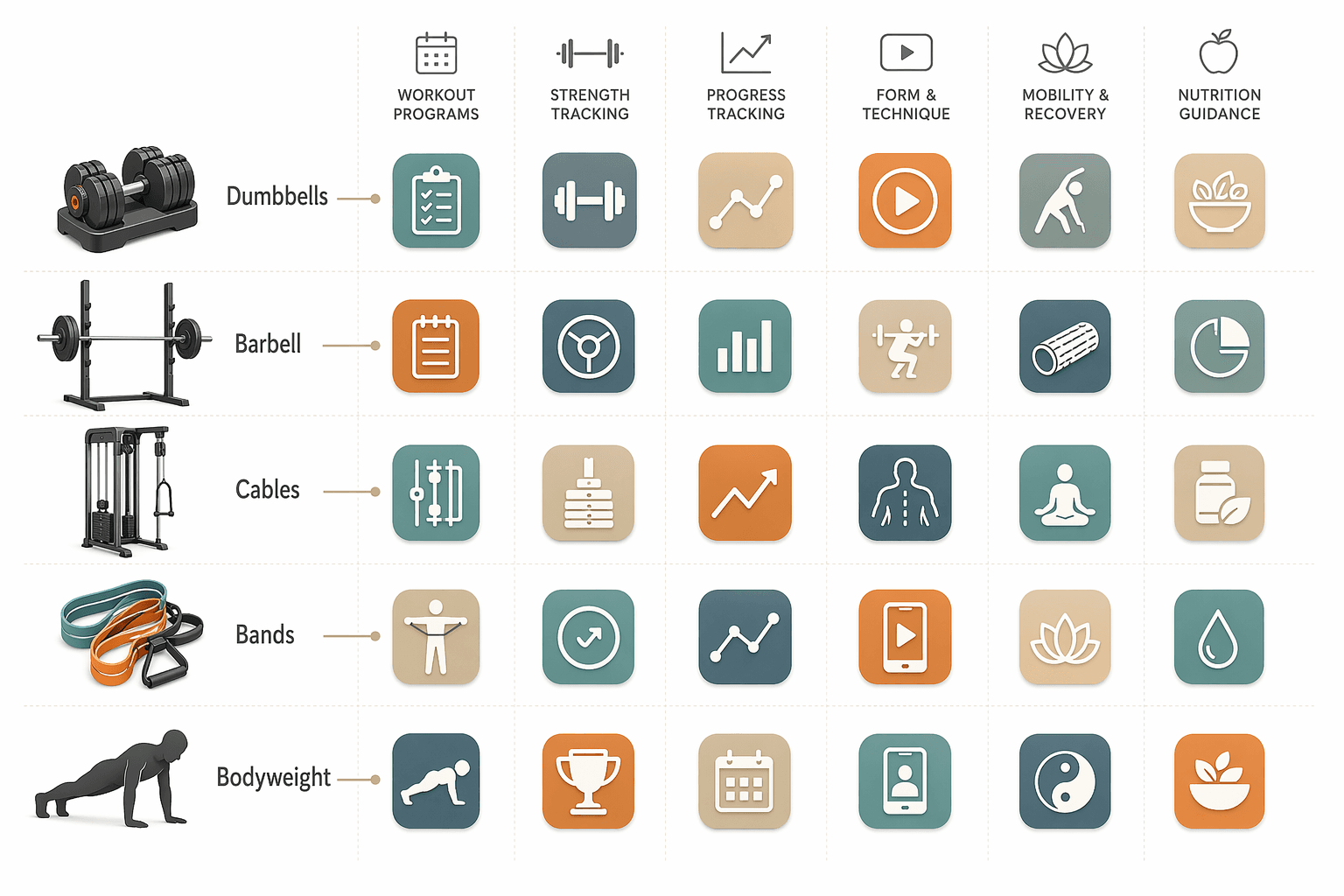
Quick decision framework
Prices are as of June 2026 and may change — always verify before subscribing.
| Equipment type | Top pick | Runner-up | Best free option |
|---|---|---|---|
| Adjustable dumbbells | Alpha Progression ($9.99/mo) or Fitbod ($15.99/mo) | JEFIT ($12.99/mo Elite, free tier available) | JEFIT free tier (unlimited logging, 1,400+ exercises) |
| Barbell and rack | JuggernautAI ($35/mo) or Boostcamp ($14.99/mo PRO) | StrongLifts 5x5 (free) | StrongLifts 5x5 core program |
| Cable machine | Fitbod ($15.99/mo) or JEFIT (search manually) | Manual work with Hevy/Strong | JEFIT free tier |
| Resistance bands | Fitbod ($15.99/mo, select bands) | Freeletics ($38/3mo premium) | Nike Training Club (free, filter by bands) |
| Bodyweight-only | Nike Training Club (free) | Freeletics ($38/3mo premium) | Nike Training Club |
The decision flow is simple:
- Identify your primary equipment type.
- Open the app's equipment selector screen. If it does not exist — if the app cannot be told exactly what gear you own — move on.
- Check the exercise library to make sure it genuinely covers your equipment (not just a handful of token exercises).
- Compare pricing, but only after confirming the first three steps. A cheap app that cannot generate workouts for your gear is not cheap — it is wasted money.
If you are still unsure, our full free fitness app decision guide covers the free options in more depth. And if you are building your home gym from scratch, our home gym equipment types guide can help you decide what to buy first.
Comments
Join the discussion with an anonymous comment.