The best fitness apps for home workouts are not the apps with the biggest libraries. They are the ones that stop asking you to do cable flyes in a bedroom, barbell back squats without a rack, or interactive hill climbs on a bike that cannot talk to the app. Start with the room, then the equipment, then the app.
If you want the strength-only version of this problem, the same equipment-first logic runs through this guide to picking a strength training app that works with your home gym equipment. For a broader home-workout app choice, use the filter below before you read any “best overall” claim.

Pick by Setup First
| Your home setup | Best first pick | Pricing model in Q2 2026 | Why it fits | Main limitation |
|---|---|---|---|---|
| Bodyweight only, yoga mat, dorm room, apartment floor | Nike Training Club | Free | 185+ bodyweight workouts, certified instructors, no equipment requirement, no paywalls [1] | Not built for progressive barbell training |
| Bodyweight plus guided video variety | FitOn | Free / $40 per year | 1,000+ workouts and a free tier that covers most needs [2] | Better for guided sessions than structured strength progression |
| Adjustable dumbbells, bench, resistance bands | Fitbod | $15.99 per month, with approximate annual savings reported at about 56% [1][3] | Builds workouts around the exact equipment you list | Overkill if you only own a mat |
| Dumbbells and bands, but you mainly want logging | Hevy | Free / $2.99 Pro or $24 per year | Workout tracking, social features, and 400+ exercises filterable by equipment [1][4][5] | Less of a coached program than a tracker |
| Garage gym with barbell, plates, rack | Boostcamp | Free / $14.99 Pro | 1,000+ expert-built strength programs filterable by equipment [1] | Assumes you care about program structure |
| Powerlifting or serious strength sport setup | JuggernautAI | $35 per month | AI-driven periodization for lifters with barbell-and-rack access [1] | Poor value without the equipment to run the training |
| Treadmill, bike, or rower with streaming classes | Peloton App+ | $28.99 per month for App+; hardware can run from $1,445 to $3,495 | High-production cardio classes for machine owners [3][4][6] | Experience changes sharply by hardware and membership tier |
| Smart trainer or compatible treadmill | Zwift | $19.99 per month | Gamified indoor cycling and running [4] | Requires compatible equipment to make sense |
| Cramped room, no screen-friendly angle | Aaptiv | $14.99 per month | Audio-only guided workouts for tight spaces [2][4] | Not ideal if you need visual exercise demos |
Prices are current as of Q2 2026 and should be treated as changeable. The important part is not whether a subscription is two dollars higher next month; it is whether the paid tier unlocks the thing that makes the app useful for your actual setup.
Bodyweight Only: Free and Usable Beats Fancy
A bodyweight-only app has one job before anything else: it should let someone start without translating every other move into a workaround. That rules out a lot of otherwise good apps. If the workout keeps assuming a bench, dumbbells, a cable station, or a cardio machine, the beginner is not “modifying.” They are writing their own program on the fly.
Nike Training Club is the cleanest first recommendation here because it is free, has 185+ bodyweight workouts, uses certified instructors, and does not put the useful parts behind paywalls [1]. That matters more than polish. In a small apartment, the best feature is often the absence of nuisance: no subscription decision, no equipment substitution puzzle, no app trying to upsell a machine you do not own.
FitOn solves a slightly different version of the same problem. Its free tier covers most needs, and its catalog reaches 1,000+ workouts with celebrity-trainer-led sessions [2]. The celebrity part is usually less important than the practical part: if someone needs variety to keep showing up in a living room, FitOn has more of that class-library feel than Nike Training Club.
Caliber’s free tier belongs in this conversation because it offers science-based bodyweight programming and community logging [1]. It is not as frictionless as Nike Training Club for a total beginner who just wants to press play, but it makes more sense for someone who wants workouts to feel like training rather than a random class queue.
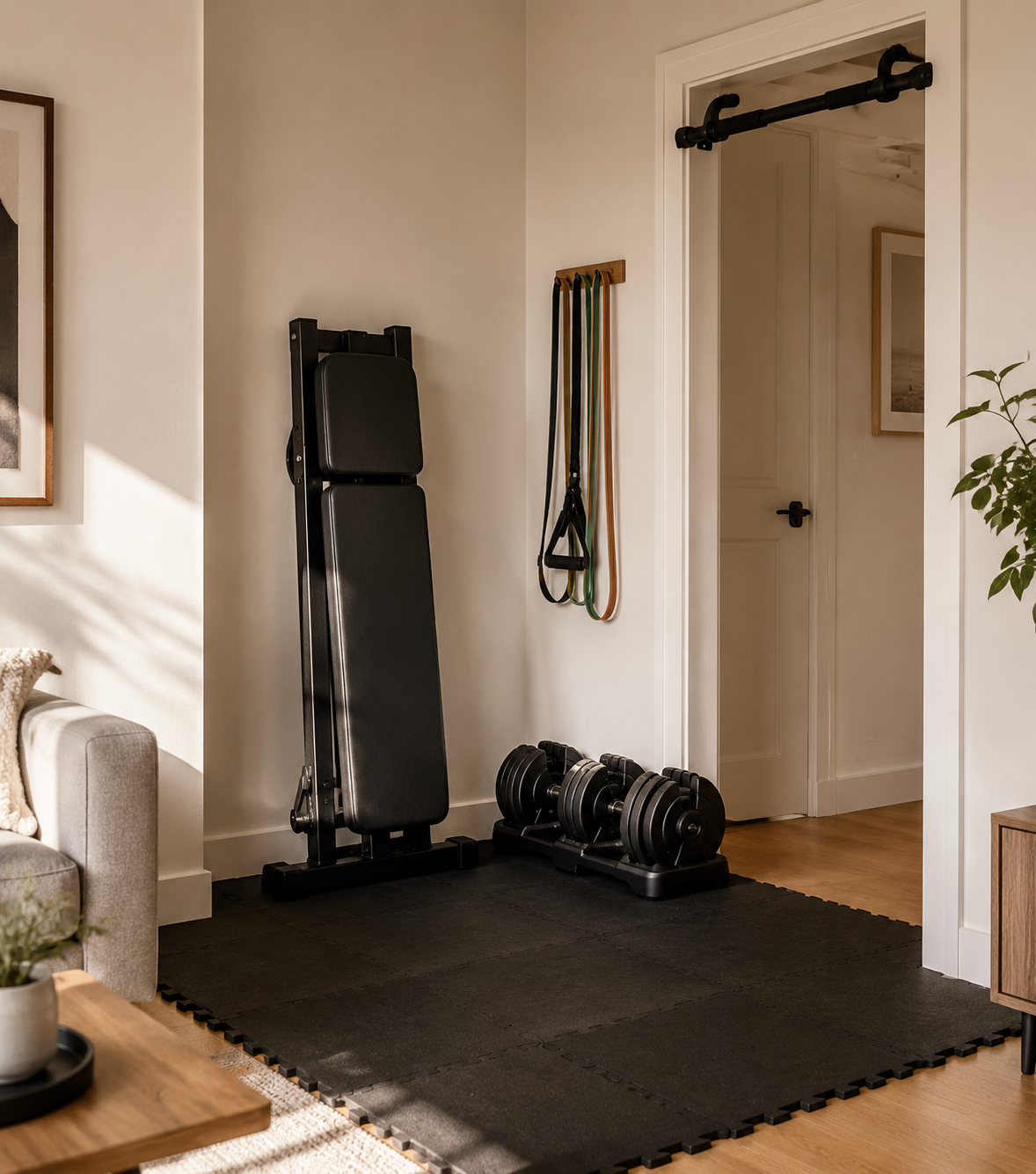
If your apartment setup is still being built, do not buy an app around equipment you might never fit. Start with mat-space training, then use a small-space equipment guide such as Best Home Gym Equipment for Small Spaces or the Compact Home Gym Equipment Guide for Apartments before paying for programming that assumes more floor area than you have.
Dumbbells and Bands: Adaptation Matters More Than Video Count
Once you own adjustable dumbbells, a bench, and resistance bands, the app problem changes. You no longer need “no equipment” as the main filter. You need the app to understand that your equipment list is specific: maybe dumbbells top out at 50 pounds, maybe there is no pull-up bar, maybe bands are your only cable substitute.
Fitbod is the strongest pick for this middle setup because its core value is equipment-aware workout generation. At signup, you list the equipment you have, and the app adapts workouts around it [1]. That is not a cute personalization feature. It is the difference between a plan you can run on Tuesday and a plan that sends you searching for substitute exercises before the warm-up is over.
Hevy is better if you already know what you are doing and mostly need a clean log. Its free and Pro tiers are inexpensive compared with many coached apps, and its library includes 400+ exercises that can be filtered by equipment [1][4][5]. For a lifter repeating dumbbell presses, split squats, rows, band work, and accessories across weeks, a good log may be more useful than another instructor-led workout.
Shred sits closer to goal-driven programming. It costs $19.99 per month and uses AI-generated fat-loss programming with exercise substitutions based on available equipment [1]. That makes it more compelling for someone who wants the app to decide the session and keep it moving, less compelling for someone who mainly wants transparent strength progression.
| Choose this app | If your real need is | Skip it if |
|---|---|---|
| Fitbod | Workouts generated around your exact dumbbells, bench, and bands | You only want to record your own program |
| Hevy | A durable workout log with exercise filtering | You need the app to coach every session |
| Shred | Fat-loss-oriented programming with substitutions | You want barbell-style strength planning |
This is also where equipment buying can get messy. A modular setup can be excellent, but only if the app you choose can use it well. If you are deciding between expandable pieces and a larger system, compare the tradeoffs in All-in-One vs. Modular Home Gym before letting an app’s exercise library push you toward gear you do not need.
Full Barbell Gym: Stop Shopping for Guided Sweat Sessions
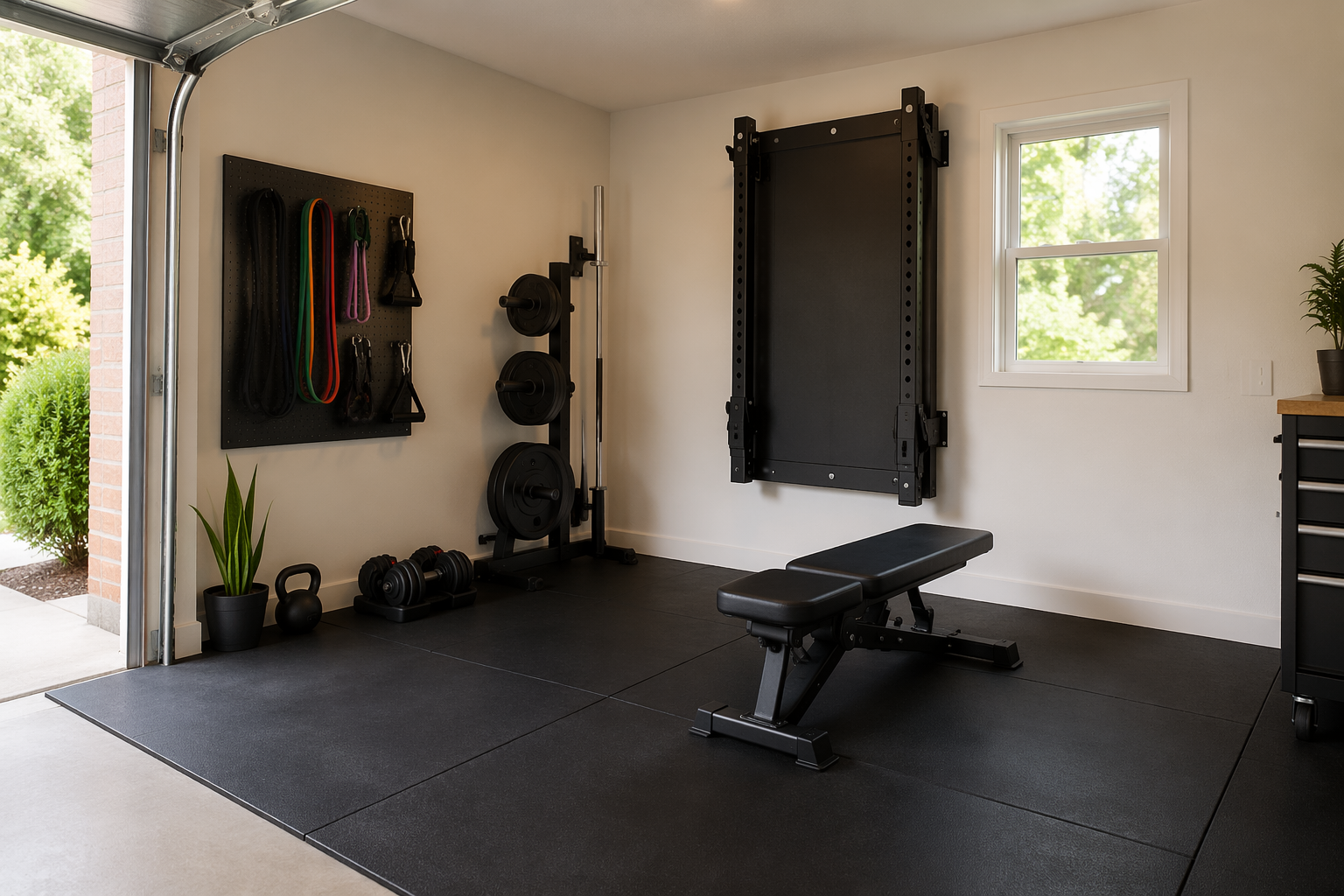
A garage gym with a rack, barbell, plates, and bench is not just “more equipment.” It changes the app criteria. The useful app is no longer the one with the nicest 30-minute class. It is the one that can handle progressive overload, program selection, training history, and the boring-but-important decisions that make barbell work productive.
Boostcamp deserves serious attention here because its library is built around expert strength programming rather than generic exercise variety. It offers 1,000+ programs from elite powerlifting and bodybuilding coaches, with filtering by equipment type, and has a free tier plus a $14.99 Pro tier [1]. For a home lifter with a real rack, this is much closer to the job that needs doing.
JuggernautAI is narrower and more expensive at $35 per month, but the narrowness is the point. It is built around AI-driven periodization for powerlifting and strength sports, and it requires barbell-and-rack access for full value [1]. If you do not have that setup, the recommendation collapses. If you do, the higher price is at least attached to the right problem.
Caliber Premium is the awkward but useful bridge. Caliber can show up in a bodyweight-only conversation through its free tier, then reappear here because its $19-per-month Premium option adds human coaching accountability and barbell programming support [1]. That fuzzy placement is not a flaw in the app; it is a reminder that some products span setups, and the right tier matters as much as the brand name.
Garage gyms add their own non-app constraints: ceiling height, rack placement, flooring, heat, cold, moisture, and money lost on the wrong purchase order. Before you build training around a platform, it is worth checking the common traps in 7 Garage Gym Mistakes That Cost You Money and the setup basics in The Garage Gym Environmental Checklist. A great barbell app cannot fix a rack you hate using.
Cardio Machines: The App Is Often Only Half the Product
Cardio apps are where generic rankings get especially slippery. A streaming class on a phone, a connected bike class, a treadmill that auto-adjusts incline, and a gamified smart-trainer ride are not the same experience. They may share a brand category, but they do not ask the same things from your room or your wallet.
Peloton App+ is the strongest cardio-class pick if you own or plan to use compatible cardio equipment and care about production quality. The catch is that the Peloton experience changes with hardware and tier. Peloton App+ is listed at $28.99 per month, while the equipment investment cited in the research ranges from $1,445 to $3,495 [3][4][6]. Peloton App One at $13 per month can work without Peloton hardware, but it is not the same proposition as using Peloton’s higher-touch equipment ecosystem [3].
Zwift is not just another video-class app. At $19.99 per month, it is a gamified indoor cycling and running platform that requires a smart trainer or treadmill to make sense [4]. If you have the hardware, the appeal is the interactive environment. If you do not, the app’s main advantage is mostly theoretical.
iFIT belongs in the machine-owner category because its interactive outdoor video workouts can auto-adjust resistance on compatible equipment, with pricing in the $15-to-$39-per-month range [6]. That auto-adjustment is the feature to inspect before subscribing. Without compatible equipment, the experience becomes much closer to following along with video, which may still be useful but is not the same recommendation.
Cramped-Space Picks When Even the Screen Is Annoying
Some home workout spaces are not small in an aspirational minimalist way. They are just small. There is a sofa edge, a door swing, a coffee table, maybe downstairs neighbors, and no good place to prop a screen where you can see it during floor work.
Aaptiv is useful in that specific mess because it is audio-only. At $14.99 per month, it lets you follow guided workouts without staring at a phone or turning your room into a filming set [2][4]. That makes it a better cramped-space recommendation than many prettier apps, even if it is less helpful for exercises where you need visual form cues.
Blogilates is the simpler mat-only answer. It is free, built around Pilates and bodyweight workout videos, and needs only enough room for a yoga mat [1]. If that is the real constraint, a free mat-friendly video library is more honest than a premium platform full of moves you cannot comfortably perform.
For a full room-by-room framework, use The Complete Small-Space Home Gym Buyer’s Decision Guide before committing to an app whose best workouts require more clearance, quieter flooring, or equipment storage than your apartment can offer.
What About Sweat, Centr, and Other Goal-First Apps?
Some apps are easier to choose by goal than by equipment. Sweat and Centr can make sense for readers who want a particular training style, coach feel, or wellness bundle more than a strict equipment match. They should not be forced into a bodyweight, dumbbell, or barbell tier just to keep a ranking tidy.
The caution is simple: check the equipment assumptions inside the actual program before subscribing. A goal-first app can still be a bad home-workout app if the plan quietly assumes gym access, multiple dumbbell pairs, machines, or floor space you do not have.
The Decision Rule
If you have no equipment, start with Nike Training Club, FitOn, or Caliber free. If you have adjustable dumbbells, bands, and a bench, look first at Fitbod, Hevy, or Shred depending on whether you need generation, logging, or fat-loss programming. If you have a barbell setup, look at Boostcamp, JuggernautAI, or Caliber Premium. If you own a cardio machine, choose Peloton, Zwift, or iFIT only after checking the hardware and subscription tier that creates the experience you actually want.
Choose the app that matches the equipment you can use this week. If you already own the gear, pay for the tier that uses it well. If you are choosing gear around an app, settle the small-space or home-gym setup first, because the most expensive fitness app is the one that keeps sending you to equipment you never bought.
References
- Expert-Tested: The Best Workout Apps (2026), Garage Gym Reviews
- 7 Fitness Apps You'll Want to Try During Your Next Workout, CNET
- Fitness App Subscription Pricing Comparison 2026, FitCraft
- The Best Workout Apps We've Tested for 2026, PCMag
- The 9 best fitness apps in 2026, Zapier
- 10 Best Workout Apps of 2026, Tested by Personal Trainers, Good Housekeeping
Comments
Join the discussion with an anonymous comment.