
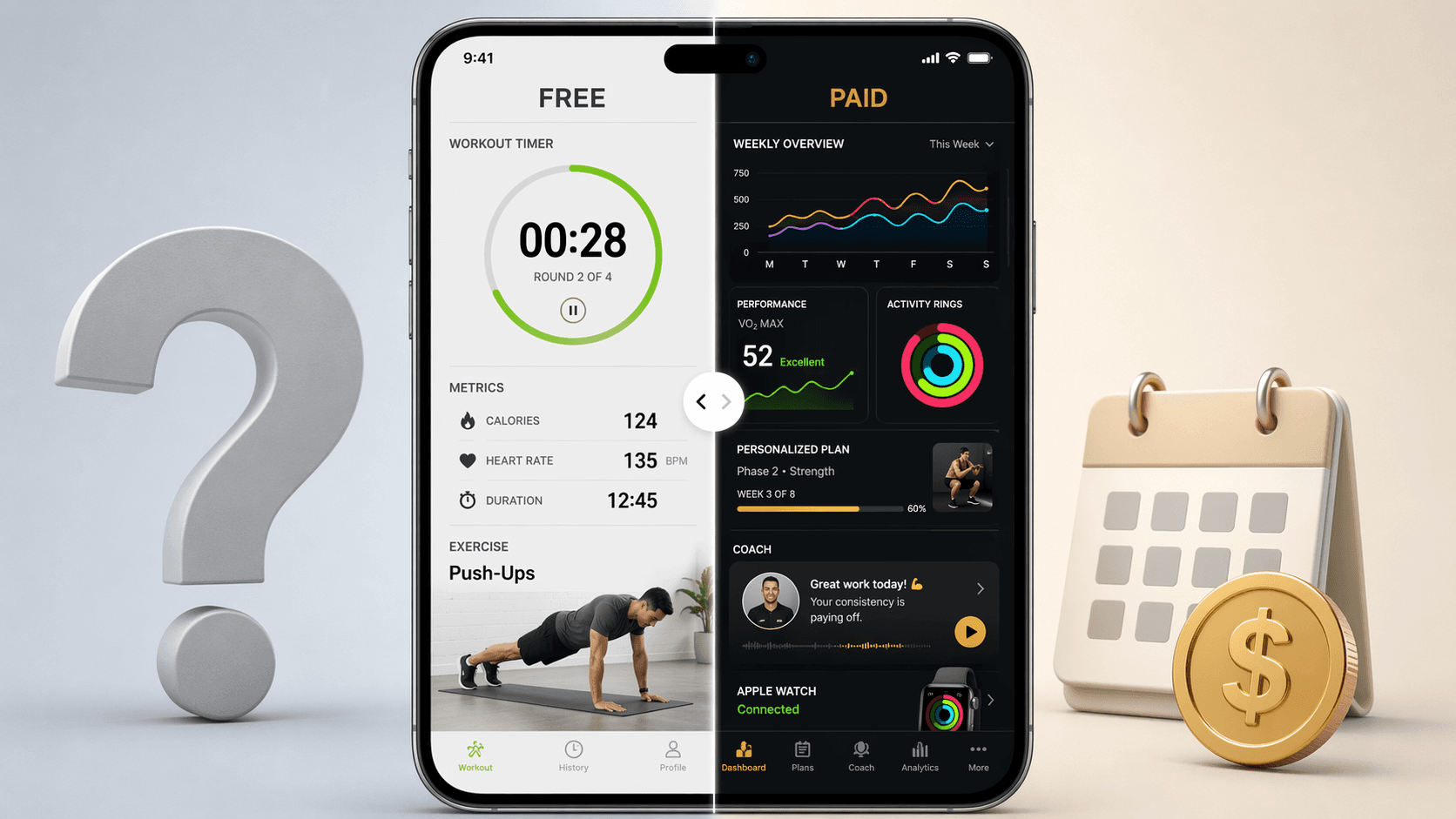
The quiet cost of a fitness app on iPhone is rarely the first month. It is the subscription that survives longer than the habit. In 2026, that matters because free apps can already cover a lot of real training: guided home workouts, lifting logs, GPS runs, basic progress tracking, and social motivation. Paid apps start making sense when they remove a problem you actually have — programming, coaching, Apple Watch integration, or accountability — and when you keep using that solution after the trial energy fades.
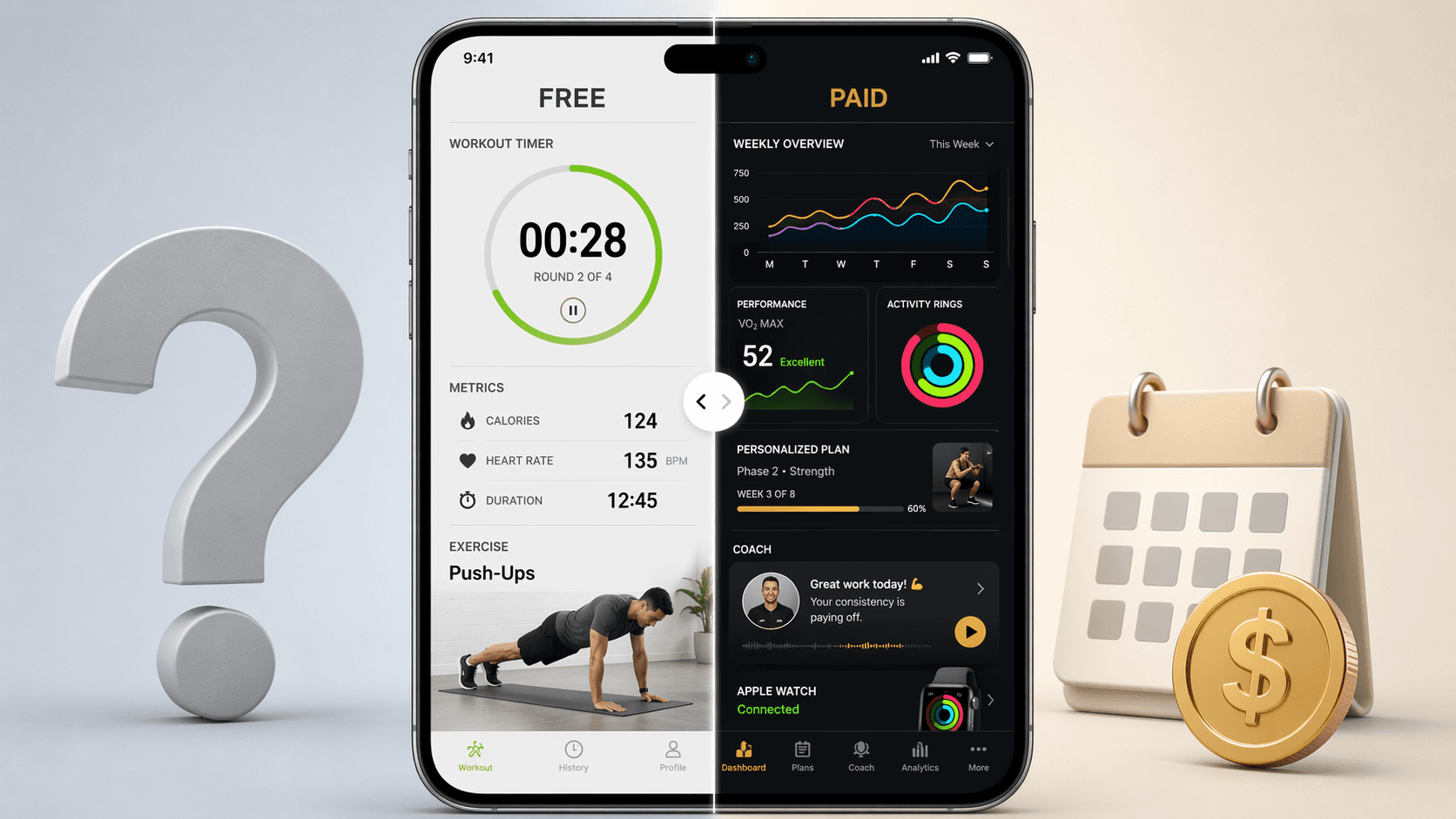
What free and paid iPhone fitness apps actually cost in 2026
Pricing below reflects March–June 2026 research and should be rechecked before subscribing, especially for annual plans and promotional offers. The useful question is not whether a paid app has more features. It usually does. The question is whether those features change what you will do next Tuesday, next month, and after the first 90 days.
| App or tier | 2026 price signal | What the free or paid layer is mainly buying | Best fit |
|---|---|---|---|
| Nike Training Club | Free | 185+ guided workouts with no subscription fee | Home workouts, bodyweight training, strength sessions, mobility, general fitness |
| Hevy | Generous free tier | Unlimited routines, progress graphs, and social features in the free lifting tracker tier | Lifters who already know the exercises they want to track |
| Strava | Free tier available | GPS tracking, segments, and 30+ activity types | Runners, cyclists, walkers, and outdoor-training users |
| Strong | $4.99/month | Minimalist weightlifting logging with a low monthly price | Lifters who want a cleaner, paid log without a full programming subscription |
| Apple Fitness+ | $10/month or $80/year | Large class library, Apple Watch integration, and broad guided training formats | Apple Watch users who want polished, low-friction guided workouts |
| Fitbod | About $14.99/month or $89.99/year | Adaptive strength programming; annual plan cited as 56% less than paying monthly | Lifters who want the app to choose and adjust workouts |
| Centr | Annual savings cited at 67% | Paid training, nutrition, and wellness content bundled behind a subscription | Users who will use multiple parts of the program, not just occasional workouts |
| Future | $199/month | Human coaching rather than a normal app-content upgrade | People paying for accountability, review, and coach-led direction |
Fitbod’s annual pricing comparison — about $89.99 per year versus $14.99 per month — is where annual billing starts to look mathematically attractive, with a cited 56% savings. Centr’s cited annual savings is even larger at 67%.[1] But those numbers only help if the app becomes part of your real training week. A discounted year of ignored workouts is still a charge, not a bargain.
Where free iPhone fitness apps are already enough
Free does not automatically mean thin. On iPhone, the strongest free options tend to work best when your training style is already clear. If you know you want a home workout, a lifting log, or a GPS run, you may not need a subscription to get started.
Guided home workouts: start with Nike Training Club
Nike Training Club is the free app that makes the usual “free tier” suspicion feel outdated. Its 185+ guided workouts cover a broad enough range that many iPhone users can train at home without paying for a class subscription first. The important part is not just the number. It is that the workouts are guided, ready to start, and free rather than locked behind a teaser library.
That makes it a sensible first stop if your main need is, “Tell me what to do today.” You can test whether you actually like following a phone-led workout, whether you prefer strength, mobility, yoga-style sessions, or conditioning, and whether you will open the app three or four weeks from now. If that habit forms and you want a more Apple-centered class experience later, Apple Fitness+ becomes easier to judge.
For a broader goal-based scan beyond this free-versus-paid decision, see the Best iPhone Fitness Apps for Runners, Lifters, Yogis, and Everyone Else guide.
Lifting logs: Hevy covers more than a basic notebook
For strength training, the free-versus-paid decision changes if you already know your plan. A lifter running familiar exercises does not necessarily need an app to invent workouts. They need fast logging, repeatable routines, progress graphs, and enough history to see whether weight, reps, or volume are moving.
Hevy’s free tier is strong precisely because it serves that job without immediately turning the user into a subscriber. Unlimited routines, progress graphs, and social features give lifters a practical base for progressive overload tracking. If your program already comes from a coach, a spreadsheet, a home-gym plan, or your own template, paying for adaptive programming may be unnecessary.
Strong sits in a slightly different place. At $4.99 per month, it is not trying to be the expensive answer. It is a cleaner, low-cost logger for users who want a minimalist paid lifting app instead of a broad fitness platform. That can be a good middle ground before jumping to a more expensive programming app.
Home-gym users who need the app to coordinate with actual equipment, not just track sets, may want the more specific strength training apps for a home gym breakdown.
Running and outdoor training: Strava’s free tier may be enough
A runner has a different problem from a home-workout user. The phone already has GPS, and the workout is happening outside the app. Strava’s free tier gives users GPS tracking, segments, and support for 30+ activity types, which is enough for many runners, cyclists, walkers, and mixed outdoor athletes who mainly want a record of where they went and how it compared with previous efforts.
The paid case for a runner usually depends on whether deeper analytics, community comparison, and training feedback become central to the routine. If you only need a reliable run log, paying immediately may add noise rather than value. If segments, progress comparisons, and social pressure are the parts that keep you going, then the subscription question becomes more personal.
When a paid fitness app for iPhone becomes rational
Paid apps are easiest to justify when they replace a decision you repeatedly avoid. Choosing the next workout, adjusting strength volume, syncing live metrics from Apple Watch, or having a coach look at your week are different problems from “I want a library of exercises.” A library is useful only if it turns into sessions completed.
Apple Fitness+: worth considering if the Apple Watch experience matters
Apple Fitness+ costs $10 per month or $80 per year and is built around Apple’s ecosystem. Its appeal is not subtle: guided classes, a large live and on-demand library, and tight Apple Watch integration. If you like seeing workout metrics in the same environment where you close rings and track activity, Fitness+ reduces friction.
That integration can be genuinely useful for someone who already wears an Apple Watch during workouts. It makes the paid app feel less like a separate subscription and more like an extension of a device they already use. For someone who does not care about watch-based feedback, the value drops, because Nike Training Club can already provide guided workouts for free.
If wearable data is part of the decision, it is worth separating app polish from measurement quality. The Apple Watch fitness tracker accuracy guide is the better place to dig into that side of the purchase.
Fitbod: paying for programming, not just logging
Fitbod is more persuasive for the lifter who wants the app to make programming decisions. At about $14.99 per month or $89.99 per year, it costs meaningfully more than a simple logger, but the annual plan is cited as 56% cheaper than paying month to month for a year.[1]
That does not mean a new user should immediately buy the year. Fitbod’s value depends on whether adaptive programming solves a real bottleneck: not knowing what to train next, how to rotate muscle groups, how to adjust after missed days, or how to keep strength sessions moving without building every workout manually. If you ignore the recommendations and only type in sets, Hevy or Strong may be the better fit.
Future: a coaching purchase, not a normal app upgrade
Future sits outside the usual free-versus-paid app ladder. At $199 per month, it is not competing with a $10 class subscription or a $15 programming app. The purchase is human accountability: a real coach, review, direction, and the pressure of another person expecting the training week to happen.
That can be worth it for the right user, especially someone who repeatedly fails with self-guided plans and needs external structure. It is just the wrong comparison to treat Future as “the premium version” of a normal workout app. It is closer to buying remote personal training through an iPhone.
The billing choice should follow your use pattern
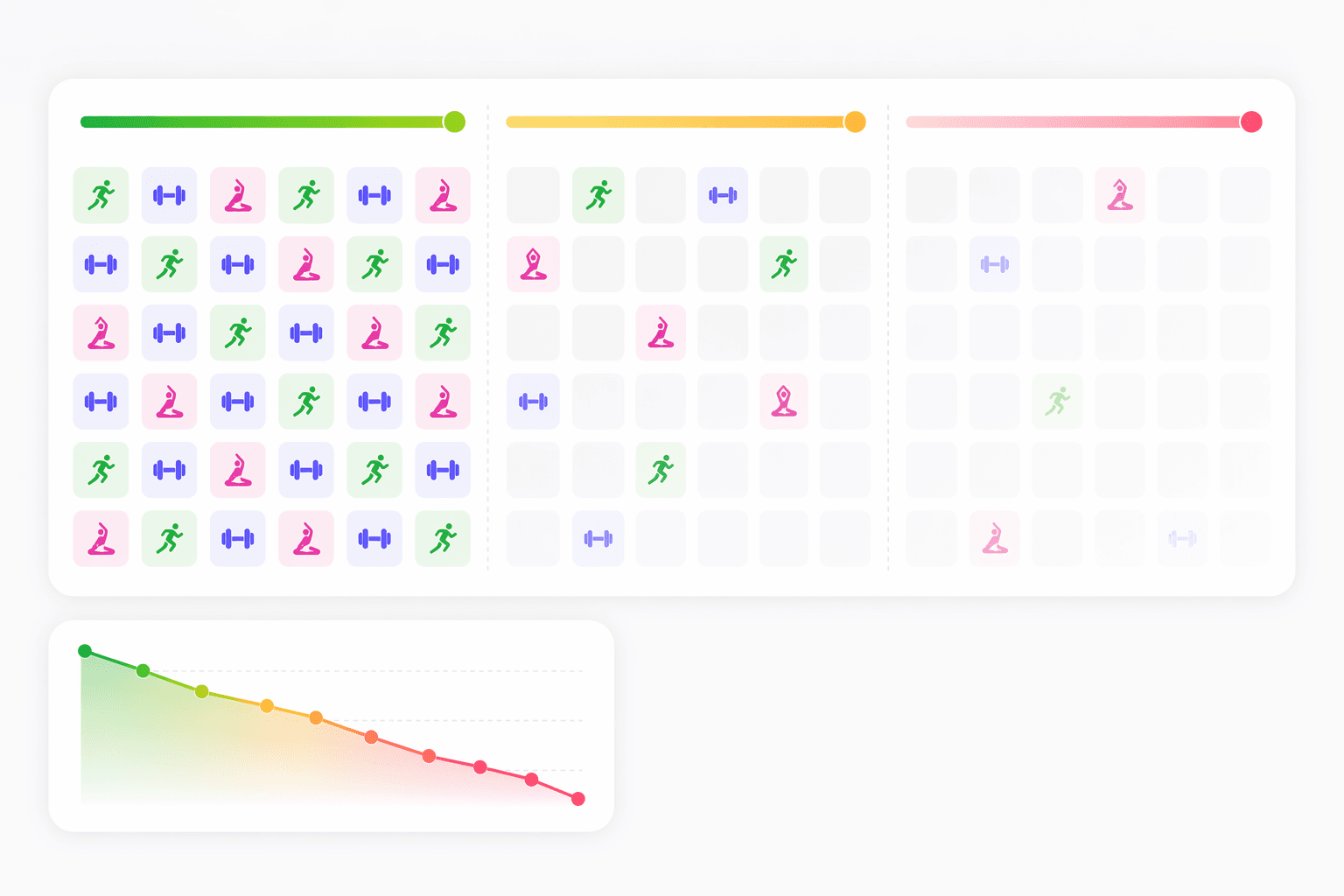
The awkward part of annual pricing is that the math improves exactly when the behavior is least proven. FitCraft cites an average fitness-app churn point within 90 days, attributing the statistic to JMIR mHealth research; because that citation is secondhand, the original study should be verified if methodology is critical.[1] Still, the behavioral warning is useful: many users leave before a yearly discount has time to become meaningful.
A monthly plan is not always the cheapest plan, but it is often the safer test. Use it when you are trying a new training style, testing whether you like app-led workouts, or restarting after a long break. If you are still opening the app after several weeks, following its programming, and feeling annoyed at the idea of losing it, the annual plan becomes a more reasonable calculation.
Annual plans are easier to defend when three things are already true:
- The app has survived your normal busy weeks, not just a motivated first week.
- You use the paid feature that justifies the price, such as adaptive programming, Apple Watch integration, coaching, or advanced analytics.
- You would keep training differently if the app disappeared tomorrow.
That last point matters more than the advertised discount. Fitbod’s 56% annual savings and Centr’s 67% annual savings are real pricing signals, but they are not proof that either app belongs in your year.[1] They become relevant after the app has already earned space in your routine.
A practical decision framework by training style
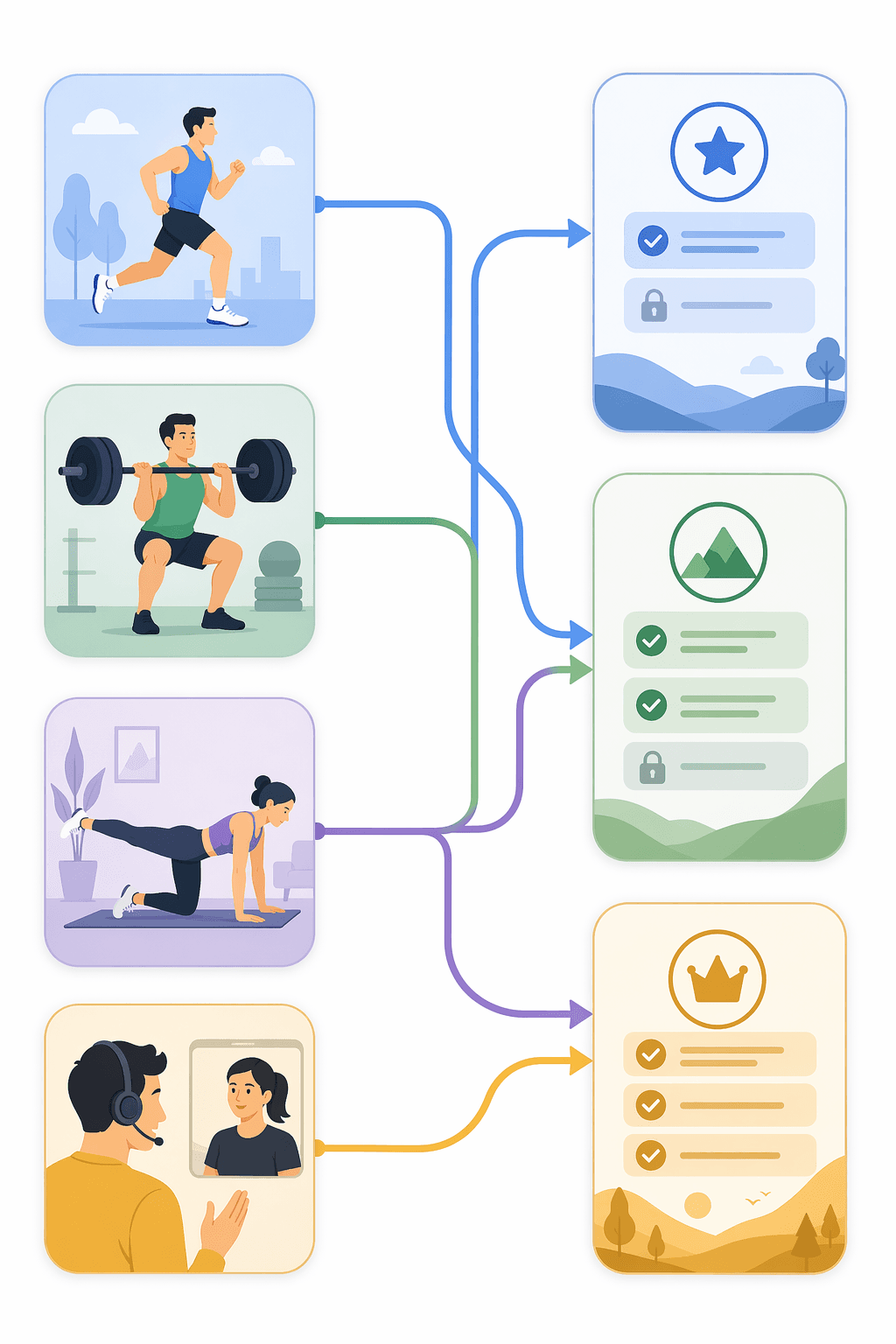
There is no single best fitness app for every iPhone user because the paid feature that matters to one person may be useless to another. Start with the training job, then decide whether free, budget paid, or premium support matches it.
| If you mainly... | Start here | Pay only if... |
|---|---|---|
| Want guided home workouts | Nike Training Club | You want Apple Watch integration, a broader polished class environment, or the Fitness+ experience enough to keep using it |
| Lift with a plan you already understand | Hevy free tier or Strong | You want cleaner paid logging or eventually need adaptive programming |
| Lift but hate planning sessions | Try a logger first, then consider Fitbod | Fitbod’s programming changes your workouts and helps you train more consistently |
| Run, ride, or train outdoors | Strava free tier | Advanced analytics, segments, or community features become central to motivation |
| Need another person to keep you accountable | Do not compare only by app features | You are prepared to pay Future-level pricing for human coaching |
If you are still unsure, a structured app-selection process can help keep the decision from becoming a feature-list contest. The how to choose a fitness app for iPhone guide is built for that.
For beginners, the safest sequence is usually free first, then paid after proof of use. Nike Training Club, Hevy, and Strava give enough room to learn what you actually open. A deeper free workout apps transparency guide can help separate genuinely useful free tiers from apps that mostly exist to push you into checkout.
Apple Fitness+ deserves a separate comparison if the real choice is Apple’s own service versus a third-party app. The Fitness+ and third-party iPhone fitness app comparison looks at that angle more directly.
The cleanest rule is also the least glamorous: do not pay for potential. Pay when the app changes what you consistently do. Free is enough for many iPhone users. Paid is worth it when the personalization, programming, coaching, or ecosystem fit survives beyond the novelty period and becomes part of the training week.
References
- Fitness App Subscription Pricing Comparison 2026, FitCraft, March 2026.
Comments
Join the discussion with an anonymous comment.