“Free” is doing too much work in the workout-app aisle. One app means free forever. Another means free until the trial clock runs out. Another lets you start a plan, then makes your history, progression, or useful analytics disappear behind a paywall. For someone training in a spare room, apartment corner, garage, hotel gym, or park, those differences matter more than a badge that says “best free workout apps.”
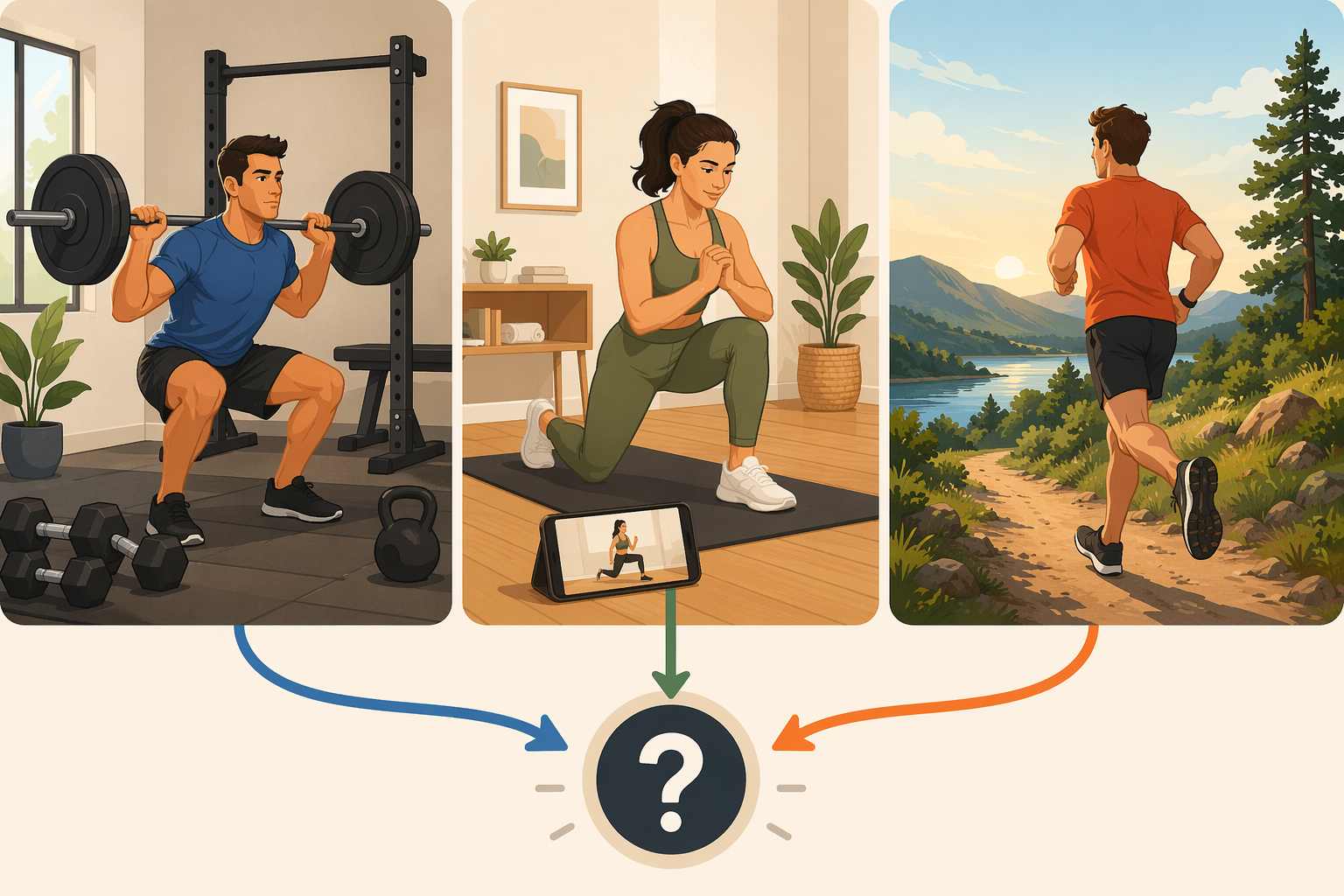
The better move is to choose by fit: how you train, what equipment you have, whether you want structure or flexibility, whether community helps or annoys you, and how much friction you will tolerate before the app stops being useful. A free app that remembers your last squat session may beat a prettier app with celebrity-led classes. A video library that is genuinely free may beat a strength tracker if you do not want to build workouts yourself.
First, Decide What Kind of Free You Are Accepting
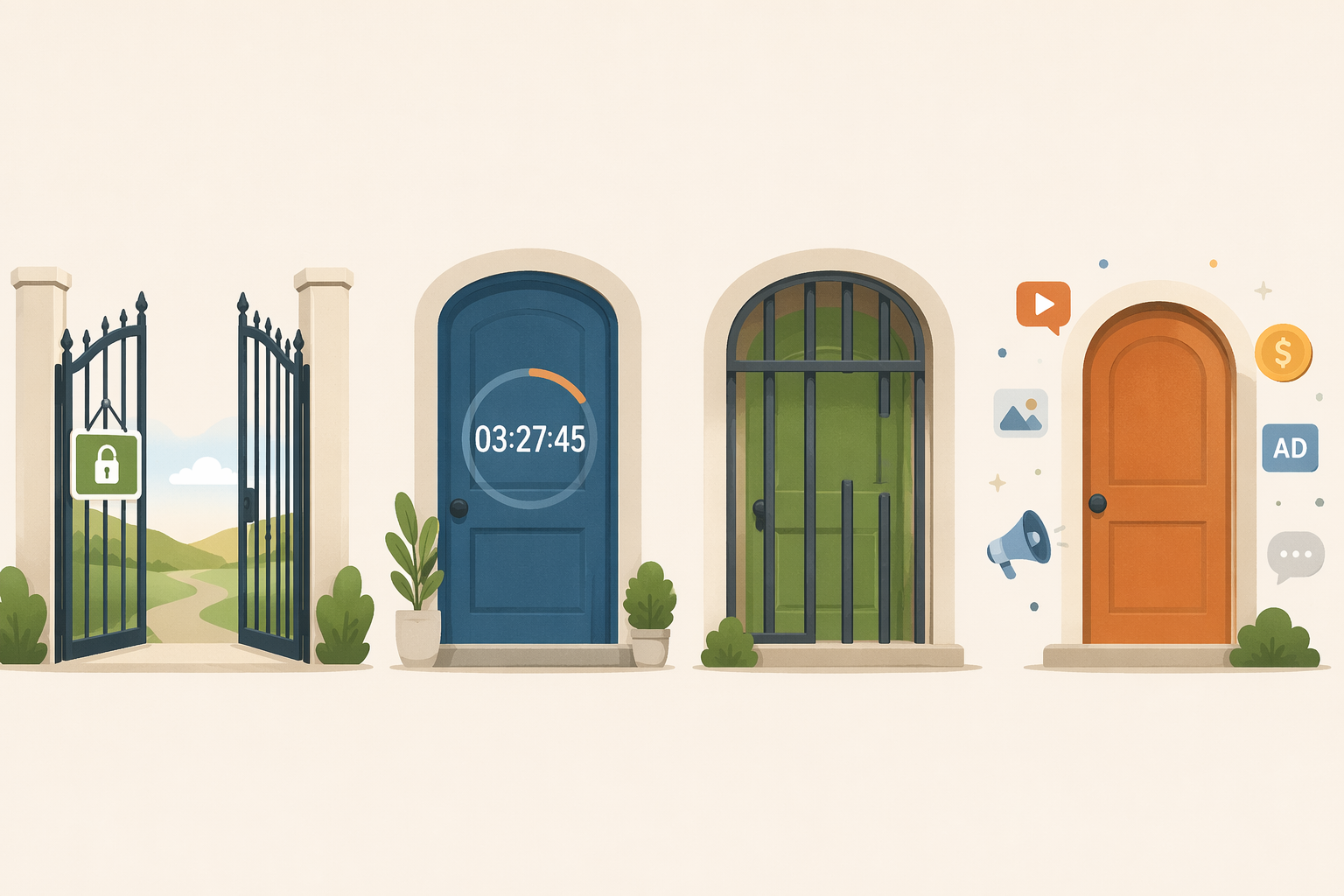
Before picking an app, separate the label from the deal. The free tier is not just a price; it decides whether the app can support a habit after the first few workouts.
| Free model | What it usually means | What to check before committing |
|---|---|---|
| Free-forever core | The main product is available without a paid subscription. | Confirm the app still has no paid tier or that the free tier still includes the core training experience. |
| Free trial | You get temporary access before billing or losing features. | Check the trial length, cancellation rules, and what disappears after the trial. |
| Freemium with hard caps | Basic use is free, but workouts, history, analytics, programs, or saved routines may be limited. | Test whether the free tier still supports the way you train week after week. |
| Ad-supported free access | You can use the app without paying, but ads remain part of the experience. | Decide whether ads interrupt logging, video flow, or route review enough to matter. |
Nike Training Club is the cleanest current example of the first category. Multiple 2026 app roundups describe it as completely free, with no paid subscription option, and note that Nike made the app free in 2020.[1][2][3][4] That is unusual enough to appreciate, but also unusual enough to verify before relying on it long term. App pricing and access models change.
At the other end, a free trial is not really a free training plan; it is a preview. That can be fine if you are testing coaching or premium programming, but it is a poor match if you are trying to avoid another subscription. Freemium apps sit in the murkier middle. Some give away enough to train seriously. Others give away just enough to make leaving inconvenient.
If you want a deeper feature grid before downloading anything, the free workout app tiers compared guide is the better place to linger. Here, the point is simpler: do not call an app “free enough” until you know what happens after the first week.
Use Five Filters Before You Download
You can usually narrow the field without installing ten apps. Answer these in order, because each one removes a different kind of bad fit.
- Training style: strength logging, guided workouts, running, hiking, yoga, conditioning, or a mix.
- Equipment access: bodyweight only, dumbbells, full gym, garage gym, treadmill, bike, or outdoor routes.
- Structure need: a program that tells you what to do, or a tracker that lets you build your own sessions.
- Community preference: social feed, coach feedback, quiet solo tracking, or no account interaction beyond the basics.
- Friction tolerance: ads, capped analytics, limited saved routines, paywalled programs, or missing offline access.
The answer often appears by the third filter. A lifter with a barbell and a notebook habit does not need the same app as someone who wants a 25-minute no-equipment class after work. A runner who mostly needs GPS and route history is solving a different problem from a beginner who needs a full-body plan and simple cues.
If You Lift, Start With the Log
For strength training, the free tier lives or dies by continuity. The app has to remember exercises, sets, reps, weight, rest, and preferably some version of progression. A polished exercise demo is useful. A huge library is useful. But if last Tuesday’s work disappears or becomes hard to retrieve, the app is decorative.
Caliber is a strong first download for people who want an ad-free strength tracker with enough guidance to feel organized. Garage Gym Reviews lists its free version as including more than 500 exercises, workout logging, body metrics, and no ads; paid coaching is separate and can range from $19 to $200 per month depending on the option described.[1] Men’s Journal also highlights Caliber’s free strength-training features, though any praise around app switching should be read as coverage of one product, not proof that it fits every lifter.[5]
Hevy fits lifters who like a clean workout log with a social layer. Sources describe the free tier as offering unlimited workout logging, a social feed, volume charts, and personal-record tracking, while Premium is listed at $2.99 per month for deeper analytics and expanded features.[2][6][1] The key distinction is not whether Hevy has charts; it is whether the free charts are enough for your training decisions.
Jefit is the better fit for someone who values a large exercise library and can tolerate ads. Its free tier is described as offering more than 1,400 exercises and unlimited logging, with ads present; Jefit Elite is listed at $12.99 per month and removes ads while unlocking features such as AI progression.[7][1] That trade-off is honest enough if ads do not break your flow. It is less appealing if you log quickly between sets and hate interruptions.
Boostcamp is a different kind of strength answer. Instead of starting from a blank workout log, it gives lifters access to established programs. Garage Gym Reviews describes it as offering more than 1,000 free programs, including GZCLP, nSuns, and 5/3/1, with working-weight calculations built in.[1] That makes it especially useful if your real problem is not tracking, but choosing a progression scheme and sticking with it.
If this is your lane, your shortlist is probably Caliber, Hevy, Jefit, or Boostcamp. Choose Caliber if you want a calm ad-free strength log; Hevy if you want logging plus social feedback; Jefit if exercise-library depth matters more than ads; Boostcamp if you want a ready-made program instead of building workouts from scratch. For a fuller strength-only comparison, use the best strength training app guide.
The Five-Minute Strength App Audit
Do this before you trust any strength app: create a workout, log three sets with weight and reps, close the app, reopen it, and look for last session’s history. If you cannot quickly see what you lifted, the free tier has failed the most basic test of strength training. Setgraph frames this as a hidden-cost check, and Garage Gym Reviews’ hands-on testing approach similarly emphasizes actually using the app rather than judging only feature claims.[8][1]
That small test tells you more than a star rating. Training progress is built from comparisons: this week against last week, this set against the previous set, this cycle against the last cycle. If the app makes that comparison difficult, it is asking you to supply the discipline and the recordkeeping while it takes credit for being your system.
If You Want Guided Workouts, Judge the Library, Not the Upgrade
Video-led training has a simpler free-tier question: can you open the app today, choose a workout that matches your time, equipment, and ability, and finish without feeling like the useful classes are elsewhere?
Nike Training Club is the rare app where the free library itself is the product. Garage Gym Reviews, Forbes Health, PCMag, and CNET all identify it as free, with no paid subscription option, after Nike made the app free in 2020.[1][2][3][4] For bodyweight workouts, strength sessions, mobility, yoga, and general home training, that makes it one of the easiest recommendations to try first.
FitOn also deserves attention because the free tier includes its workout videos, while FitOn Pro is listed at $30 per year and adds features such as meal plans and offline downloads.[2][3] That means the upgrade may be useful, but it is not necessarily required for someone who mainly wants guided classes at home.
Between the two, choose Nike Training Club if you want the least subscription anxiety. Choose FitOn if its class style, instructors, or app experience keeps you more consistent and you can live without Pro features. For a narrower home-training list, the best free workout apps for home article is the more targeted read.
If You Run, Ride, Walk, or Hike, Free Usually Means Tracking First
Outdoor cardio apps tend to give away the part most people need immediately: GPS tracking. Strava, Map My Fitness, and AllTrails are all commonly positioned around free access to activity tracking or route discovery, while paid tiers move into deeper training analysis, navigation, or safety-oriented features.[1][2][3]
Strava is the obvious pick if community matters. A runner or cyclist who wants segments, a social feed, and a familiar activity history will usually test Strava first. The free tier can be enough for casual tracking, while the subscription becomes more relevant when training analysis and advanced route or performance tools start influencing decisions.[2][3]
Map My Fitness makes sense if you want broad activity tracking without making the app itself the center of your training identity. AllTrails is more specific: it belongs in the conversation when route discovery, hiking, walking trails, and outdoor navigation matter more than gym programming. For these apps, the audit is not three sets in a log. It is one real route: record it, save it, reopen it, and check what the free tier lets you review.
Match Your Profile to a Shortlist
| Your training situation | Start with | Why this fit makes sense |
|---|---|---|
| You lift with dumbbells, machines, or a barbell and want a clean log | Caliber or Hevy | Both are built around recording workouts rather than only streaming classes. |
| You lift and want a large exercise library, even if ads appear | Jefit | The free tier emphasizes exercise depth and unlimited logging. |
| You want a proven strength program instead of designing workouts | Boostcamp | Its value is structured programming and working-weight calculations. |
| You want follow-along workouts at home with minimal subscription pressure | Nike Training Club | The app is currently described by major reviewers as completely free. |
| You want free workout videos and may later pay for extras | FitOn | Videos are free, while Pro adds convenience and adjacent wellness features. |
| You run, ride, walk, or hike outdoors | Strava, Map My Fitness, or AllTrails | The free value usually starts with GPS tracking, route history, and route discovery. |
If your answer spans categories, do not force one app to do everything. A practical pairing might be a strength tracker plus a running app, or Nike Training Club for home workouts plus AllTrails for weekends. The exercise tracker pairing guide is useful if you already know one app will not cover your whole routine.
When Paying Is Avoidable, Optional, or Probably Inevitable
A paid tier is not automatically a trick. Sometimes it buys coaching, deeper analytics, offline access, or fewer interruptions. The question is whether the free tier can carry the core habit before money enters the picture.
| App | Free tier value | Paid tier cited in research | Upgrade judgment |
|---|---|---|---|
| Nike Training Club | Guided workout library with no paid subscription option currently cited | No paid tier described by cited 2026 reviewers | Avoidable if the current free model remains unchanged |
| Caliber | Ad-free strength logging, exercise library, body metrics | Coaching options cited from $19 to $200 per month | Optional unless you want coaching accountability |
| Hevy | Unlimited logging, social feed, volume charts, PR tracking | Premium cited at $2.99 per month | Optional if basic logging and charts are enough |
| Jefit | 1,400+ exercises, unlimited logging, ads | Elite cited at $12.99 per month | Likely if ads or advanced progression tools become important |
| FitOn | Workout videos available free | Pro cited at $30 per year | Optional if meal plans and offline downloads are not essential |
| Strava, Map My Fitness, AllTrails | GPS tracking, activity history, or route discovery depending on app | Premium tiers commonly add deeper analysis, route, navigation, or safety features | Optional for casual use; more likely for structured endurance training or outdoor planning |
The prices above should be checked before purchase because app subscriptions change. They are still useful for one reason: they show where the app expects to make money. Coaching fees usually mean human or semi-personal accountability. Low-cost premium tiers often mean analytics, saved templates, reduced friction, or extra convenience. A free trial attached to a premium product means you should decide quickly whether the paid version is the real product.
For a more detailed upgrade-timing discussion, see free vs. paid exercise apps. The short version here: pay when the upgrade removes a real training constraint, not when the app has merely made the free version irritating.
A Simple Way to Choose Today
Download no more than two apps. One should match your main training style. The second should only cover a separate need, such as outdoor tracking alongside strength training. Then test the exact behavior you need before building your routine around it.
- Strength training: log a real or test workout, close the app, reopen it, and confirm your history is still useful.
- Guided workouts: filter by time, equipment, and level, then start a class without hitting a paywall.
- Running or hiking: record one route, save it, reopen it, and check what data remains available.
- Beginner training: choose a plan or class you can repeat next week without having to redesign everything.
Beginners who mainly need a first month of consistency may get more from a follow-up plan than from another app comparison. The first 30 days with a workout app guide is built for that next step. If you prefer choosing by outcome first, use the free workout planner by goal instead.
The right free workout app is the one whose limits do not sit directly on top of your habit. If you lift, protect your log. If you follow classes, protect access to the actual videos. If you train outside, protect route and activity history. Everything else is secondary until the app proves it can stay useful after the first few workouts.
References
- The 12 Best Free Workout Apps Tested by Experts (2026) | Garage Gym Reviews
- The Best Workout And Fitness Apps Of 2026 | Forbes Health
- The Best Workout Apps We've Tested for 2026 | PCMag
- Best Expert-Tested Workout Apps and Services for 2026 | CNET
- Fitness Experts Named This the Best Free Workout App of 2026 | Men's Journal
- 11 Best Workout Apps in 2026 (Tested) | LoadMuscle
- Best Workout Apps 2026: Top Options Tested and Reviewed | JEFIT
- Best Free Workout Apps in 2026: What to Look For (and What to Skip) | Setgraph
Comments
Join the discussion with an anonymous comment.