
“Free” is the most slippery word in workout apps. For home training, it should mean more than a download button. A useful free app has to let you train without a gym membership, work with little or no equipment, fit into a living room or bedroom corner, show you what the movement is supposed to look like, and give you enough structure that you are not just sampling random workouts until motivation runs out.
That distinction matters because the category is crowded enough to blur the obvious choices. Business of Apps reports that 540 million people used fitness apps in 2025, with 888 million downloads, which helps explain why searching for the best free workout apps can feel less like choosing a coach and more like sorting through a wall of locked doors.[1]
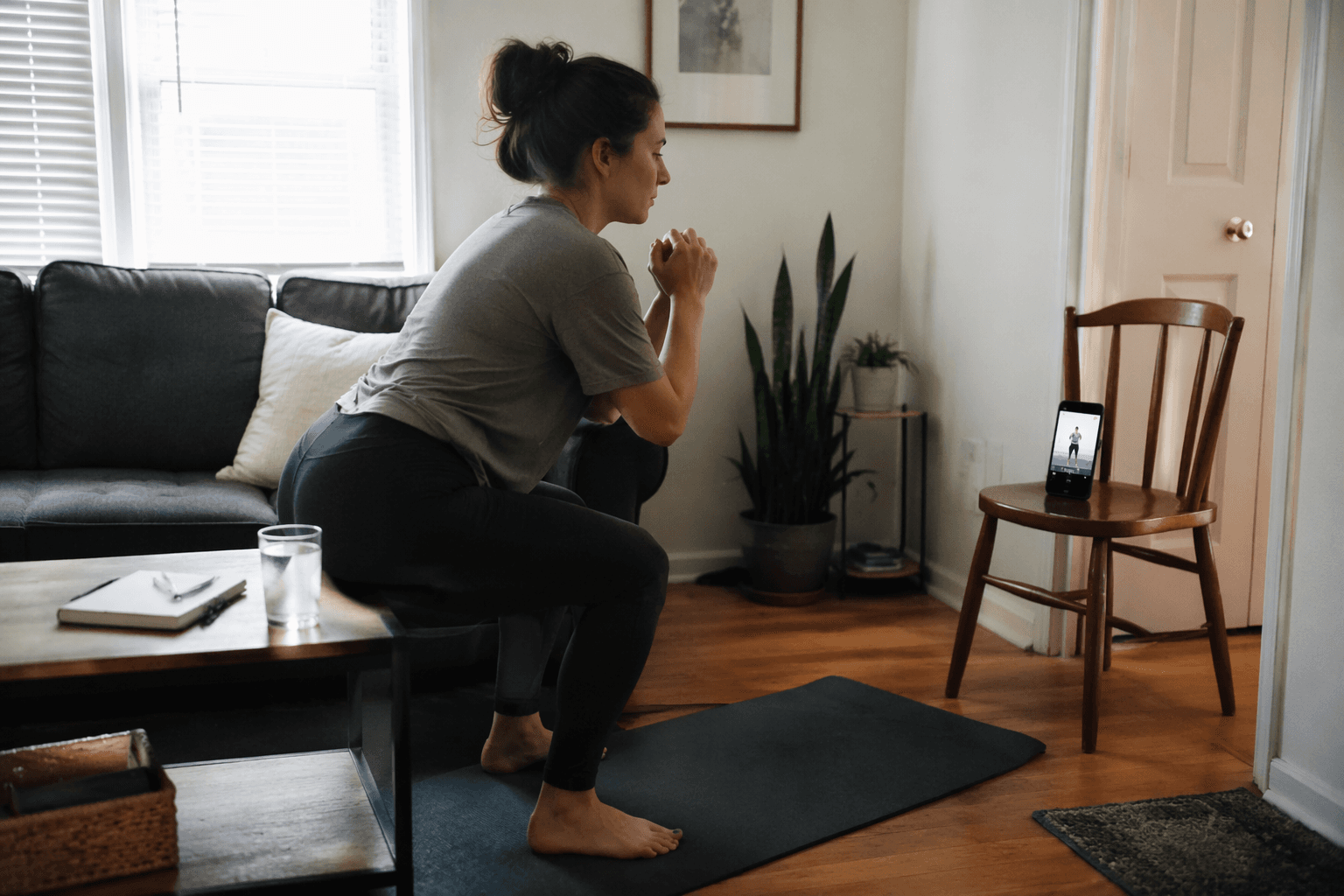
For this guide, an app counts as genuinely useful for home fitness only if the free experience still works after the first week. A seven-day trial does not belong in the same bucket as a fully free app. A free tier that hides the workout library, blocks progression, or leaves beginners guessing on form is also a different thing from a free program you can actually repeat. Setgraph’s own breakdown of free app models separates fully featured free apps, trials, freemium limits, and ad-supported products; that distinction is useful here, even though this article does not rely on Setgraph as a primary testing authority.[2]
No first-hand testing was conducted for this article. The app evaluations below are based on third-party reviews and testing from Garage Gym Reviews, CNET, PCMag, Forbes, and DigiHealth. Reddit user sentiment was not used because the relevant threads were unavailable from the available sources.
Quick picks by home setup
| If your home setup looks like this | Start with | Why it fits | Watch for |
|---|---|---|---|
| No equipment, small room, beginner or returning exerciser | Nike Training Club | Fully free, broad workout library, clear guided sessions, minimal equipment needs | The library is broad enough that you still need to choose a sensible path |
| No equipment, anxious beginner, needs easier options on screen | FitOn | Short sessions and modifications shown for every move | Some users may outgrow the beginner feel if they want more formal strength progression |
| Bodyweight or dumbbells, wants a real strength plan | Boostcamp | Large library of free strength plans, including bodyweight and dumbbell-friendly options | Better suited to people willing to follow a program than people who want casual class-style workouts |
| Dumbbells or mixed home gear, wants to log lifts and see progress | Caliber | Ad-free free version, exercise library, custom programs, logging, and progress charts | Less class-like; it is more of a training and tracking tool |
| Walks, runs, or rides start from your front door | Strava | Useful GPS tracking and social accountability for outdoor cardio | Not a living-room strength app |
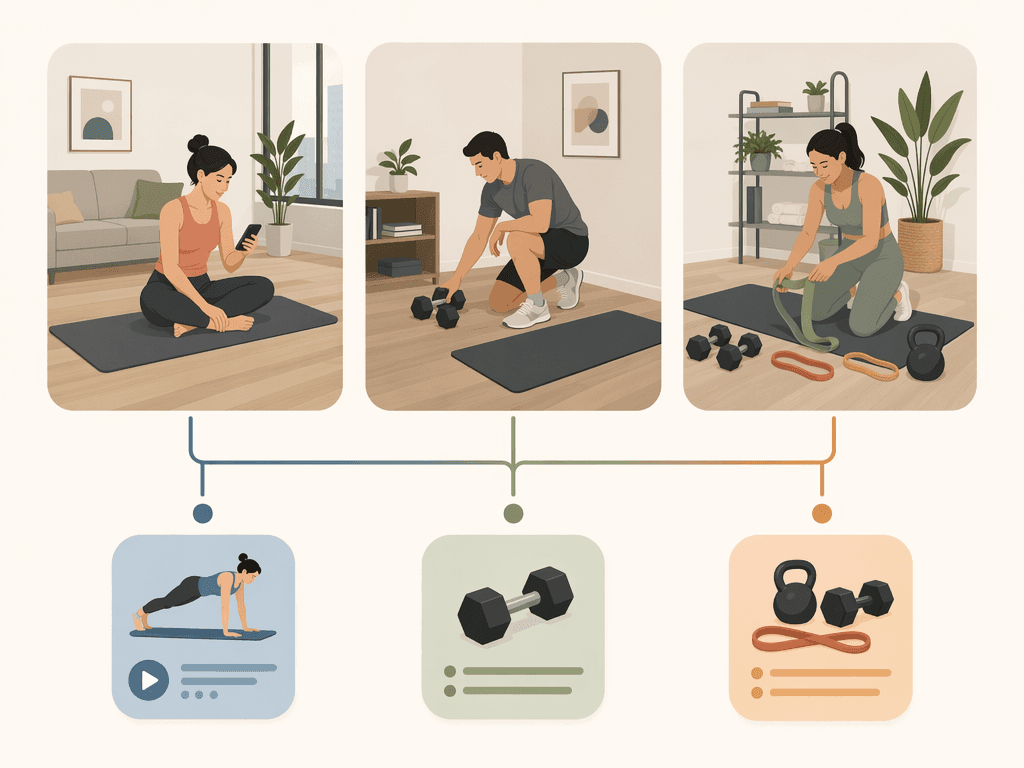
The table is deliberately organized around the room you have, the equipment you own, and the kind of training you are likely to repeat. A polished app that assumes a gym floor, a bench, and room for jumping lunges may be excellent in another context and still be a poor fit for an apartment workout.
Nike Training Club: the safest all-around free starting point
Nike Training Club is the easiest recommendation for most home exercisers because its useful features are not sitting behind a premium tier. Garage Gym Reviews, CNET, Forbes, PCMag, and DigiHealth all identify NTC as a standout free fitness app, and available sources consistently note that it offers more than 300 workouts across formats such as strength, HIIT, yoga, and mobility.[3][4][5][6][7]
The practical value is not just the size of the library. For someone training at home, NTC works because it does not make equipment the price of entry. You can start with bodyweight sessions, add light dumbbells if you have them, or use mobility and yoga sessions on days when the room, noise level, or your energy does not support anything more aggressive. That flexibility matters in real homes, where the workout space may disappear as soon as someone needs the living room again.
DigiHealth’s physiotherapist-led 4-week testing concluded that Nike Training Club and FitOn were the safest starting points among the free apps reviewed because guided instruction can reduce injury risk.[7] That should be read carefully. A phone screen cannot watch your knees, adjust your hinge, or know when your shoulder is irritated. But for a beginner comparing a silent exercise list with a coached demonstration, guided instruction is a meaningful advantage.
NTC’s main weakness is the same thing that makes it useful: it is broad. If you open it with no plan, it is easy to bounce between a core session, a yoga flow, and a HIIT workout without building a repeatable habit. The app gives you enough free material to train well, but you still need to choose a lane for a few weeks instead of treating the library like a streaming menu.
| Home-use criterion | Nike Training Club |
|---|---|
| Equipment requirement | Minimal; bodyweight-friendly with options across modalities |
| Space friendliness | Strong for small homes when you choose strength, mobility, yoga, or lower-impact sessions |
| Instruction quality | Strong guided instruction; DigiHealth flagged NTC as one of the safer starting points |
| Progression or logging | Useful workout structure, though not the most strength-specific tracking tool |
| Free-tier value | Fully free with no premium tier identified in the available sources |
| Best for | Most people who want one free home workout app to start with |
FitOn: best when “beginner” needs to mean beginner
FitOn deserves its place near the top because it solves a common home-workout problem: the beginner option often still moves as if the user already knows what to do. Garage Gym Reviews highlights FitOn as a strong beginner choice, while CNET and Forbes also include it among notable workout app picks.[3][4][5]
Its best home feature is simple and unusually important: modifications are shown for every move. FitOn is also described in available sources as offering short 10- to 30-minute sessions, which is the time range many beginners can actually protect before work, between childcare tasks, or after dinner.[3][5]
That combination changes the first week. If a workout includes a movement you cannot do cleanly, you do not have to pause, search for an alternative, feel defeated, and quit. You can follow the easier version immediately. In a crowded gym, that might be a convenience. Alone at home, it is often the difference between continuing and deciding the app is not for you.
DigiHealth’s physiotherapist also placed FitOn with Nike Training Club as one of the safer starting points for home users because guided instruction can reduce injury risk.[7] Again, this is not a promise that the app prevents injury. It is a narrower and more useful point: visible coaching and modifications reduce some of the guesswork that makes home workouts uncomfortable for new exercisers.
FitOn may be less satisfying if your main goal is measurable strength progression. It can help you start, move consistently, and build confidence, but users who want to track sets, loads, and progressive overload may eventually be better served by Caliber or a structured Boostcamp plan.
| Home-use criterion | FitOn |
|---|---|
| Equipment requirement | Strong for no-equipment and minimal-equipment home workouts |
| Space friendliness | Good for small spaces, especially with shorter sessions and exercise modifications |
| Instruction quality | Strong for beginners; modifications are shown for every move |
| Progression or logging | Better for guided consistency than detailed strength tracking |
| Free-tier value | Useful free experience supported by multiple third-party app roundups |
| Best for | Beginners who need visible alternatives and short, approachable sessions |
Boostcamp and Caliber: where home strength training gets more serious
Many free workout apps are comfortable giving you sweat. Fewer are good at helping you get stronger over time. That is where Boostcamp and Caliber are more useful than another feed of one-off classes.
Boostcamp is for following a plan, not browsing workouts
Boostcamp is the better fit if you want a strength program and are willing to follow it. Garage Gym Reviews reports that Boostcamp offers more than 1,000 free workout plans, with a strength focus and options that can work for bodyweight-only and dumbbell home setups.[3]
That is valuable for the person who has a pair of dumbbells under the bed and keeps wondering whether three random circuits per week are enough. A plan gives the week shape. It tells you what to repeat, what to progress, and what not to keep changing just because another workout looks more exciting.
The caution is fit. Some strength plans are written for people who enjoy training structure, not for people who want a gentle class experience. Before choosing a Boostcamp program, look at the required equipment, the number of weekly sessions, and whether the listed exercises match the space you actually have. If the plan assumes a pull-up bar, bench, or barbell you do not own, choose another plan rather than improvising every other movement.
Caliber is for logging and progressive overload
Caliber is less about the feeling of being led through a class and more about keeping track of training. Garage Gym Reviews rated Caliber 4.6 out of 5 and notes that its free version is free forever, ad-free, and includes a library of more than 500 exercises, custom program creation, exercise logging, and progress charting.[3]
Those features matter because progressive overload is hard to manage casually at home. If you only own a few dumbbells, progress may come from more reps, cleaner tempo, more sets, shorter rest, or eventually a heavier weight. Without logging, it is easy to repeat the same comfortable effort and call it consistency.
Caliber is a particularly good match for someone who already knows the basic movement patterns or is willing to learn them carefully: squat, hinge, push, pull, lunge, carry, and core work. It gives you a place to build and record the work. If you need constant on-screen modifications while learning, FitOn or Nike Training Club may be the better first stop before Caliber becomes your tracker.
| Home-use criterion | Boostcamp | Caliber |
|---|---|---|
| Equipment requirement | Works for bodyweight and dumbbell setups when you choose compatible plans | Works well for dumbbells and mixed home equipment when you build appropriate programs |
| Space friendliness | Depends on the selected plan | Depends on the exercises you choose |
| Instruction quality | Plan-driven; best for users comfortable following structured strength work | Exercise-library and tracking driven; better for logging than class-style coaching |
| Progression or logging | Strong for program structure | Strong for exercise logging and progress charts |
| Free-tier value | Large free plan library | Free forever, ad-free version with 500+ exercises and custom programming |
| Best for | Home users who want a real strength plan | Home users who want to track progressive overload |
Strava: the cardio companion, not the living-room coach
Strava belongs in this guide only if we define home fitness honestly. Not every home workout happens indoors. For many people, the most repeatable cardio starts at the front door: a walk before breakfast, a run around the neighborhood, or a bike ride after work.
PCMag identifies Strava as a strong workout app option, and its value here is GPS tracking and social accountability for outdoor cardio rather than guided strength sessions on a mat.[6] That makes it a useful complement to Nike Training Club, FitOn, Boostcamp, or Caliber, especially if your indoor space is too tight or too noisy for frequent cardio intervals.
The mistake would be asking Strava to solve the wrong problem. It will not teach a beginner how to squat in a living room, and it is not the app to choose if your main goal is a bodyweight strength routine. Use it when the cardio plan is outside and the phone’s job is to record the route, pace, and habit.
| Home-use criterion | Strava |
|---|---|
| Equipment requirement | No indoor equipment required; built around outdoor walking, running, and riding |
| Space friendliness | Excellent when indoor space is the limitation because training moves outdoors |
| Instruction quality | Not a guided home-strength coaching app |
| Progression or logging | Strong for GPS-based cardio tracking |
| Free-tier value | Useful for basic outdoor cardio tracking and accountability |
| Best for | People whose home routine includes walks, runs, or rides from the front door |
How to choose without overthinking it
Start with the constraint that has stopped you before. If you quit because movements felt confusing or too fast, choose FitOn. If you quit because every app became a paywall, start with Nike Training Club. If you quit because workouts felt random, look at Boostcamp. If you quit because you could not tell whether you were getting stronger, use Caliber. If indoor cardio never fits your apartment, put Strava beside whichever strength app you choose.
The first week should be boringly practical. Choose workouts that fit the space you have today, not the home gym you might build later. If the app asks for equipment you do not own, switch workouts instead of turning the session into a scavenger hunt. If jumping will bother downstairs neighbors, choose low-impact strength, mobility, yoga, walking, or outdoor cardio.
For a more guided next step, beginners can use the internal guide How to Choose the Right Free Workout App When You're a Beginner. If you already know you need a month of structure, follow Your First 30 Days with a Workout App. If strength training is the goal and your equipment is limited, compare Best Strength Training Apps for Limited-Equipment Home Gyms with the 6-Week Home Strength Training Plan.
There is no single winner for every home. Nike Training Club is the safest all-around free starting point. FitOn is the friendliest choice when modifications matter. Boostcamp and Caliber are stronger picks when progression matters more than class variety. Strava is the right add-on when cardio happens outside. The best free workout app is the one whose free tier still supports your real home setup after the first week.
References
- Fitness App Revenue and Usage Statistics (2026) — Business of Apps.
- Best Free Workout Apps — Setgraph.
- Best Free Workout Apps — Garage Gym Reviews.
- Best Workout Apps — CNET.
- Best Fitness Apps — Forbes.
- The Best Workout Apps — PCMag.
- 7 Best Free Fitness Apps of 2026 Tested by a Physiotherapist — DigiHealth.
Comments
Join the discussion with an anonymous comment.